
Creative Tools1 month ago
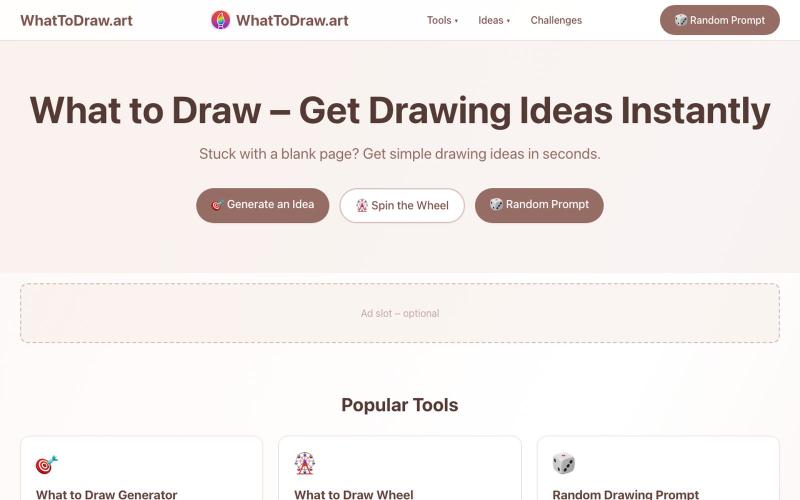
WhatToDraw.art – Drawing Ideas & Prompts
Get drawing prompts and ideas with an interactive game that scores your sketches.
画什么 — 从画圆开始,看看你画的圆可以得多少分
The full gallery
Tech stack
15 projects
Get drawing prompts and ideas with an interactive game that scores your sketches.
画什么 — 从画圆开始,看看你画的圆可以得多少分
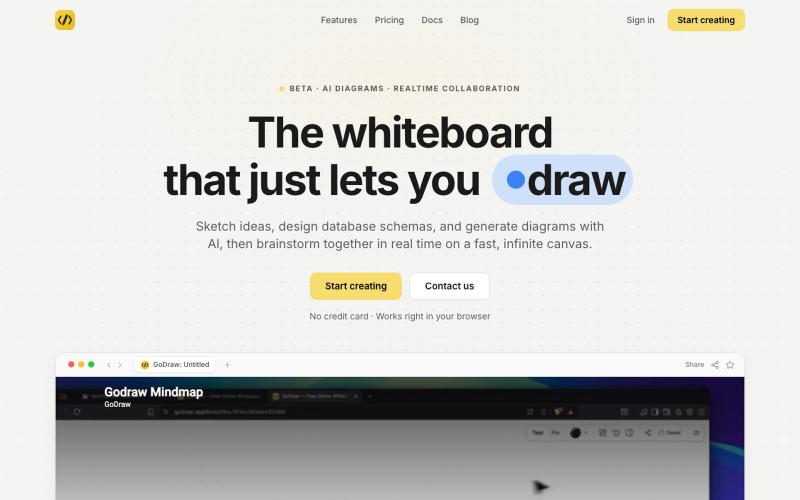
Draw and diagram online with instant collaboration, no sign-up required.

@rishabh21g · X
The whiteboard that just lets you draw
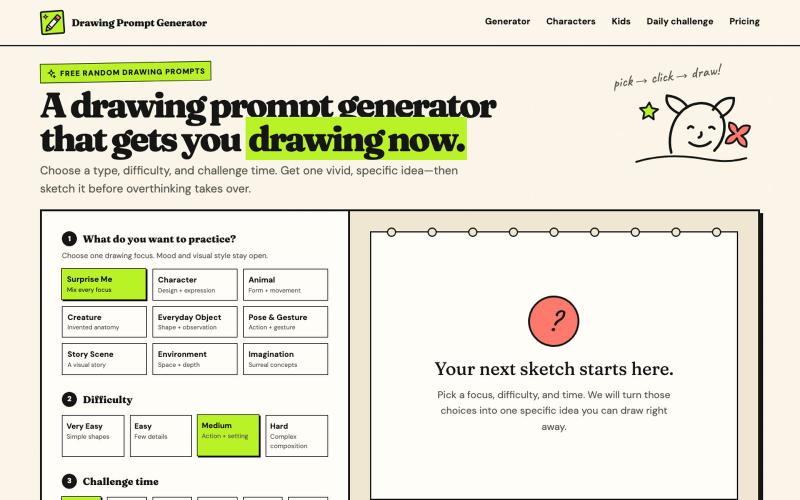
Create drawing prompts with AI images and timed challenges at various difficulty levels.
haowen8098 · V2EX
做了一个随机绘画题目生成器 它可以根据绘画类型、难度和挑战时间生成题目,还提供倒计时和可选的 AI 参考图: https://www.drawingpromptgenerator.com/ 目前还是早期版本
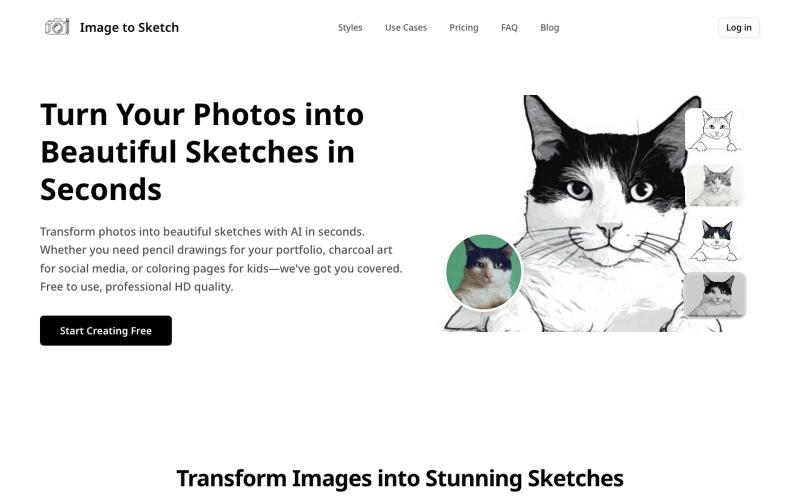
Convert photos into pencil drawings, charcoal sketches, or cartoon art using AI, instantly online.
image-to-sketch — 图片转素描 AI 小工具
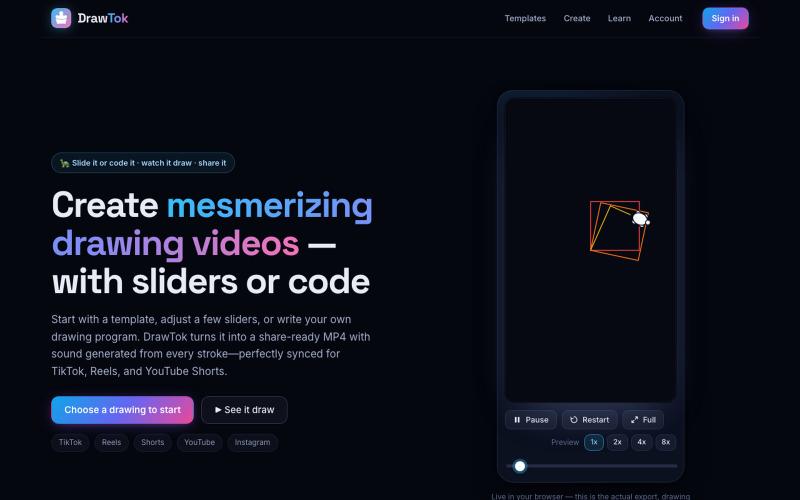
Generate drawing videos from templates or code, ready to share on social media.

@xfrigle · X
turn tiny Logo code into stunning drawing videos ready to share on social
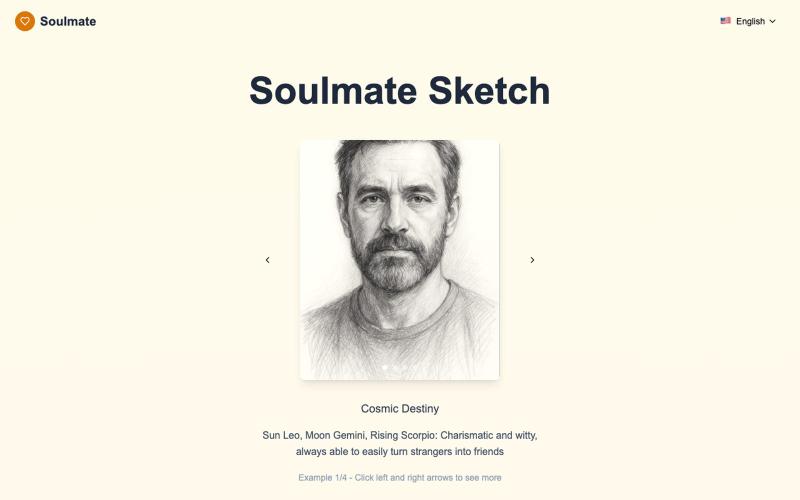
Generate personalized AI drawings of your soulmate in seconds.
Soulmate Sketch|AI 灵魂伴侣素描(占星画像生成) — 用 AI + 占星,为你生成专属的黑白手绘风格“灵魂伴侣画像”;10–20 秒极速呈现,多语言网站,移动端友好
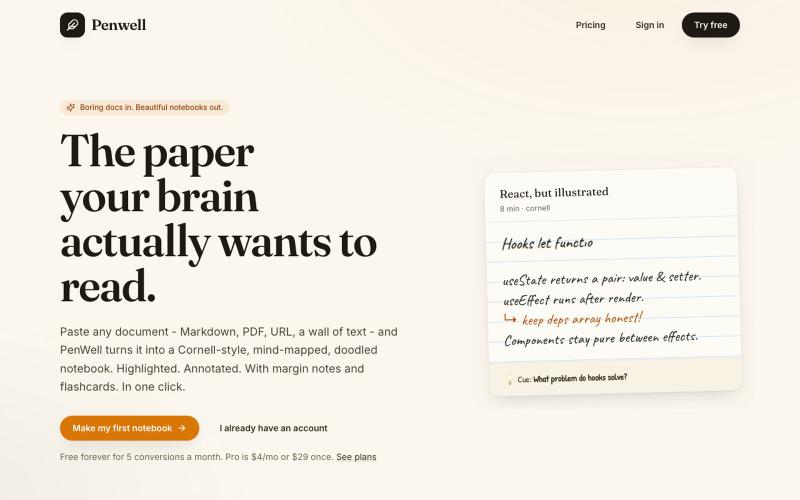
Paste a document to generate a Cornell-style notebook with mind maps and doodles.

@penwellapp · X
Boring docs in. Beautiful notebooks out. Try it here: 🚀 We just launched on Product Hunt! Your support would mean the world: #BuildInPublic #ProductHunt #AI #Notes #IndieHackers #CornellNotes #Productivity #StudyNotes #Penwell
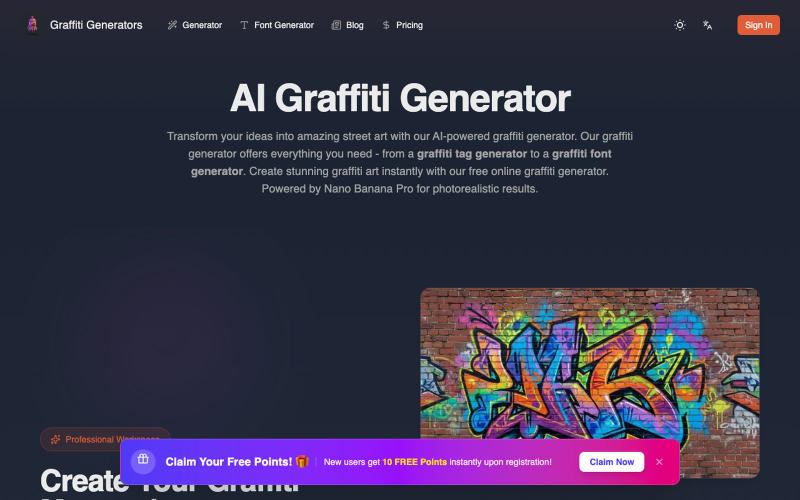
Transform your ideas into photorealistic graffiti art using AI.
Graffiti generator — AI 街头涂鸦艺术生成器(基于 Nano Banana Pro)

Enter your story to create manga panels and videos with AI scenes.
MakeManga — AI 生成漫画,支持 Nano Banana 和 Seedream 4.0 模型,只需提供故事,剩下的分镜和角色生成等都交给 AI
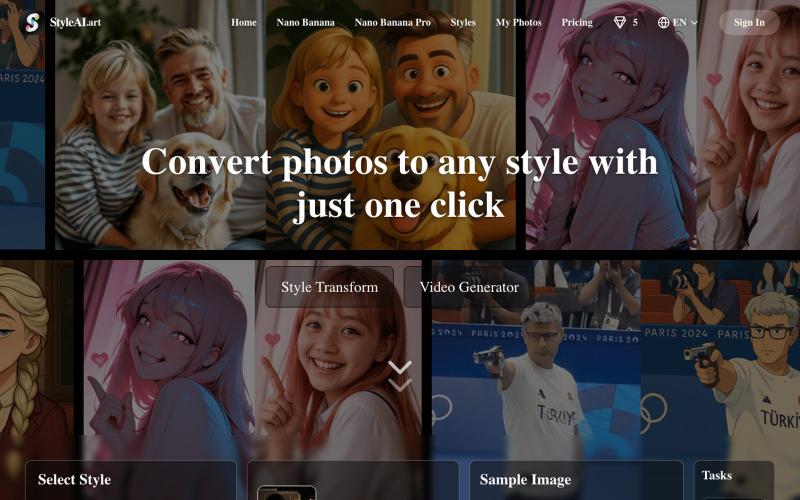
Transform photos into artistic styles like Ghibli, Polaroid, Sketch, and Pixar.
Style Ai — 免费 GPT-4o 绘画工具,轻松将图片转成吉卜力、史努比、3D 盲盒等功能

Convert photos and videos to ASCII art, pixel art, mosaic, and more in your browser.

@kail_designs · X
Jokes aside but honestly (Landing page) was built with Claude (Opus 4.7) in 1 day. But no, it was not just four prompts or some random skills. Here's how I built the entire AsciiMagic landing page with Claude in one day👇 Started with a rough sketched wireframe. Then designed it in @paper Then I used the Paper MCP with Claude to recreate that design in code and get a solid first version running. From there, the real work began. I kept iterating with specialised Claude skills: • impeccable • frontend-design • emil-design-eng • review-animations • responsive-design • seo-audit Each one improved a different part of the experience. By the end, the page had: • Mobile-first responsiveness • Better SEO optimised copy • Smooth micro-interactions • Cleaner frontend architecture Then came the part people don't see. For the next 5–6 hours, I wasn't asking Claude to "make it prettier." I was: • Fine-tuning layouts • Uploading and compressing assets • Moving files across diff

Convert images to ASCII art, copy symbols, browse ASCII tables, and convert bases—all in your browser.
HeStudy · V2EX
做了个纯前端的 ASCII 工具站:图片转字符画、banner 生成、符号一键复制 平时偶尔需要查 ASCII 码表、复制一些特殊符号(箭头、制表符这类),每次都是搜一个满屏广告的老站凑合用,索性自己做了一个: https://getascii.com 目前有这些工具: 图片转 ASCII 字符画(拖一张图进去就行,支持调宽度/字符集/反色) 文字转 ASCII banner 大字 常用符号一键复制(箭头、制表符、数学符号、颜文字) 完整 ASCII 码表 + 一个交互式键盘映射图(点键盘上的键显示对应的 dec/hex 码) 进制转换器( hex/dec/bin ↔ ASCII ) 几个实现上的点: Astro 构建的纯静态站,所有工具都是纯客户端计算,图片不会上传到任何服务器 没有账号系统,没有付费墙,打开就用 整站是绿色荧光终端风( CRT 扫描线 + JetBrains Mono ),算是给终端审美交个作业 顺手给它做了个 25 秒的宣传片: https://www.youtube.com/watch?v=AjzU5mw1PrI