
Developer Tools1 month ago
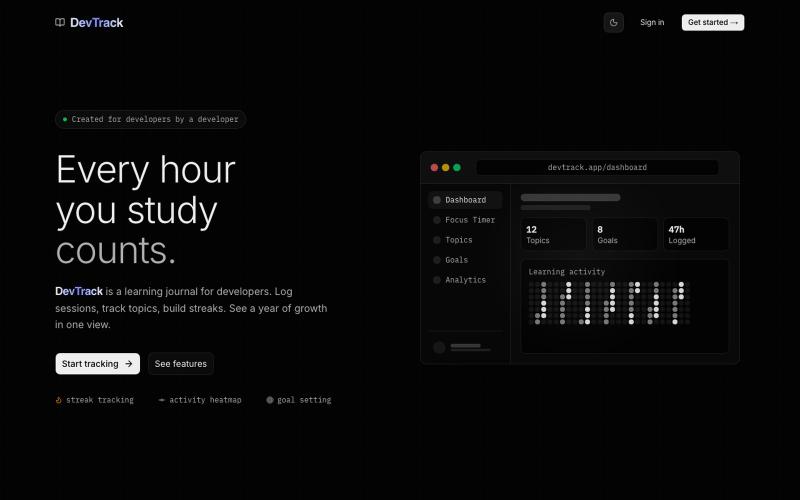
DevTrack
Track your learning progress and project development as a developer.

@Dev_code_04 · X
The full gallery
Tech stack
20 projects
Track your learning progress and project development as a developer.
@Dev_code_04 · X
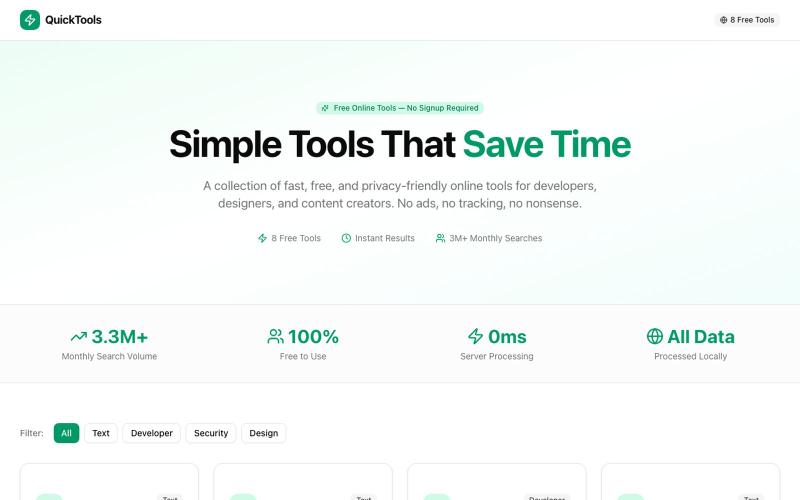
Eight free browser-based tools including JSON formatter, password generator, and color picker.

@Supportpintutec · X
Just launched QuickTools — 8 free online tools 🛠️ Word Counter • JSON Formatter • Password Generator • Color Picker 100% browser-based, no signup 🔗 #SideProject #WebDev #FreeTools #BuildInPublic
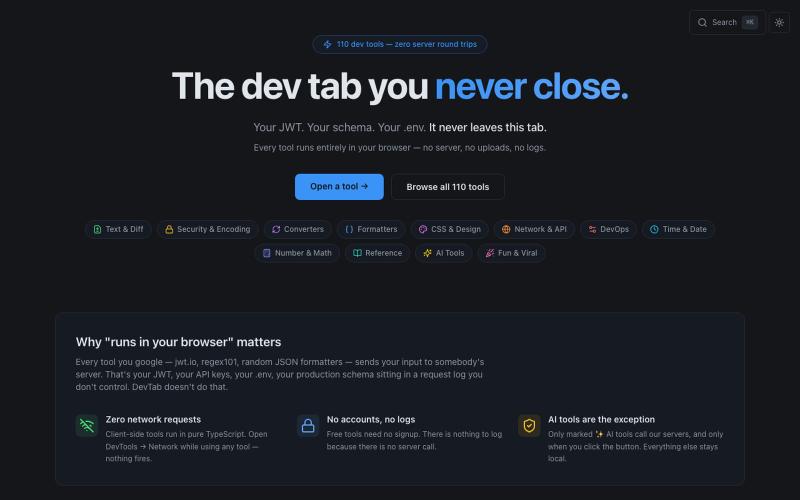
110+ free developer tools including JSON formatter, JWT decoder, and regex tester that run entirely in your browser.

@abhilakshharora · X
Just launched DevTab on Product Hunt 🚀 110+ dev tools that run 100% in your browser. Zero server calls. No signup. Free forever. Would love your support 🙏 → #buildinpublic #DevTools
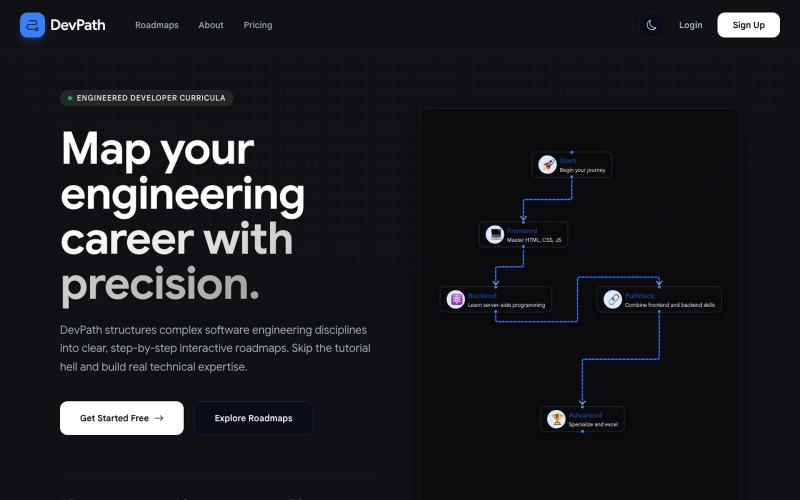
Build personalized learning paths and track progress in your developer career.
@dipanshurdev
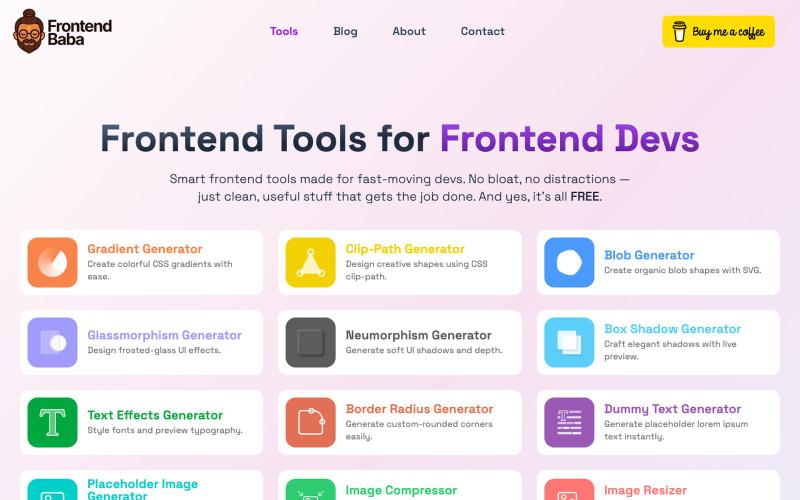
Free frontend developer tools for CSS generation, image compression, and more.

@iamdeepak89 · X
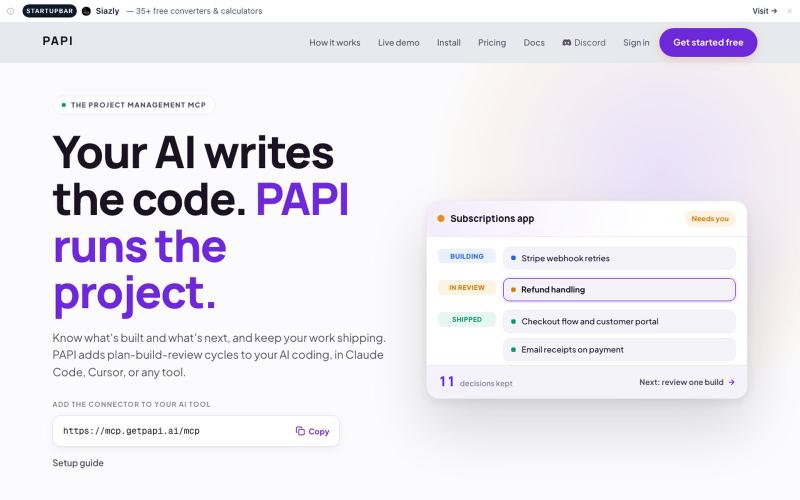
Manage your AI-built projects inside Cursor, Claude Code, Bolt, and other AI development tools.

@getpapi_ai · X
placed 3rd in the r/vibecoding vibejam 2026. It made me go viral in r/ohio It was my first ever jam entry, I'm also not a developer...or from Ohio. was planned, reviewed, shipped and currently managed by
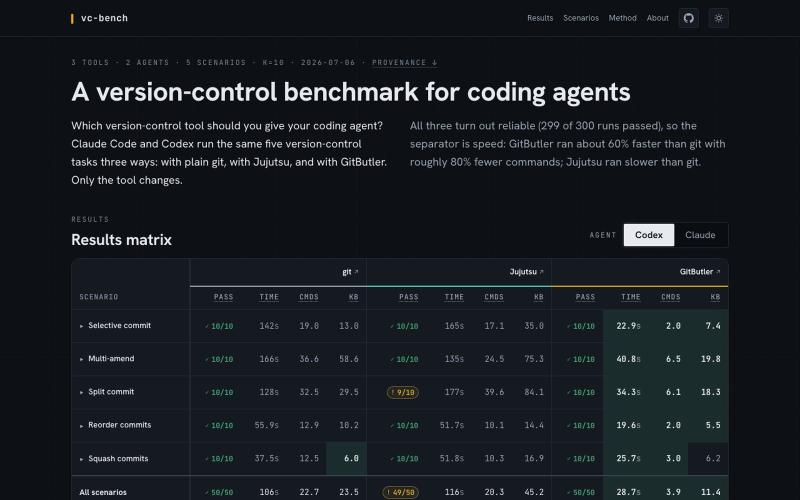
Benchmark version-control systems and coding agents on realistic development tasks.
videlov · HN
I was interested in answering this question so I built a benchmark comparing git, jj and gitbutler in agentic context https://vcbench.dev/ Disclaimer - I am a co-founder of GitButler
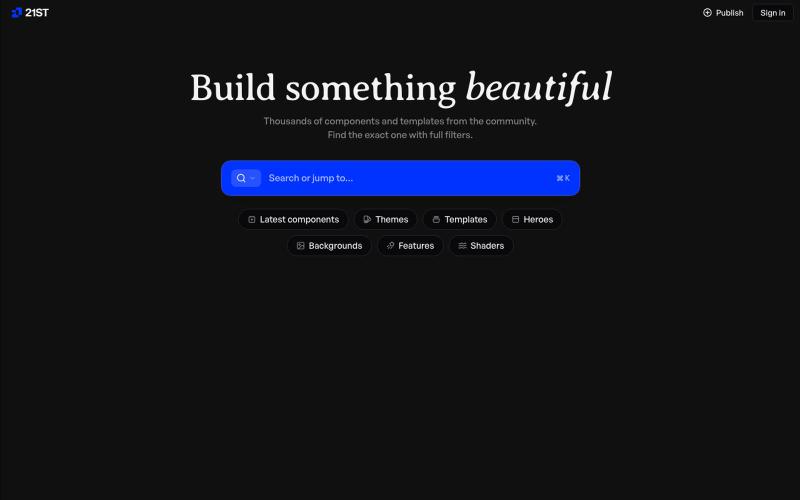
Hand-crafted React components and templates for building polished user interfaces.

@polyqoy · X
This video shows a fully animated 3D site built in 2 minutes with claude code. one terminal command. but the prompt was almost irrelevant. the real work was the pre-load: ui/ux pro max skill, a hero component from framer motion stacked in before claude touched anything the toolkit did the job. the prompt just pulled the trigger. that's also why most people's claude output looks generic. they skip the setup and blame the model.
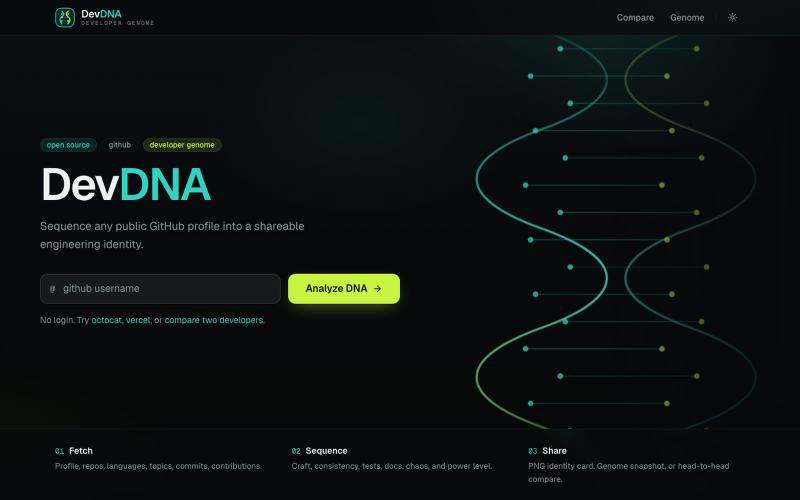
Analyze any public GitHub profile and generate a fun, shareable Developer DNA report.

@panditdhamdhere · X
Your GitHub profile, sequenced. Vibe-coded DevDNA for fun Turns any public GitHub user into a fun, shareable Developer Genome report - power level, languages, chaos, coffee estimate, the works. No auth . Just a username. Use it -
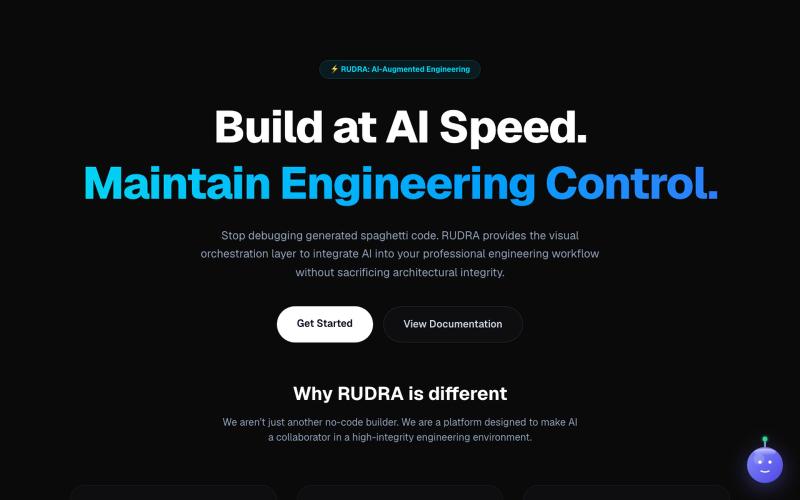
Visually build and deploy full-stack Next.js applications.

@sivasankar___s · X
I’m currently deep in building Rudra, a visual orchestrator for Next.js designed for full engineering control. Zero vendor lock-in—you own the code. Website: App Build with Rudra
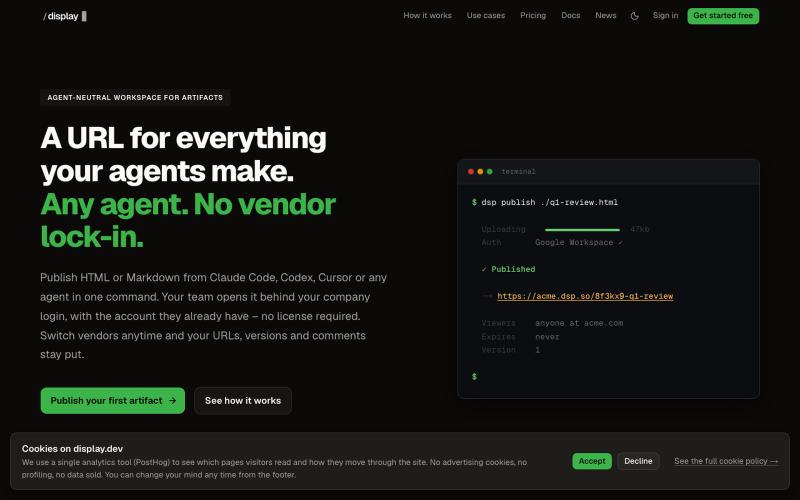
Workspace to publish and manage HTML and Markdown artifacts from any AI agent with version history.

@slashdisplay · X
One feature, two agents, one URL. Carl published v1 from Codex. Claude Code iterated to the version that shipped – every hand-off attributed in the audit log. A 3-minute walkthrough of a real workflow:
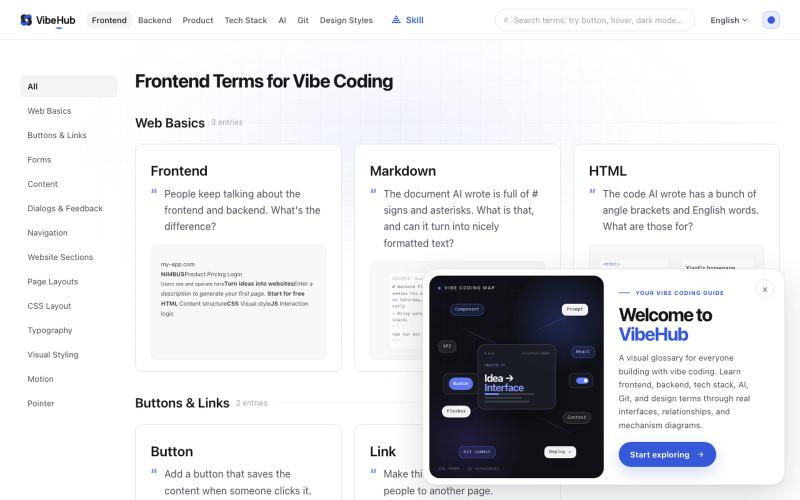
Interactive glossary of 198 technical terms to help developers communicate with AI.

@I_am_oil_oil · X
最近 Vibe Coding 术语网站 做了一个小更新,之前有用户反馈卡片信息密度太高,比较难找到自己想要的术语。 于是我做了一些小调整,把卡片里原本的吧别名和小标签都移除了,加大了每一个卡片的标题字号,对应的英文术语调成主题色并且也加大字号。 我觉得一个最棒的调整就是将原本用于解释这个术语的描述,直接改为大家可能会去跟 AI 描述的话,比如鼠标的 hover 效果,它的描述: 修改前: “悬停是鼠标指针停在元素上但尚未点击时出现的交互状态” 修改后:“鼠标放上去的时候按钮变个色,让人知道它能点。” 经过这次修改,我自己能感觉到每一个术语在列表页上看都更加直观了,而且第一次访问可能会更有共鸣。 除此以外产品和后端相关的术语我也补充了更好的交互图解,相比干瘪的文字能够更好的让大家快速理解~ 下一步可能会做很棒的 AI 搜索功能了,目前大家如果要更方便的使用可以先用 vibe-hub 的 skill: 这个 Skill 可以让 Agent 获取网站里的任何信息。