
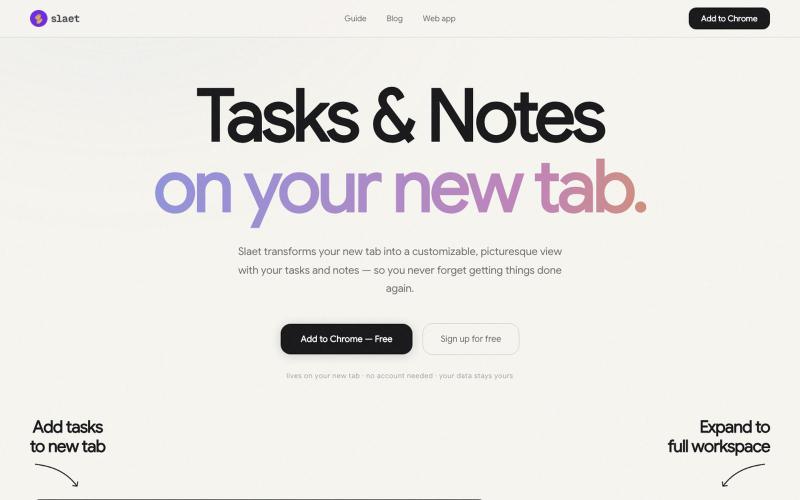
Productivity1 month ago
Slaet — Custom New Tab Wallpaper, To-Do, Notes & Reminders | Free Chrome Extensi
Add custom wallpaper, tasks, notes, and reminders to your Chrome new tab page.

@Slaetapp · X
The full gallery
Tech stack
22 projects
Add custom wallpaper, tasks, notes, and reminders to your Chrome new tab page.
@Slaetapp · X

Design custom themes for Codex Desktop with backgrounds, colors, transparency, and visual effects.
plutozc · V2EX
做了个 Codex Desktop 主题预览和切换工具,先调好再安装 最近一直在用 Codex Desktop ,觉得默认界面看久了有点单调,就顺手做了个主题编辑工具,分享一下: [Codex Skin]( https://getcodexskin.com) 可以先在网页里预览主题,调整背景透明度、面板透明度、颜色、模糊和圆角等参数,满意之后再下载并切换到 Codex Desktop 。 目前支持: - 自定义 JPG 、PNG 、WebP 背景 - 在线实时预览主题效果 - 调整透明度、颜色、模糊、圆角 - 预览满意后生成安装命令 - 不喜欢了可以恢复默认外观 目前主要面向 macOS 上的 Codex Desktop ,还是个人项目,功能和兼容性都在继续打磨。 欢迎试试,也想听听大家对主题参数、预览效果和安装流程的反馈。 直接网址: https://getcodexskin.com [轻喷 轻喷,可能还有些 bug
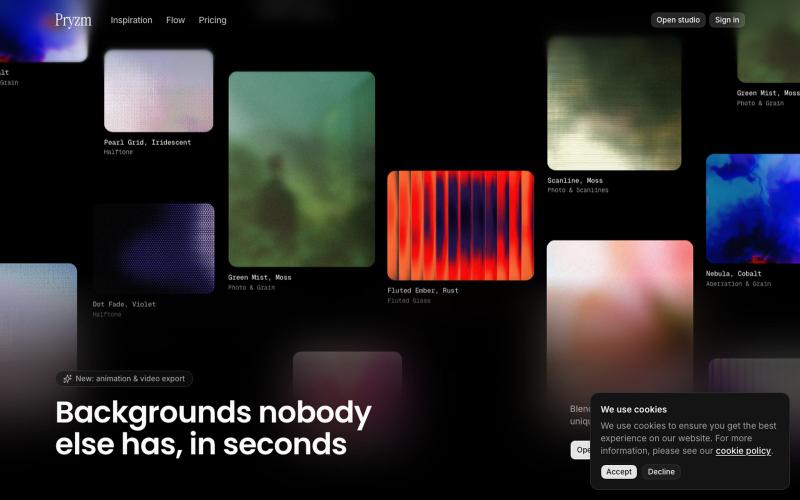
Create custom backgrounds and textures for websites and designs directly in your browser.

@pryzm_design · X
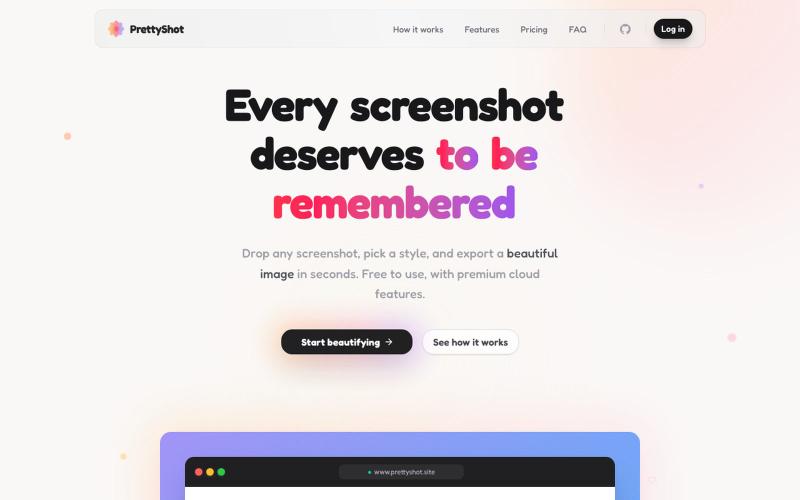
Apply custom styles to screenshots and export them as beautifully formatted images.

@prassami · X
- instantly turns your boring raw screenshots into beautiful images.

Chrome extension for recording screen demos with automatic zoom effects and custom backgrounds.

@gabani_vatsal · X
Building Screen recorder which adds zoom effects and custom backgrounds
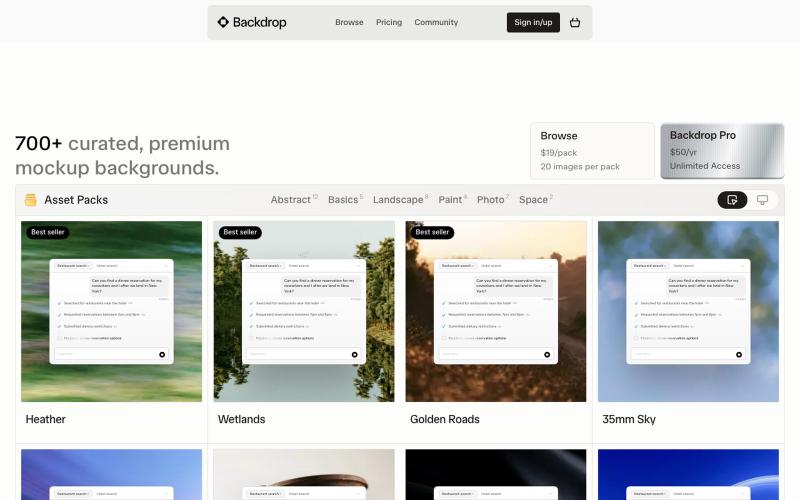
A curated gallery of background assets for designers. Use them in portfolios, mockups, and social posts.

@backdroplove · X

Merge PDFs, compress images, remove backgrounds, and access utilities entirely in your browser.

@damiadeh · X
Your files utility tools stacks in your browser. No uploads, files stays on your pc.
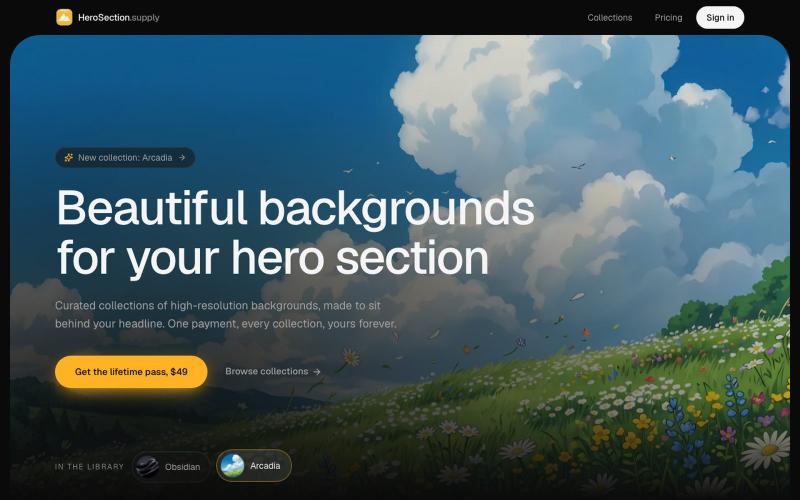
Download or purchase curated background images designed for hero sections.

@ugo_builds · X
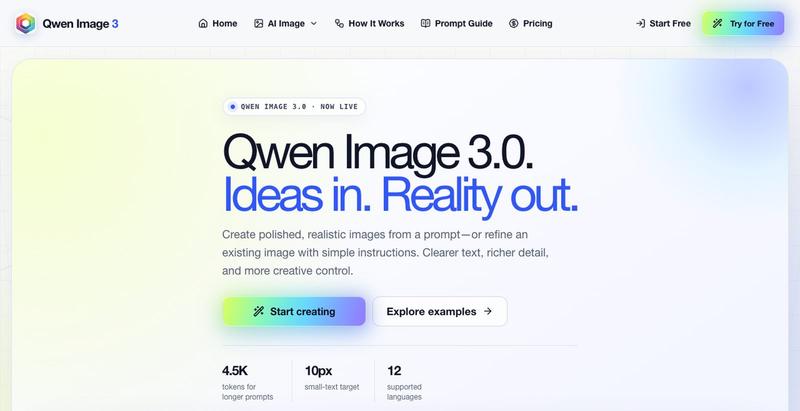
Create realistic AI images with clear text generation and editing tools.
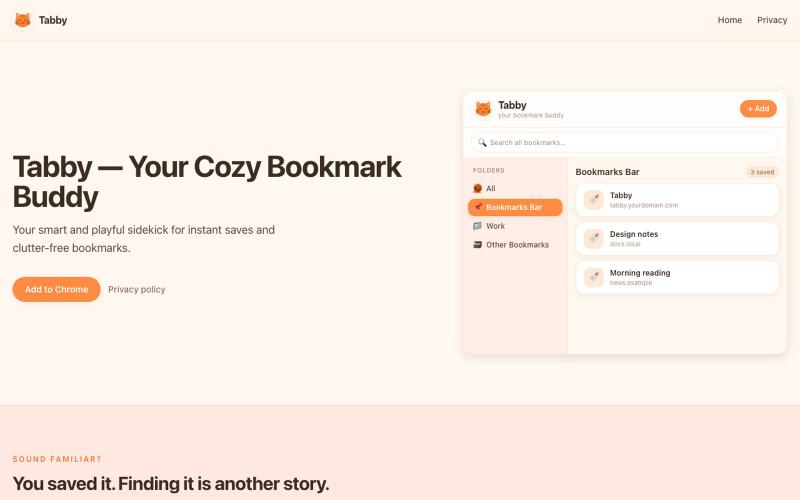
A playful, cat-themed bookmark manager for Chrome. Browse folders, search, and tidy bookmarks from a compact popup.

@_hermooo · X
I built a chrome extension that helps you manage your boring bookmarks 👀
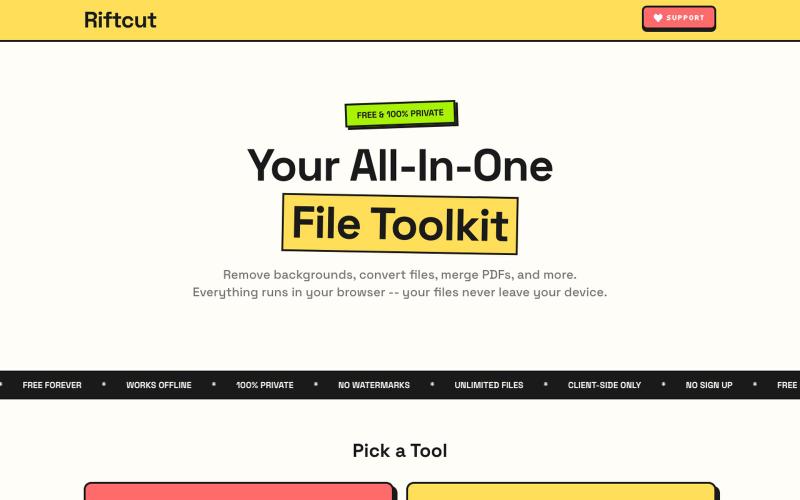
Remove image backgrounds with AI and manage PDFs—convert, merge, and create—all privately in your browser.

@irshit0 · X

Turn screenshots into polished designs using a Chrome extension and web-based editor.

@buildwithshyam · X