
Productivity1 month ago
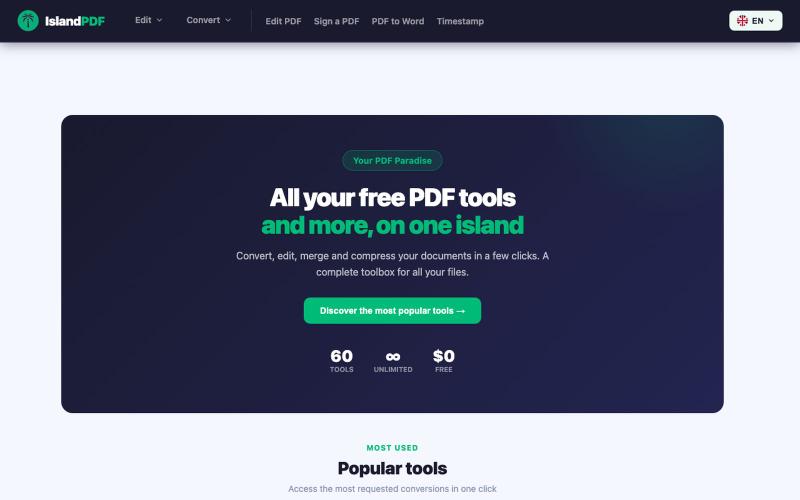
IslandPDF — Your PDF Paradise
Convert, edit, merge and compress PDF documents in your browser.

@IslandPDF · X
The full gallery
Tech stack
25 projects
Convert, edit, merge and compress PDF documents in your browser.
@IslandPDF · X
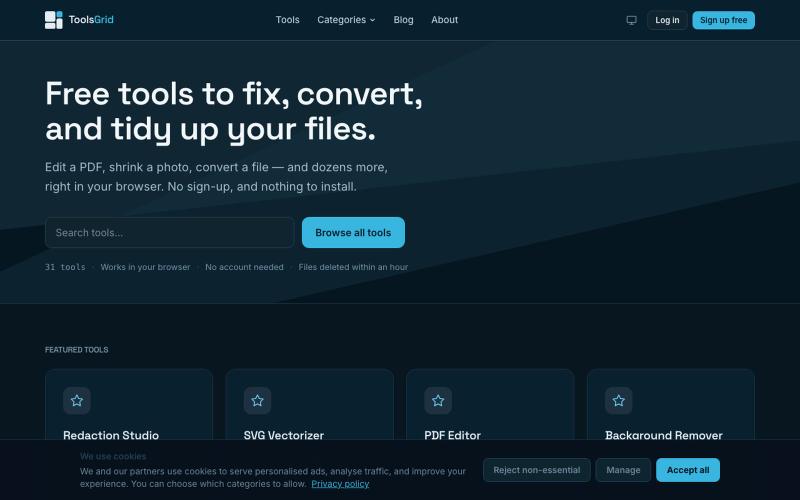
Free online tools for editing and converting PDFs, images, videos, JSON, SVG, and email files.

@bigchusstheory · X
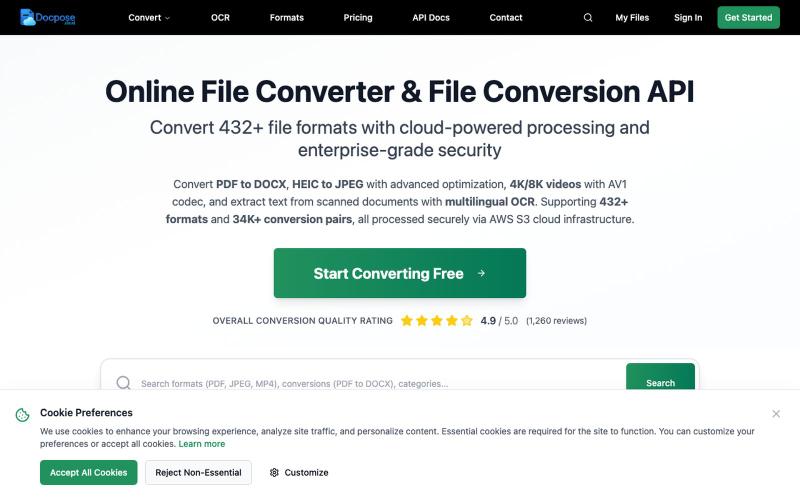
Convert and view documents, PDFs, and various file formats online.

@FileProInfo1 · X
🚀 has successfully launched! helps users convert, view, process, and manage files online — including documents, PDFs, OCR, archives, email formats, and more. We’re excited to share it with the community. Check it out here:
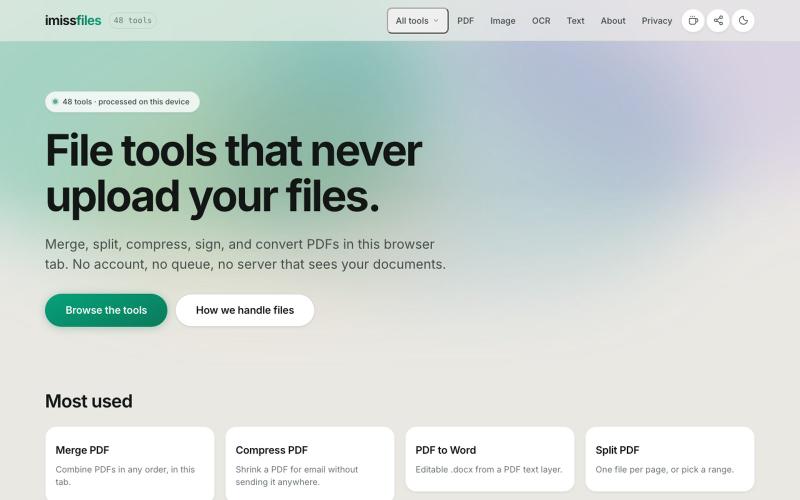
Merge, split, compress, sign, and convert PDF files with 48 free tools that run entirely in your browser. No account, no upload, no limits.

@imissfiles · X

Free in-browser PDF tools for merging, splitting, converting, and editing without uploading files.
u/Key_Caramel_5578 · Reddit
Built a free PDF toolkit solo (with AI help) — need feedback on the in-browser text editor before I keep pushing on it Been heads-down on this for a while: thepdftool.in Standard PDF stuff : merge, split, compress, convert, OCR — but most of the conversion tools run entirely client-side (WASM), so files never leave your browser for those. Built solo, leaned on AI tools for a good chunk of the code and debugging. The feature I care most about right now is an inline text editor :— click i
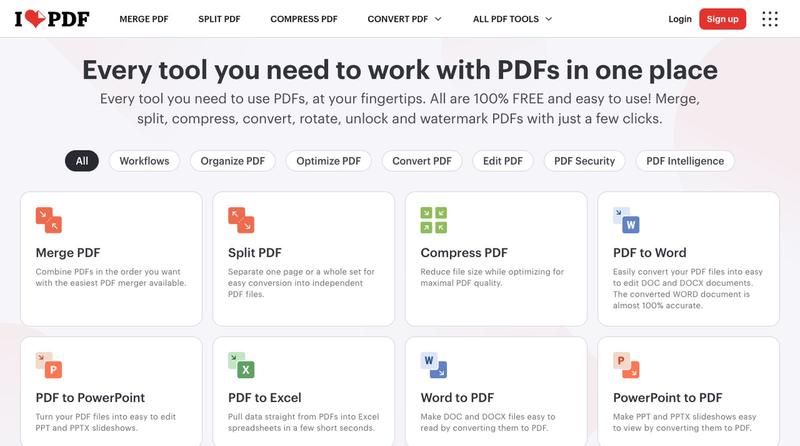
Compress, merge, split, convert, and edit PDF files directly in your browser.
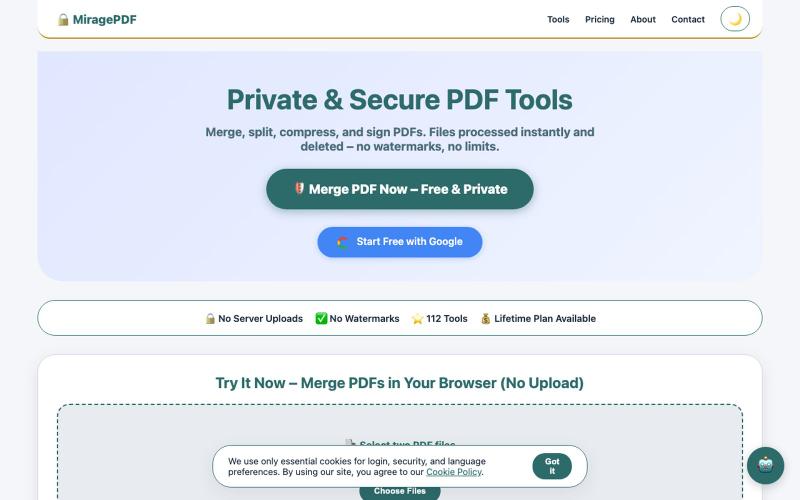
Free PDF tools in your browser for merging, splitting, compressing, and protecting files.

@magictoolshup · X
This unique website handles everything for you with great precision and professionalism. A key feature is that it never uploads your files—they remain solely within your browser for maximum privacy. Give it a try,you will discover something impressive.

Format, convert, and process PDFs and images with 450+ privacy-friendly browser tools.

@tentaco_cc · X
Hey! I built 🐙 It’s a privacy-first web space packed with over 450+ free micro-tools for tech, design, marketing, and PDFs. The best part? Everything runs 100% locally in your browser. No registration, no ads. Let's connect! 🛠️
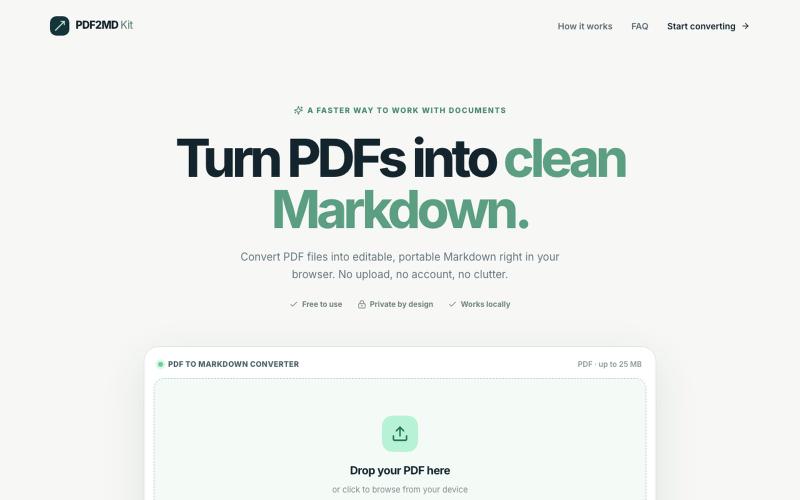
Convert PDF files to Markdown format locally in your browser without uploading.
halofanfan · V2EX
做了个浏览器本地处理的 PDF 转 MD 工具: PDF2MD Kit 因为经常要把 PDF 转成 Markdown 进笔记软件,觉得网上的工具太重还要上传服务器,就自己写了一个:**[PDF2MD Kit]( https://pdf2mdkit.com/)** * **纯前端解析**:文件零上传,比较安全 * **轻量**:无广告、免登录、最大 25M * **导出标准 .md** 网页地址:[https://pdf2mdkit.com/]( https://pdf2mdkit.com/) 第一次发,欢迎试用和反馈 bug 。
Free online PDF editor with 51 tools for merging, signing, OCR, and translation—works offline, no login needed.

@zubidavies · X
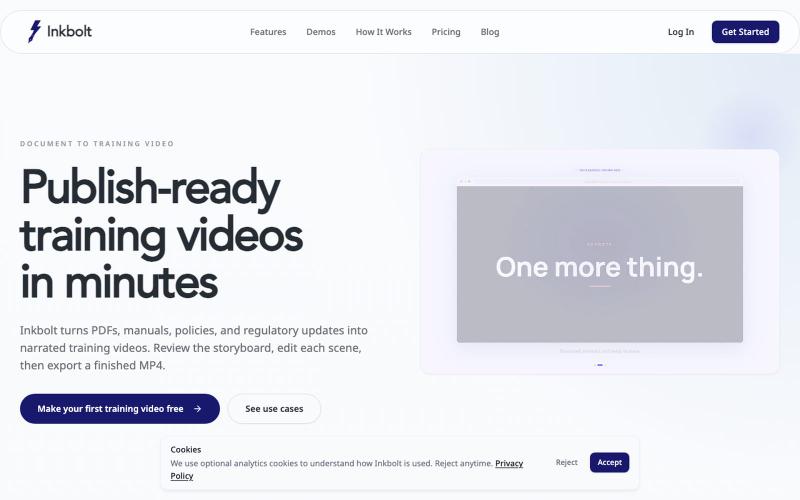
Converts PDFs into AI-narrated training videos with automatically generated slides.
u/No-Tap6993 · Reddit
I built a slide deck video builder Most AI generated visual can look like slop. I built a slide deck video builder for training content. It generates beautiful slide decks from 18 templates, adds voice over, allows post editing, and finally export to mp4. Check it out at https://inkbolt.ai and let me know what you think! I have to give a shout out to this repo for inspiring how to do design properly with AI. https://github.com/zarazhangrui/frontend-slides submitted b
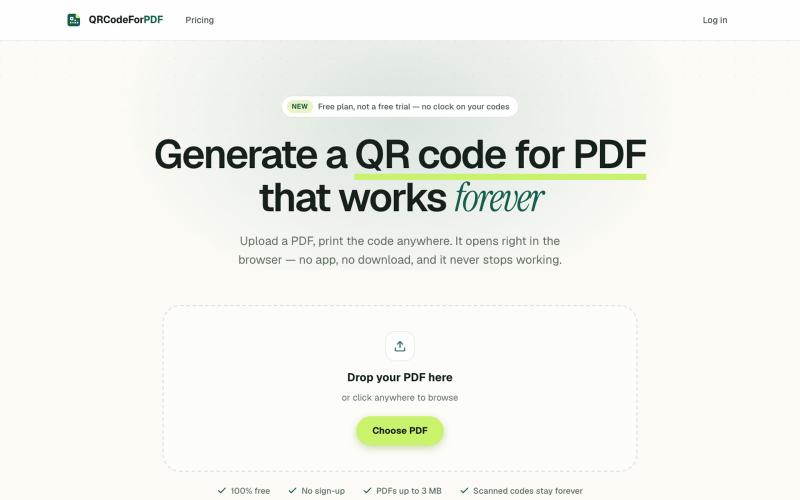
Create QR codes for PDFs that open in the browser without downloads or sign-ups.
EdenSu · V2EX
做了个托管 PDF 的二维码工具 最近老婆一直在抱怨给老外传 pdf 文件很麻烦,之前一直是走邮件附件。麻烦在于文件一改就得重发一遍,对方手上可能还留着旧版本,来回确认到底看的是哪一版特别费劲。 想着不如给她生成个二维码或者短链接,文件更新了直接换后面的,链接不变。搜了一圈现成的工具,试了几家都有点别扭。有的免费能生成,点下载却要注册。还有的会在扫码后的落地页上放广告,但那是发给客户看的东西,不太合适。 干脆自己做了一个: https://qrcodeforpdf.app 传个 PDF ,出一个二维码和短链接,扫了在浏览器里直接打开,不用下载也不用装 App 。文件可以随时替换,码和链接都不变,已经发出去或者印出去的都还能用。不注册就能生成和下载,PNG 和 SVG 都没有水印,应该是比较完美的,刚好也作为自己的一个小项目,也欢迎大伙们试用给建议,逐步优化!