
Developer Tools1 hour ago
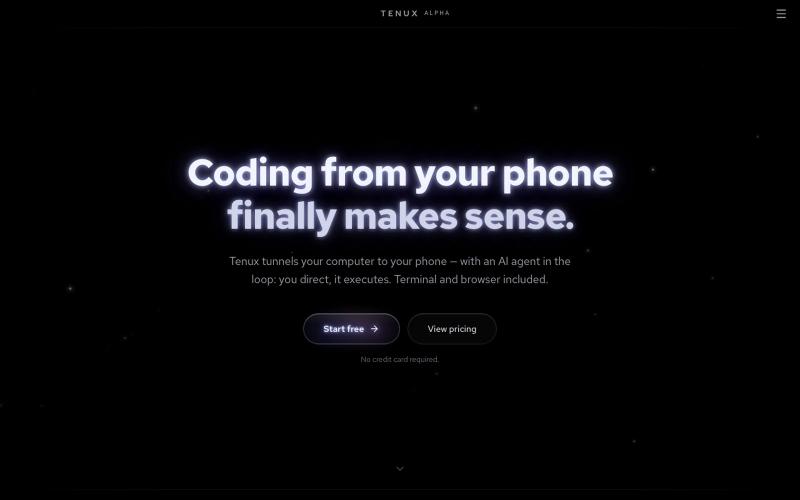
Tenux — Coding from your phone finally makes sense
Control your computer's terminal and browser from your phone with AI assistance.
tenux · HN
Tenux – Access your computer from your phone (terminal, files, browser)
The full gallery
Tech stack
60 projects
Control your computer's terminal and browser from your phone with AI assistance.
tenux · HN
Tenux – Access your computer from your phone (terminal, files, browser)
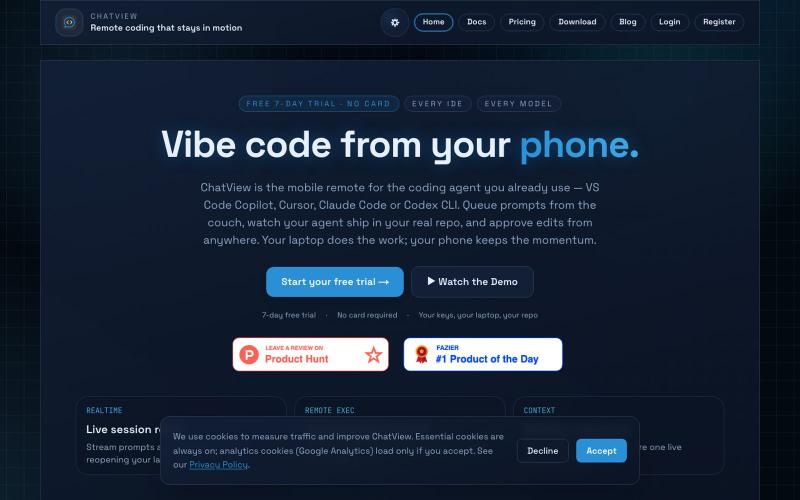
Control VS Code, Cursor, and Claude Code from your phone to queue prompts and review diffs.

@WilliamQubits · X
vibe coded a feature from my phone on a walk. Cursor picked it up at home before I even sat down. no desk required 🛠️ #ChatView
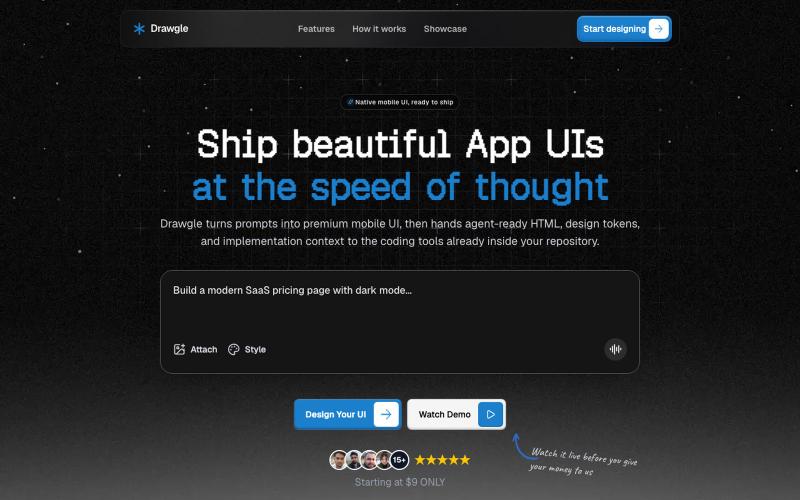
Design mobile app interfaces with AI and export to HTML, design tokens, and implementation code.

@9to5_Dad · X
Ai mobile app ui designer with taste
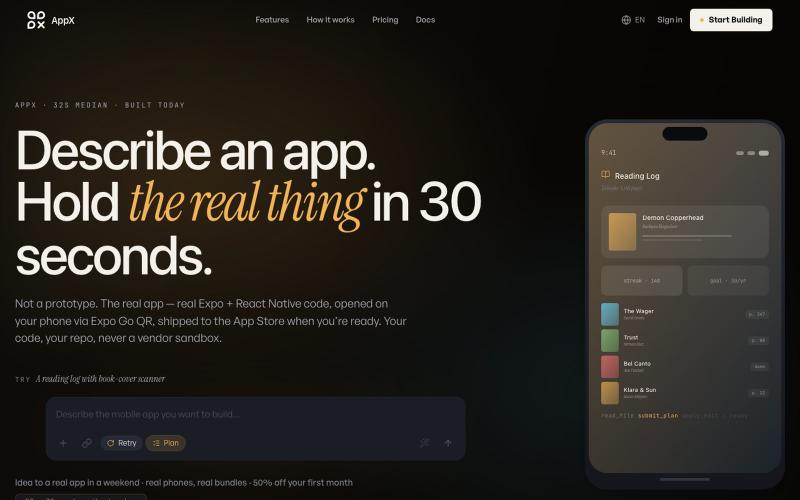
Describe a mobile app and instantly get production-ready React Native code.

@ilyosme · X
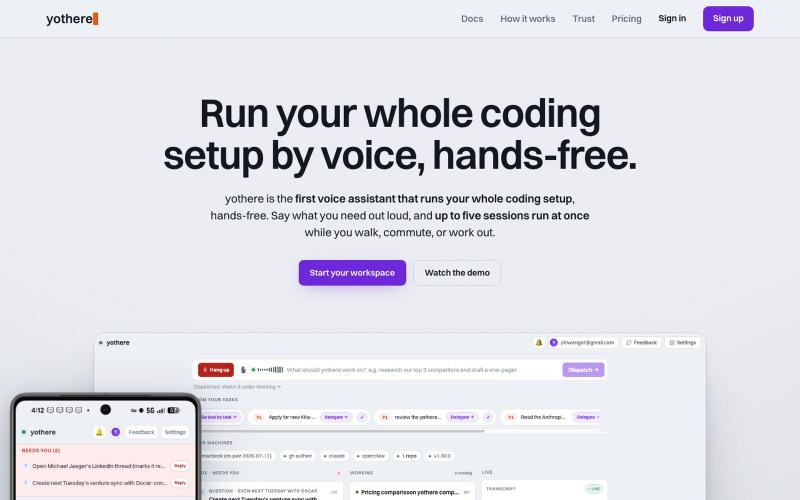
Run your Claude Code sessions hands-free by voice from your phone.

@phiwenger · X
Yeah /remote-control is the workaround but it's clunky. I built yothere for exactly this. With yothere you can spin up multiple Claude Code sessions from your phone, run them all hands-free by voice, and just get pinged when done or stuck.
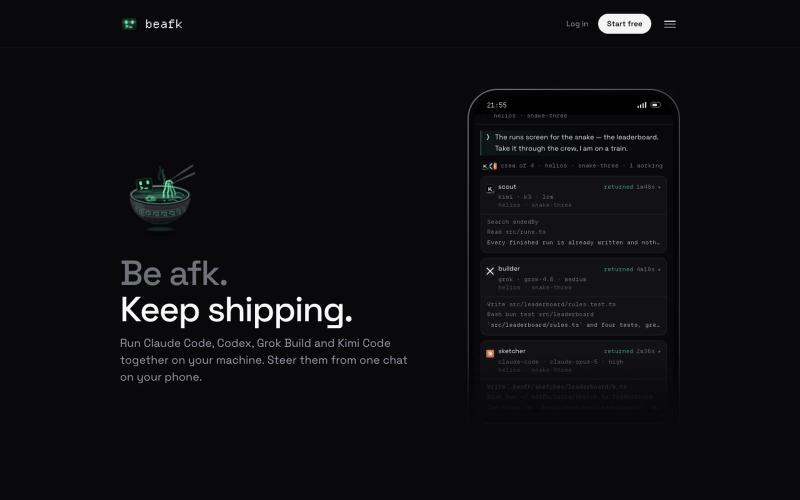
All your coding agents in one chat on your phone. beafk runs the real CLIs — Claude Code, Codex, Grok Build and Kimi Code — together on a machine you own, on the plans you already

@talk2bogdan · X

Generate UI screens for mobile and web apps from text descriptions in seconds.

@ninakolari · X
Google just dropped Stitch and it changes the entire vibe coding workflow. You describe what you want your app to look like. It builds full high-fidelity screens in seconds. No Figma. No designer. No credit card. Here is how to use it: Go to Sign in with your Google account. That’s it. You’re in. Instead of typing “make me an app” type this: “A lesson planning app for teachers. Clean and calm. Inspired by Notion. Minimal. White space.” The more specific you are the better your screens. Then refine with follow up prompts. Change the nav. Try dark mode. Get 3 menu variations. Or just speak it. Your screens become a clickable prototype in seconds. Click a button and Stitch generates the next screen automatically. Your entire app flow. Before you write one line of code. Then take it further. Export to Lovable or Cursor and build the logic on top. Use the MCP server to keep your design and code in sync. Pull any website’s design system in seconds. Save everything as
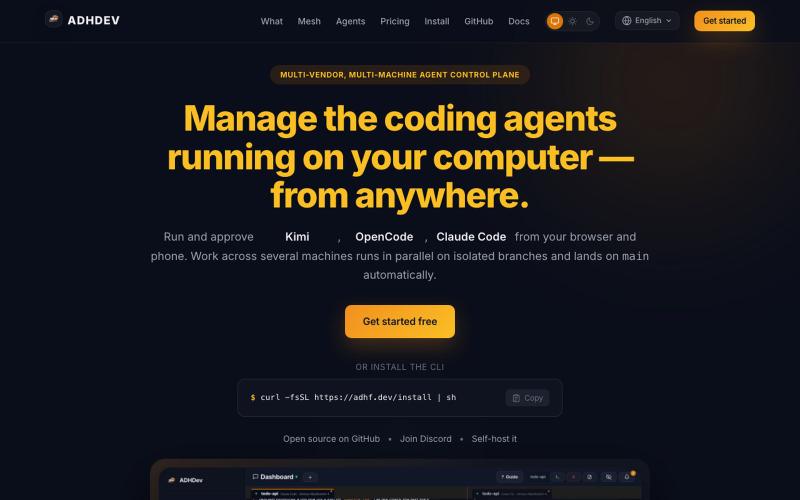
Manage and control your coding agents from any browser or mobile device.

@vilmire_tmp · X
Tired of alt-tabbing between terminals to check if my coding agents were done, stuck, or waiting on approval. So I built ADHDev: control Claude Code / Codex / Cursor CLI from your browser or phone, on every machine you own. AGPL self-hosted edition too.
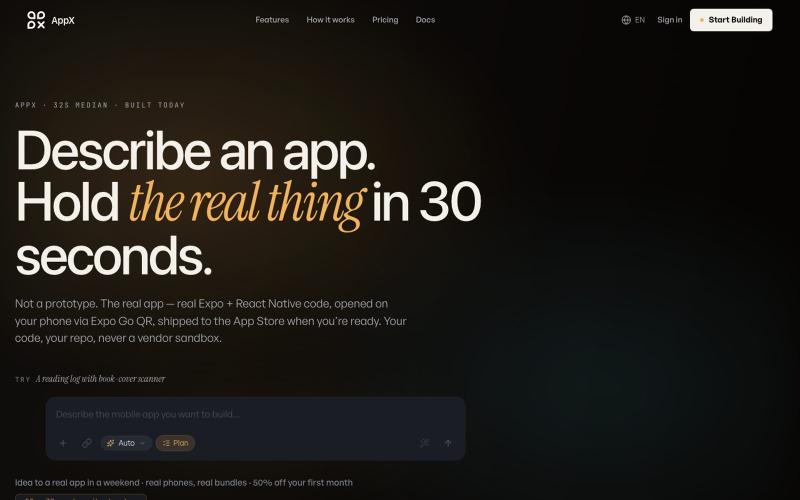
Build React Native mobile apps by describing them; test instantly on your phone.
@ilyosme · X
friends should i buy .com domain ?
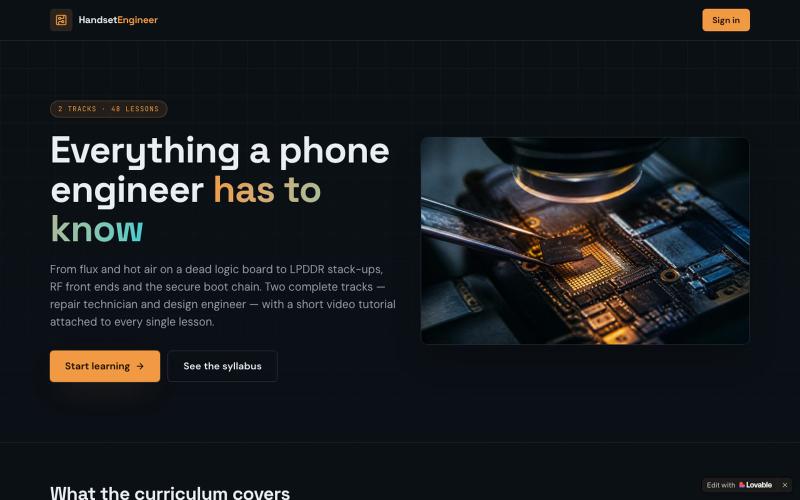
Learn phone hardware and software engineering with video tutorials and progress tracking.

@Abodiessbk · X
Check out what I just built with Lovable!
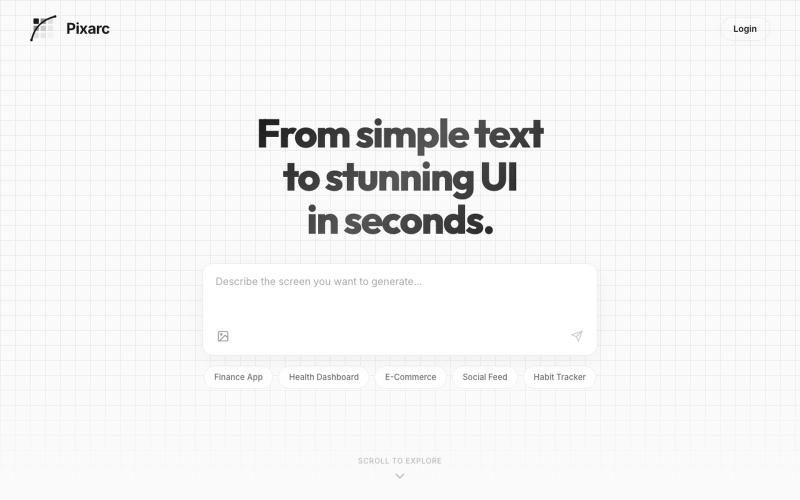
Generate interactive UI previews from text descriptions; export to native code or Figma.

@ArjunVr58131189 · X
- Design mobile apps like you own a team!
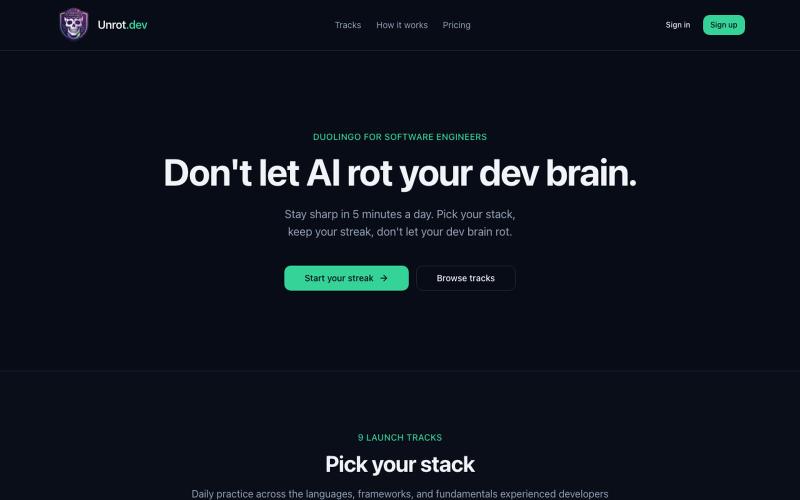
Solve daily coding challenges with AI assistance and track your developer streak.
u/Administrative_Egg78 · Reddit
I built this because AI was making me a dumb&lazy engineer I noticed something sad about how I use AI. I was shipping faster, but practicing less. I could get answers quickly, but I was losing the habit of working through the fundamentals myself. So I built Unrot: short daily challenges for developers across languages, system design, architecture, data engineering, and other tracks. Game/xp and rewards system, a tiny bit competitive. No signup required to try it: https://unrot.dev