Apiarium - One API for OpenAI, Claude, Gemini & More
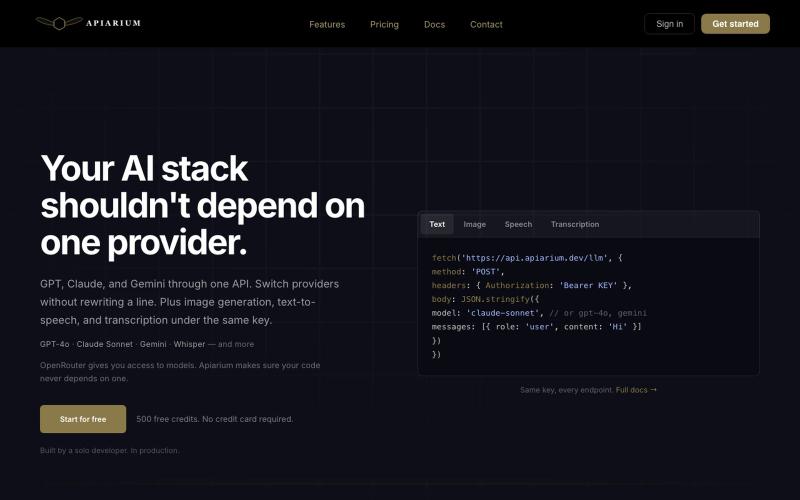
Single API key for accessing OpenAI, Claude, Gemini and other AI models.
@lologfts · X
built Apiarium, with one api key you can choose multiple Ai models, easy integration
The full gallery
Tech stack
20 projects

Single API key for accessing OpenAI, Claude, Gemini and other AI models.
@lologfts · X
built Apiarium, with one api key you can choose multiple Ai models, easy integration

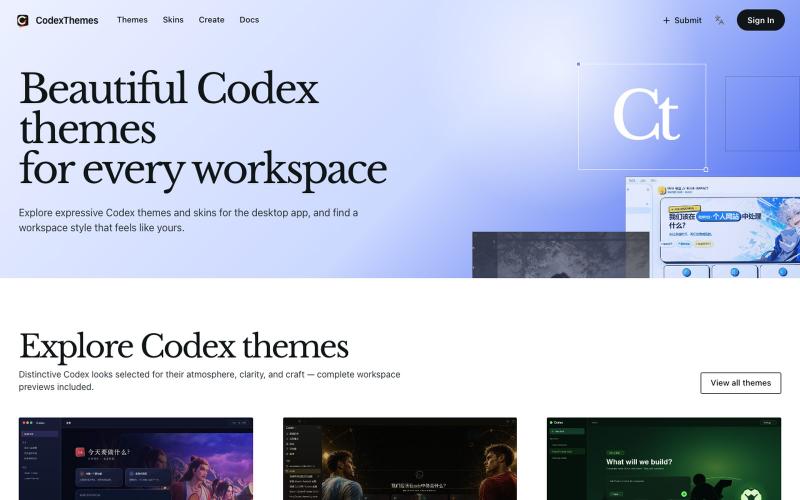
Browse and install Codex themes with workspace previews, or submit your own designs.
@cnyzgkc · X
idoubi @idoubicc 老师执行力拉满! 直接做了一个 CodexThemes 主题站,把创建、分享、查找、安装、启用 Codex 主题的流程闭环! 使用方式:直接复制提示词发给 Codex,就可以让Codex 管理主题。 网站地址:

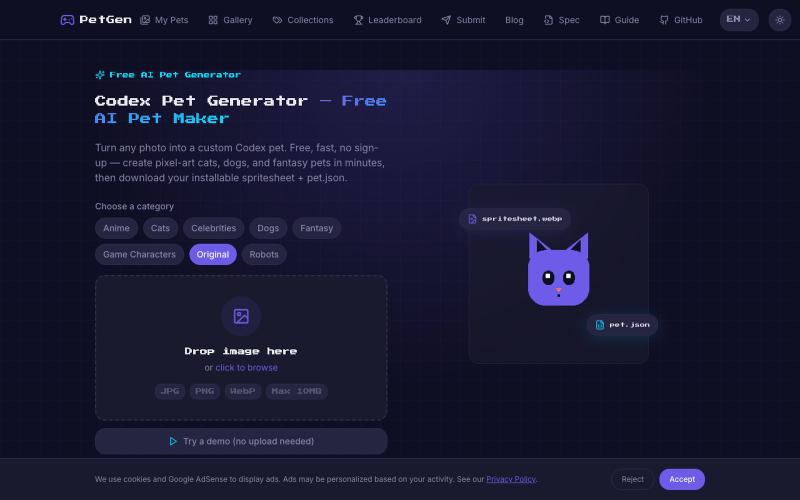
Convert any photo into a pixel-art pet for your OpenAI Codex terminal.
Codex Pet Generator — 上传一张照片,AI 生成专属动画像素宠物(spritesheet.webp + pet.json),一行命令装进 OpenAI Codex 终端,陪你写代码的像素伙伴

Design custom themes for Codex Desktop with backgrounds, colors, transparency, and visual effects.
plutozc · V2EX
做了个 Codex Desktop 主题预览和切换工具,先调好再安装 最近一直在用 Codex Desktop ,觉得默认界面看久了有点单调,就顺手做了个主题编辑工具,分享一下: [Codex Skin]( https://getcodexskin.com) 可以先在网页里预览主题,调整背景透明度、面板透明度、颜色、模糊和圆角等参数,满意之后再下载并切换到 Codex Desktop 。 目前支持: - 自定义 JPG 、PNG 、WebP 背景 - 在线实时预览主题效果 - 调整透明度、颜色、模糊、圆角 - 预览满意后生成安装命令 - 不喜欢了可以恢复默认外观 目前主要面向 macOS 上的 Codex Desktop ,还是个人项目,功能和兼容性都在继续打磨。 欢迎试试,也想听听大家对主题参数、预览效果和安装流程的反馈。 直接网址: https://getcodexskin.com [轻喷 轻喷,可能还有些 bug

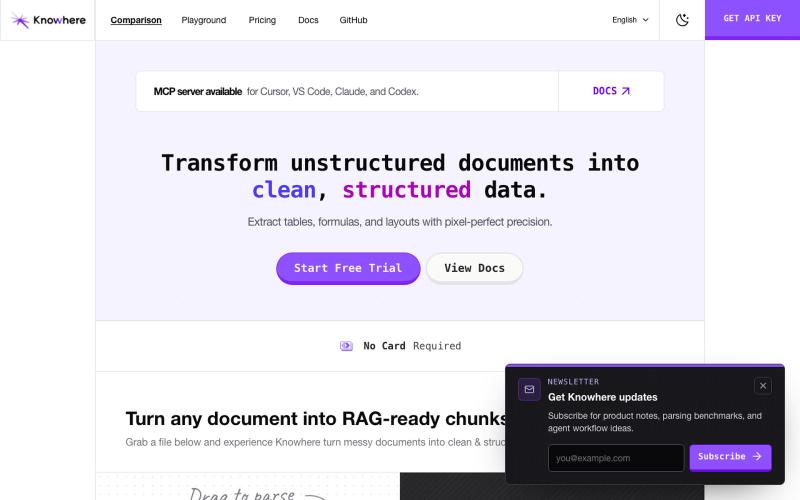
API to extract tables and structured data from documents for AI agents.
g418572664 · V2EX
做了一个文档解析与记忆工具,专门辅助给传统行业做 AI 落地的老哥 现在 AI+的工作还挺常见的,就像大佬们说的,“所有行业的产品可能都会用 AI 重新做一遍”。最常见的就是各种 agent ,说要用 AI 赋能传统行业啥的,代替人类专家去处理海量的复杂资料、进行深度分析并做出决策。 举个例子,金融行业的“智能审计与尽调 Agent”。 过去,银行或投资机构想要给一家企业贷款或投资,需要人类审计师去读几十份、每份几百页的招股书和财务报表。现在虽然有了 AI ,但把文件一股脑全丢给它是不现实的,且不说烧 token 的问题,这些文档里有无数的跨行、跨列单元格表格,普通工具一拉,表格数据全串行了。如果 AI 把“第一季度利润”和“第二季度支出”的信息碎在一块,那得出的财务分析就完蛋了。 所以,现在要真想开发出一个能干活,还确保正确率的 agent ,就需要一个专业的、AI-native 的解析工具,把复杂的表结构和章节层级完整还原出来。我做的工具 Knowhere 就是干这个的: https://knowhereto.ai/?utm_source=v2ex 它能把复

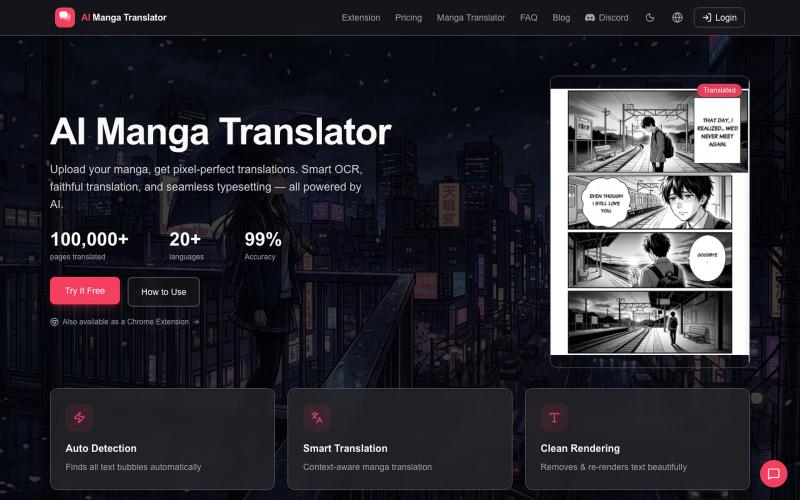
Upload manga pages to get AI translations in 20+ languages with OCR and typesetting.
AI Manga Translator — 上传漫画,获取像素级精准翻译。智能 OCR、忠实翻译、无缝排版。全部由 AI 驱动

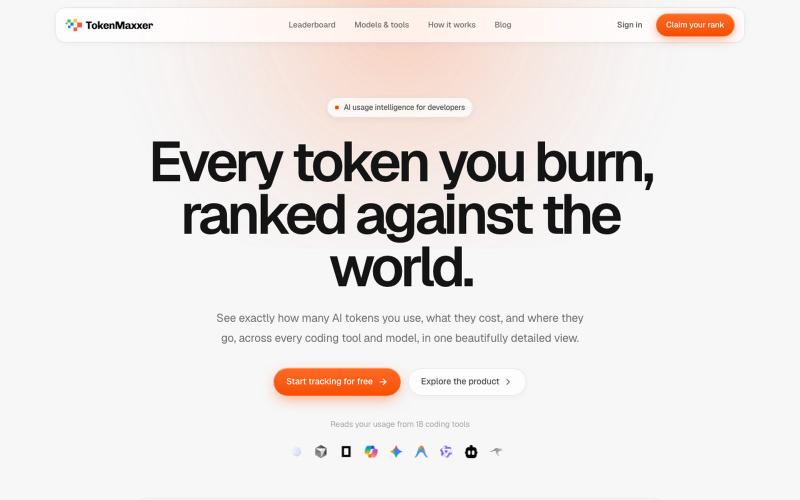
Leaderboard showing your AI token usage across Claude Code, Codex, Cursor and other coding tools.
SYeomans · HN
TokenMaxxer – track every AI token you spend across your coding tools

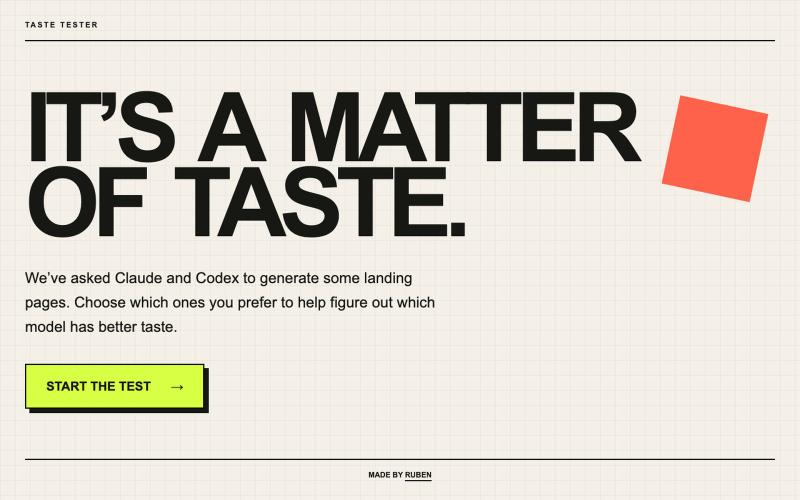
Pick your favorite page and guess whether Claude or Codex created it.
rubenflamshep · HN
I built a blind taste test for Claude and Codex designs

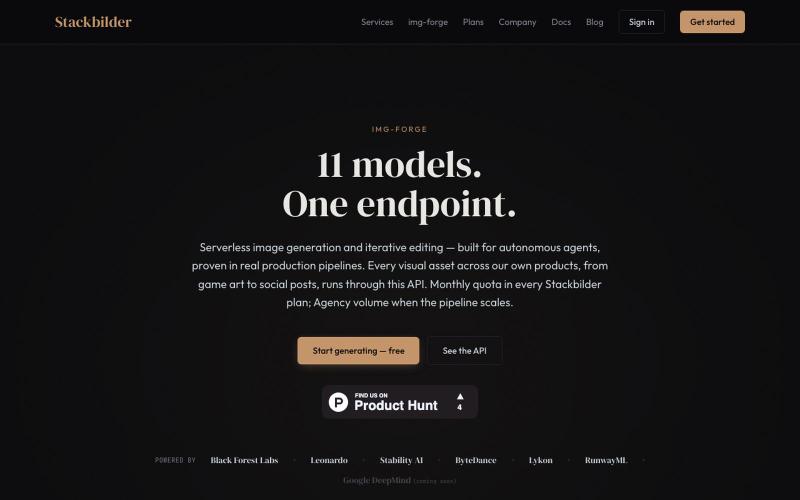
API for text-to-image generation and editing across 11 AI models.
u/texo_optimo · Reddit
I got tired of leaving claude code for image assets so I made Img-Forge - a remote txt2img MCP, API SoloDev here (doing this outside of my 9-5); I've decided to start shipping instead of remaining in a state of perpetual build. I'm shipping the tool I use most in my own work: Img-forge. Link is here but I have a Product Hunt listing for it here. There is a small free tier to check it out. Stackbilder.com is the platform UI; but Easiest way to get your agent working with it is via mcp

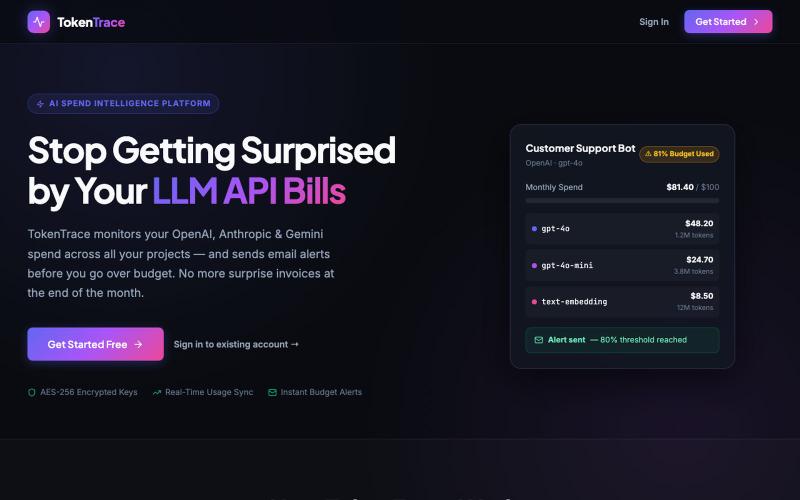
Monitor, analyze, and control your OpenAI, Anthropic, and Gemini API spend in one place.
@advikkaushik · X
Track your LLM API spend:

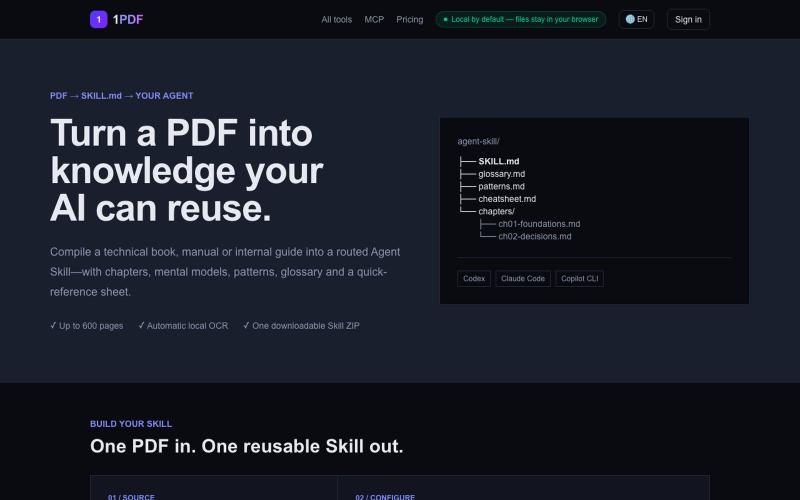
Convert a PDF into a reusable Agent Skill for Codex, Claude Code and GitHub Copilot. Download a structured SKILL.md archive with chapters, glossary, patterns and cheatsheet.
@DavisK1949 · X
你的 AI Agent 会写代码, 却用不了 PDF 里真正重要的知识。 所以我做了一个新工具: PDF → 可直接安装的 Agent Skill ZIP ✓ 扫描版 PDF 自动 OCR ✓ 长文档自动拆分处理 ✓ 支持 Codex、Claude Code 和 Copilot 免费体验: 如果能把一本 PDF 变成 Skill,你最想转换哪一本?

Get a free API key with email to access 500+ Hugging Face models.
@pengsonal · X
500+ Hugging Face models through a single free API no credit card just an email signup 😳 launched on July 3 as a unified gateway for Hugging Face models one API key one endpoint 500+ models what you get for $0: • 500+ open-source models through an OpenAI-compatible API • no separate API keys for different providers • works with Cursor, Claude Code, Hermes, OpenCode, and anything that supports a custom base URL • email signup only setup takes about 2 minutes: 1. Go to 2. Sign up with your email 3. Generate an API key 4. Set your base URL to 5. Choose any model from the catalog and start building a few things worth knowing: • is a third-party gateway, not an official Hugging Face product • the free tier is rate-limited, but the exact limits haven't been published yet • i wouldn't build production apps that depend entirely on a free aggregator what i like is the simplicity instead