
Creative Tools1 month ago
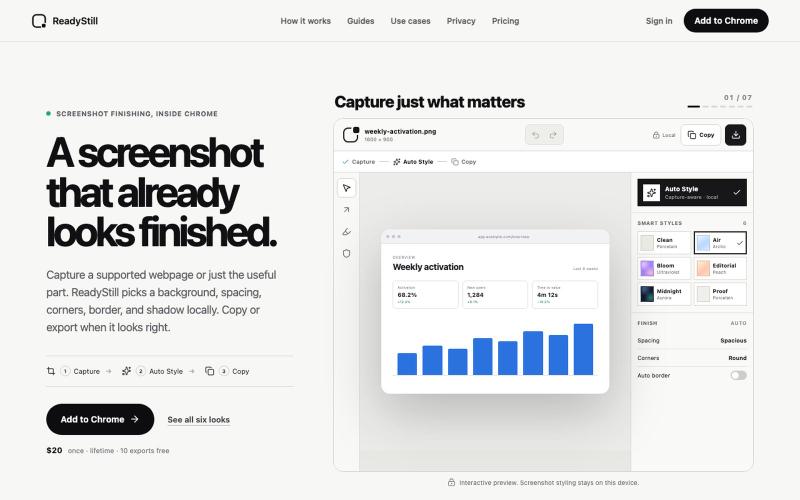
ReadyStill — Chrome Screenshot Editor & Launch Pack
Turn webpage screenshots into polished launch images with privacy-reviewed editing.

@pradeepXkapoor · X
It’s A simple screenshot beautifier chrome extension!
The full gallery
Tech stack
21 projects
Turn webpage screenshots into polished launch images with privacy-reviewed editing.
@pradeepXkapoor · X
It’s A simple screenshot beautifier chrome extension!

Turn screenshots into polished designs using a Chrome extension and web-based editor.

@buildwithshyam · X
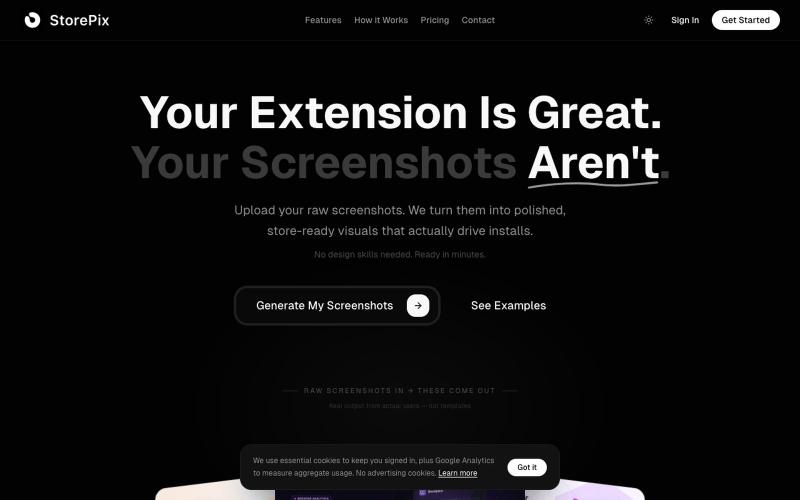
Generate Chrome Web Store and Firefox Add-ons screenshots with AI. Upload raw captures, get polished store-ready marketing visuals in 2 minutes. Free to try.

@sherifgjini · X
- store-ready screenshots for chrome extension devs
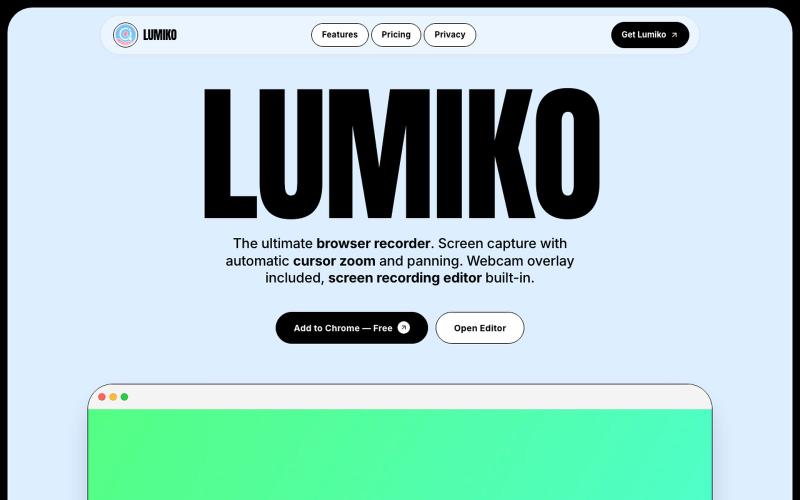
Free Chrome screen recorder with automatic cursor zoom, panning, and built-in editor.
Ashish106 · HN
Lumiko – Chrome screen recorder with automatic cursor zoom
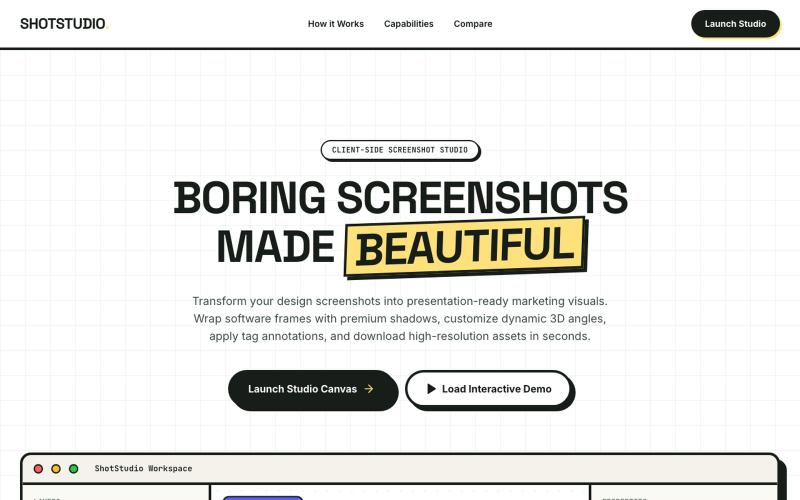
Add device frames, shadows, and annotations to screenshots.

@klein_more88816 · X
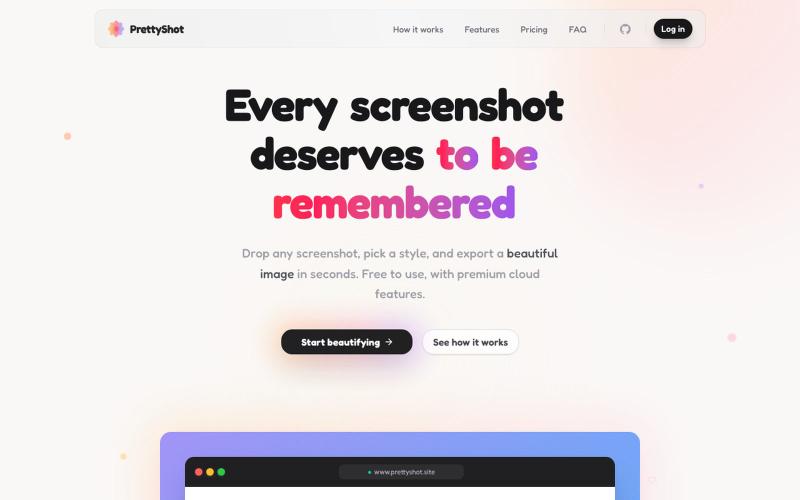
Apply custom styles to screenshots and export them as beautifully formatted images.

@prassami · X
- instantly turns your boring raw screenshots into beautiful images.

Chrome extension for recording screen demos with automatic zoom effects and custom backgrounds.

@gabani_vatsal · X
Building Screen recorder which adds zoom effects and custom backgrounds
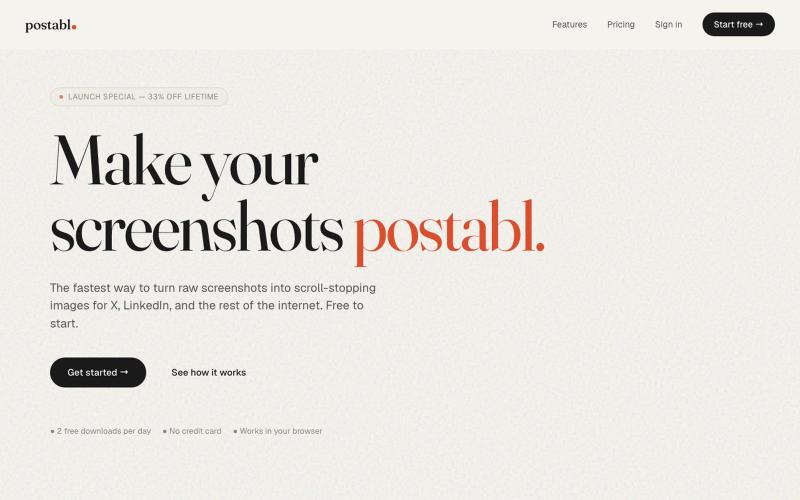
The fastest way to turn raw screenshots into scroll-stopping images for X, LinkedIn, and the rest of the internet.

@soham_nayak04 · X
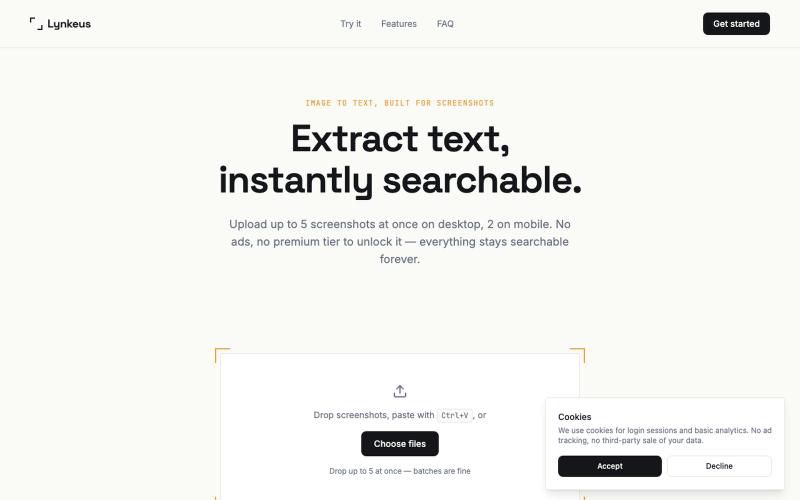
Extract text from screenshots and images, instantly searchable and editable.

@DoriaJefferson3 · X
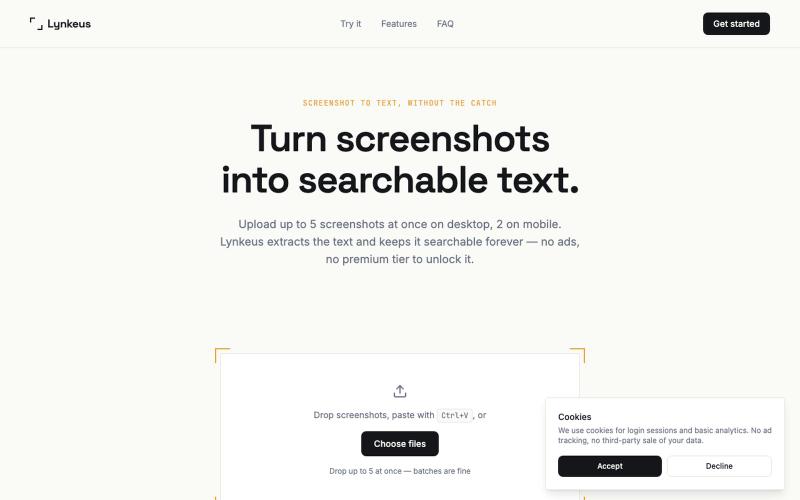
Extract text from screenshots instantly. Free, no ads, searchable history.
@DoriaJefferson3 · X
Checked reviews of a popular screenshot-to-text app before building Lynkeus. Same complaints every time: ads everywhere, $15/week paywall, unusable free tier. Lynkeus has none of that. Upload, extract, search forever — free tier is actually free.
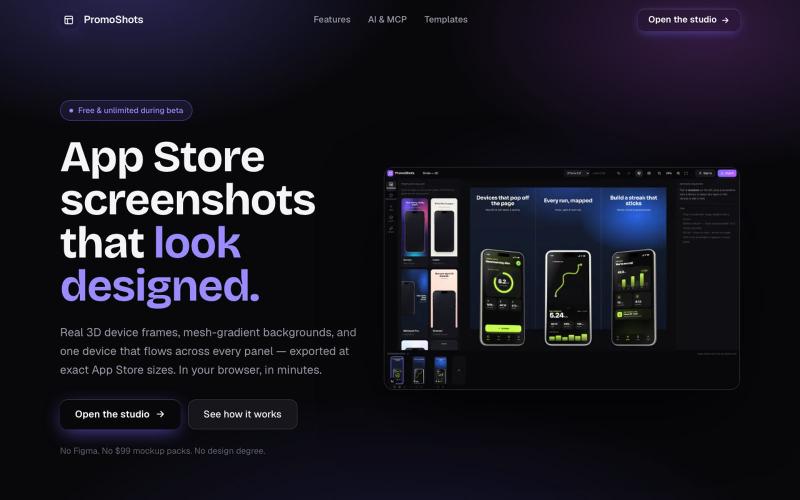
Design App Store screenshot sets with 3D device frames, gradients, and one-click export.

@MSiatrak · X
Checked my Umami stats this morning - straight from Claude Code via my Umami MCP 📊 ~30% of visitors are on mobile… and every single one hit the "desktop only" gate. Shown 11 times, 0 continued past it. A third of traffic couldn't even try it.
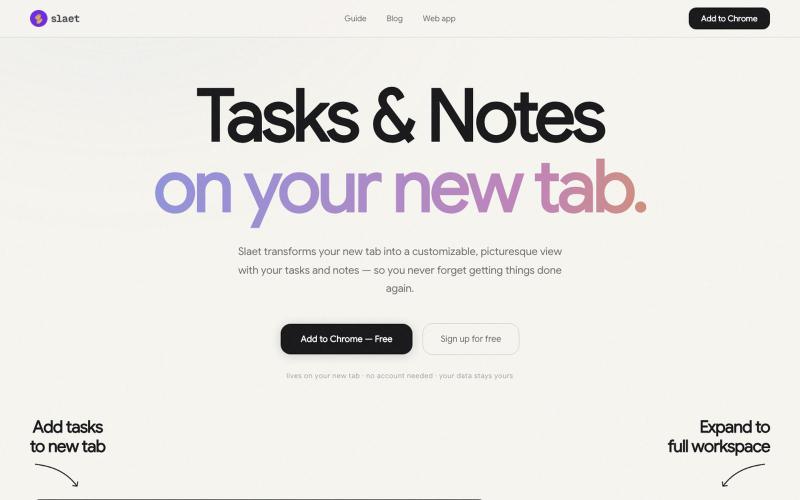
Add custom wallpaper, tasks, notes, and reminders to your Chrome new tab page.

@Slaetapp · X