
Creative Tools1 month ago · 2 tries
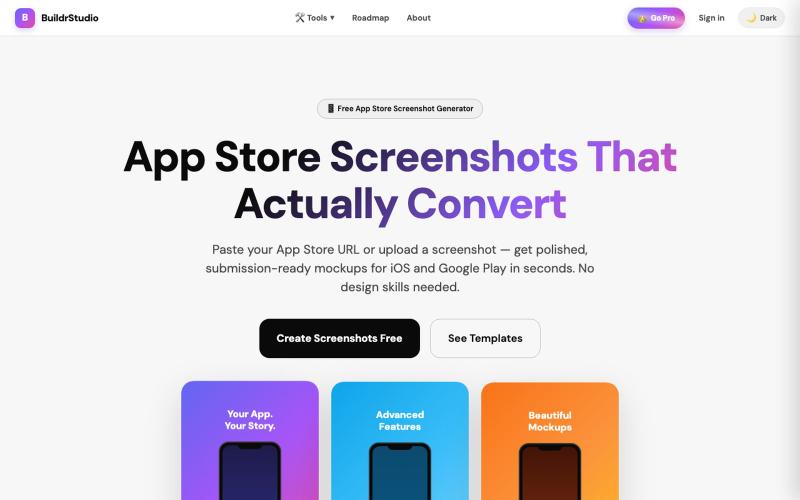
BuildrStudio — Free App Store Screenshot Generator
Generate App Store and Play Store screenshots with AI-powered headlines and device frames.

@buildrstudio · X
The full gallery
Tech stack
23 projects
Generate App Store and Play Store screenshots with AI-powered headlines and device frames.
@buildrstudio · X
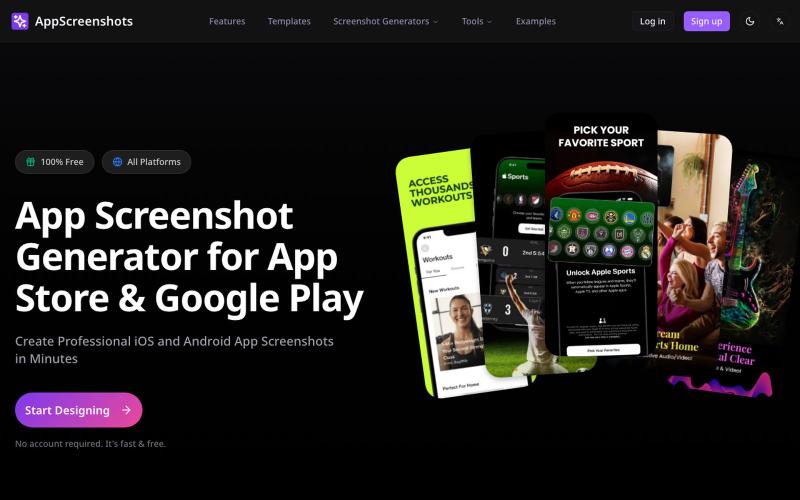
Create app store screenshots with 3D device mockups for iOS and Android apps.
AppScreenshots — 生成应用商店截图,支持 iOS、Android、Chrome、HarmonyOS 等平台,支持 3D 设备展示和 AI 驱动的 Mockup 创建工具
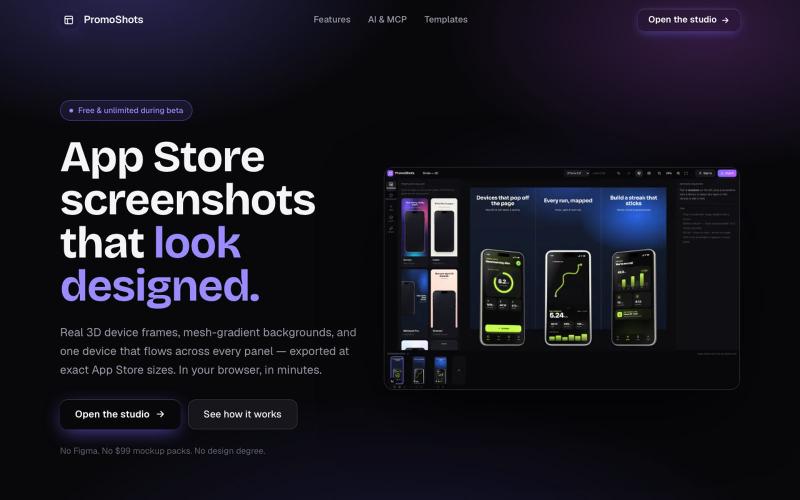
Design App Store screenshot sets with 3D device frames, gradients, and one-click export.

@MSiatrak · X
Checked my Umami stats this morning - straight from Claude Code via my Umami MCP 📊 ~30% of visitors are on mobile… and every single one hit the "desktop only" gate. Shown 11 times, 0 continued past it. A third of traffic couldn't even try it.
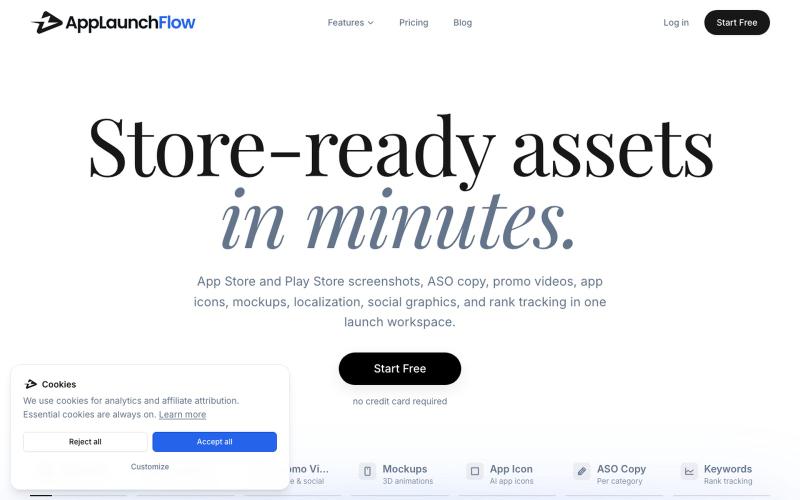
Generate app store and play store screenshots, videos, copy, icons, and marketing assets for your app.
u/Aggravating_Try1332 · Reddit
create app marketing assets using the new ios simulator in claude without leaving the app i built a skill to take screenshots of every page in your app with integration to the AppLaunchFlow MCP so you can create app store screenshots, promo videos, social graphics and more directly from your favourite agent submitted by /u/Aggravating_Try1332 to r/SideProject [link] [comments]
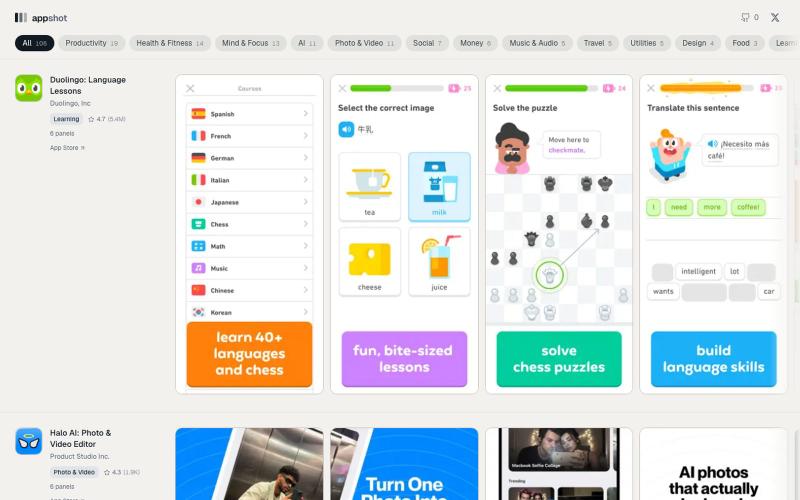
Screenshot sets from apps currently shipping on the iOS App Store, kept in the order they appear on the store page.

@Prasanjit_ui · X
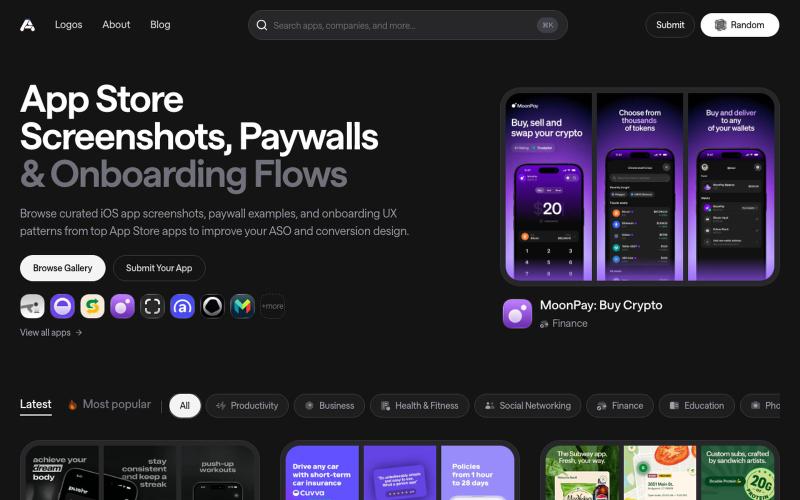
Discover the latest iOS App Store screenshot examples, onboarding ideas, and paywall inspiration.

@taher_max_ · X
Building and
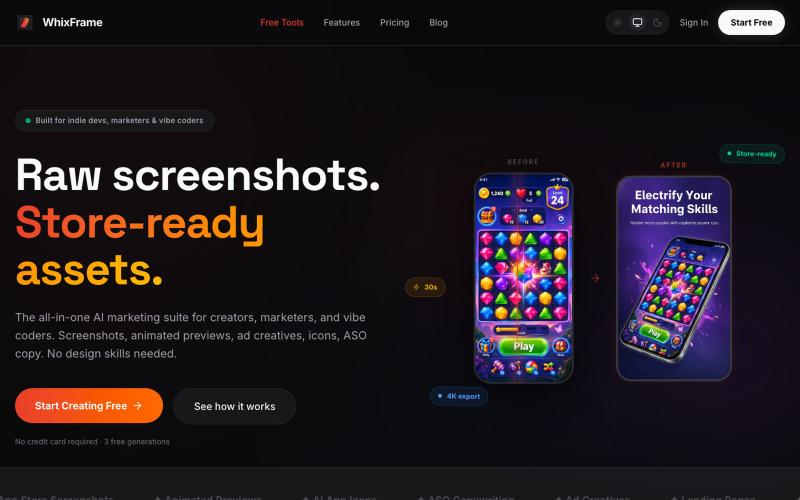
AI tool to create app store screenshots, icons, previews, and ad creatives without design skills.

@Erdousky · X
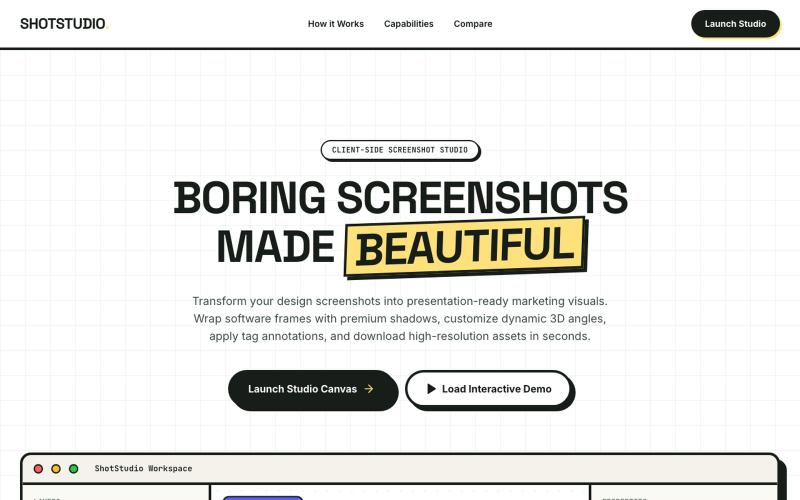
Add device frames, shadows, and annotations to screenshots.

@klein_more88816 · X
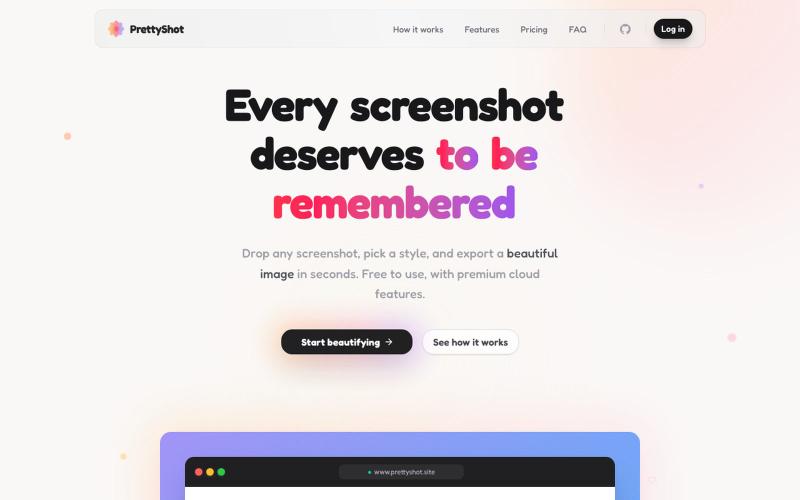
Apply custom styles to screenshots and export them as beautifully formatted images.

@prassami · X
- instantly turns your boring raw screenshots into beautiful images.
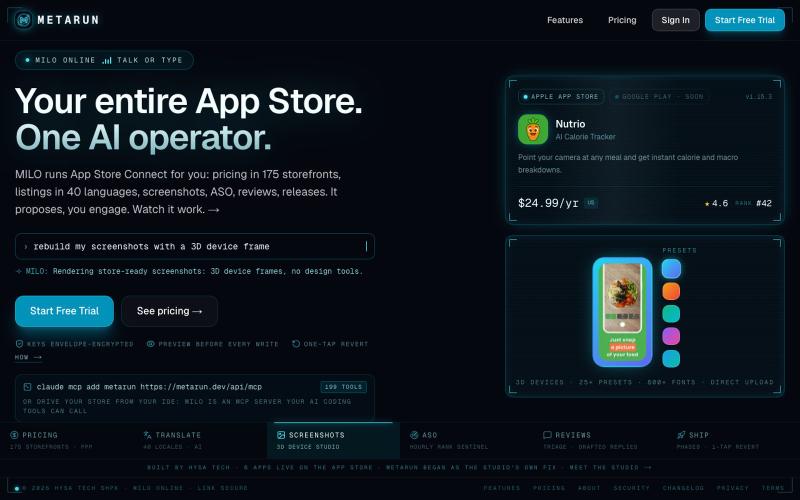
Automate App Store Connect tasks like bulk pricing, screenshots, translation, and releases.

@RedjanHysa · X
App Store Connect makes simple things painful, so I built . Localizing pricing across every available storefront, writing and translating all app's metadata, editing screenshots in one tool and uploading them in another... well, that just takes time from actually building. With MetaRun you have everything in one place: bulk pricing with ppp-based localization, AI-translated metadata, screenshot studio where you edit screenshots, translate them in every language you support and publish them with one click, and many other tools. Oh, you can also use MetaRun directly in Claude Code, Codex, or whatever agent you're using, via MCP, so you never leave your IDE :). Check it out and tell me what you think.
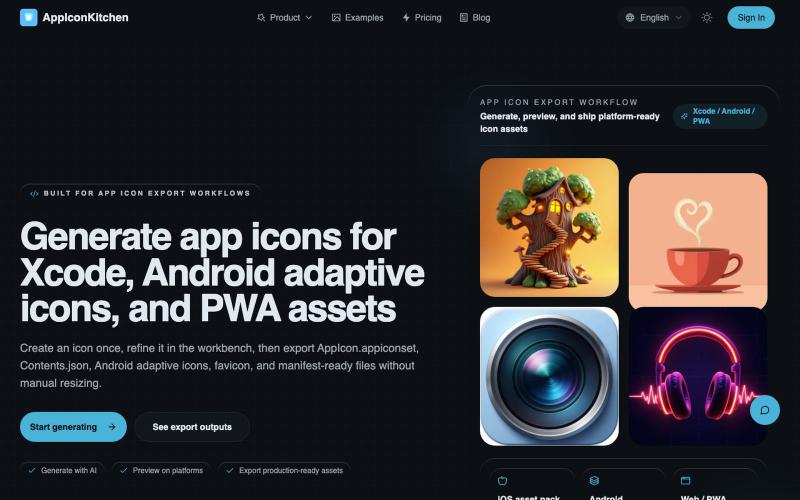
Generate AI app icons and export them optimized for iOS, Android, PWA, and web.
AppIconKitchen — 最好用的免费 AI 应用图标生成器,专为开发者设计。一键导出 iOS、Android(支持自适应图标)和 Web/PWA 全平台资源,完美符合 App Store 和 Google Play 规范。
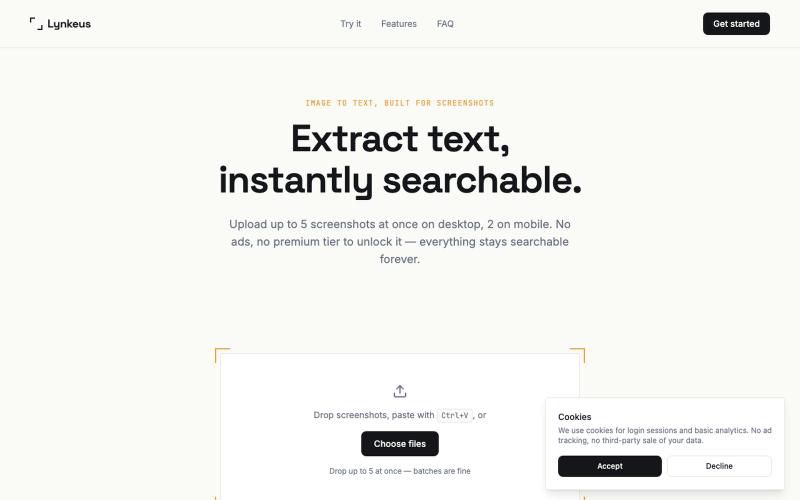
Extract text from screenshots and images, instantly searchable and editable.

@DoriaJefferson3 · X