
Productivity1 month ago
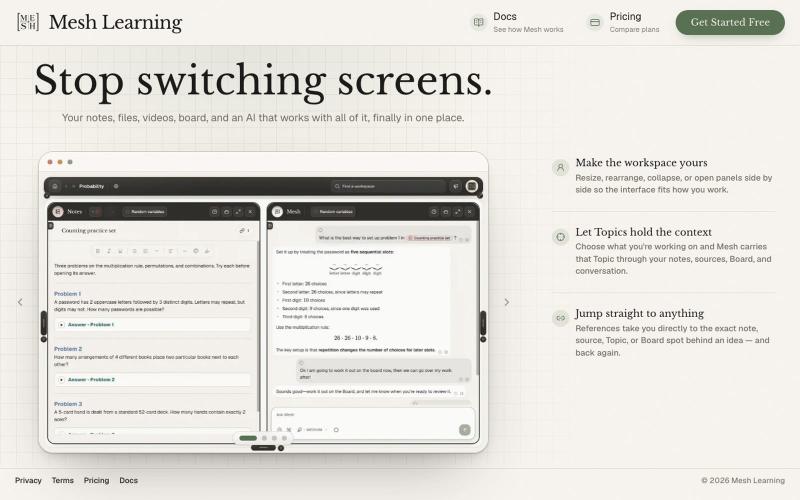
Mesh Learning | Stop switching screens
Consolidates notes, files, videos, and boards in one AI workspace.

@meshlearningAI · X
The full gallery
Tech stack
21 projects
Consolidates notes, files, videos, and boards in one AI workspace.
@meshlearningAI · X
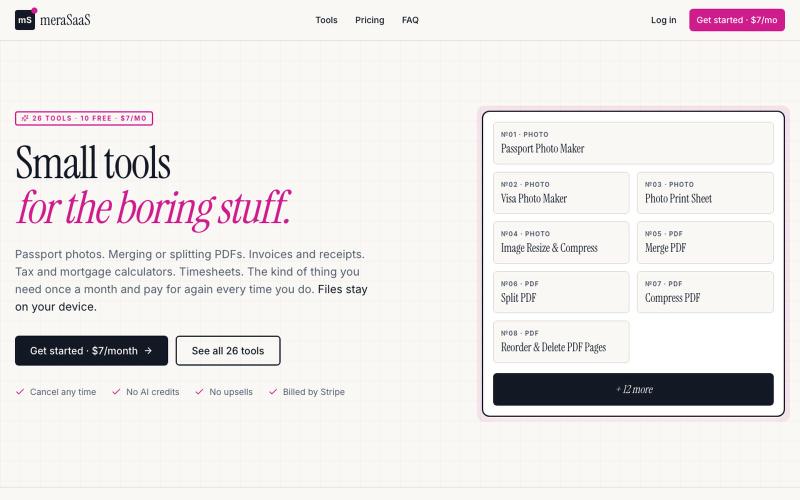
Access 26 online tools for documents, photos, invoices, and personal tasks.

@latent_node · X
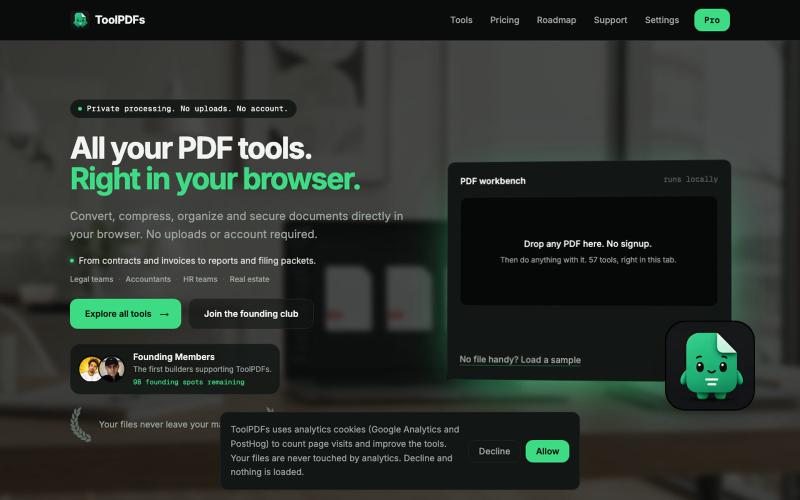
Edit, merge, compress, and convert PDFs with 57 free browser-based tools. No signup, uploads, or watermarks required.

@divvsaxena · X
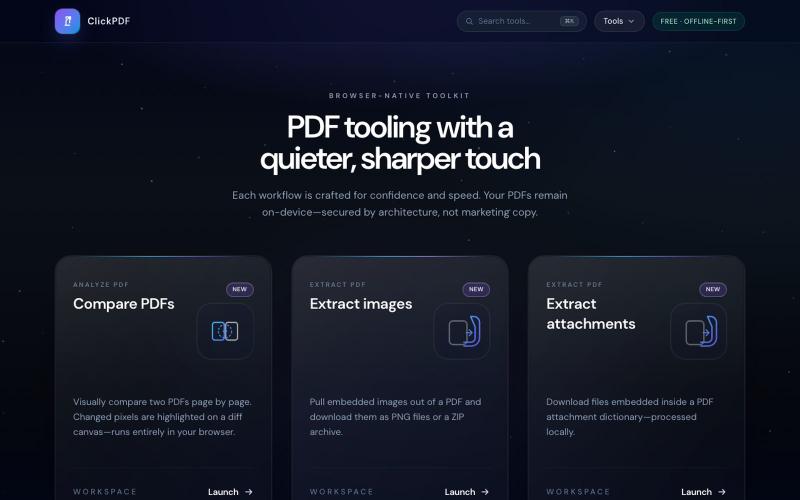
Merge, split, compress, convert, sign, and protect PDFs directly in your browser.

@buildappfactory · X
Our three products
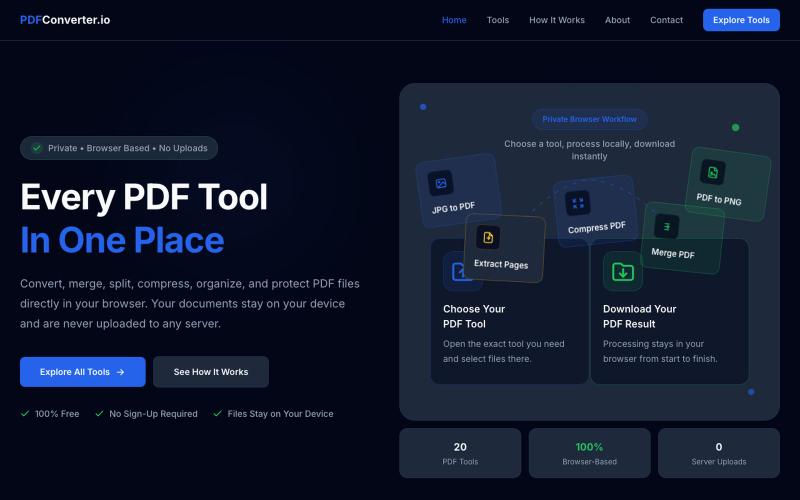
Convert, merge, split, and compress PDF files using 20 free browser-based tools with no server uploads required.

@meuzairqureshi · X

Merge PDFs, compress images, remove backgrounds, and access utilities entirely in your browser.

@damiadeh · X
Your files utility tools stacks in your browser. No uploads, files stays on your pc.
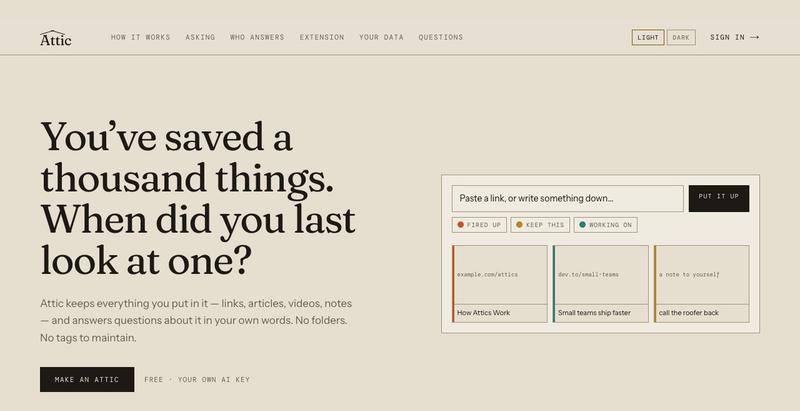
Paste links, videos, or text and ask natural language questions to find what you saved.
u/Personal-Ad-131 · Reddit
Built a bookmarking app you can ask questions It's called Attic. You paste in links, videos or plain text. Later you can ask it things in normal language: "what have I been reading about lately", "what did I save and never open again". Each answer lists the saved items it used, so you can check it. It runs on your own API key (Anthropic, OpenAI or Gemini) Free while I work out what it should be. No card. Would like feedback on where to take this. Is asking questions about your own saved s
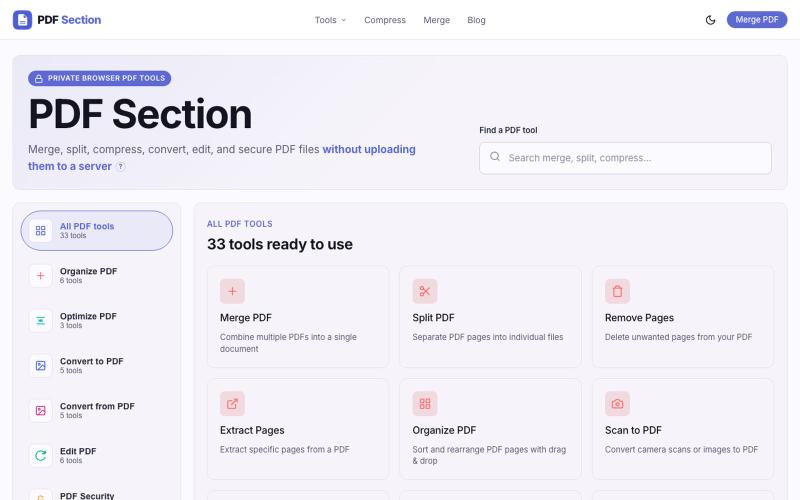
Merge, split, compress, and convert PDFs in your browser without uploading files.

@muzammilkarimi · X
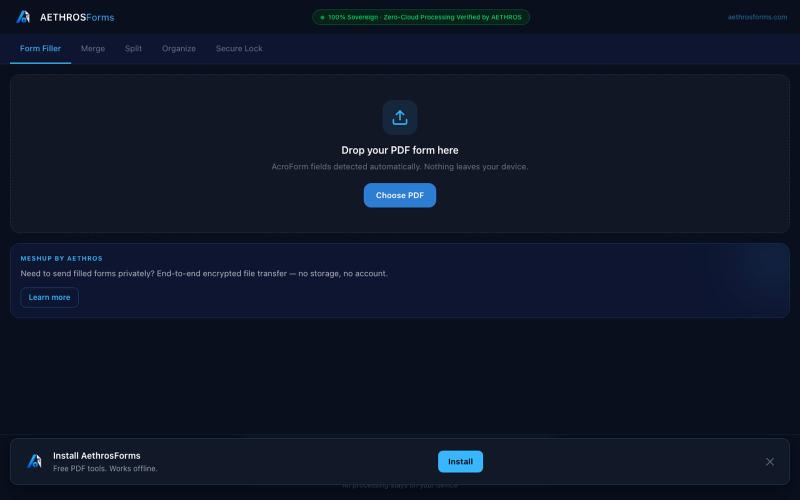
Fill, merge, split, organize, and encrypt PDFs entirely in your browser without uploads.

@aethrosX · X
- a free pdf utility tools
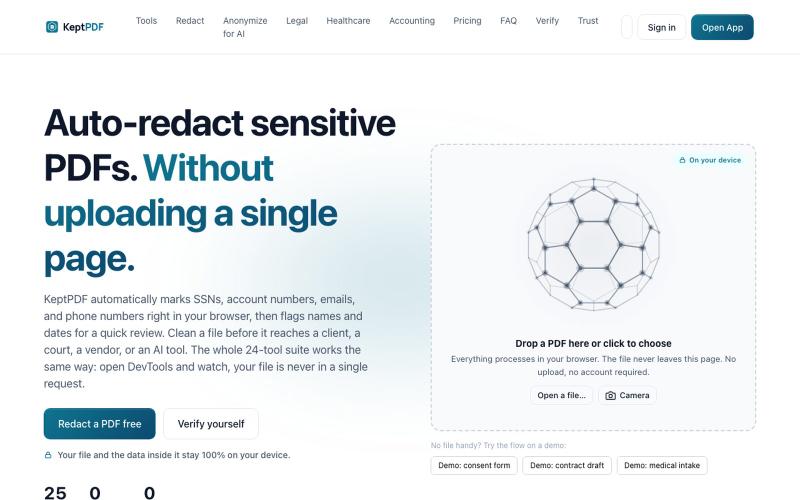
Redact, edit, OCR, and sign PDFs in your browser without uploading files.
u/jwwpua · Reddit
I built a PDF redactor that auto-detects names, SSNs, and account numbers without sending your file anywhere - works on your phone too. Free, no sign-up. Plenty of redaction tools upload your file to their server first (no thanks for legal/medical/tax docs). Some keep the file local but send the text off to an AI, so the text still leaves. And most of the truly local ones only let you draw black boxes by hand, which is how those "redacted" documents in the news keep getting un-r
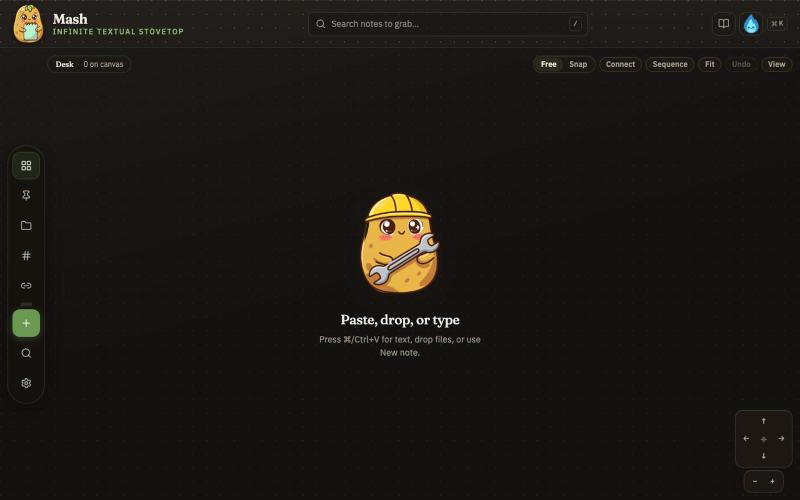
Combine notes on an infinite canvas and export sequences as PDF pages.

@JonnyD · X
I'm happy to announce "Mash" A local first browser based app for compiling notes and ideas on an infinite canvas. Make as many notes as you want, drag and drop to "Mash" them by combining. Create "sequences" that allow you to export a pdf with each sticky as it's own page. Drop in PDF or DocX or images to easily browse the file and select your favorite clippings to a new canvas, and manipulate them or export them how you want to. Drop a GIF to get all the individual frames. Mash features a roster of cute food themed mascots because this is your infinite textual stove top. Pull in some ingredients, mash them together, stitch them together, arrange them into a flow chart, whatever you find useful, and then get out quickly. Mash is for the little moments that speed up work, and the spontaneous thoughts that inspire new directions. There is no fancy AI feature, no data collection, no login, just a utility for you. Free open source licence. Run it offline if you want
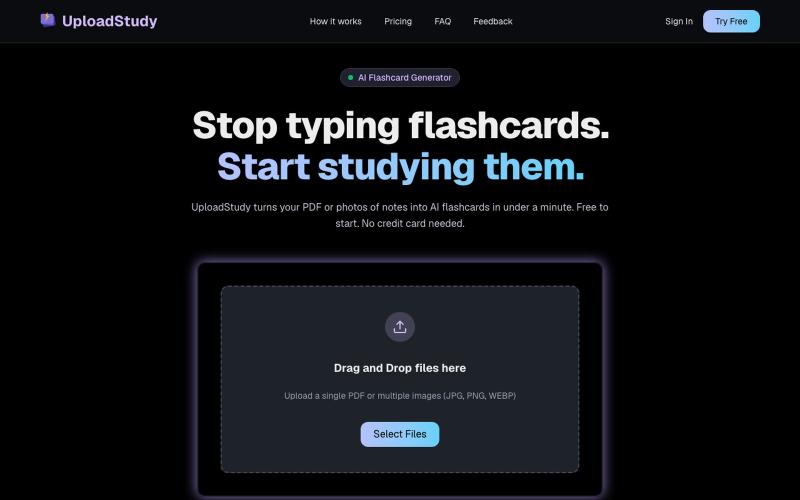
Generate AI flashcards from PDF documents or photos of your notes.

@MrDave_id · X
I built an ai flashcard generator