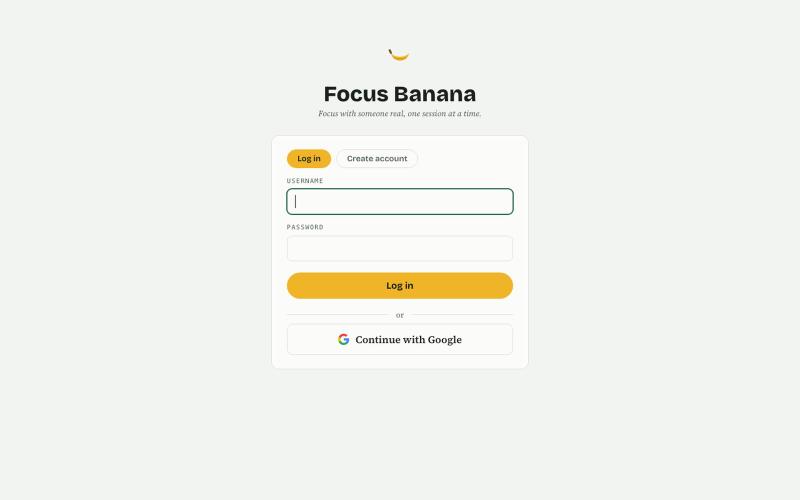
Focus Banana — focus with someone real
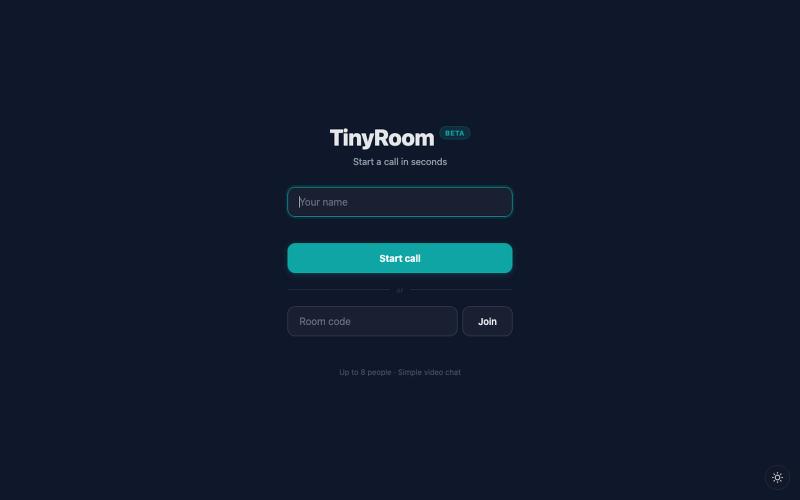
Book 1:1 video coworking with real people and structured session goals.
@indie_rok · X
Built with codex: An app for coworking in group, it pairs you with people to cowork together while gamifing the process:
The full gallery
Tech stack
22 projects

Book 1:1 video coworking with real people and structured session goals.
@indie_rok · X
Built with codex: An app for coworking in group, it pairs you with people to cowork together while gamifing the process:

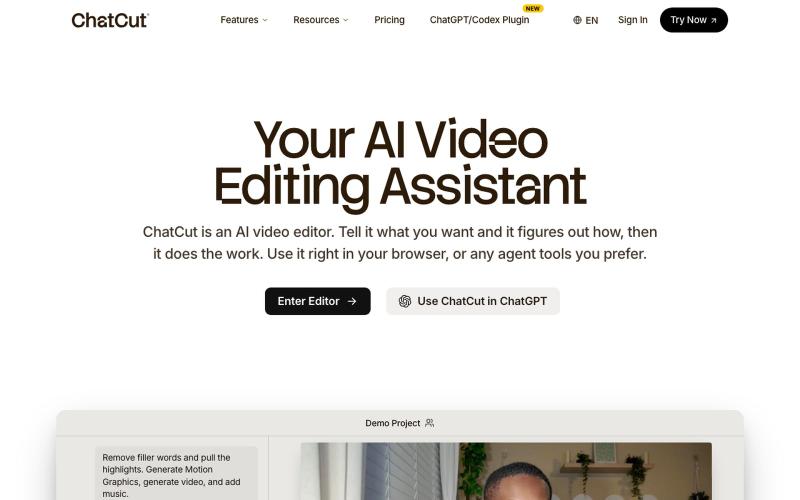
Edit videos using text prompts in ChatGPT, web, or desktop app.
zaczuo · Product Hunt
ChatCut Your AI video editor in ChatGPT, desktop, and web

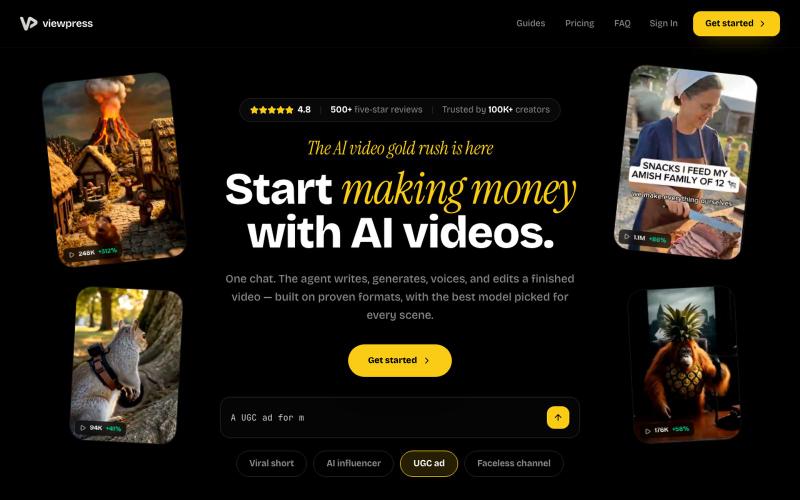
Create videos entirely through a single chat interface with AI-generated writing, voiceover, and editing.
u/Real-Estate-Agentx44 · Reddit
Built an AI video tool where one chat writes, voices, generates, and edits the whole video - is all-in-one actually useful or do you prefer separate tools? I've been building ViewPress AI , an AI video generator, and I'm at the point where I want honest feedback before I keep pushing in one direction. Instead of jumping between a script tool, a voice tool, an image/video generator, and an editor, you describe what you want in one chat and the agent handles the whole thing. It

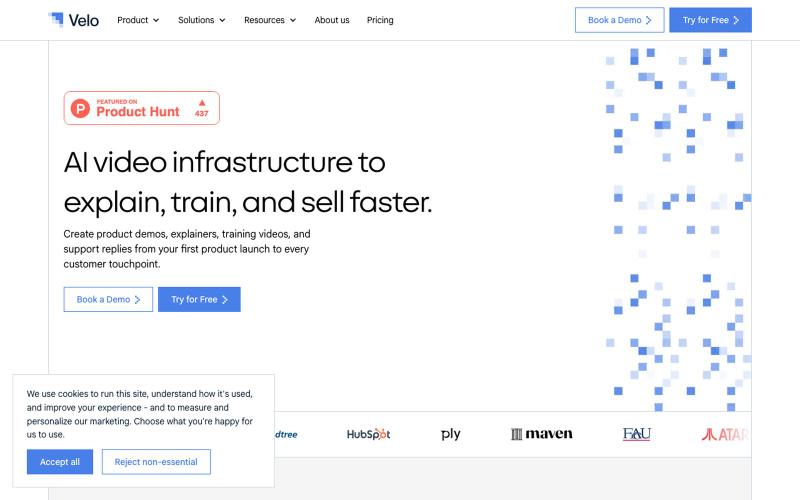
Generate videos from company context for demos, explainers, training, and support.
rohanrecommends · Product Hunt
Velo 3.0 AI video infrastructure to explain, train, and sell faster.

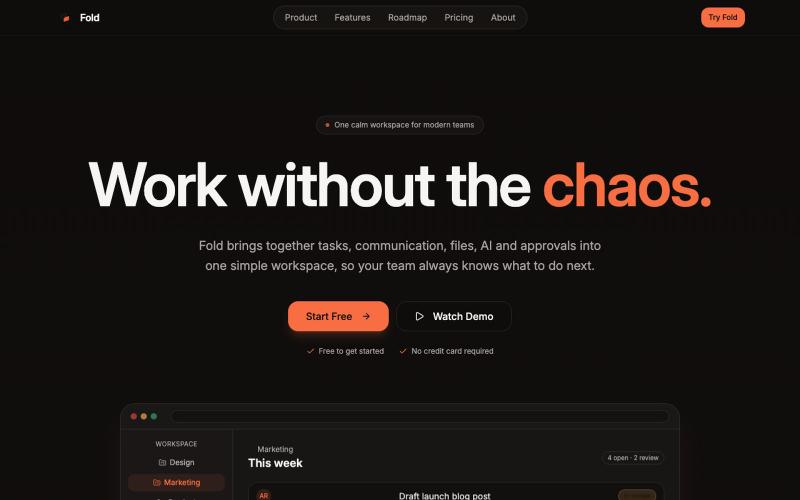
Organize your team's tasks, files, and chat in a single shared workspace.
@foldtaskapp · X

Create narrated training videos from PDFs and documents using AI-generated slide decks.
u/No-Tap6993 · Reddit
I built a slide deck video builder Most AI generated visual can look like slop. I built a slide deck video builder for training content. It generates beautiful slide decks from 18 templates, adds voice over, allows post editing, and finally export to mp4. Check it out at https://inkbolt.ai and let me know what you think! I have to give a shout out to this repo for inspiring how to do design properly with AI. https://github.com/zarazhangrui/frontend-slides submitted b

Automatically add captions, cuts and zooms to talking-head videos for social media.
@subtions · X
create publishing ready videos in under 40 seconds. Join the waitlist to get a month of pro free:

AI-powered video and image review tool with transcription and pixel-accurate commenting for creative teams.
@codesharpdev · X

Browser-based tools for video and audio compression, cropping, merging, and conversion without uploading files.
zhw2590582 · V2EX
最近对网站进行了重构,做成了免费的视频工具站:[ArtPlayer Tools]( https://artplayer.org/tools/) 主要是围绕着 ffmpeg.wasm 和 mediabunny 实现的一些可以直接在浏览器里用的视频/音频工具,常用的有: - 视频压缩:[Compress Video]( https://artplayer.org/compress-video/) - 视频裁剪:[Crop Video]( https://artplayer.org/crop-video/) - 视频合并:[Merge Video]( https://artplayer.org/merge-video/) - 视频尺寸调整:[Resize Video]( https://artplayer.org/resize-video/) - 视频旋转:[Rotate Video]( https://artplayer.org/rotate-video/) - 视频调速:[Change Video Speed]( https://artplayer.org/change-video-speed/) - 添加文字到视频:[Add Text to Video]( https://artplayer.org/add-text-to-video/) - 添加水印:[Watermark Video]( https://artplayer.org/watermark-video/) - 提取字幕:[Subtitle Editor]( https://artplayer.org/subtitle-editor/) - HLS 转 MP4:[HLS to MP4]( https://artplayer.org/hls-to-mp4/) - 音频可视化:[Audio Visualizer]( https://artplayer.org/audio-visualizer/) 大部分工具都是本地处理,文件不会上传到服务器。最开始是因为自己偶尔要处理一些视频,开剪辑软件又有点重,在线工具又担心隐私,所以就慢慢做成了一个站。 目前还在持续完善,体验肯定还有不少粗糙的地方,比如不同浏览器的兼容、移动端操作、长视频性能之类的。 网站: [ArtPlayer Tools]( https:

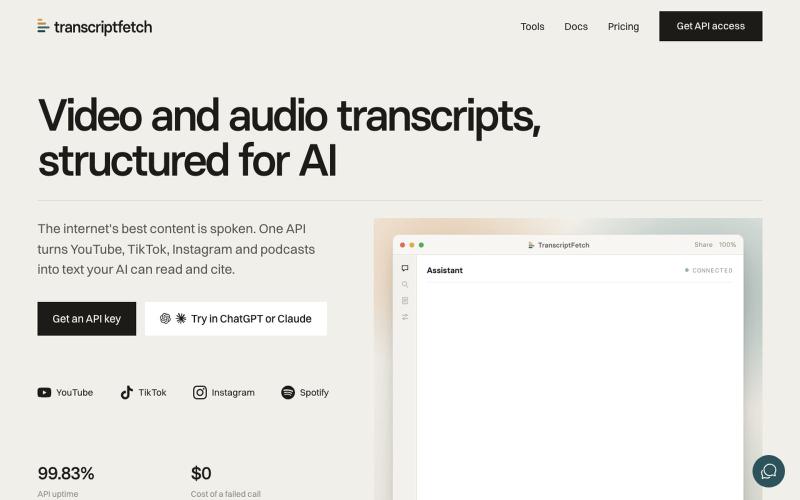
Paste a YouTube URL and get an instant AI summary with key takeaways and timestamps.
@papipava · X
check it out, currently working on adding a chrome extension

Search YouTube channel transcripts to research content and build fair-use clips.
@johncalvo · X
Built an entire YouTube research platform with @AnthropicAI Claude Code. a YouTube research tool that treats entire channels as a searchable transcript database rather than individual videos. Any YouTube channel. Every word. Fully searchable. Track how topics trend, peak, and evolve across hundreds of videos. Researching what someone said on YouTube means watching hours of footage and hoping you find it. ChannelScout extracts full transcripts from any channel, makes every word instantly searchable, and tracks how topics trend over time, without watching a single video manually. Paste a YouTube channel or playlist URL and it transcribes and indexes every transcript. Follow multiple channels and they all land in one private library. New videos on followed channels are auto-transcribed and added to your library the day they publish. Beyond YouTube it accepts any yt-dlp-supported URL including Vimeo, TED, and SoundCloud, and you can upload local files directly

Record and edit screen videos locally with no cloud storage or uploads.
@MarkZofMarkZ · X
Screen Recorder that doesn't share your recordings to the cloud: