
Creative Tools3 weeks ago
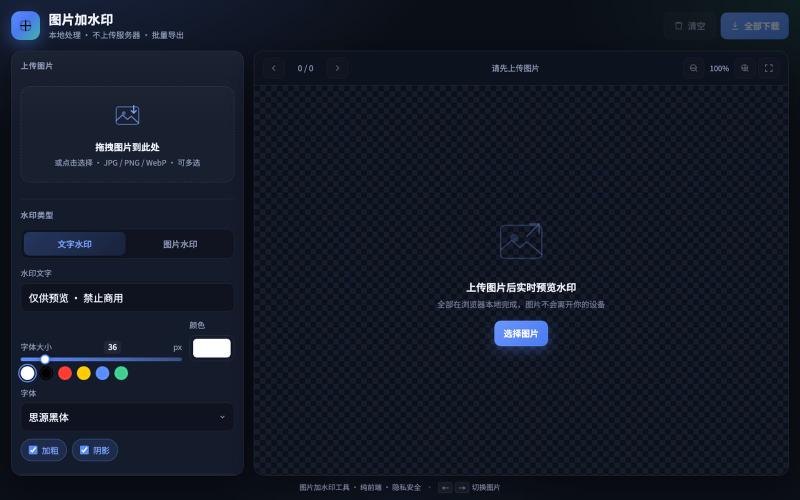
图片加水印工具
Add text and image watermarks to your photos with batch export and real-time preview.

@JFGAi · X
现在平台倡导保护原创 我做了一个给图片加水印web网站! 不留痕、可批量处理、实时预览,免费永久使用! 你的照片/作品担心被盗用,从今天开始给它上把锁🔒
The full gallery
Tech stack
28 projects
Add text and image watermarks to your photos with batch export and real-time preview.
@JFGAi · X
现在平台倡导保护原创 我做了一个给图片加水印web网站! 不留痕、可批量处理、实时预览,免费永久使用! 你的照片/作品担心被盗用,从今天开始给它上把锁🔒
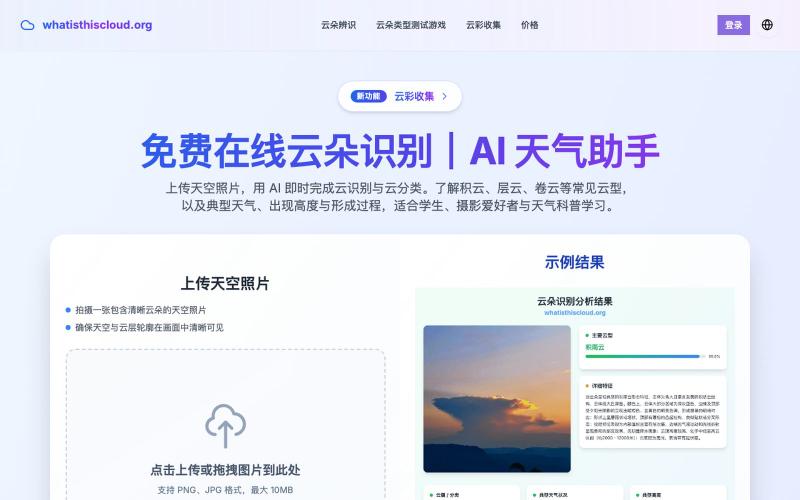
Upload a sky photo for AI-powered cloud identification and educational weather information.
在线云朵识别 — 上传天空照片,用 AI 即时完成云识别与云分类,了解积云、层云、卷云等常见云型及典型天气、出现高度与形成过程,适合学生、摄影爱好者与天气科普学习。
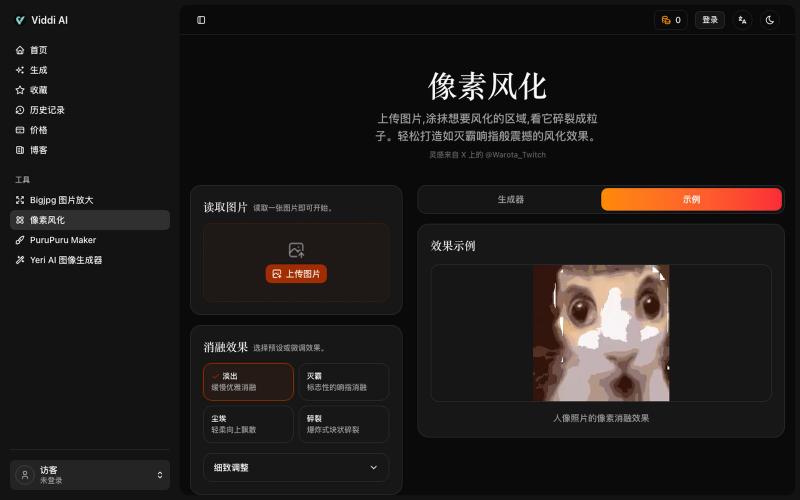
Upload an image and paint areas to dissolve them into pixel particles.

@wanai666 · X
我做了一个,左边这个网站点进去可以用
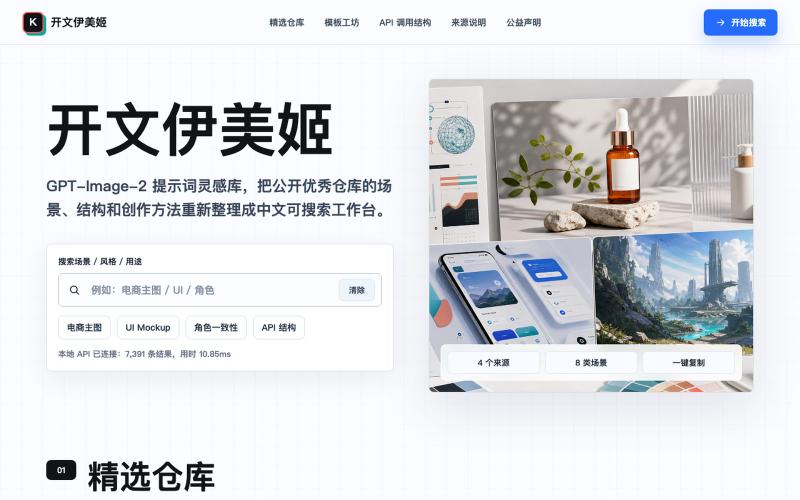
A prompt inspiration library for GPT-Image-2 with creation scenarios, templates, and API examples.

@GreatbinVip · X
我做了一个更完整的免费网站,不用去部署,打开网页就能用。
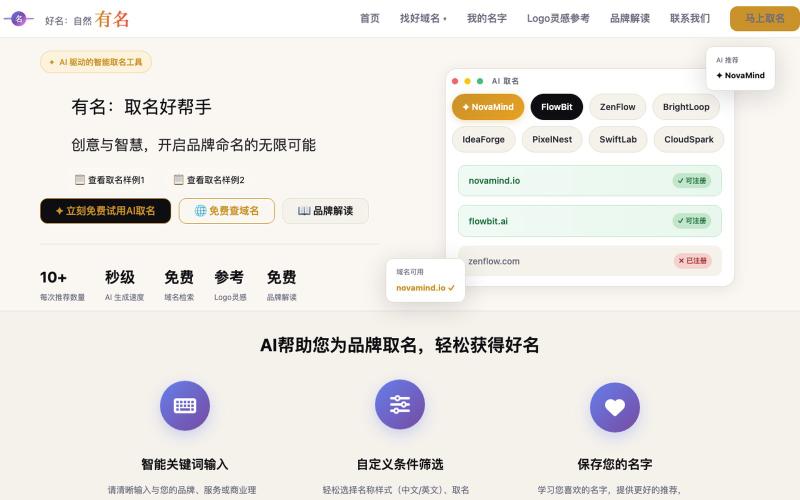
Generate unique business and product names with AI, plus find matching domains and logos.
有名 — 用 AI 取好名字的网站,找到独特、易于品牌化的名称
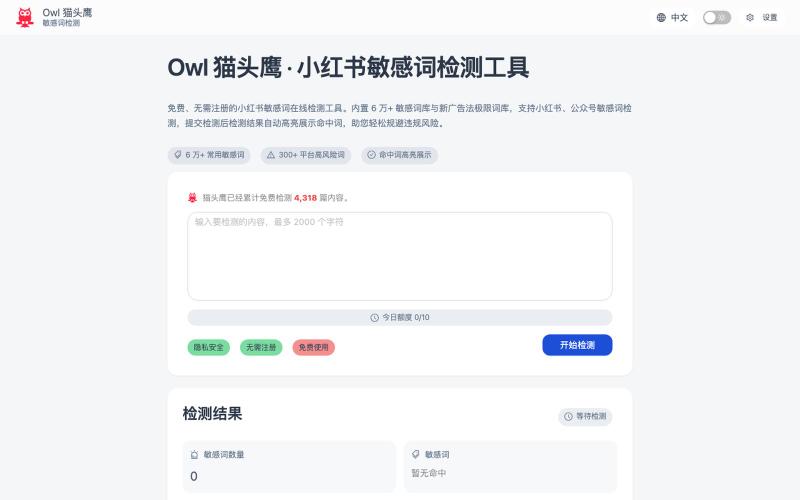
Free online tool for detecting sensitive words in Chinese social media content before posting.
Owl 猫头鹰 — 小红书公众号在线敏感词检测工具。我做了半年自媒体之后才发现需要规避平台敏感词,但是之前用的工具停服了,市面上其他的需要登录或者关注他们的公众号才可以使用,于是我 vibe coding 了一个敏感词检测工具,词库是根据网上找的,精简下来有 6 万多个。用了 cloudflare 的开发者穷鬼套餐,所以每人每天限制 10 次,主要是防止第三方调接口把额度耗完大家都没得用,应该对于
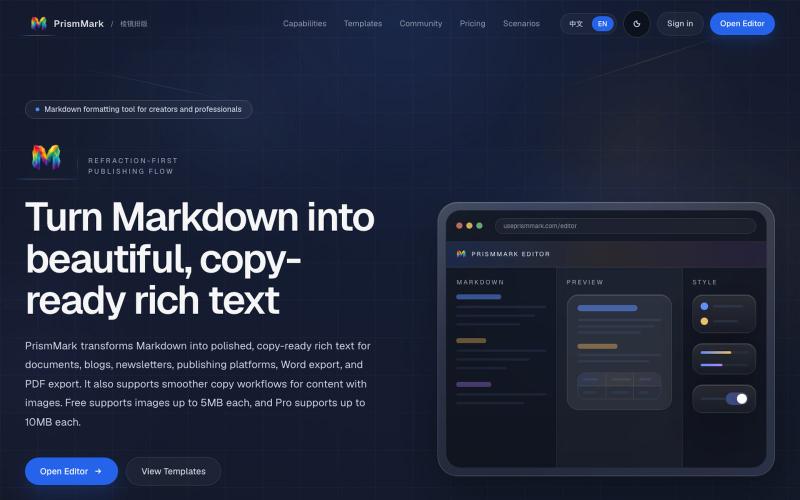
Convert Markdown to formatted content for WeChat Official Accounts, Word, and PDF export.

@bingobray · X
我做了一个类似的工具: 除了支持公众号,还支持word和pdf😁

Convert photos or text into cartoon images in Disney, Ghibli, or Pixar styles.
免费在线 AI 卡通图片生成工具 — 将文本和照片转换为令人惊艳的卡通风格图像。它提供多种艺术风格、丰富的自定义选项和高质量的输出,让用户轻松创建独特的头像、社交媒体内容和品牌插画
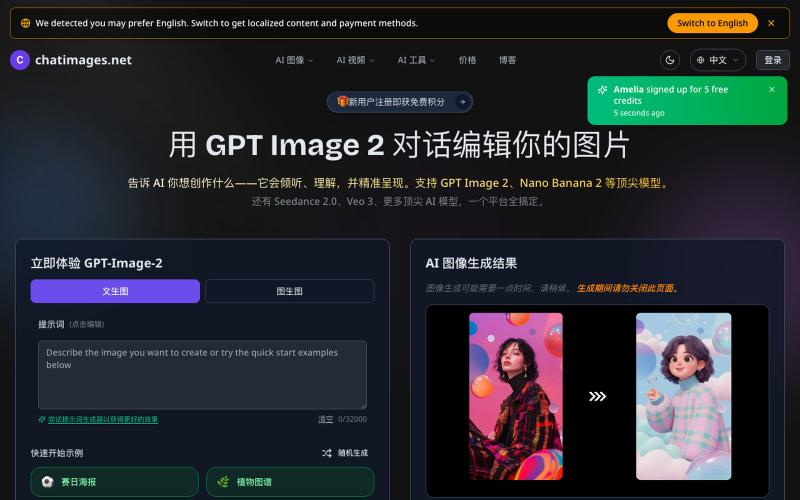
Create and edit AI images and videos with text prompts.
GPT Image 2 — 由 OpenAI 最先进图像模型支持的一站式图像生成与编辑工具

软著宝 — AI 生成全套软著材料(包括 8 张软件截图、详细图文文档鉴别材料、60 页原创源代码等)- [更多介绍](https://ruanzhubao.com/blogs/ruanzhubao-shuomingshu)
软著宝 — AI 生成全套软著材料(包括 8 张软件截图、详细图文文档鉴别材料、60 页原创源代码等)- [更多介绍](https://ruanzhubao.com/blogs/ruanzhubao-shuomingshu)
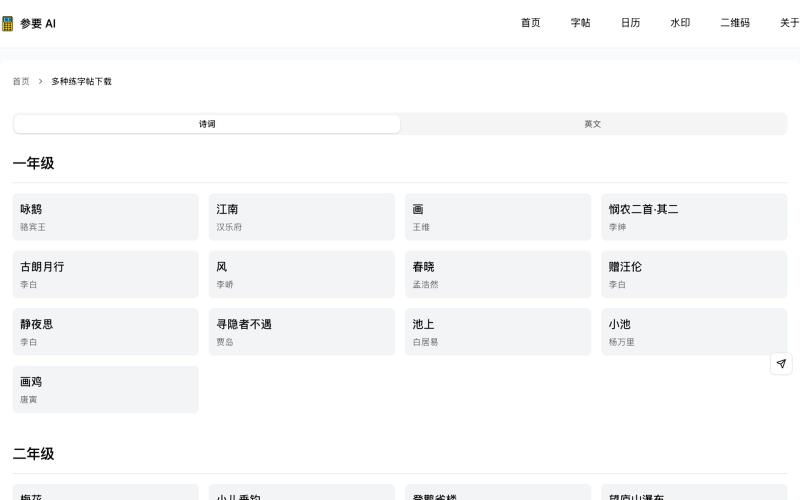
Generate printable Chinese character practice sheets with poetry content.
参要 AI - 诗词字帖 — 用诗词作为练字内容,又练字又温习诗词,双倍收获
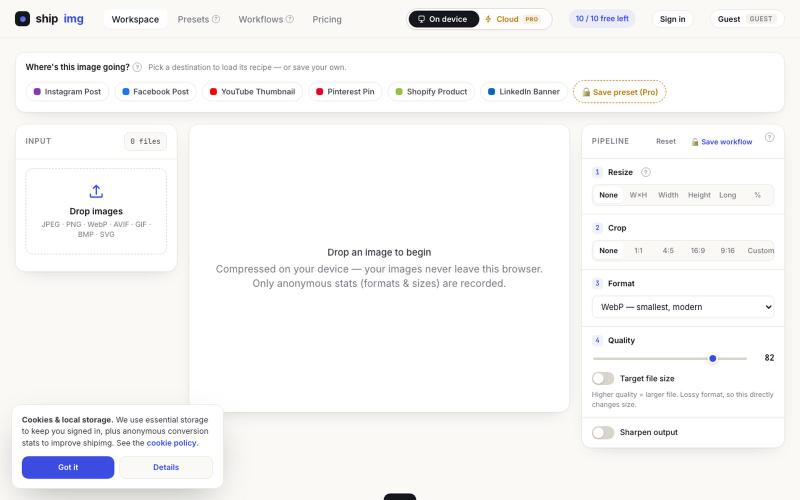
Convert and compress images in multiple formats directly in your browser without uploading files.

@SamoreVaibhav · X
The online image converter experience: → upload → wait → download → "free limit reached, upgrade now" → open competitor site → upload the same files AGAIN → next week: which site was it? what size did I use?? I got tired of this loop. So I built Runs 100% in your browser — files never upload, so there's no limit to hit. Save your presets once, they're there forever. My first SaaS. Launching in public 😁