
Utilities1 month ago
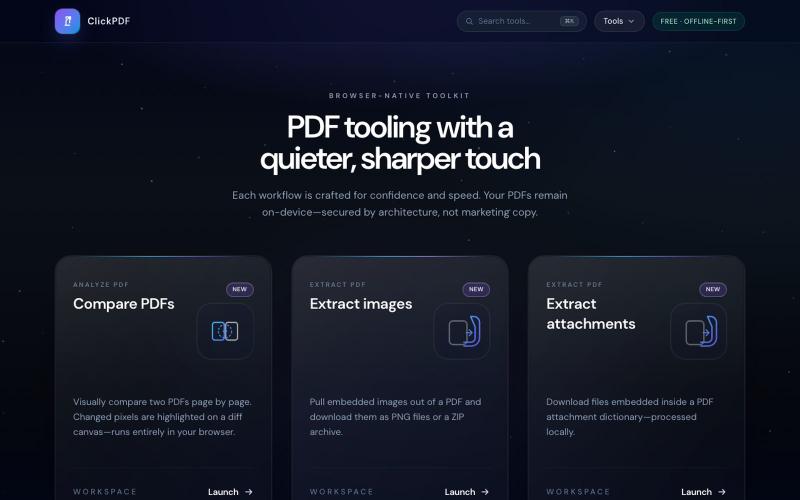
Free PDF Tools Online — Merge, Split, Compress & More | ClickPDF
Merge, split, compress, convert, sign, and protect PDFs directly in your browser.

@buildappfactory · X
Our three products
The full gallery
Tech stack
115 projects
Merge, split, compress, convert, sign, and protect PDFs directly in your browser.
@buildappfactory · X
Our three products
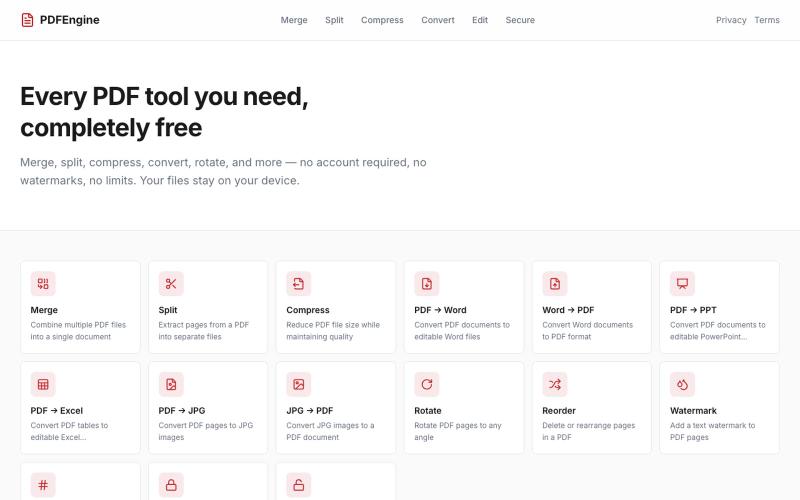
Merge, split, compress, convert, and rotate PDFs online for free with no signup required.
u/Successful_Respond31 · Reddit
My first "vibe coding" experiment: I built a 100% free, client-side PDF engine with zero backend uploads Hey Reddit, I’ve been watching the "vibe coding" trend and decided to run an experiment: building a complete, production-ready web utility entirely through prompt-based AI coding. The result is PDFEngine ( https://pdfengine-neon.vercel.app ). I got tired of online PDF converters that force you to create an account, cap you at 2 files per day behind a paywall, or upload your sensiti
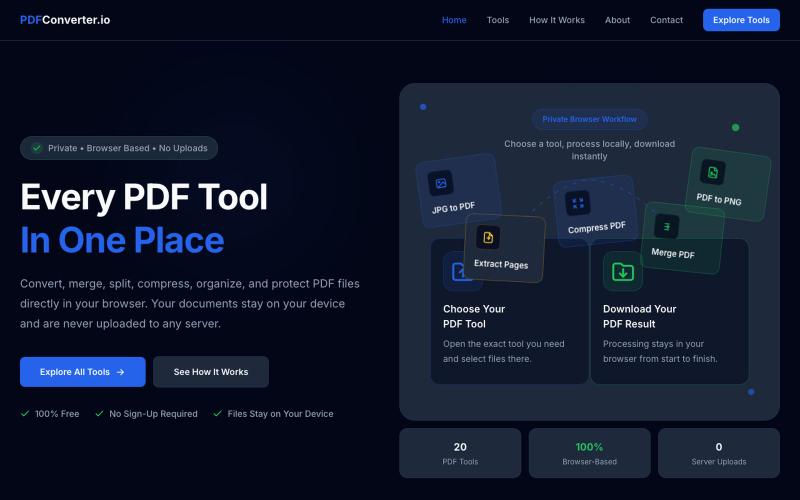
Convert, merge, split, and compress PDF files using 20 free browser-based tools with no server uploads required.

@meuzairqureshi · X
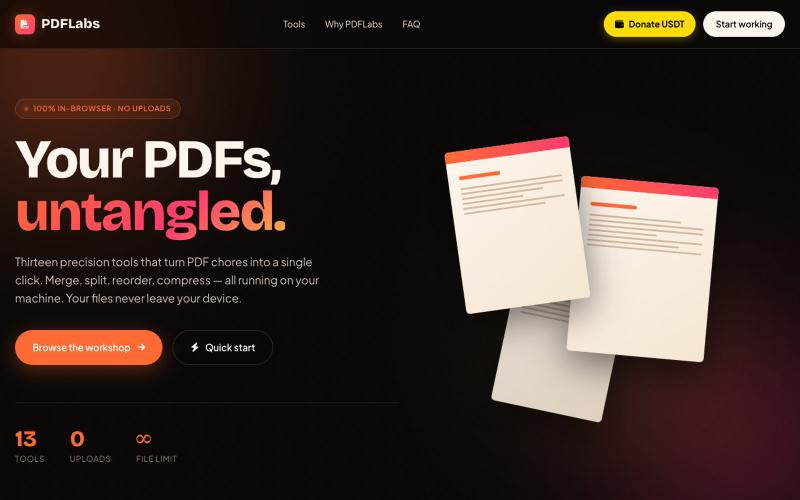
Merge, split, compress, and convert PDFs in your browser entirely offline.

@no_hitori69465 · X
*"I just launched PDFLabs! 🚀 A free PDF toolkit (merge, split, compress) that runs 100% in your browser. No servers, no uploads, 100% private. Built with vanilla JS and pdf-lib. Try it out and let me know what you think! [ #buildinpublic #100DaysOfCode
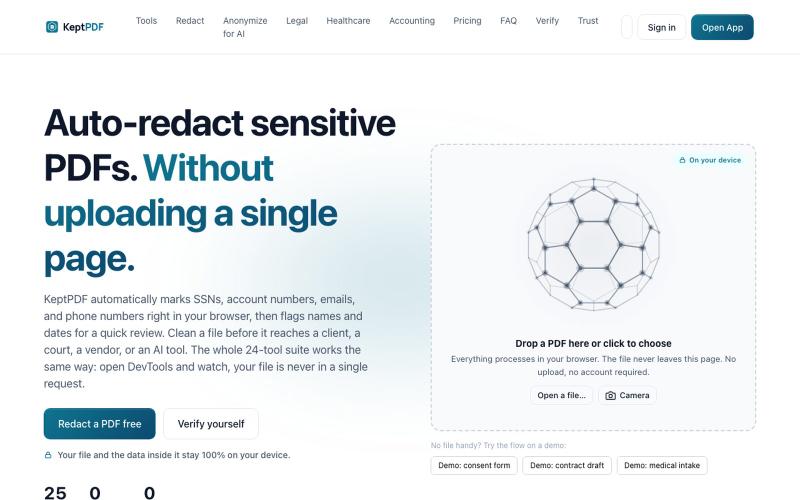
Redact, edit, OCR, and sign PDFs in your browser without uploading files.
u/jwwpua · Reddit
I built a PDF redactor that auto-detects names, SSNs, and account numbers without sending your file anywhere - works on your phone too. Free, no sign-up. Plenty of redaction tools upload your file to their server first (no thanks for legal/medical/tax docs). Some keep the file local but send the text off to an AI, so the text still leaves. And most of the truly local ones only let you draw black boxes by hand, which is how those "redacted" documents in the news keep getting un-r
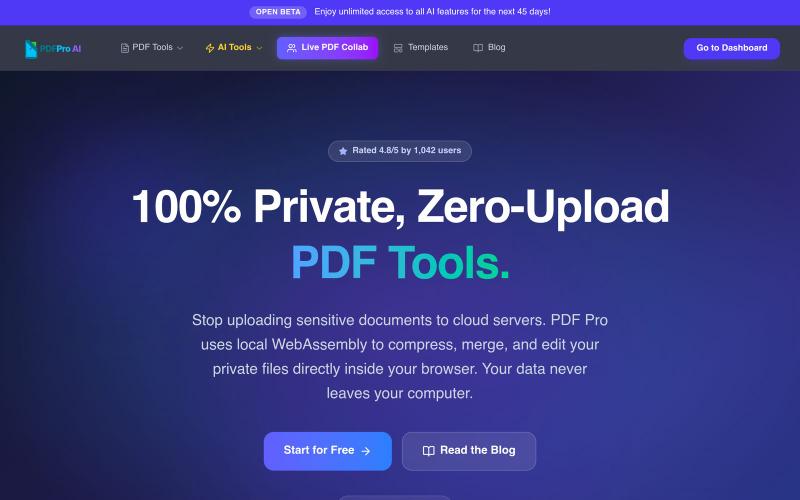
Edit PDFs in your browser with compression, merging, AI analysis, and no cloud uploads.

@pdfproindia · X
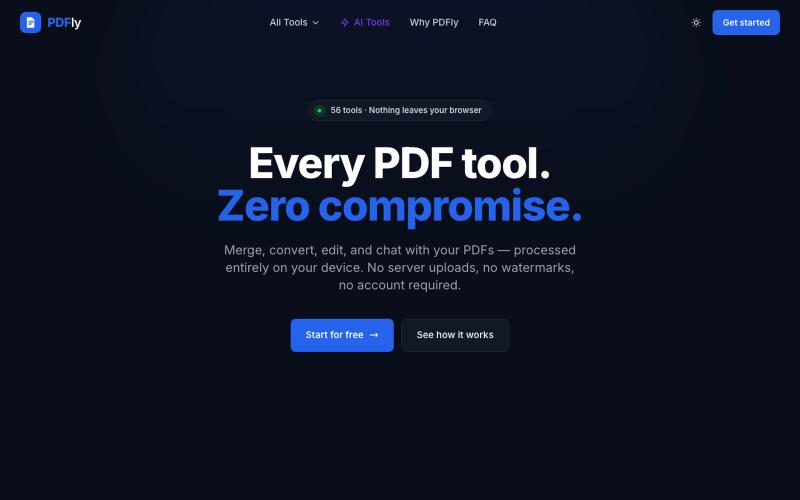
Free browser-based PDF toolkit with 56 tools including merge, split, compress, convert, sign, and AI chat.
pagalannu01 · HN
PDFly – 56 free PDF tools that run in the browser
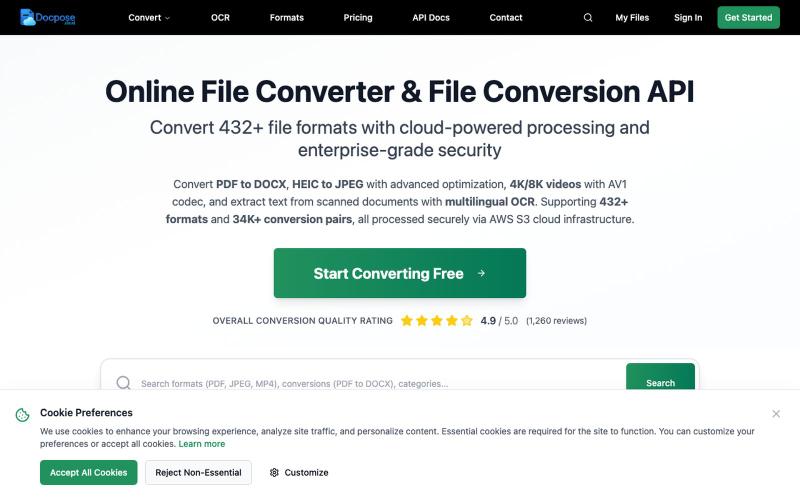
Convert and view documents, PDFs, and various file formats online.

@FileProInfo1 · X
🚀 has successfully launched! helps users convert, view, process, and manage files online — including documents, PDFs, OCR, archives, email formats, and more. We’re excited to share it with the community. Check it out here:
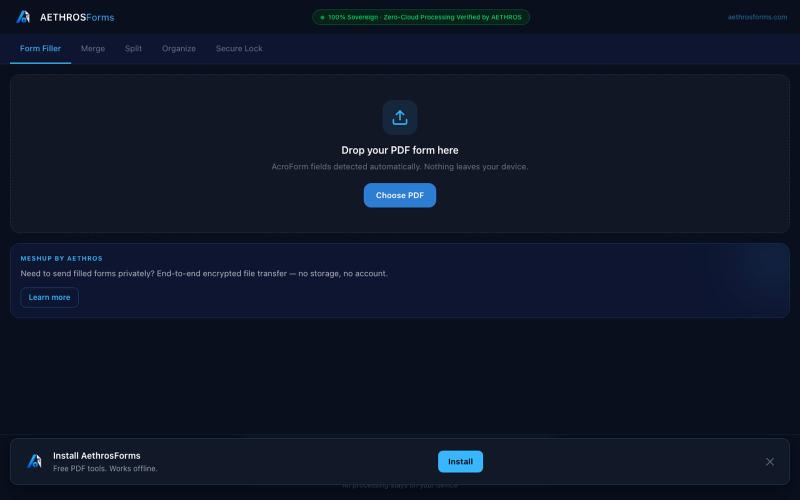
Fill, merge, split, organize, and encrypt PDFs entirely in your browser without uploads.

@aethrosX · X
- a free pdf utility tools
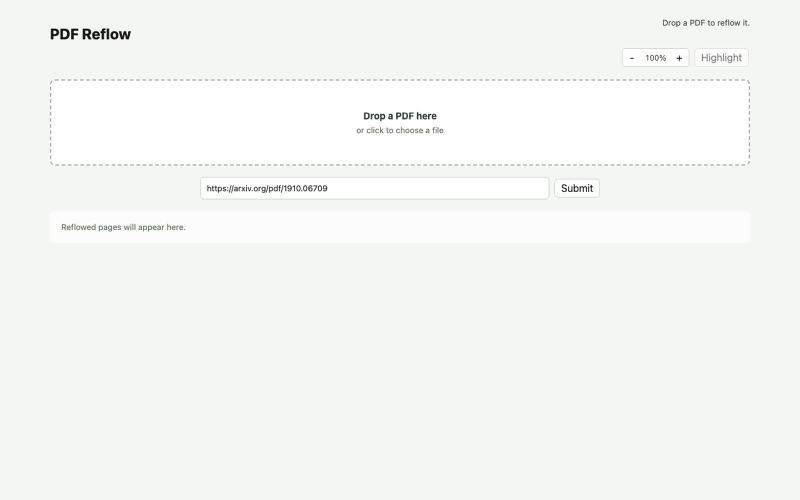
Reflow PDFs in your browser using a local AI model.
ldenoue · HN
Show HN: PDF reflow in the browser with local AI model
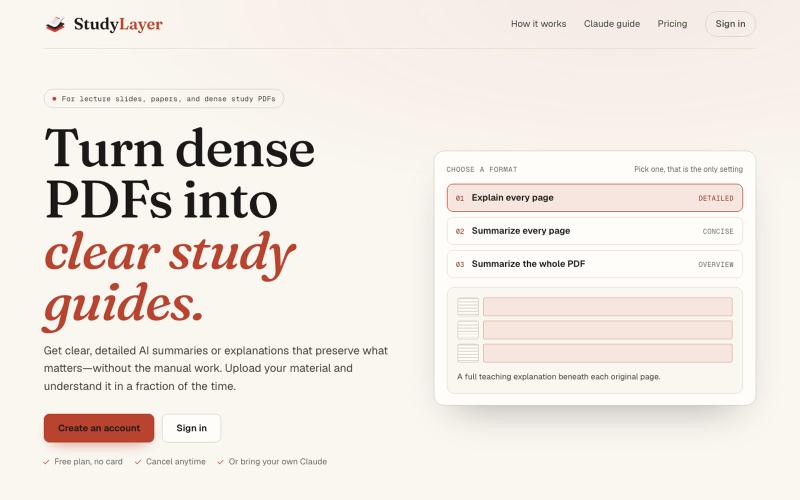
Turn lecture PDFs into smart study notes with visual page references.
u/Leanna_Every · Reddit
I built StudyLayer after spending days turning lecture slides into useful notes https://reddit.com/link/1w20w3d/video/kbizu752cemh1/player I’m an undergrad student, and I built StudyLayer to solve my own problem. When I uploaded an entire lecture PDF to a general AI chat, the explanation was often too generic and inconsistent. Important details could be lost. My workaround was painful. Take a screenshot of one page, paste it into the chat, request an explanation, copy the response into

Merge PDFs, compress images, remove backgrounds, and access utilities entirely in your browser.

@damiadeh · X
Your files utility tools stacks in your browser. No uploads, files stays on your pc.