
Productivity1 week ago
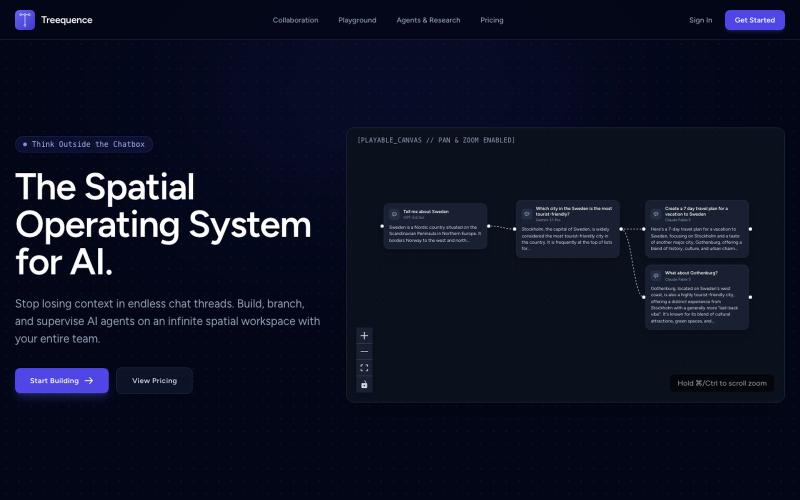
Treequence AI
Collaborate on AI projects using a spatial node canvas to organize LLM context.
jebuehler55 · HN
I built a spatial node canvas to fix LLM context drift
The full gallery
Tech stack
60 projects
Collaborate on AI projects using a spatial node canvas to organize LLM context.
jebuehler55 · HN
I built a spatial node canvas to fix LLM context drift
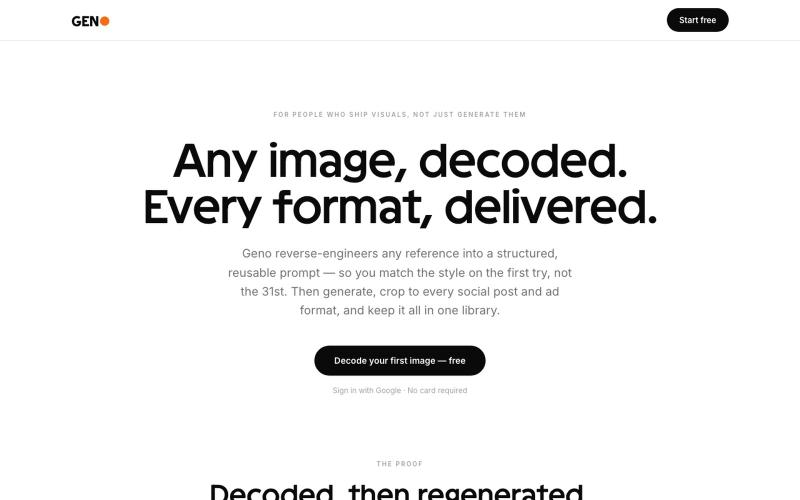
@lightsilver323 Image to prompt tool, with free trial and affiliate program https://t.co/80YRJO5grq

@GoranMitic · X
Image to prompt tool, with free trial and affiliate program
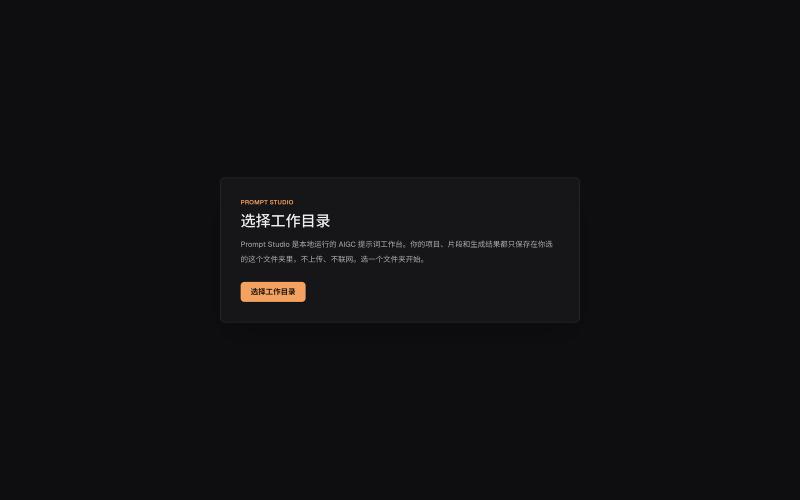
Organize prompts, character settings, and visual descriptions for AIGC projects locally.
innerpeace03 · V2EX
做了个管 AIGC 提示词的本地工作台 —— Prompt Studio 先放地址(纯静态、无后端,打开即用): https://prompt-studio-7gh.pages.dev ## 为什么做这个 起因是身边一个做漫剧 / AI 短视频的朋友,她的 prompt 和素材全靠飞书文档 + 手动复制粘贴管理。 同一段角色设定、画风描述,在几十条 prompt 里被物理复制了几十遍 —— 真实样本里同一段片段重复出现了 16 次。 改一个设定就得全文档翻着改,漏一处就出错。 市面上要么是「以图为中心」的图库( MJ / Civitai 那种),要么是通用文档( Notion / 飞书), 都没解决「同一段提示词在很多地方被重复、想改一处就同步所有引用」这件事。所以自己动手做了一个。 ## 它是什么 一句话:浏览器里运行、数据全在本地、单人用的「提示词 + 素材」工作台。 核心就一件事 —— 消灭 prompt 片段的物理重复: - 片段层 + 规则层两级可复用资源,prompt 里用「引用」而不是复制粘贴 - 改一次片段,所有引用它的
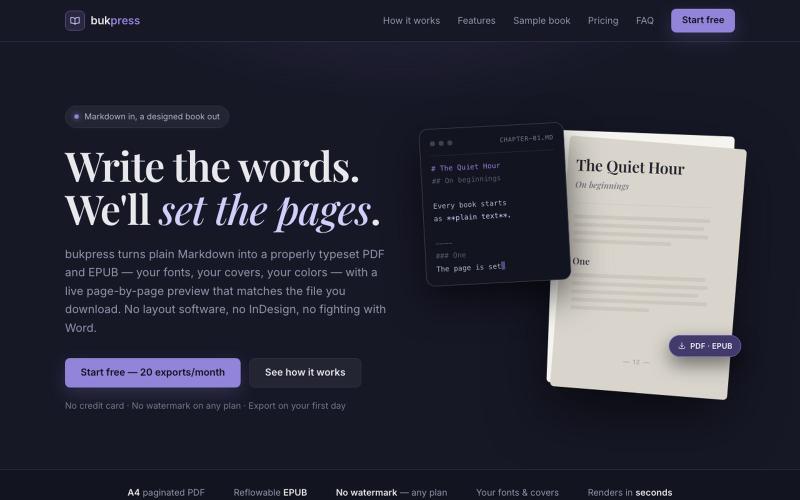
Converts Markdown into typeset PDFs and EPUBs with custom fonts, covers, and colors.

@hiddenbydigital · X

Visually build and deploy full-stack Next.js applications.

@sivasankar___s · X
I’m currently deep in building Rudra, a visual orchestrator for Next.js designed for full engineering control. Zero vendor lock-in—you own the code. Website: App Build with Rudra
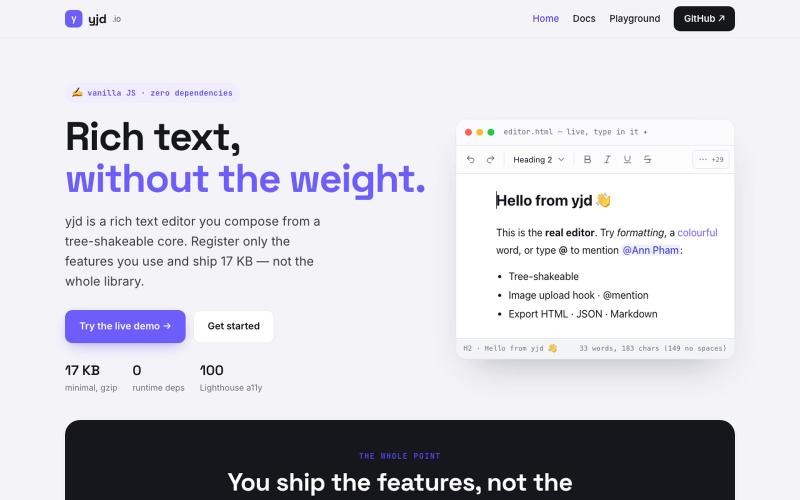
A lightweight, dependency-free rich text editor you can embed in your website.

@TaskyOrionix · X
is there anyone start their startup journey with Free builds? ☺️ our 👏 is one
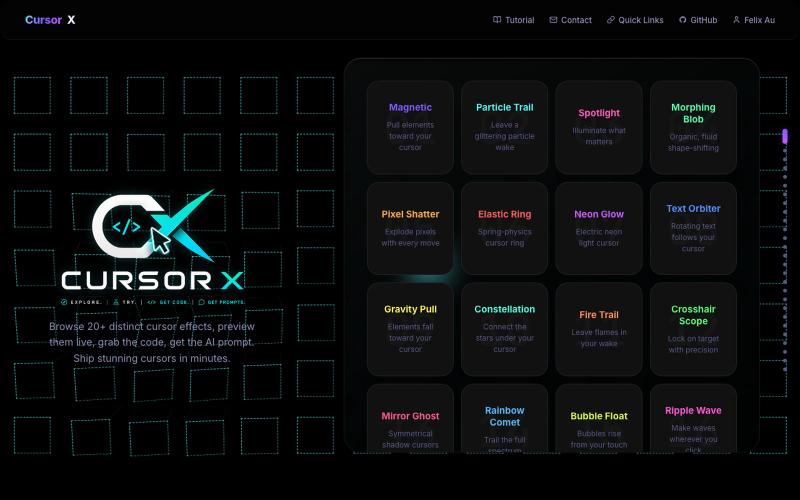
Interactive showcase of 20+ custom cursor effects with live previews and copy-paste code snippets.
Felix-au · GitHub
CursorX-Interactive-Cursor-Effects 20+ custom cursor effects for developers with live interactive previews, copy-paste code snippets, AI prompts, and a full config panel. Built with React + Canvas API.

AI video editor that automatically cuts footage, adds captions, removes backgrounds, and exports to social platforms.
fredabila · HN
Vidmoat – a video editing pipeline any AI agent can operate
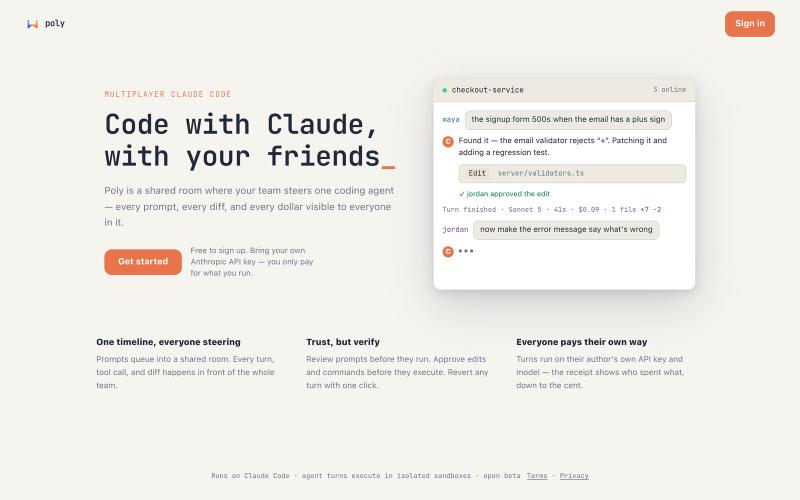
Multiplayer editor for Claude Code with real-time collaboration, shared prompts, and cost tracking.
u/UnitedTelevision2651 · Reddit
Claude Code is single-player. When I run a session, my teammate can't see the prompt I wrote, the diff it produced, or what it cost. We were working around that with screenshots and "hey, can you look at this" — a strange way to use a tool that's doing most of the typing. So we built Poly: a shared room where a whole team steers Claude Code together. Everything lands in one timeline. Prompts queue into it, and every reply, tool call and diff shows up there in front of the room. You can wa
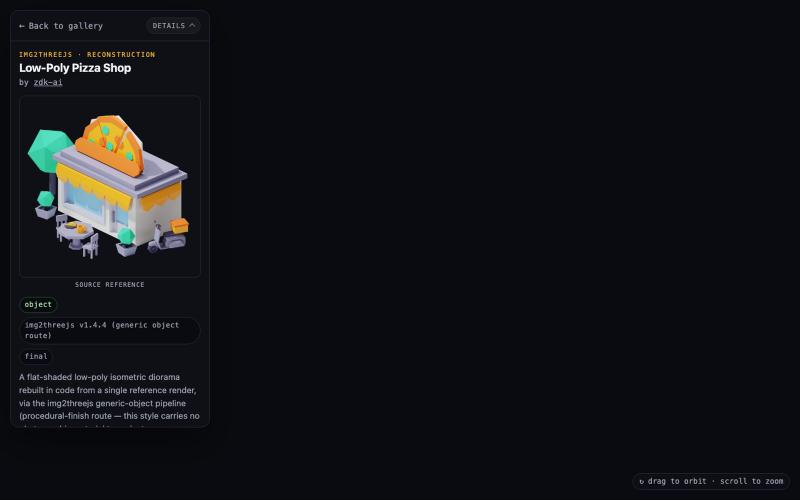
Explore interactive 3D scenes generated procedurally from images in the browser.

@zdkiel_labs · X
Started with a single image. Ended with an interactive Three.js scene. Still amazed that experiences like this run entirely in the browser. Built with img2threejs + Claude Code. Demo ↓ @threejs
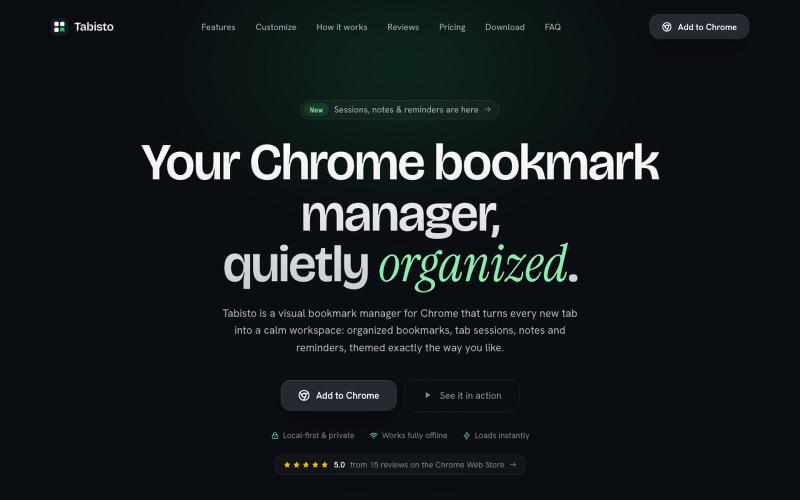
Chrome extension that organizes bookmarks visually on new tabs with workspaces and notes.

@IamYashKapoor · X
Built Tabisto (bookmark manager), a free Chrome extension and launched it in 5 days using Claude Code. Must try, you will really love it.

Create videos entirely through a single chat interface with AI-generated writing, voiceover, and editing.
u/Real-Estate-Agentx44 · Reddit
Built an AI video tool where one chat writes, voices, generates, and edits the whole video - is all-in-one actually useful or do you prefer separate tools? I've been building ViewPress AI , an AI video generator, and I'm at the point where I want honest feedback before I keep pushing in one direction. Instead of jumping between a script tool, a voice tool, an image/video generator, and an editor, you describe what you want in one chat and the agent handles the whole thing. It