
Creative Tools1 month ago
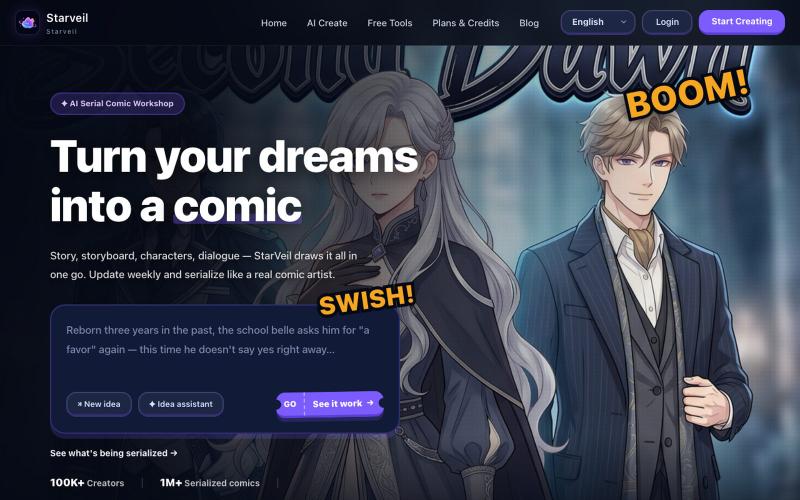
StarVeil AI — AI Webtoon Creator | Stories to Comics
Create webtoons and comics from text stories with AI and export in 4K with multiple art styles.
StarVeil AI - 星河入梦 — 使用AI生成连续漫画的网站
The full gallery
Tech stack
60 projects
Create webtoons and comics from text stories with AI and export in 4K with multiple art styles.
StarVeil AI - 星河入梦 — 使用AI生成连续漫画的网站
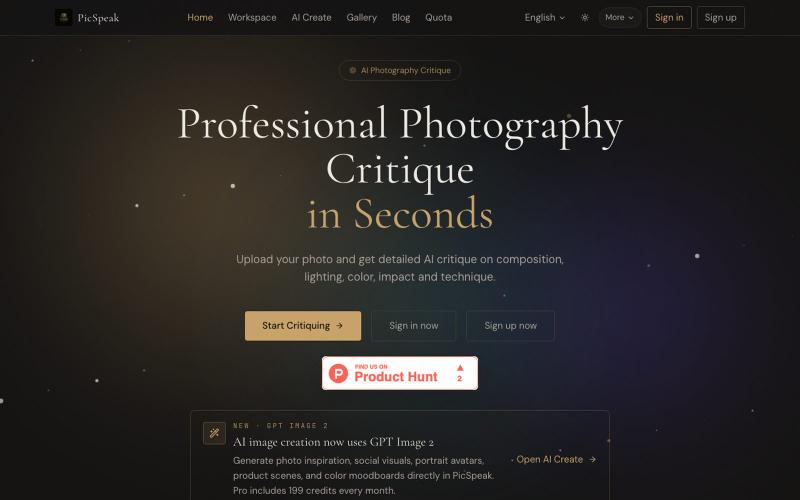
Upload a photo to get AI critique on composition, lighting, and color, then generate visual references for your next shoot.
PicSpeak — 基于 AI 的摄影点评 Web 应用,上传一张照片,几秒钟内即可获得对构图、光线与色彩的专业分析,同时可以向社区展示你的优秀作品。
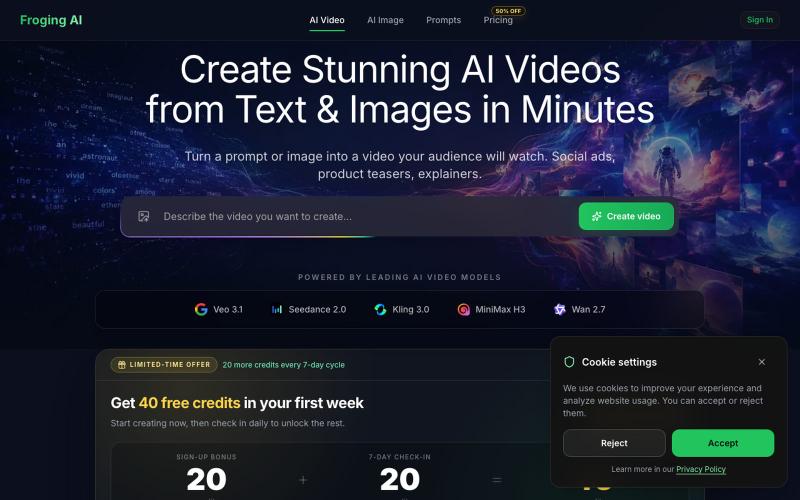
Enter text or upload an image to generate an AI video with multiple models and HD output.
hashkitly · HN
Froging AI – image and video models in one workflow
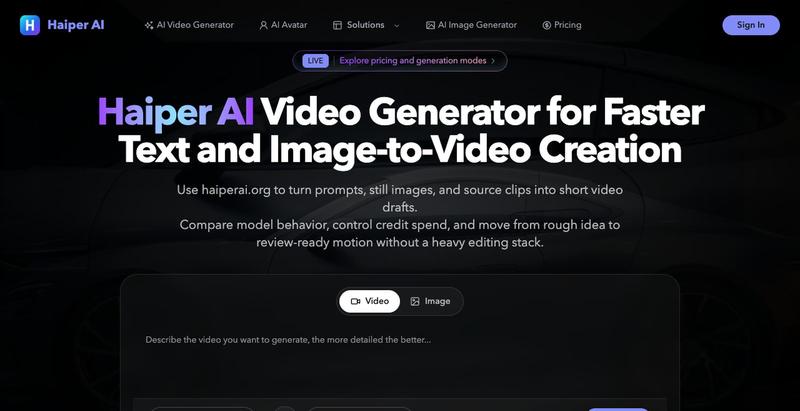
Generate short-form videos from text prompts and images using an AI video generator.

Convert photos and videos to ASCII art, pixel art, mosaic, and more in your browser.

@kail_designs · X
Jokes aside but honestly (Landing page) was built with Claude (Opus 4.7) in 1 day. But no, it was not just four prompts or some random skills. Here's how I built the entire AsciiMagic landing page with Claude in one day👇 Started with a rough sketched wireframe. Then designed it in @paper Then I used the Paper MCP with Claude to recreate that design in code and get a solid first version running. From there, the real work began. I kept iterating with specialised Claude skills: • impeccable • frontend-design • emil-design-eng • review-animations • responsive-design • seo-audit Each one improved a different part of the experience. By the end, the page had: • Mobile-first responsiveness • Better SEO optimised copy • Smooth micro-interactions • Cleaner frontend architecture Then came the part people don't see. For the next 5–6 hours, I wasn't asking Claude to "make it prettier." I was: • Fine-tuning layouts • Uploading and compressing assets • Moving files across diff
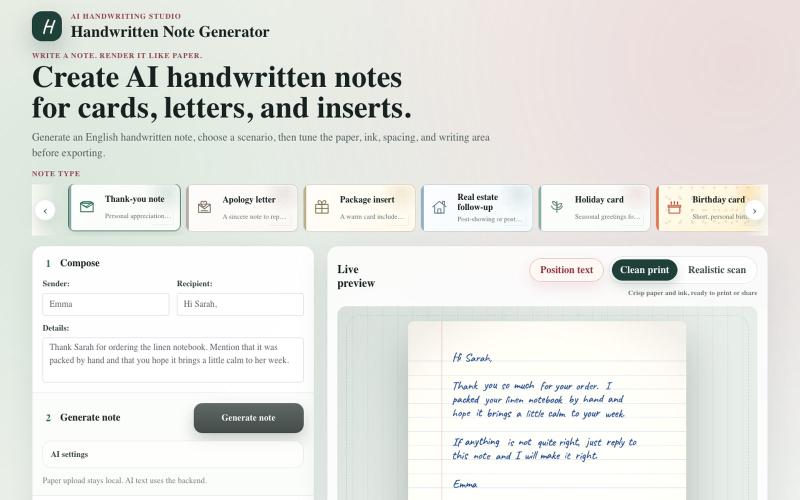
Convert text to realistic handwritten notes for cards, letters, and prints.
haofan_stone · Product Hunt
Handwritten Note Generator Create AI handwritten notes for cards, letters, and inserts
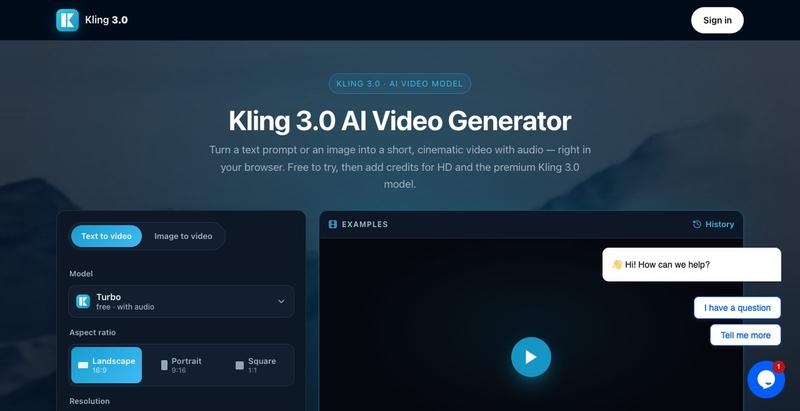
Generate videos from text descriptions and images using AI.
Generate and edit images using AI text-to-image and image-to-image capabilities.
AI-NanoBanana — AI 图像工作室,让你轻松把创意变成高质量视觉作品
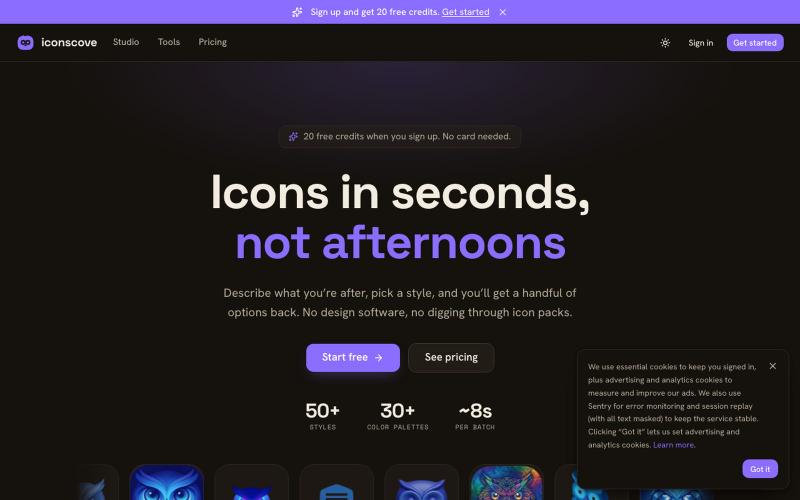
Generate custom icons from text prompts with 50+ styles and download as PNG.
mantasge · Product Hunt
IconsCove AI Icon Generator with 50+ styles and library management

Generate and edit AI images for product shots, ads, portraits, and thumbnails via text prompts.
Plugcamp · V2EX
最近在折腾一个小站,主要是围绕 Nano Banana 2 Lite 做图片生成和图片编辑: https://nanobanana2lite.me/ 一开始只是自己想要一个比较轻的入口,用来快速试 prompt 。后来发现每次测图都会遇到几个重复问题: - prompt 写完之后,不知道适合什么比例 - 文生图和图生图入口经常混在一起 - 想找几个可复制的 prompt 示例,但很多站要么太重,要么示例不够直观 - 只是想快速生成一张产品图、头像、广告图、封面图,不想进一个很复杂的工作台 所以就做了这个站。 目前主要有几个部分: - Text to Image:直接输入 prompt 生成图 - Image to Image:上传一张图,再用 prompt 做改图 - AI Image Editor:偏日常编辑,比如换背景、改光线、改风格 - Prompt Library:整理了一些可直接复制的 prompt - Gallery:放了一些 before/after 和示例图 我自己比较在意的是首页别太像传统 SaaS 落地页,所以最近一直在改视觉。之前太干了,后来加了一些更丰富的样张和暗色主题,但也还在调。 这个站不是 Google 官方产品,只是一个第三方工具站。现在更多是想把「轻量、直接、可复制」这件事做好。 如果大家有空的话,想请教几个问题: 1. 首屏看起来会不会太营销,还是说信息还算清楚? 2. 对图片工具来说,大家更想先看到生成表单,还是先看到效果案例? 3. Prompt Library 这种页面有没有用,还是大家更习惯直接自己写? 4. 如果你平时会用 AI 生成图,最常用的场景是产品图、头像、封面、广告图,还是别的? 欢迎拍砖,尤其是 UI 、文案、信息结构这块。 链接再放一次: https://nanobanana2lite.me/
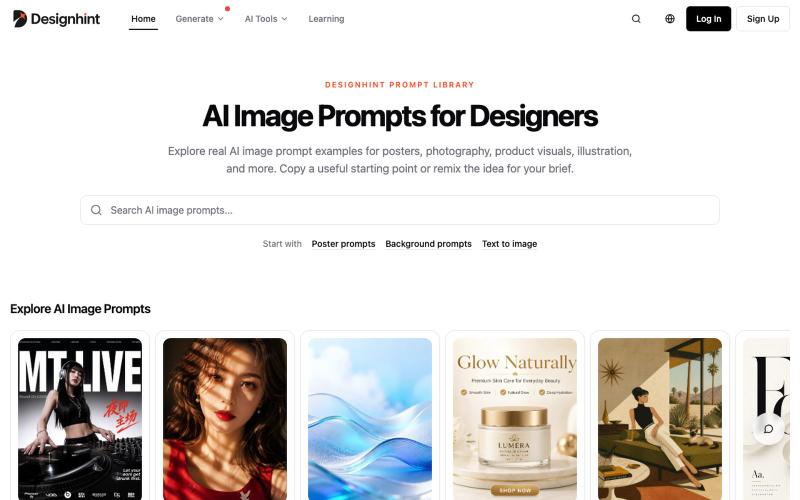
Explore AI image prompts with design examples for posters, product photography, and more. Copy or remix for your work.

@yangming_AI · X
我也做了一个网站专门给设计师、创作者用的提示词库。
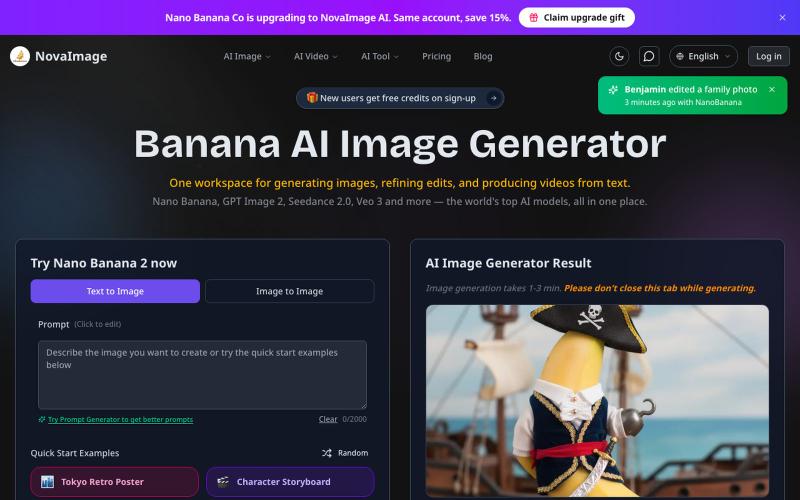
Generate AI images and videos from text prompts with free starter credits.
NovaImage — AI 图像与视频生成平台(以 Nano Banana Pro 为核心创意引擎),整合视觉设计与影视级视频制作 AI 模型于统一工作空间