
Productivity2 months ago
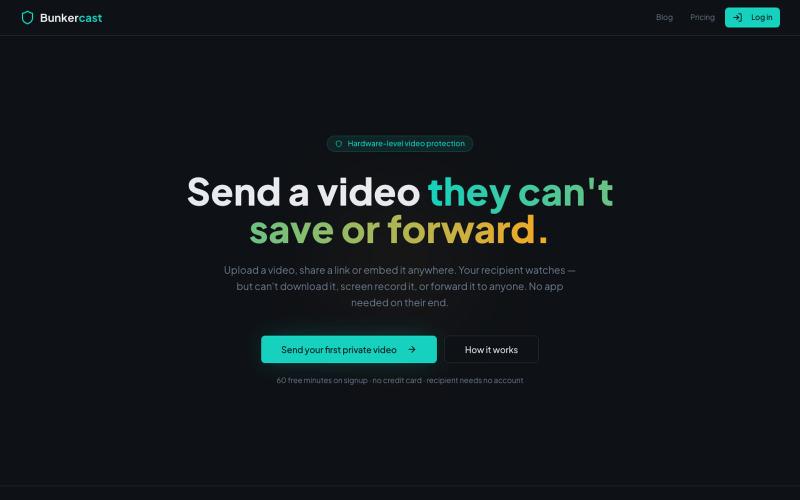
Bunkercast — Send videos that can't be saved or forwarded
Share videos that can't be downloaded, screen recorded, or forwarded.

@bunkercastDRM · X
The full gallery
Tech stack
60 projects
Share videos that can't be downloaded, screen recorded, or forwarded.
@bunkercastDRM · X
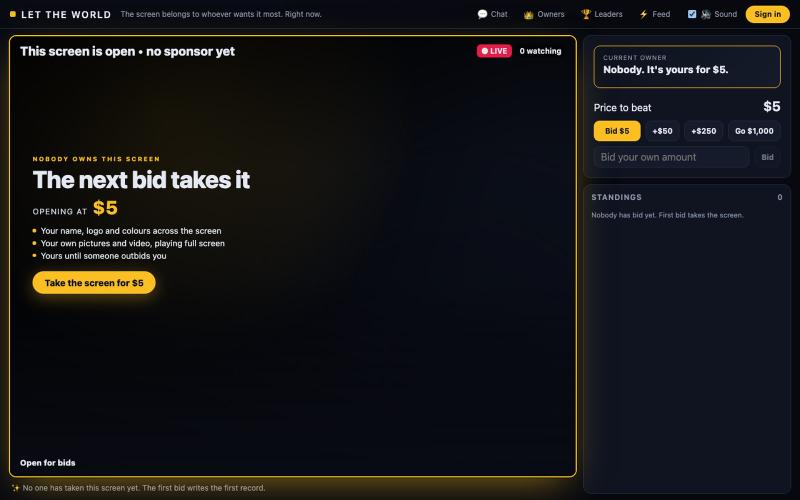
One screen, owned by whoever bids highest. Your name, logo, colours and video fill it until someone outbids you. The price only goes up, and you only ever pay the difference.

@bibinomathew · X
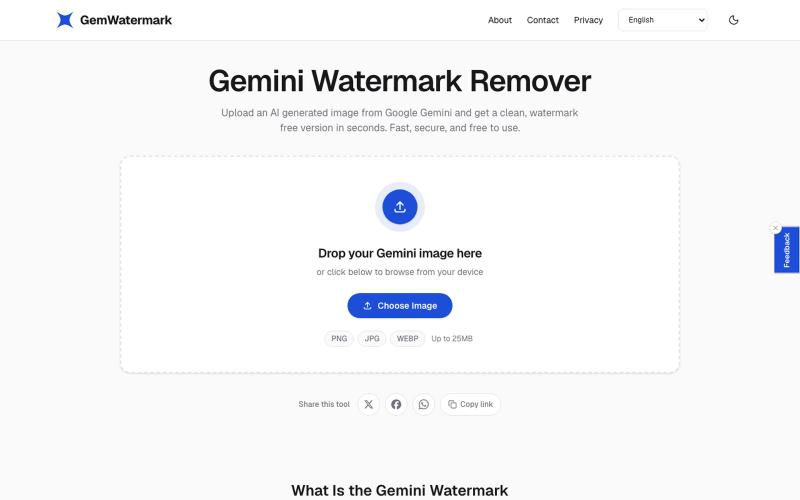
Remove watermarks from images instantly in your browser.
zainamir · Product Hunt
Gemini Watermark Remover Remove Gemini AI watermarks from images in seconds
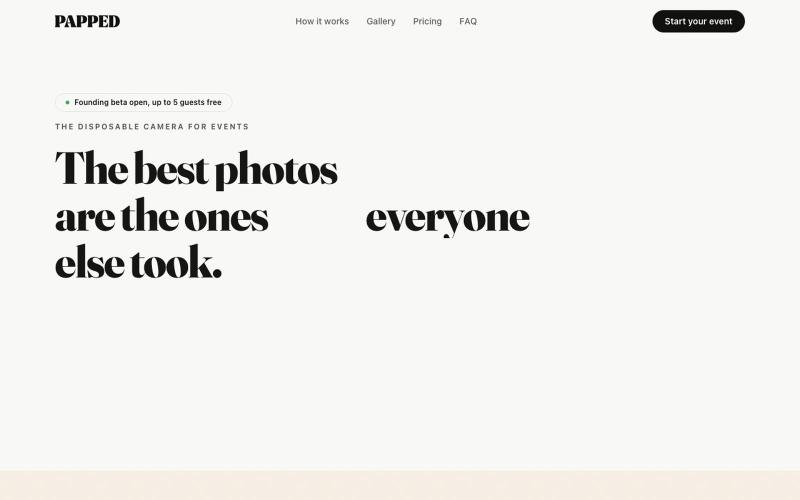
Collect event photos via QR code; submitted pictures auto-screen and appear in a live shared gallery and Google Drive.

@OneEyedAbhay · X
it's fun and optimised..open for suggestions or roast
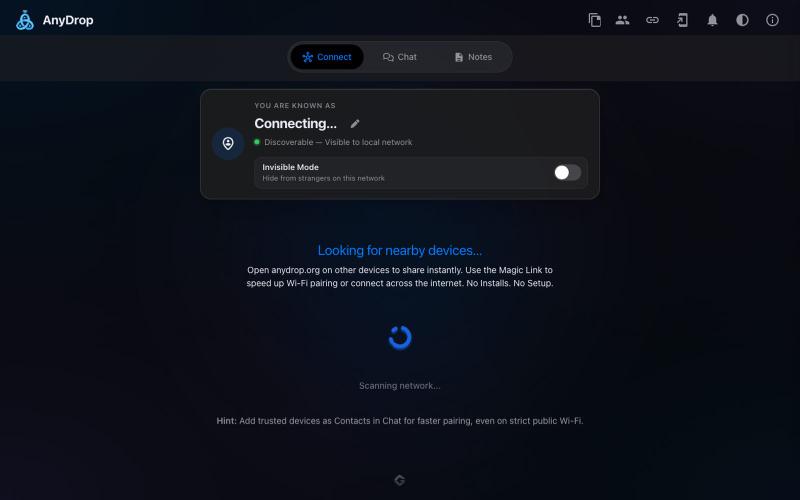
Instantly share files and text across devices (Mac, PC, iOS, Android, Smart TVs) via your browser, no signup needed.

@WackyCrocoGator · X
This one doesn’t require any signup or payment. Just load and multiple device by opening the site on them and connect them for an easy way to drop text and file to each other.

Screen recorder for Mac & Windows with auto-zoom on clicks, gradient backgrounds, and webcam overlay.

@zuess05 · X
Shipped some banger updates to
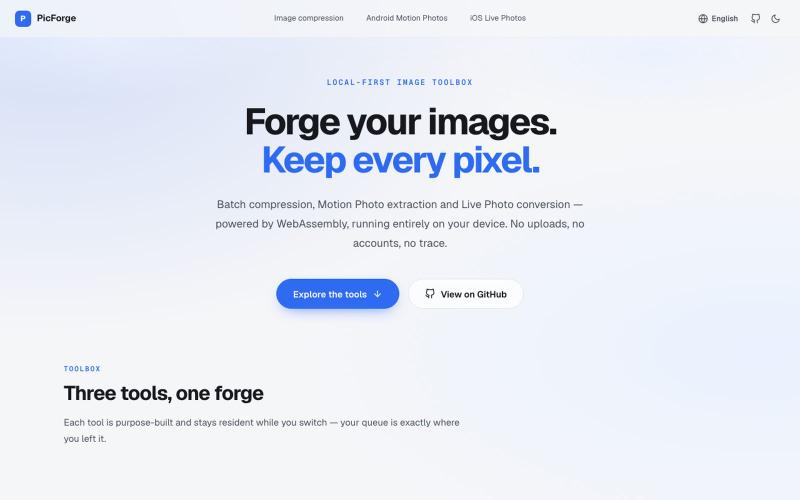
Compress images in bulk and convert iOS/Android Live Photos directly in your browser, offline.
DejavuMoe · V2EX
PicForge v0.15.0 / 批量图片压缩 / Android / iOS 实况照片解包和转换工具 PicForge 是一款本地优先( Local-first )的开源浏览器媒体工具箱,专为高通量批量图片压缩、Android 动态照片提取以及跨平台 iOS 实况照片转码设计。 与传统依赖云端服务的转换工具不同,PicForge 的所有解码、处理与编码管线均在客户端 Web Worker 与 WebAssembly 运行时中执行。用户的照片与视频资产完全停留在本地设备内存中,不向任何远程服务器发送请求。 - 在线体验: https://picforge.de/ - 开源地址: https://github.com/DejavuMoe/PicForge 除了图片批量快速压缩 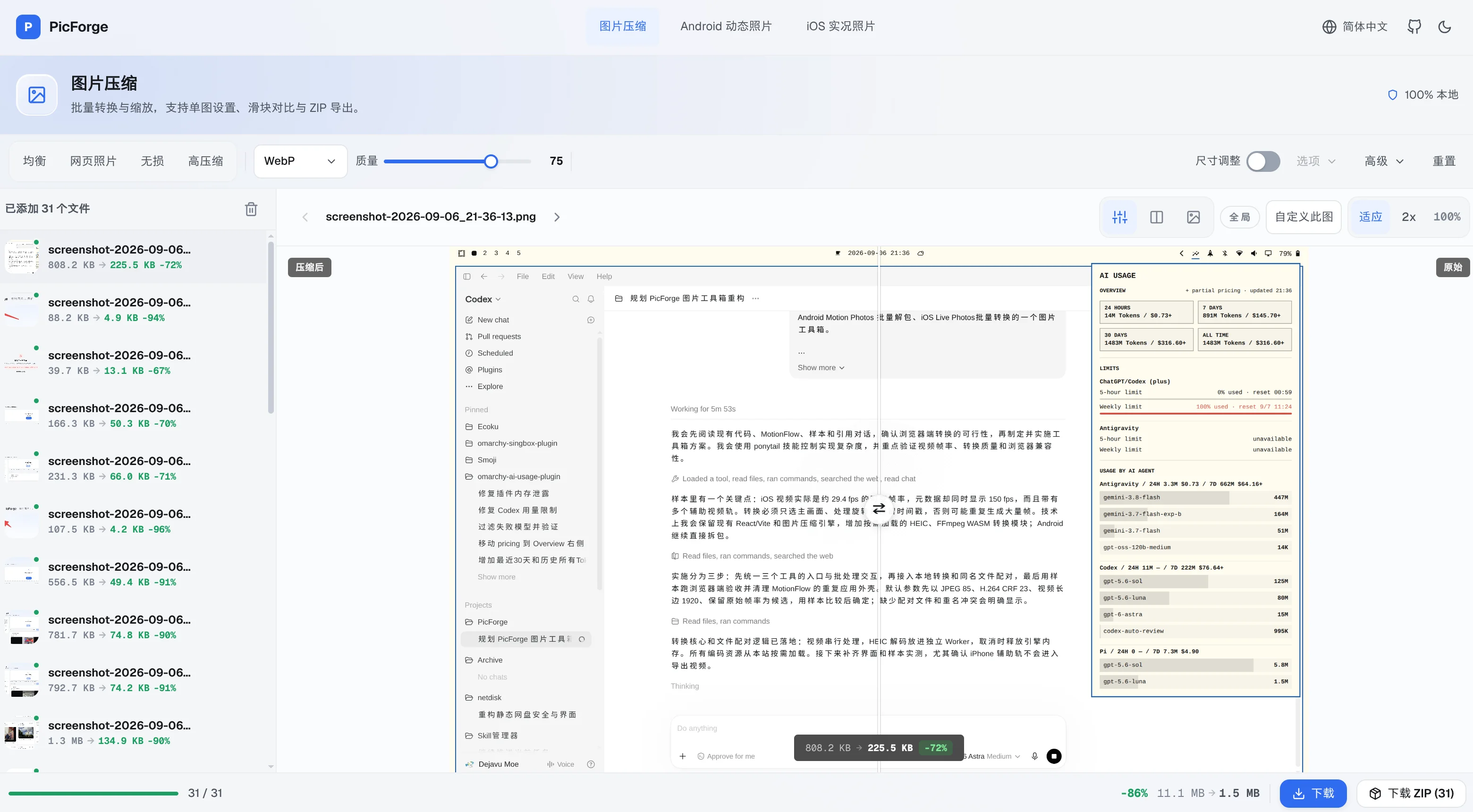 还支持 Android 实况照片无损解包为 JPG + MP4, iOS 实况照片未修改源文件几乎无损转换为 JPG + MP4 ( H.264+

Chrome extension for recording screen demos with automatic zoom effects and custom backgrounds.

@gabani_vatsal · X
Building Screen recorder which adds zoom effects and custom backgrounds
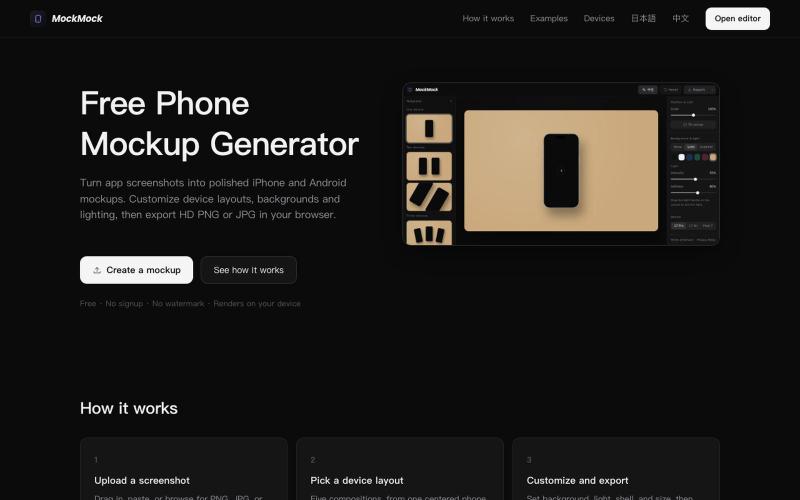
Generate iPhone, Android, tablet, and laptop mockups from screenshots for product marketing.
burden7 · V2EX
MockMock 增加平板和电脑设备渲染,帮你更好制作产品渲染宣传图,免费免登录,欢迎体验和建议 ## 地址 [mockmock.app]( https://mockmock.app) 最近进行了迭代优化 - 增加了新设备的展示 - 增加了提供的模板 - 优化了一些交互体验,修复了一些已知问题 ## 截图展示 ### Phone 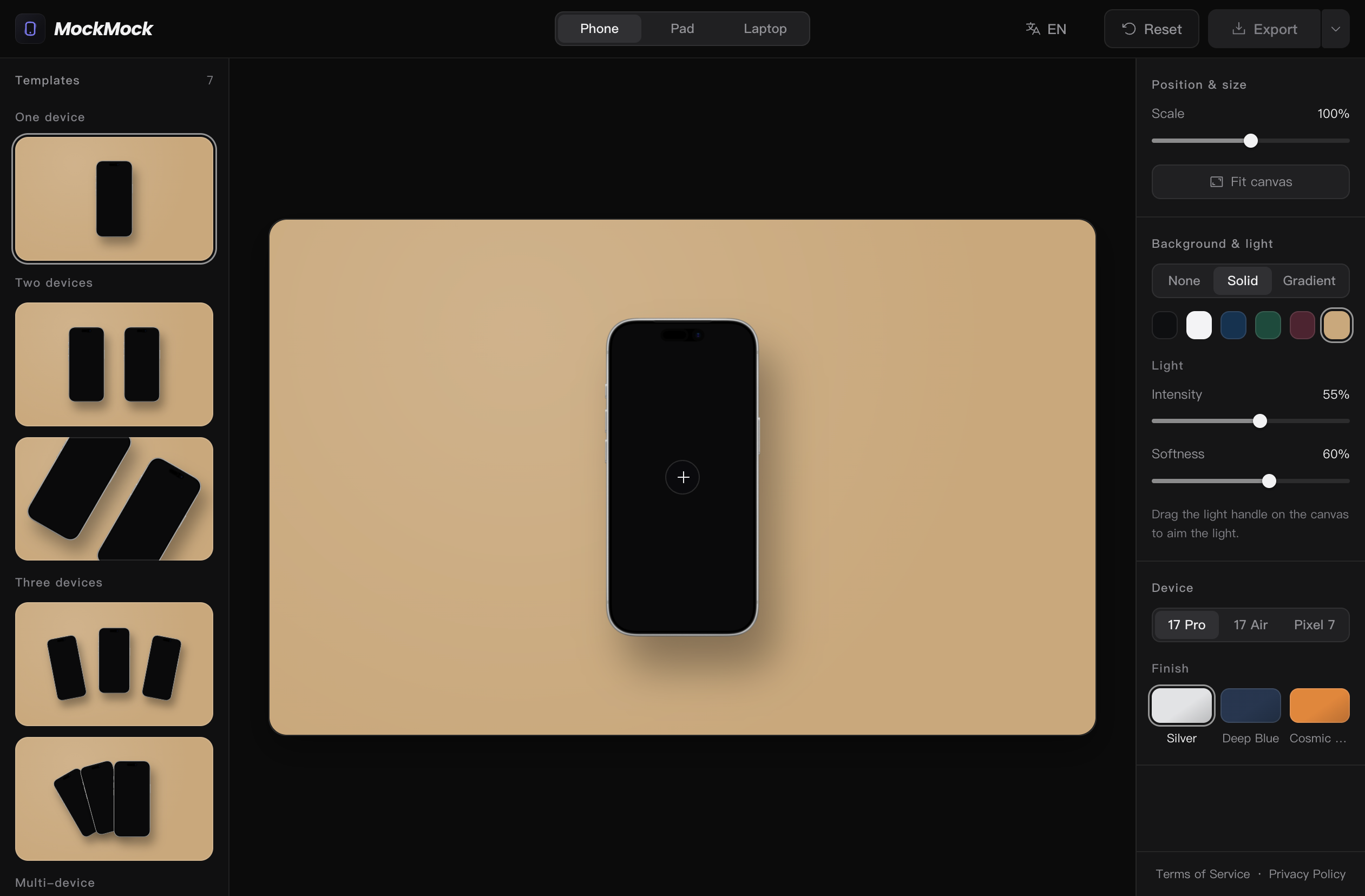 ### Tablet 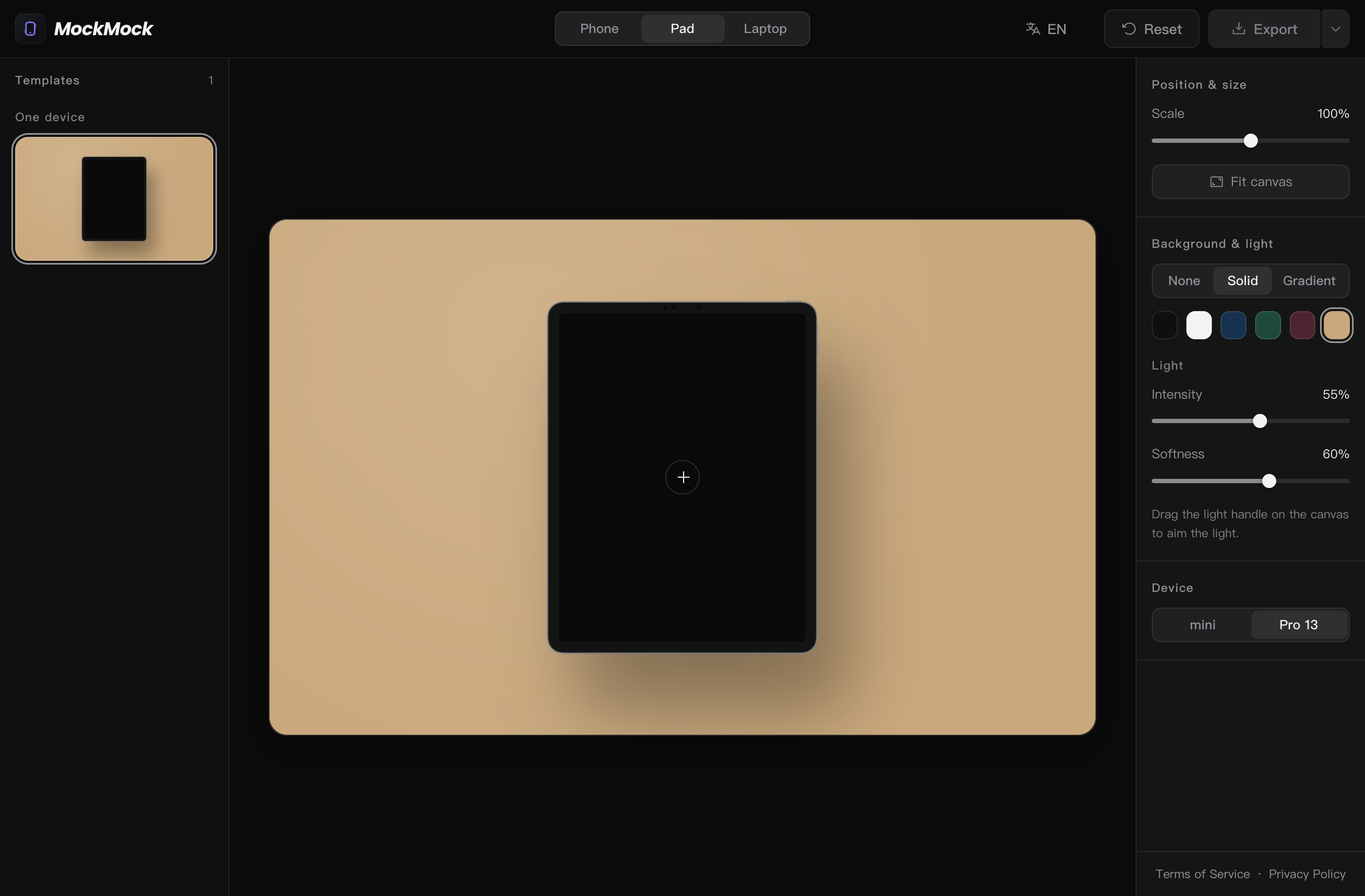 ### Laptop 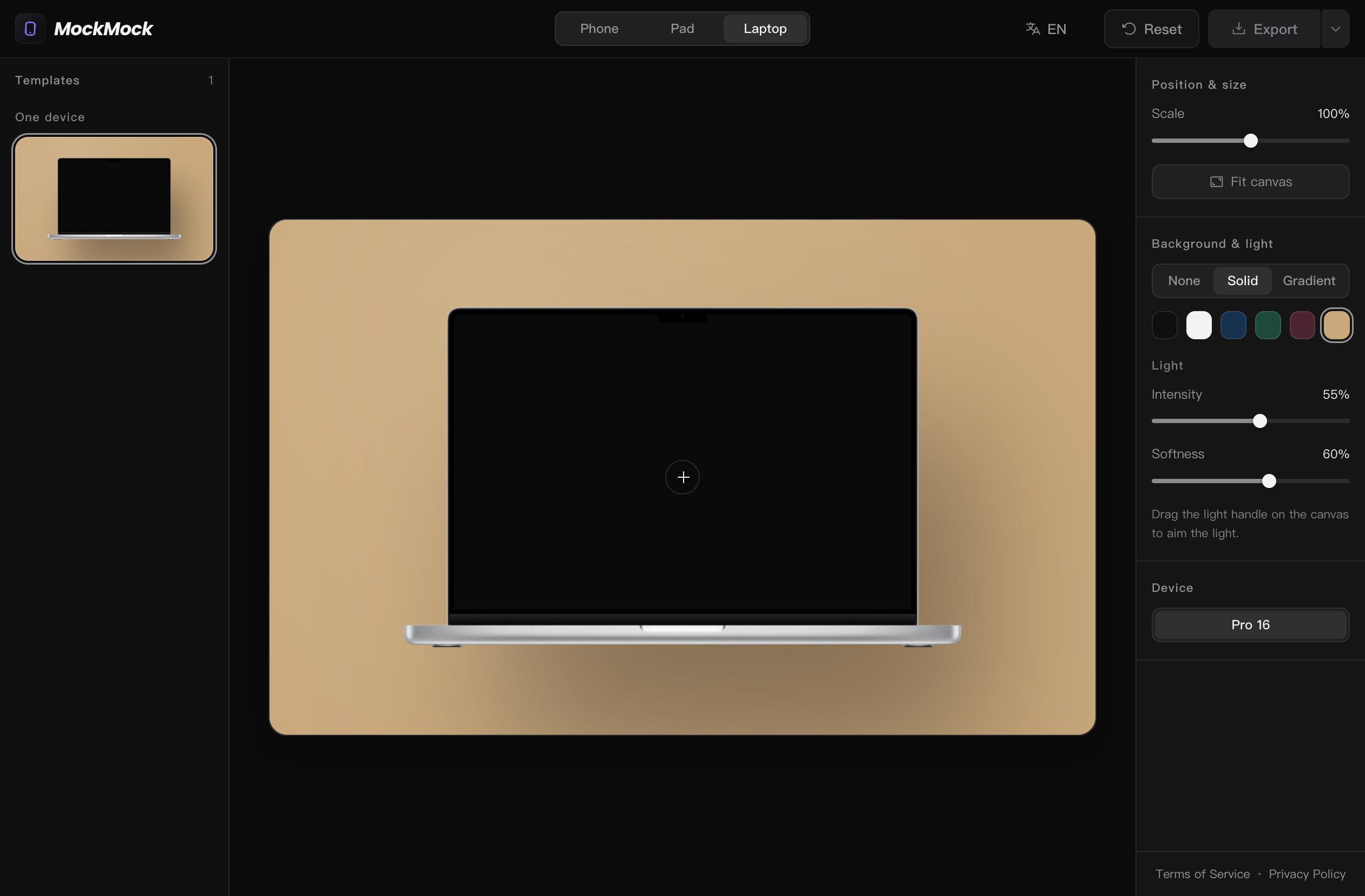 --- 目前 Tablet 和 Laptop 设备提供的模板只有一个,后续迭代增加,目前完全免登录、免付费,欢迎大家使用,希望 MockMock 制作的宣传图能为大家的产品宣传工作提供到帮助!
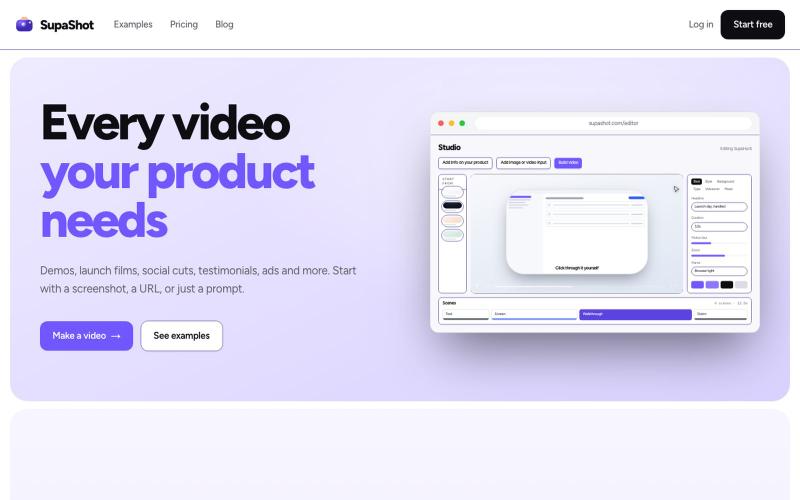
A complete way to promote your product with video. Demos, launch films, social cuts, testimonials and ads, from a screenshot, a URL or a sentence.

@therealaky · X
Create product videos that convert
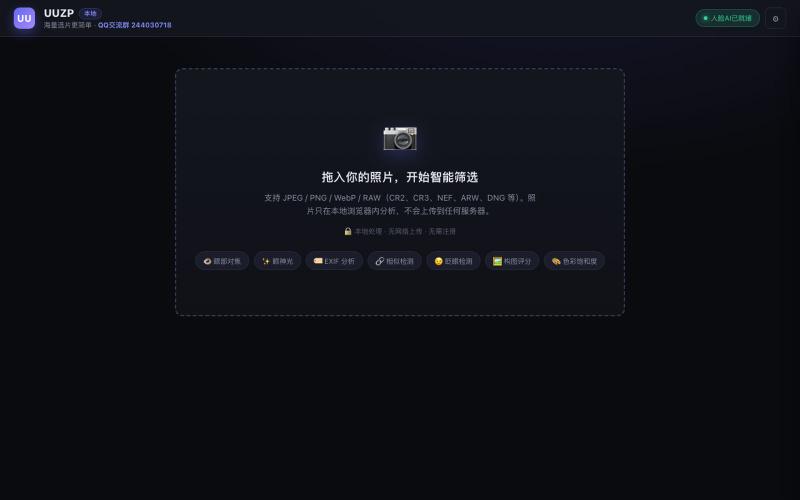
Quickly curate hundreds of photos in your browser using local, privacy-focused processing.
alexmaster · V2EX
玩摄影,选片神马的最烦,于是搞了个选片工具 uuzp.cn 每次拍完照片都是几百张,选片最烦人了。 当然隐私更重要,本地处理,无上传。 纯浏览器端处理。 https://uuzp.cn 欢迎大家使用
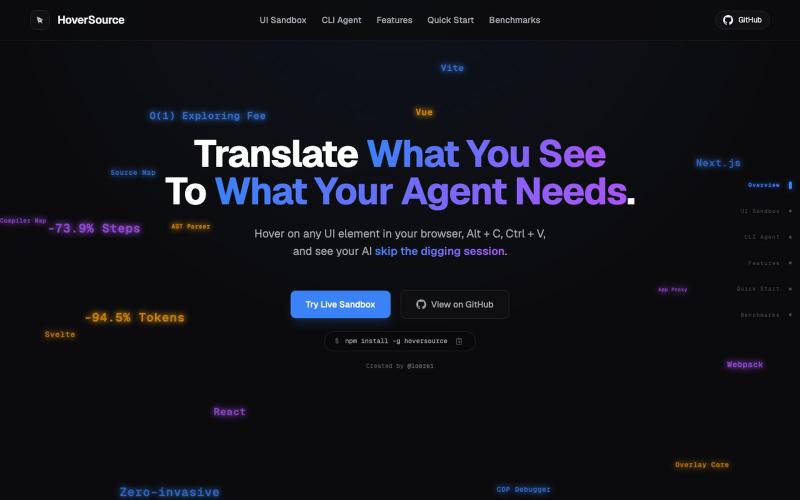
Capture UI elements with code context and screenshots to share with AI agents for debugging visual bugs.
Loerei · HN
I found that describing where a broken UI is and taking screenshots for AI agents really sucks. I’m too lazy to explain an indescribable visual bug or capture a millisecond-long flash. I also don’t want to remember which file defines an element, whether it's right in the .tsx or a problem with the Parent Styles in .css. And even if you can point out the exact file, your agent still has to dig through thousands of lines of code to know what on earth you're yapping about. In a 7700-file monorepo like Cal.com, simply giving the right file in the prompt for your agent saves about 68.9% of execution time and 94.2% of the tokens your agent needs to digest. HoverSource gives all the needed information and further pushes it to -88.5% time and -94.5% tokens, basically skipping the entire digging session and jumping straight to reasoning and executing. The save is linear to how big your codebase is. I want to save tokens, but don’t want to spend my time and energy digging manually, and a junio