
Productivity1 week ago
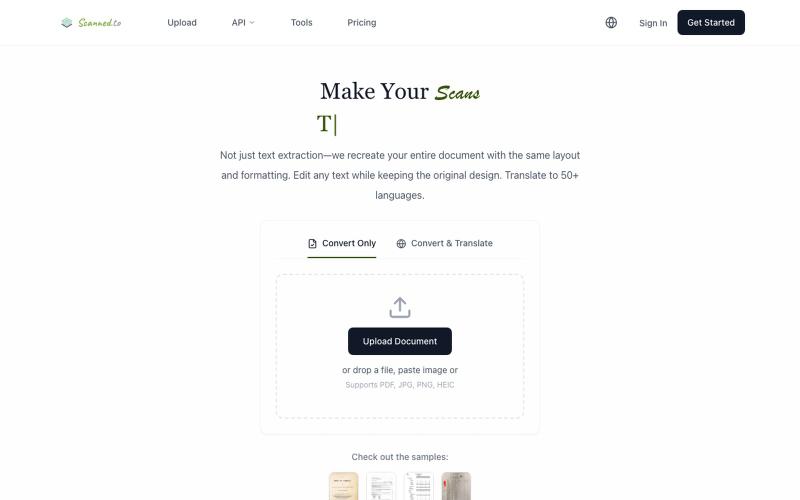
scanned.to | AI OCR to Convert Scanned Docs & PDFs
Convert scanned PDFs and images to editable documents with AI OCR and multilingual translation.
Scanned.to — AI 驱动的 OCR 文档识别与翻译平台,将扫描 PDF/图片转为可编辑 Word/Text,保留原始排版,支持 50+ 语言翻译
The full gallery
Tech stack
60 projects
Convert scanned PDFs and images to editable documents with AI OCR and multilingual translation.
Scanned.to — AI 驱动的 OCR 文档识别与翻译平台,将扫描 PDF/图片转为可编辑 Word/Text,保留原始排版,支持 50+ 语言翻译
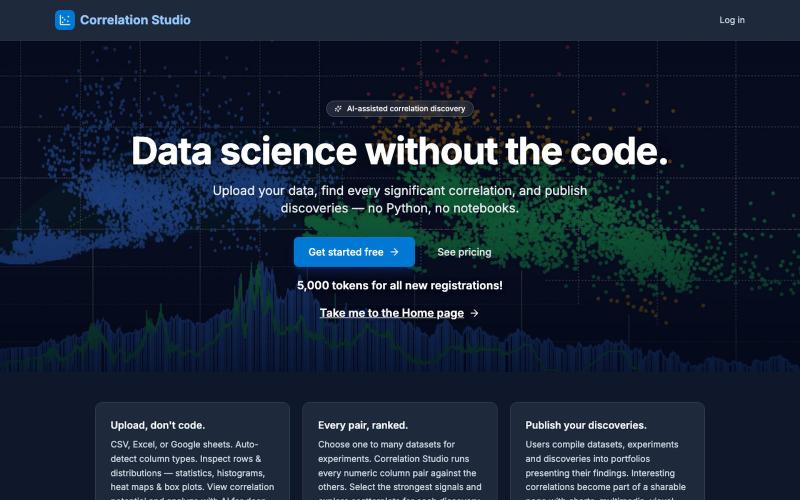
Upload datasets to automatically find statistically significant correlations and causal relationships.

@matthew_meadows · X
Correlation Studio - Discovery Mining • Causation Analysis A powerful new SaaS statistics application that brings the insights of correlation data science to everyone. Data science without the code.
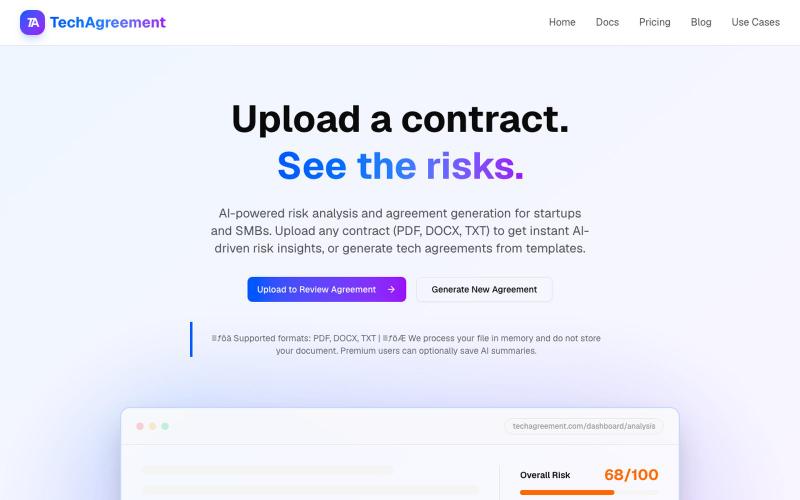
Upload contracts for instant AI-powered risk analysis or generate tech agreements.

@BayofDomain · X
Generate and edit images using AI text-to-image and image-to-image capabilities.
AI-NanoBanana — AI 图像工作室,让你轻松把创意变成高质量视觉作品
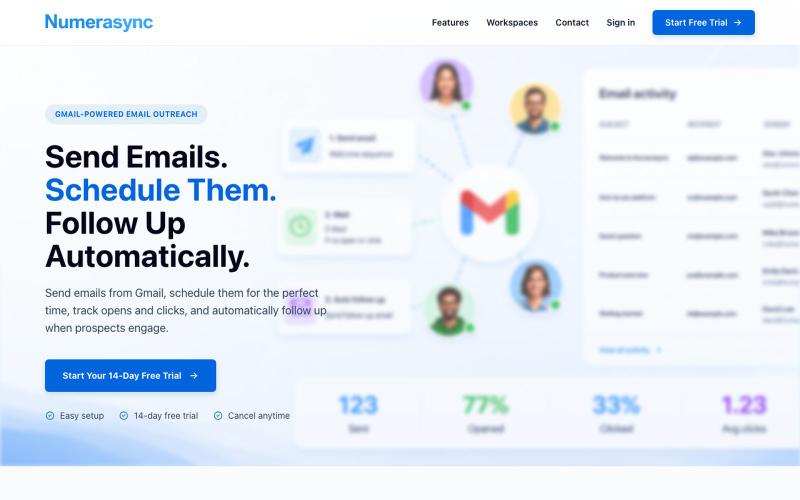
Connect Gmail accounts to automate email sending and track opens and clicks.

@KenziChenBuilds · X
Hey! Developer behind Always looking for feedback to make it better.
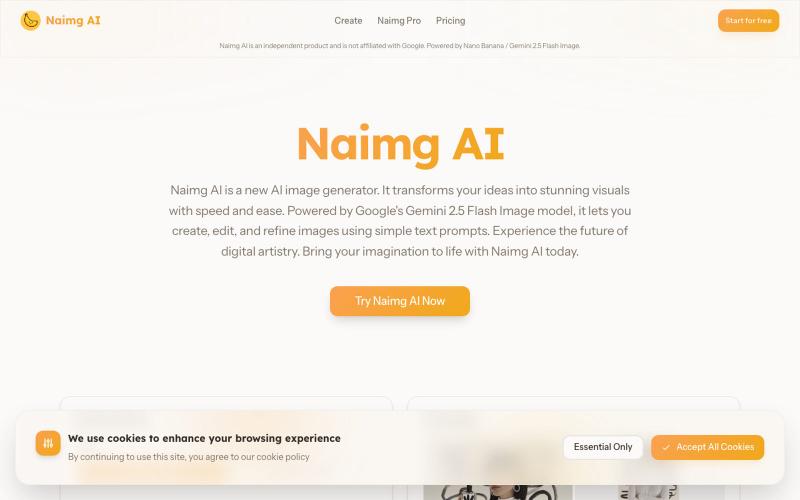
Generate and edit images with AI using Google's Gemini 2.5 Flash.
Nano Banana AI — 基于市面上最强的 AI 图像编辑模型 Nano Banana 开发的图片编辑器,用嘴改图、保持角色一致性、控制细节、图片融合
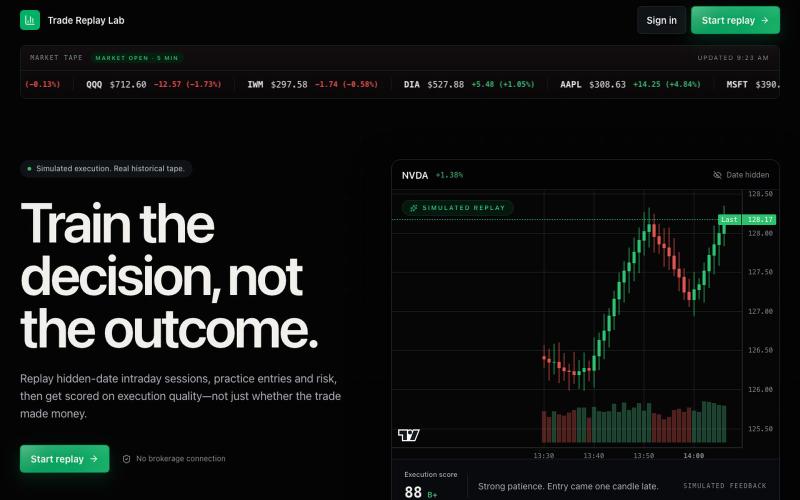
Practice intraday trading execution with hidden-date historical market sessions.
u/dodqy · Reddit
Trading Practice Platform I’ve always found it difficult to get meaningful practice outside of market hours, so I built a browser-based replay platform to solve that problem. You choose a stock or ETF, time of day, and up to three indicators, and it randomly loads a historical trading session from the past six months. The goal is to practice taking trades as if they were happening live. It includes: Basic and advanced TP/SL management AI trade reviews with a performance score after each
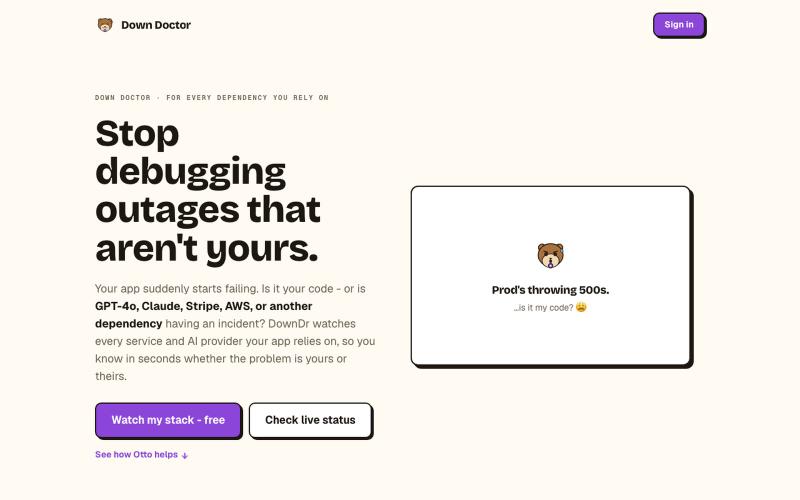
Monitor 75+ external services your app depends on and get instant alerts when they fail.

@DownDrHQ · X
DownDr — Otto watches 75+ services your app depends on and tells you when it's them, not you. MRR: a proud $0, launched days ago 😄 Why: everyone who's ever debugged a bug that turned out to be someone else's outage is the market. 🦦
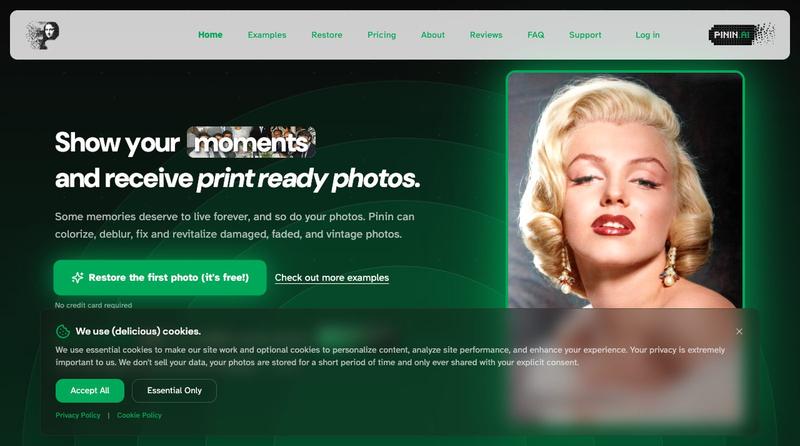
Restore and enhance old photos with AI to repair damage, add color, and improve clarity

@Umitech_AU · X
AI photo restoration without the AI slop.
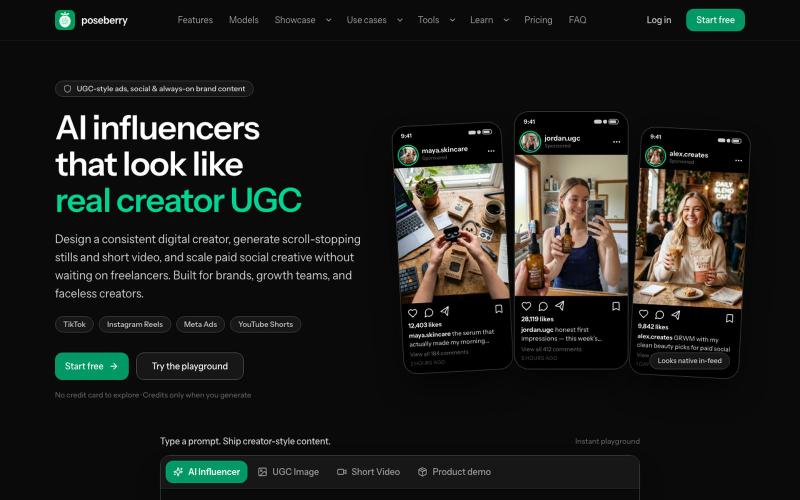
Create AI influencers and UGC-style photos and videos for ads, social, and brand campaigns.
itsdevdaniel · HN
Poseberry: create AI influencers that pose with your products

Generate and edit AI images for product shots, ads, portraits, and thumbnails via text prompts.
Plugcamp · V2EX
最近在折腾一个小站,主要是围绕 Nano Banana 2 Lite 做图片生成和图片编辑: https://nanobanana2lite.me/ 一开始只是自己想要一个比较轻的入口,用来快速试 prompt 。后来发现每次测图都会遇到几个重复问题: - prompt 写完之后,不知道适合什么比例 - 文生图和图生图入口经常混在一起 - 想找几个可复制的 prompt 示例,但很多站要么太重,要么示例不够直观 - 只是想快速生成一张产品图、头像、广告图、封面图,不想进一个很复杂的工作台 所以就做了这个站。 目前主要有几个部分: - Text to Image:直接输入 prompt 生成图 - Image to Image:上传一张图,再用 prompt 做改图 - AI Image Editor:偏日常编辑,比如换背景、改光线、改风格 - Prompt Library:整理了一些可直接复制的 prompt - Gallery:放了一些 before/after 和示例图 我自己比较在意的是首页别太像传统 SaaS 落地页,所以最近一直在改视觉。之前太干了,后来加了一些更丰富的样张和暗色主题,但也还在调。 这个站不是 Google 官方产品,只是一个第三方工具站。现在更多是想把「轻量、直接、可复制」这件事做好。 如果大家有空的话,想请教几个问题: 1. 首屏看起来会不会太营销,还是说信息还算清楚? 2. 对图片工具来说,大家更想先看到生成表单,还是先看到效果案例? 3. Prompt Library 这种页面有没有用,还是大家更习惯直接自己写? 4. 如果你平时会用 AI 生成图,最常用的场景是产品图、头像、封面、广告图,还是别的? 欢迎拍砖,尤其是 UI 、文案、信息结构这块。 链接再放一次: https://nanobanana2lite.me/
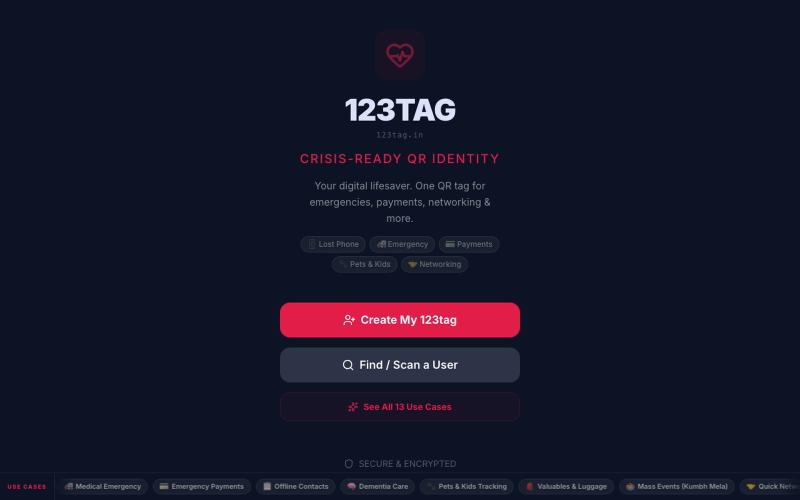
Create and share universal QR codes for emergency medical ID, lost phone recovery, and tracking.

@MishraSheesh · X