
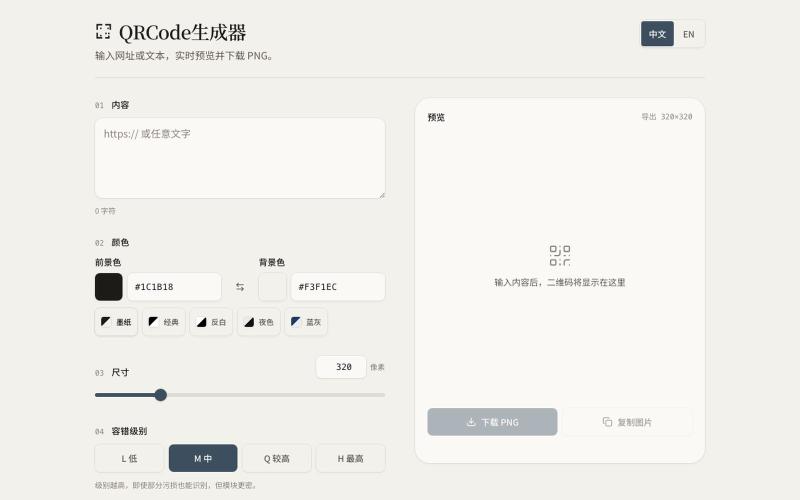
Utilities2 days ago
QRCode生成器
Generate QR codes from URLs or text with customizable colors and sizes, then download as PNG.

@SujitGund · X
做了一个很简单的小工具,主要功能就是输入任意的 URL/文本内容生成二维码,生成的二维码可以直接下载到本地,还可以调整颜色,并且获得了SpaceXAI 官方的奖励的 10 美元。有兴趣的可以试一下~ 地址:
The full gallery
Tech stack
60 projects
Generate QR codes from URLs or text with customizable colors and sizes, then download as PNG.
@SujitGund · X
做了一个很简单的小工具,主要功能就是输入任意的 URL/文本内容生成二维码,生成的二维码可以直接下载到本地,还可以调整颜色,并且获得了SpaceXAI 官方的奖励的 10 美元。有兴趣的可以试一下~ 地址:
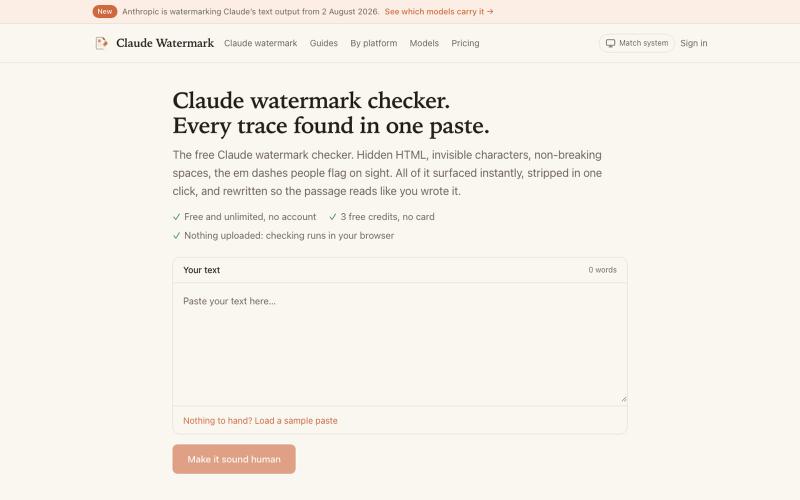
Paste text to view and remove hidden watermarks, invisible characters, and HTML artifacts.

@ofiryieldchain · X
got sick of copy/pasting AI text into so I made it an agent skill lol now in Codex, Claude Code or Cursor you can just say “remove the watermarks from your last answer” and it does it inline.
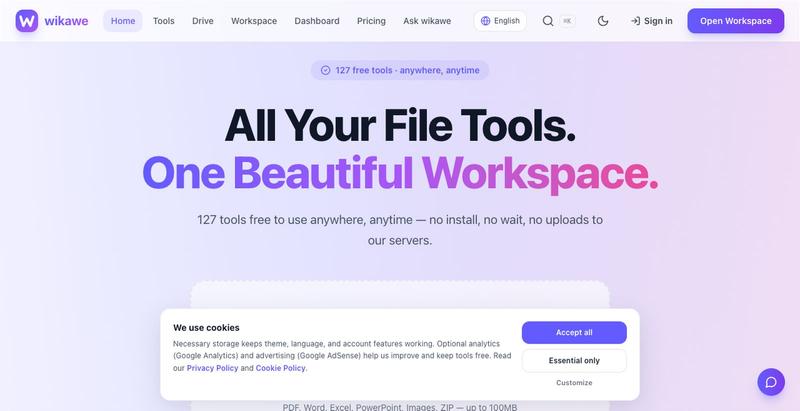
Browser-based PDF tools, card maker, JSON formatter, and image utilities that work offline without uploading files.

@jainarun889 · X
Our Wikawe universe products. Check it out now... - loading
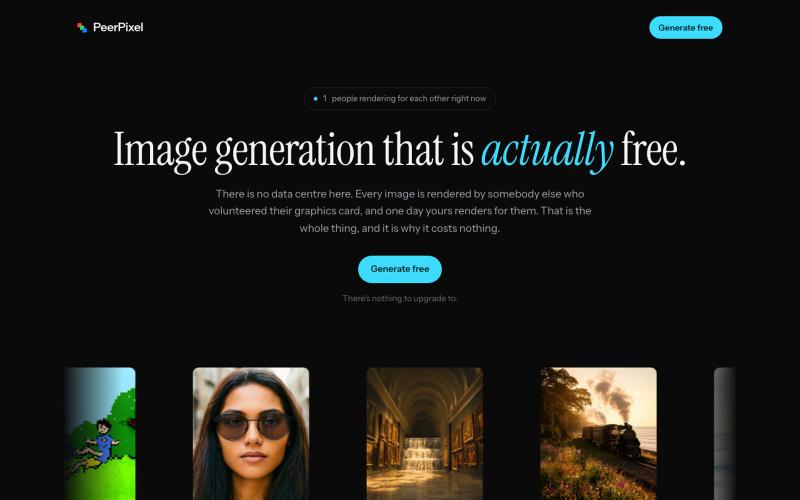
Generate high-quality AI images free using a community-powered GPU network.
impressive_dev · Product Hunt
PeerPixel Free AI image generation, powered by people
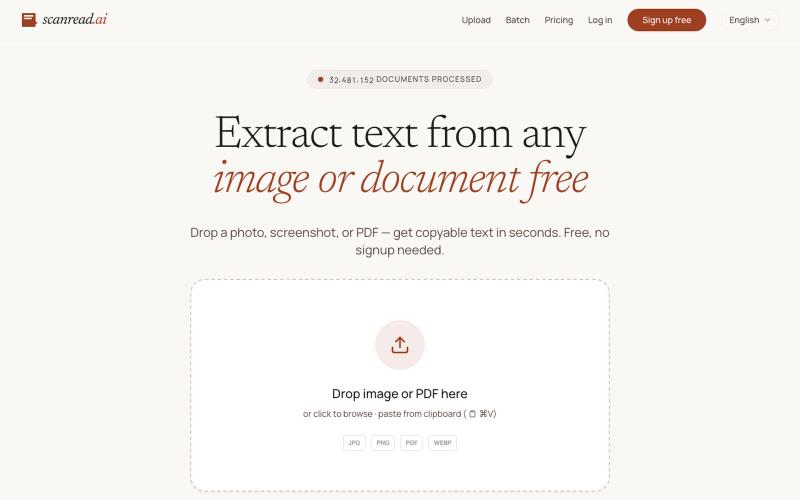
Extract text from images, documents, and PDFs in over 100 languages.
ScanRead.ai — OCR 文字提取工具,支持 100+ 语言,可从图片、PDF、截图和手写文档中提取文字
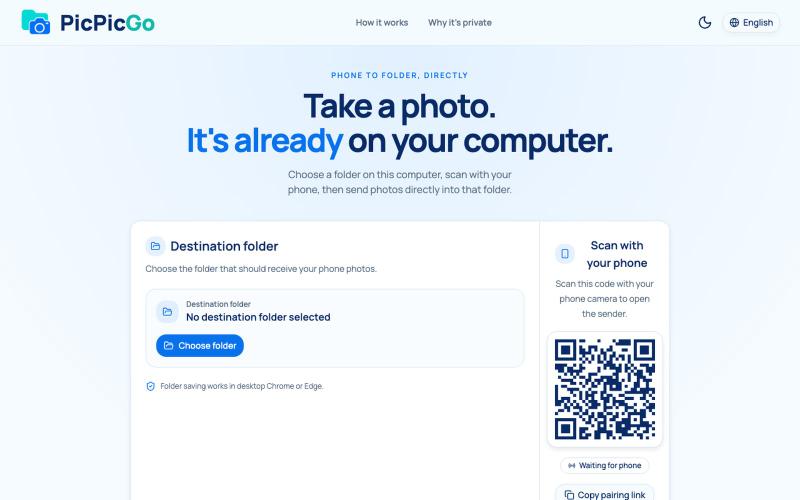
Transfer photos from your phone to your computer folder in real-time without creating an account.
1010115121 · V2EX
做了个网站,将手机的照片实时同步到电脑指定的文件夹,不需要复杂的操作! 最近自己有个需求:需要把手机刚拍的一批图(十来张)快速传到电脑 试了一圈手机和电脑的同步方案,都有点麻烦,所以自己做了个工具站:PicPicGo https://picpicgo.com 使用很简单: 1 、电脑打开网页,选择一个文件夹 2 、手机扫码进行连接 3 、手机拍照或选择照片 4 、照片自动保存到电脑刚才选择的文件夹 不需要安装电脑软件,也不需要安装手机 App ,打开网页就能用 照片通过 WebRTC 在设备之间直接传输。 目前只支持同局域网的设备,刚发布,发出来看看有没有人也有类似需求,欢迎试用和提意见。
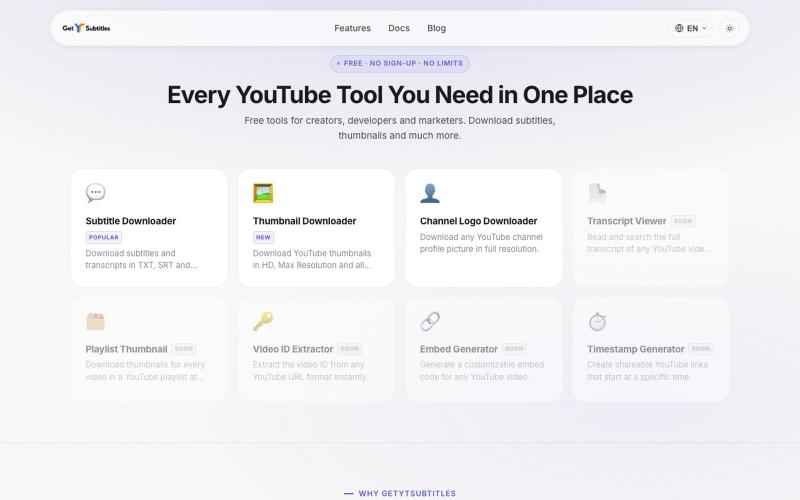
Download YouTube subtitles and thumbnails without registration.

@bharattpawarr · X
Just launched Built with Astro + Cloudflare features: YouTube Subtitle Downloader YouTube Thumbnail Downloader 🔗 #BuildInPublic #AstroJS #JavaScript #Cloudflare
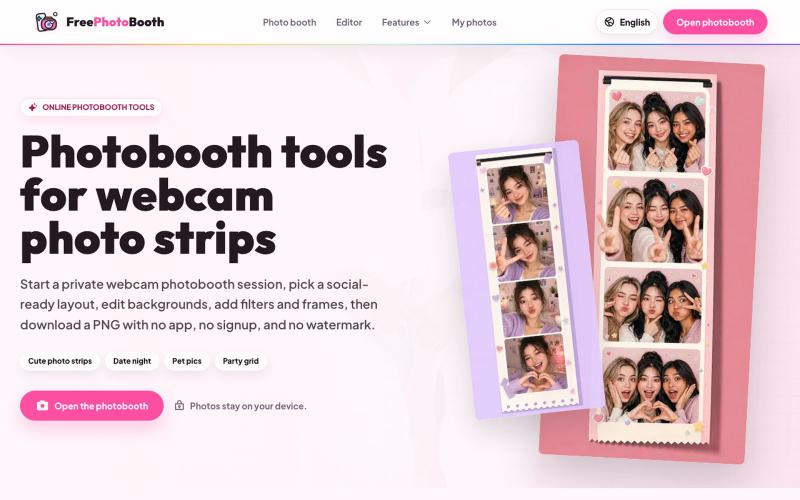
Create webcam photo strips with filters, frames, and background editing.
cmlanche · V2EX
做的在线照相亭本来还有点流量,结果我 301 瞎整一通,彻底废了,重新上了一个站 地址:[freephotobooth.online]( https://freephotobooth.online/) 上面是老地址,本来流量还可以,上站第二天就有 300 个新点击,但我嫌弃域名后期没有品牌优势,所以 301 到了另外一个域名,但上了之后看到流量没有了,又很焦虑,然后又把新站 301 到老站,现在彻底 game over 不得已重新写了一个站,再上,有兴趣可以围观一下,看看哪个更好,有啥问题我可以改改,主打听劝 新站地址:[https://photobooth100.com/]( https://photobooth100.com/)
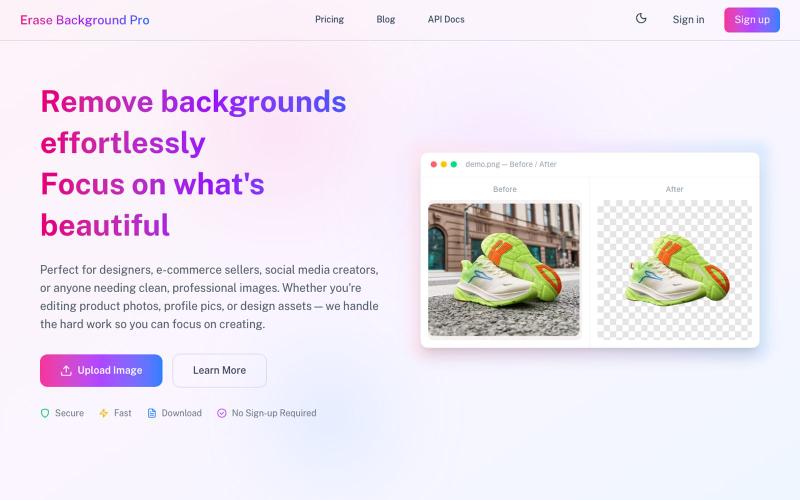
Instantly remove image backgrounds with AI, no sign-up needed.

@DevXiaoGe · X
3 months ago, I built my first Saas an alternative to removebg. what did I get until the moment I post? 28 clicks, 5 users, 0 revenue. I know there is must something I did wrong or haven't be done. And those are what I am gonna to do in next several months.
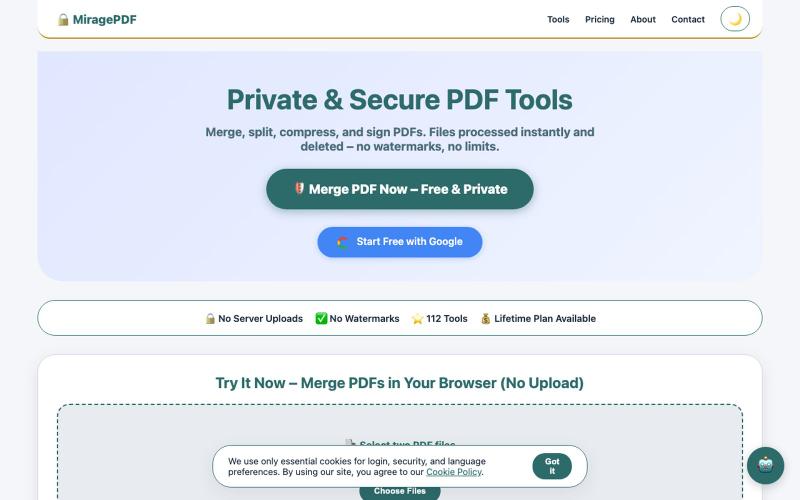
Free PDF tools in your browser for merging, splitting, compressing, and protecting files.

@magictoolshup · X
This unique website handles everything for you with great precision and professionalism. A key feature is that it never uploads your files—they remain solely within your browser for maximum privacy. Give it a try,you will discover something impressive.
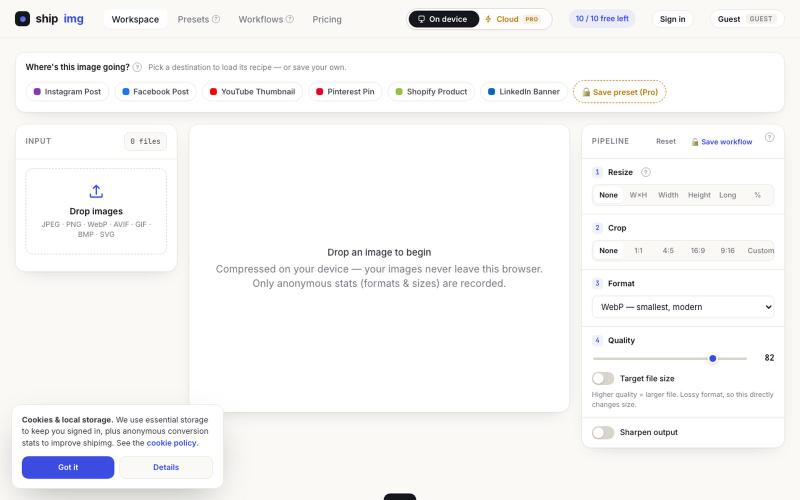
Convert and compress images in multiple formats directly in your browser without uploading files.

@SamoreVaibhav · X
The online image converter experience: → upload → wait → download → "free limit reached, upgrade now" → open competitor site → upload the same files AGAIN → next week: which site was it? what size did I use?? I got tired of this loop. So I built Runs 100% in your browser — files never upload, so there's no limit to hit. Save your presets once, they're there forever. My first SaaS. Launching in public 😁
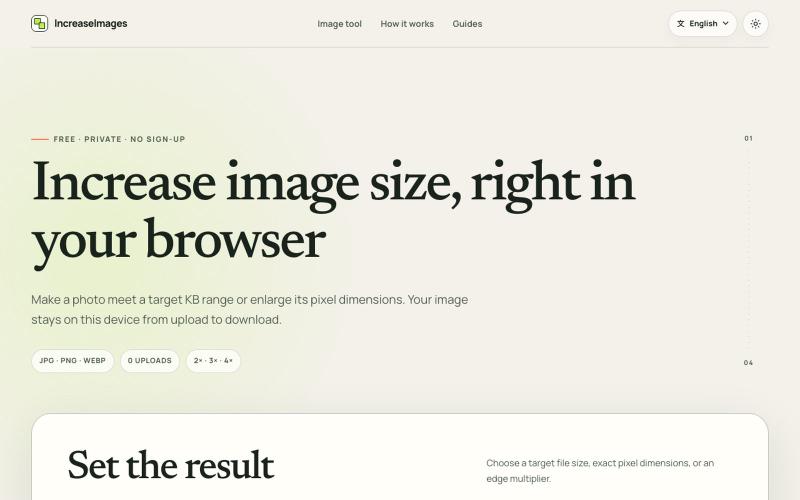
Resize and compress images to specific KB or dimensions in your browser, no upload needed.
lby910722 · V2EX
做了一个完全在浏览器本地处理的图片 KB / 尺寸调整工具: IncreaseImages 大家好,最近做了一个免费图片调整工具 **IncreaseImages**: https://increaseimages.org/ 最初想解决的是一个很具体的问题:很多报名、考试或资料上传表单,同时限制图片的 KB 、像素尺寸和格式。普通压缩工具往往只告诉你“压小了多少”,但不会把目标要求和实际输出放在一起核对。 目前支持: - 按目标 KB 或 KB 区间重新编码 - 按宽高尺寸调整,或按 2×–4× 放大 - JPG 、PNG 、WebP 输入与输出 - 生成前后预览尺寸、格式和文件大小 - SSC 、IBPS 、UPSC 等常见上传范围示例(仍会提示以最新官方要求为准) - 英文及 8 种本地化语言页面 我比较在意隐私,所以图片从选择、处理到下载都留在当前浏览器里,不会上传到 IncreaseImages 服务器,也不需要注册。 它不是 AI 超分工具:可以增加像素或文件字节,但不会声称恢复原图里不存在的细节。当前版本主要想把“像素变大”和“