
Creative Tools1 month ago · 2 tries
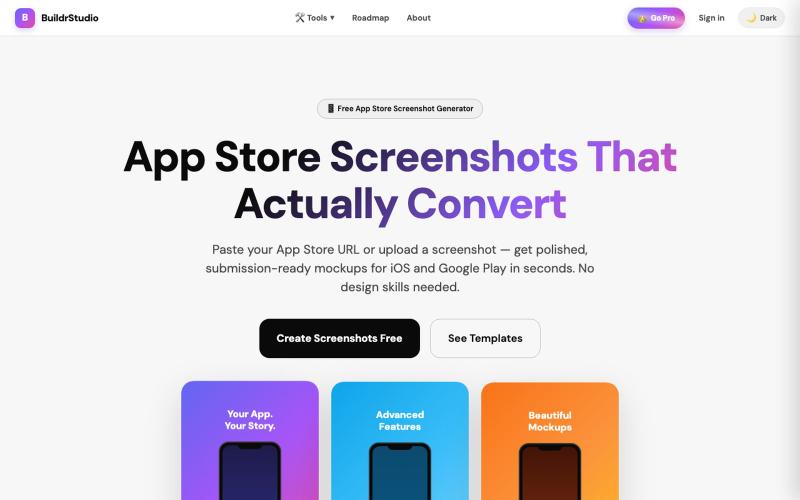
BuildrStudio — Free App Store Screenshot Generator
Generate App Store and Play Store screenshots with AI-powered headlines and device frames.

@buildrstudio · X
The full gallery
Tech stack
60 projects
Generate App Store and Play Store screenshots with AI-powered headlines and device frames.
@buildrstudio · X

Turn any public post into a polished, shareable image for X, TikTok, YouTube, and Bluesky.

@larsbuilds · X
here's the link for the lazy ones :)
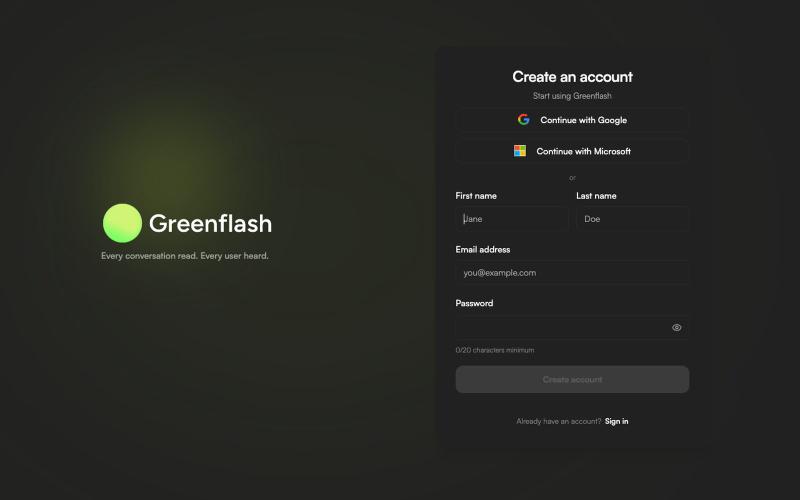
Track AI agent conversations to identify failure points and test better prompts.
sailrock · HN
Greenflash – we read every conversation your AI agent has with users
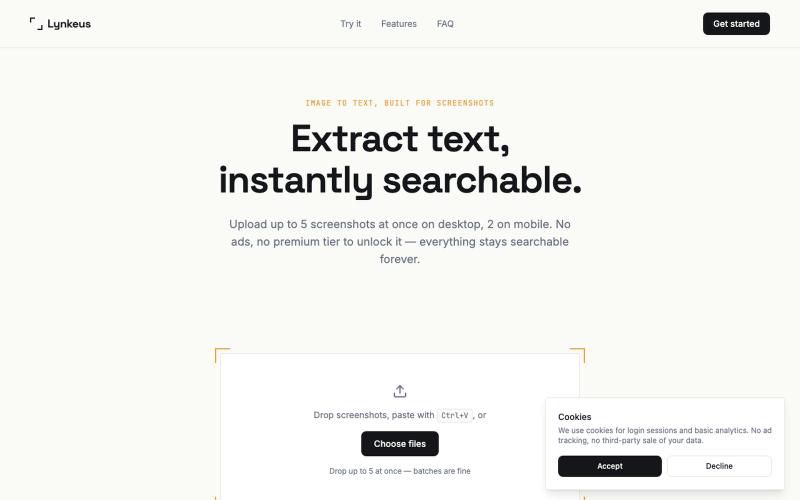
Extract text from screenshots and images, instantly searchable and editable.

@DoriaJefferson3 · X
A quiet digital space designed to help with sleep and relaxation.

@Dorian727286 · X
我做了一个助眠的小网站,大家可以试试哈哈哈 具体是这样
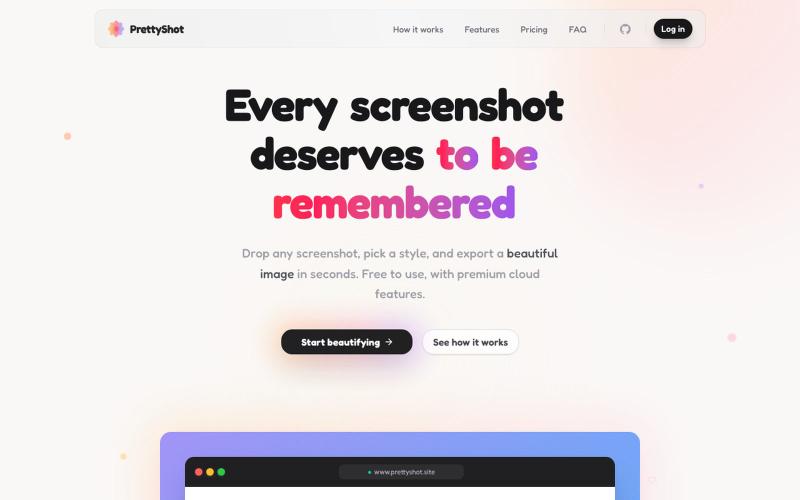
Apply custom styles to screenshots and export them as beautifully formatted images.

@prassami · X
- instantly turns your boring raw screenshots into beautiful images.
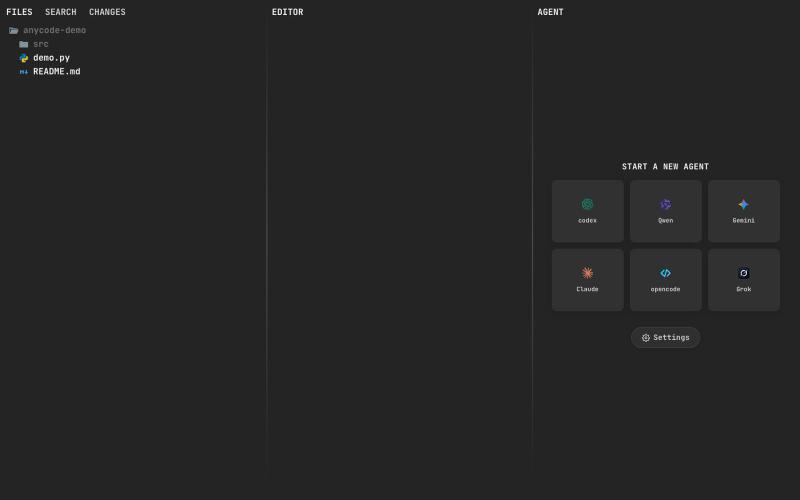
@anupamrjp A fast and smooth browser ADE where humans and agents build together. Its custom editor delivers native scrolling and smooth 120 FPS performance - even on large files. C

@andreisfedotov · X
A fast and smooth browser ADE where humans and agents build together. Its custom editor delivers native scrolling and smooth 120 FPS performance - even on large files. Check it out: Live demo without installation:
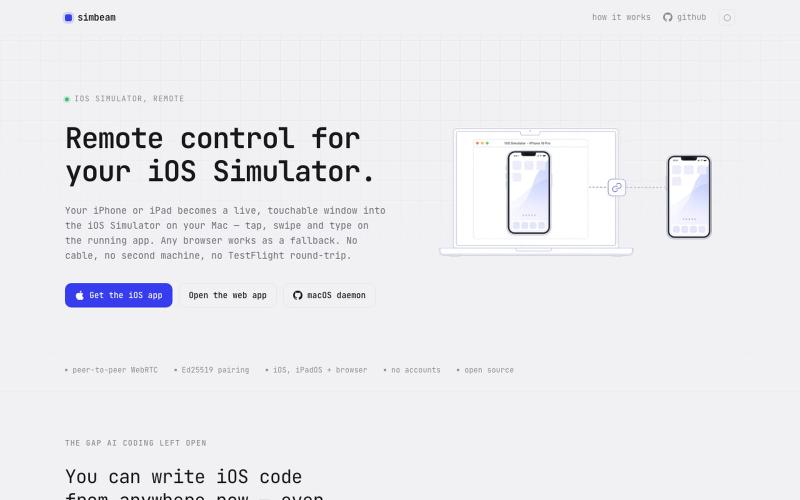
Control your Mac's iOS Simulator from any browser or mobile device over encrypted WebRTC.

@kei_sidorov · X
Remote iOS vibe coding used to be painful because of the installation loop. Build → upload → install → launch → test → repeat. That cycle kills iteration. So I built Now I can connect to my iOS Simulator from anywhere and test changes in seconds.
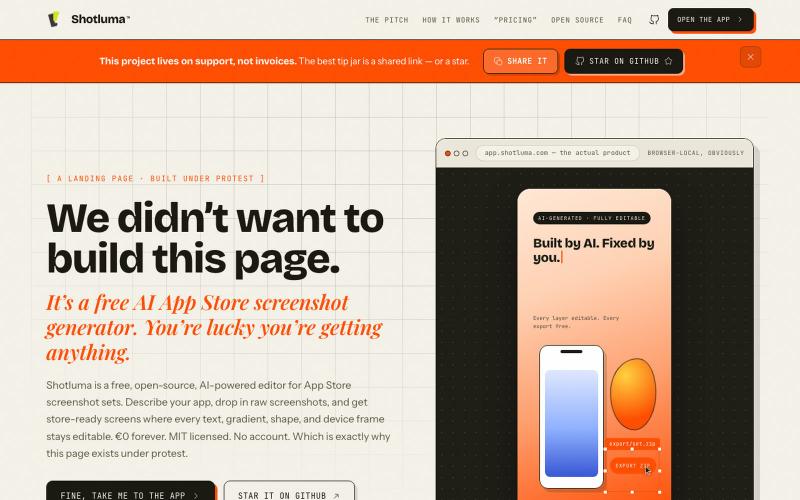
AI App Store screenshot generator with full editability in your browser.
u/Born_Excuse_5610 · Reddit
Free & Open Source AI AppStore Screenshot Generator I’ve been building Shotluma, an open-source editor for creating iOS App Store screenshots. The main idea is pretty simple: I didn’t want the AI to generate a flat image that looks nice but becomes annoying the second you want to change something. In Shotluma, the AI works inside the actual editor. It can add text, gradients, shapes, screenshots and device mockups, but those things stay normal canvas elements afterward. You

Turn screenshots into polished designs using a Chrome extension and web-based editor.

@buildwithshyam · X
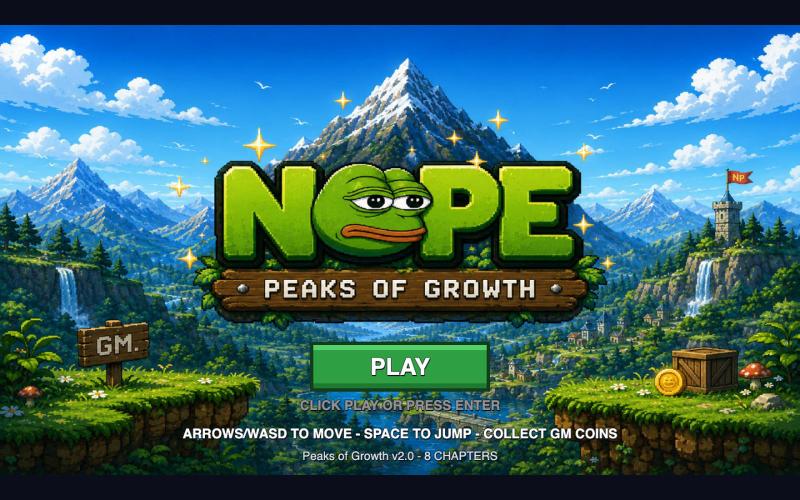
Play a browser game instantly with no wallet or setup.

@NormiePepeNFT · X
Want to have some fun? 🐸🎮 Try the NOPE game — built entirely with Claude Code. No wallet connection required. No complicated setup. Just jump in and play. Have some fun. Be NOPE. 💚
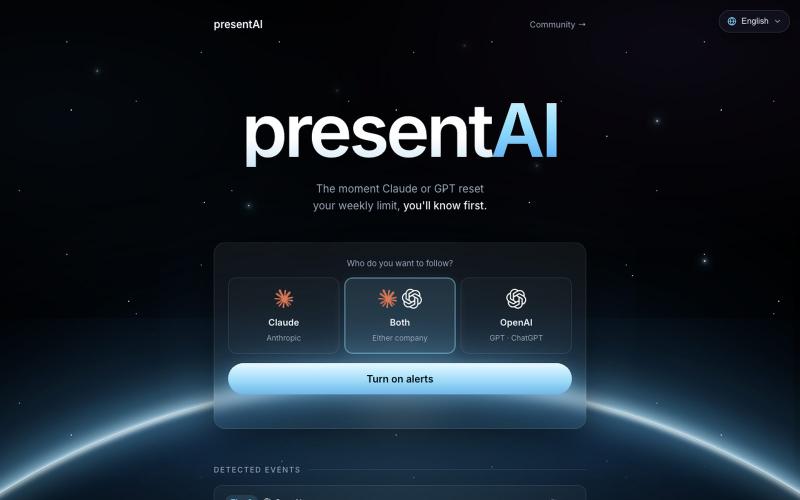
Get instant browser notifications when Claude or GPT usage limits reset.

@HYBBB2002 · X
🔔 Never miss an AI limit reset event again! presentAI tracks Claude & GPT reset events in real-time and sends you an instant alert the exact moment your limits are back.