
Creative Tools1 month ago
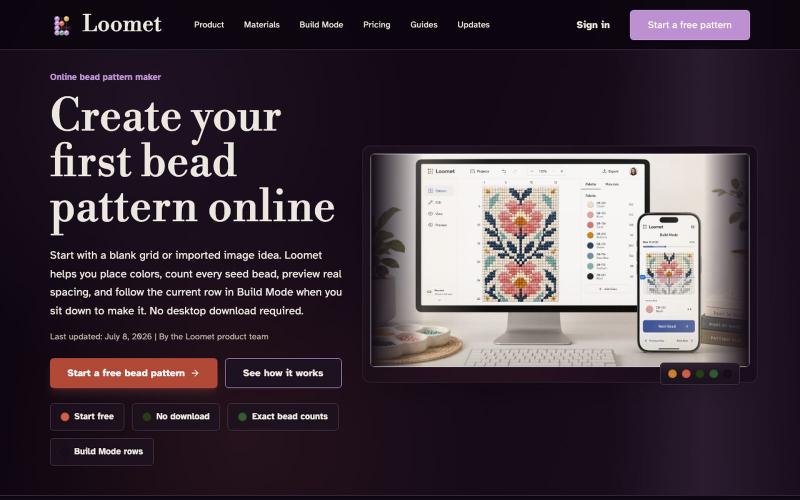
Online Bead Pattern Maker | Loomet
Draw or import bead patterns, automatically count beads, and export PDFs.
letsgogogo · V2EX
做了一个串珠子的工具,支持拼豆。 我做了一个在线串珠图案工具 Loomet 。 可以画图案、自动算珠子数量、导出 PDF 。也支持拼豆模式。 https://loomet.app
The full gallery
Tech stack
60 projects
Draw or import bead patterns, automatically count beads, and export PDFs.
letsgogogo · V2EX
做了一个串珠子的工具,支持拼豆。 我做了一个在线串珠图案工具 Loomet 。 可以画图案、自动算珠子数量、导出 PDF 。也支持拼豆模式。 https://loomet.app
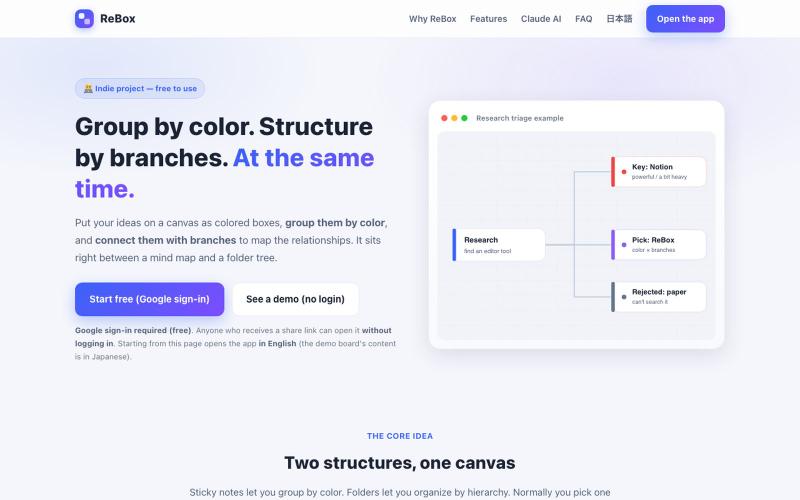
Create visual boards that group ideas by color and structure them with branches, then share without login.

@shiftibis · X
Indie project 📝 ReBox: visual boards where color = group and branches = a file tree — both at once. Share links open without login (anyone with the link can edit). A Claude connector builds boards for you. English UI just shipped. #buildinpublic
Browse and use prebuilt React components with purposeful motion design

@nexvyn · X
I'm building a component library focused on purposeful motion Link:-
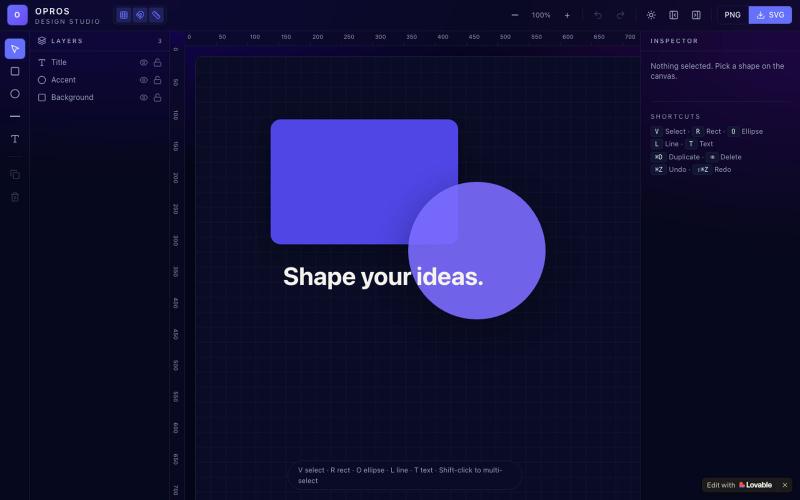
Craft and visualize designs in a web-based creative studio.

@OprosOlamiflex · X
Check out what I just built with Lovable!
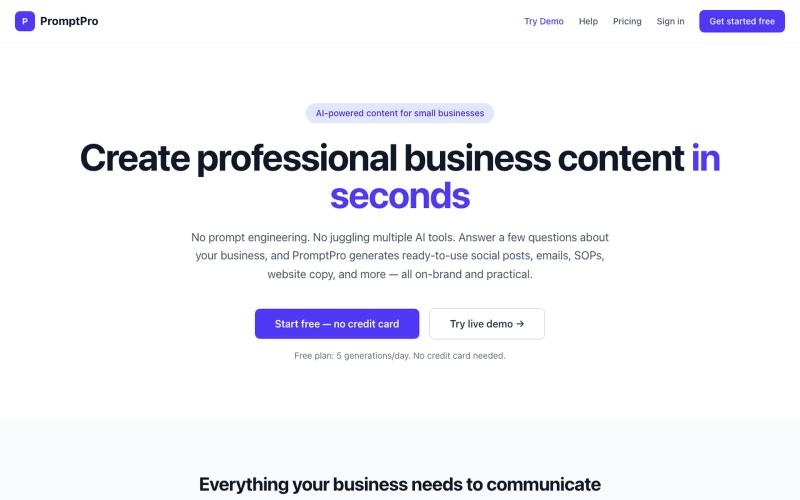
Generate ready-to-use business content like social posts, emails, and SOPs without prompt engineering.
krusilla · Product Hunt
PromptPro AI content for small businesses with no prompts needed
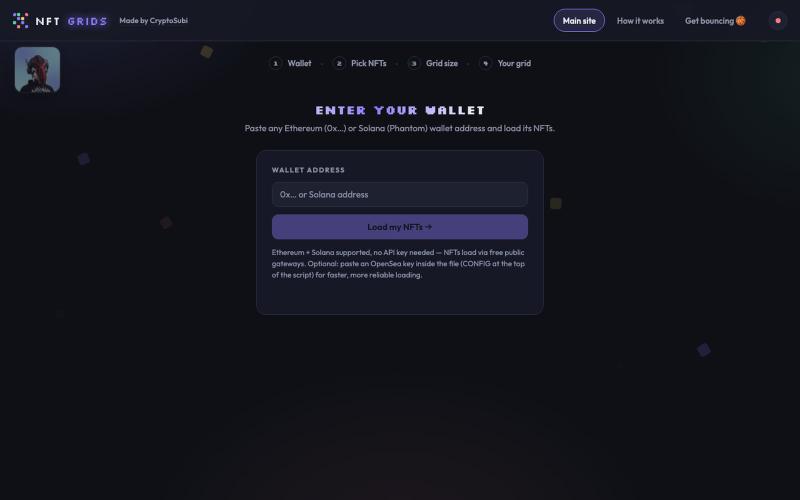
Paste a wallet, pick your NFTs, build a grid, save it as a PNG.

@CryptoSubi · X
Just vibe coded NFT Grids. Check it out here. 👇 No wallet connection needed, just paste in your wallet address, select your NFTs and add them to your grid. Notify me if you realise any bugs. 🐛 Ready to post on socials in under a minute! My grid of NFTs👇
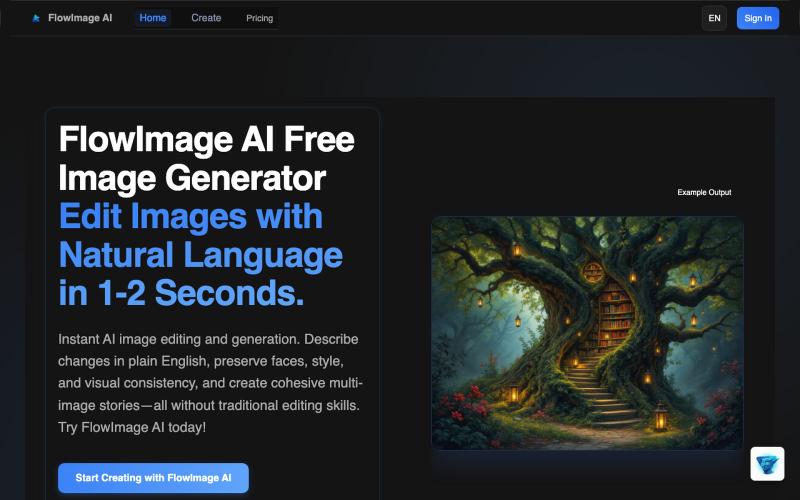
Generate AI images from text prompts instantly without login, with free credits every 12 hours.
Flux 2 AI — AI 绘画工具(无需注册即可生成 2K-4K 高清图像),支持多模型切换,适合快速创意验证与设计
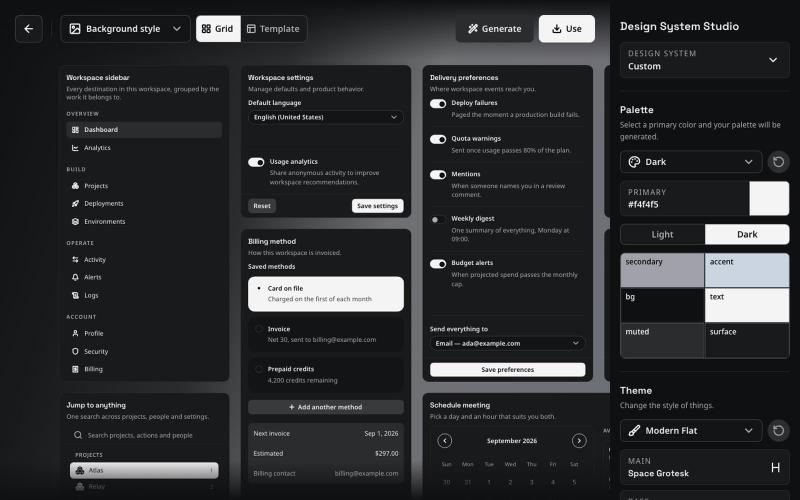
Component system for Vue and React that keeps AI agents consistent with your design system.
pedrobalsadev · HN
I built Balsa UI because I was getting frustrated with coding agents not being able to consistently follow a design system. It usually worked fine at the beginning of a project, but as the project grew, things started to drift. The same happened when I had different projects using the same design system: I kept having to explain the same rules again, and the results were never quite consistent. Most design systems are still built around the idea that a developer reads the docs, understands the r
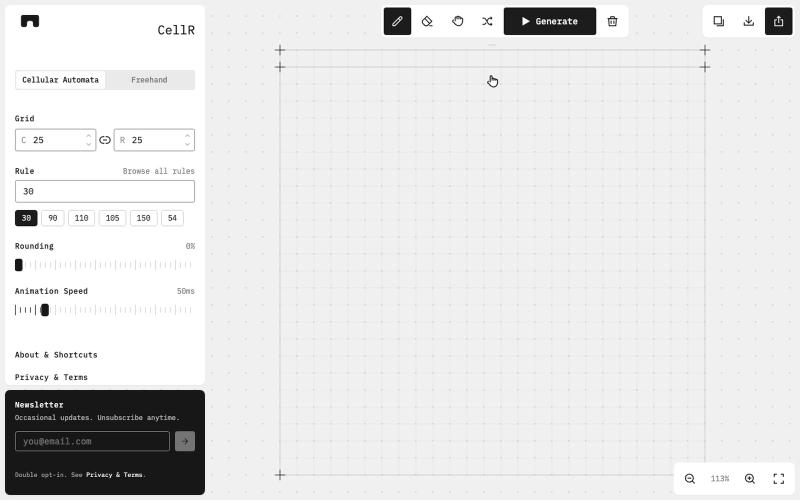
Design cellular automata patterns, animate them, and export as SVG.

@majo_puterka · X
Nerdy, browser-based pattern generator on Wolfram's cellular automata. SVG export, freehand mode, free.
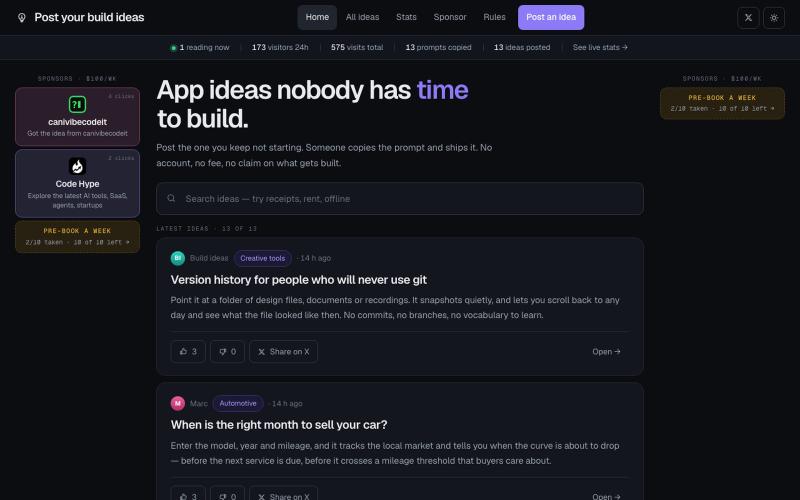
A public board of app ideas nobody has time to build. Post yours without an account, or copy an idea's generated build prompt and ship it.

@gianmauric · X
post your build idea
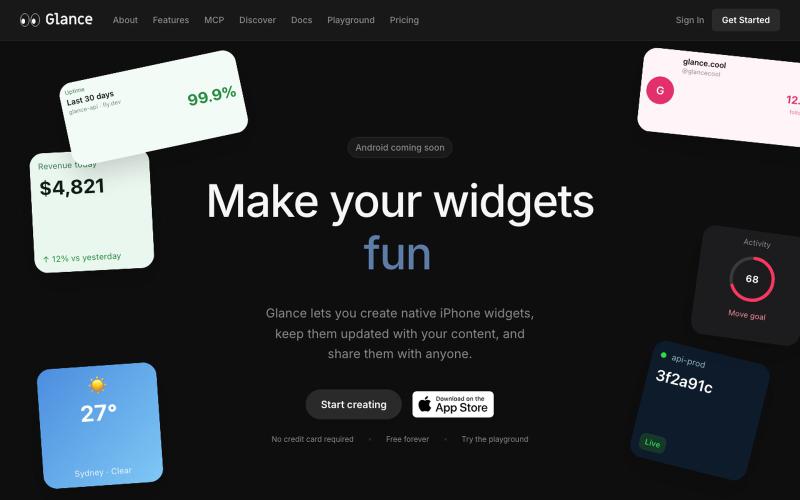
Publish private, public, or shareable iPhone widgets powered by your content, automations, and APIs. No app required.

@talkravarusic · X
Building Glance, it’s lets agents step out of the chat box and into your iPhone Home Screen
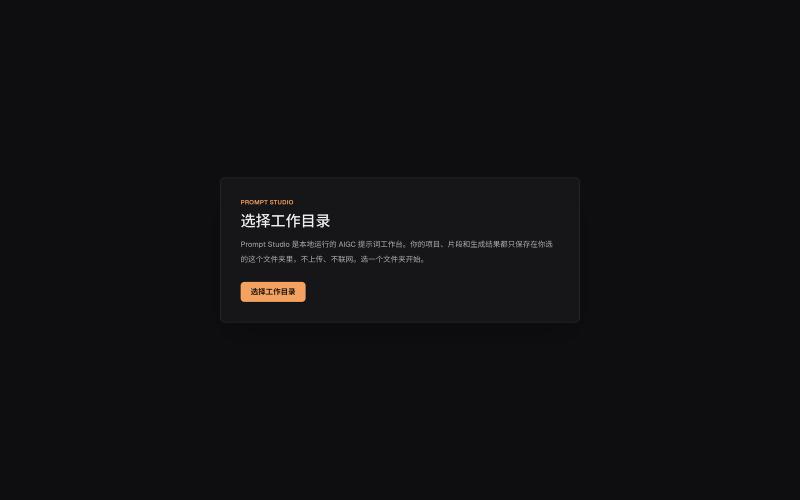
Organize prompts, character settings, and visual descriptions for AIGC projects locally.
innerpeace03 · V2EX
做了个管 AIGC 提示词的本地工作台 —— Prompt Studio 先放地址(纯静态、无后端,打开即用): https://prompt-studio-7gh.pages.dev ## 为什么做这个 起因是身边一个做漫剧 / AI 短视频的朋友,她的 prompt 和素材全靠飞书文档 + 手动复制粘贴管理。 同一段角色设定、画风描述,在几十条 prompt 里被物理复制了几十遍 —— 真实样本里同一段片段重复出现了 16 次。 改一个设定就得全文档翻着改,漏一处就出错。 市面上要么是「以图为中心」的图库( MJ / Civitai 那种),要么是通用文档( Notion / 飞书), 都没解决「同一段提示词在很多地方被重复、想改一处就同步所有引用」这件事。所以自己动手做了一个。 ## 它是什么 一句话:浏览器里运行、数据全在本地、单人用的「提示词 + 素材」工作台。 核心就一件事 —— 消灭 prompt 片段的物理重复: - 片段层 + 规则层两级可复用资源,prompt 里用「引用」而不是复制粘贴 - 改一次片段,所有引用它的