
Productivity1 month ago · 1 tries
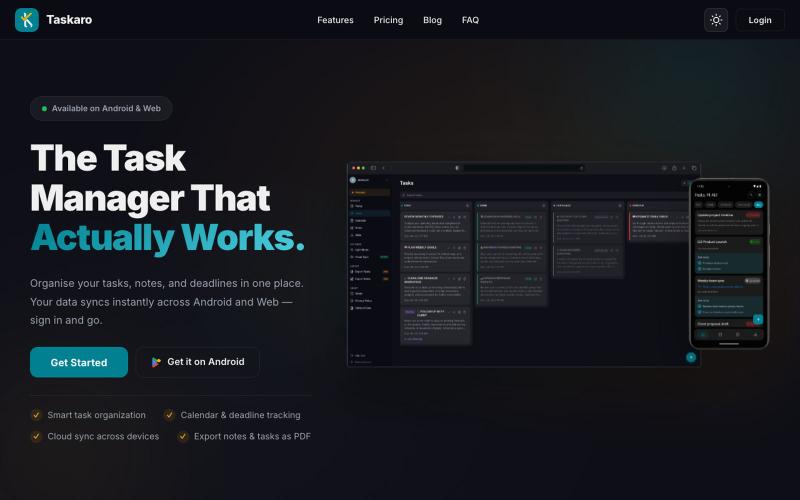
Taskaro
Organize tasks using kanban boards, notes, and calendar on web or Android.

@ak14053 · X
The full gallery
Tech stack
60 projects
Organize tasks using kanban boards, notes, and calendar on web or Android.
@ak14053 · X
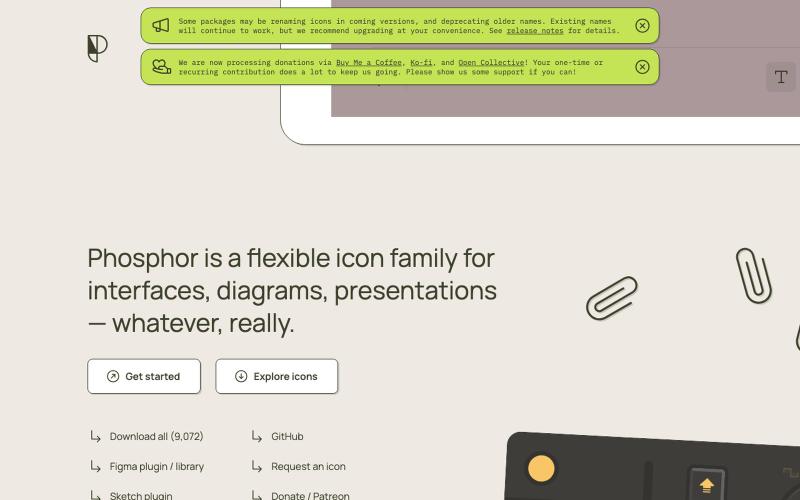
Browse and use a flexible icon library with animations for interfaces and diagrams.

@imdecentralized · X
How I avoid UI's that looks vibe coded: This is my inspiration store. Beyond just an existing website it has specific components and animations that you can use directly rather than asking claude to generate some based on a website. Stop the slop
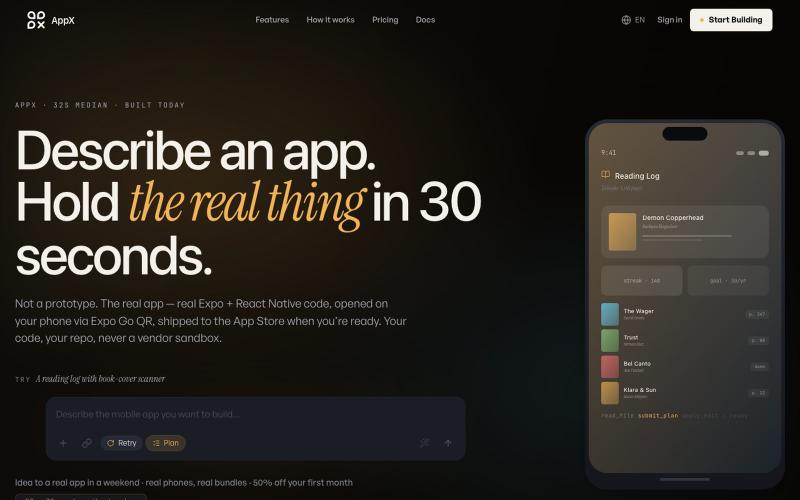
Describe a mobile app and instantly get production-ready React Native code.

@ilyosme · X
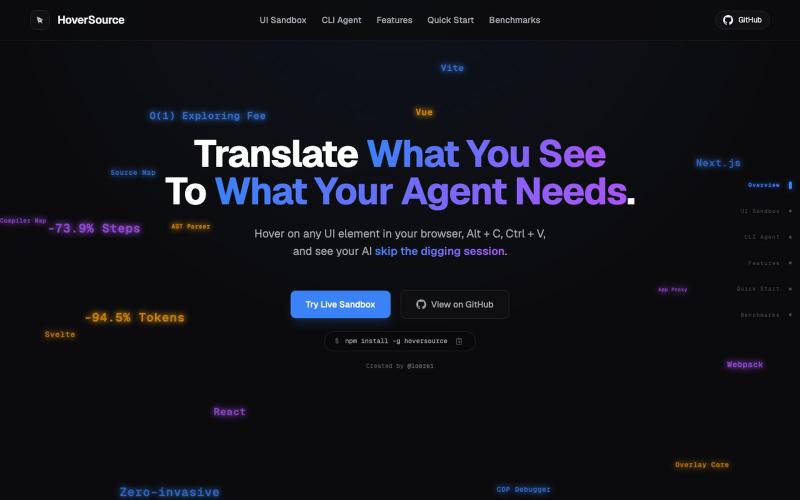
Capture UI elements with code context and screenshots to share with AI agents for debugging visual bugs.
Loerei · HN
I found that describing where a broken UI is and taking screenshots for AI agents really sucks. I’m too lazy to explain an indescribable visual bug or capture a millisecond-long flash. I also don’t want to remember which file defines an element, whether it's right in the .tsx or a problem with the Parent Styles in .css. And even if you can point out the exact file, your agent still has to dig through thousands of lines of code to know what on earth you're yapping about. In a 7700-file monorepo like Cal.com, simply giving the right file in the prompt for your agent saves about 68.9% of execution time and 94.2% of the tokens your agent needs to digest. HoverSource gives all the needed information and further pushes it to -88.5% time and -94.5% tokens, basically skipping the entire digging session and jumping straight to reasoning and executing. The save is linear to how big your codebase is. I want to save tokens, but don’t want to spend my time and energy digging manually, and a junio

AI-powered audit tool that analyzes website and SaaS UI/UX for usability, accessibility, and conversion improvements.

@mydesignaudit · X

Design custom themes for Codex Desktop with backgrounds, colors, transparency, and visual effects.
plutozc · V2EX
做了个 Codex Desktop 主题预览和切换工具,先调好再安装 最近一直在用 Codex Desktop ,觉得默认界面看久了有点单调,就顺手做了个主题编辑工具,分享一下: [Codex Skin]( https://getcodexskin.com) 可以先在网页里预览主题,调整背景透明度、面板透明度、颜色、模糊和圆角等参数,满意之后再下载并切换到 Codex Desktop 。 目前支持: - 自定义 JPG 、PNG 、WebP 背景 - 在线实时预览主题效果 - 调整透明度、颜色、模糊、圆角 - 预览满意后生成安装命令 - 不喜欢了可以恢复默认外观 目前主要面向 macOS 上的 Codex Desktop ,还是个人项目,功能和兼容性都在继续打磨。 欢迎试试,也想听听大家对主题参数、预览效果和安装流程的反馈。 直接网址: https://getcodexskin.com [轻喷 轻喷,可能还有些 bug
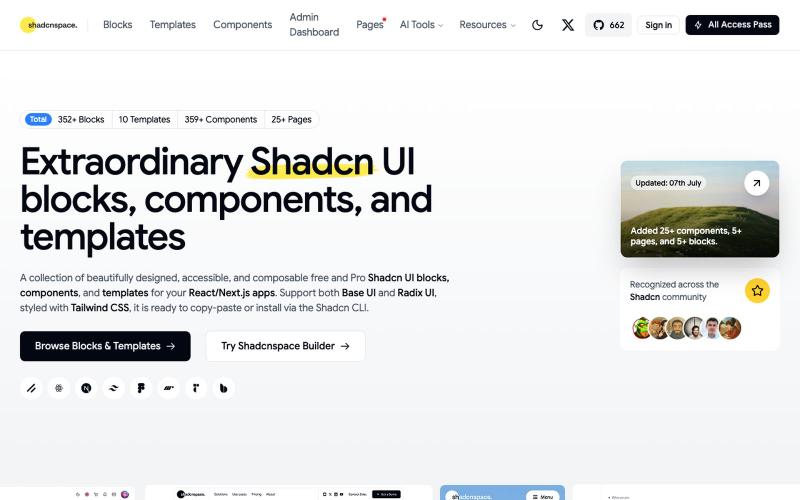
Browse and copy reusable Shadcn UI components, blocks, and templates for React development.

@gupta05_vaibhav · X
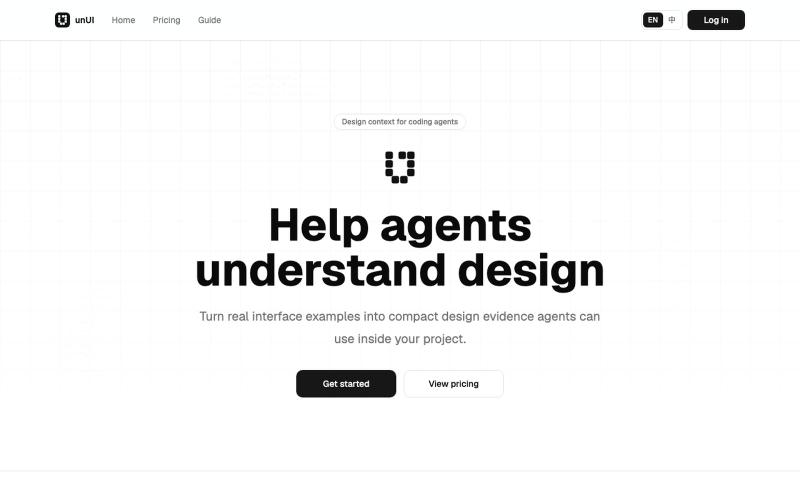
AI-readable design context packs that help coding agents make better design decisions.
heywitt · HN
UnUI – Help coding agents make better design decisions
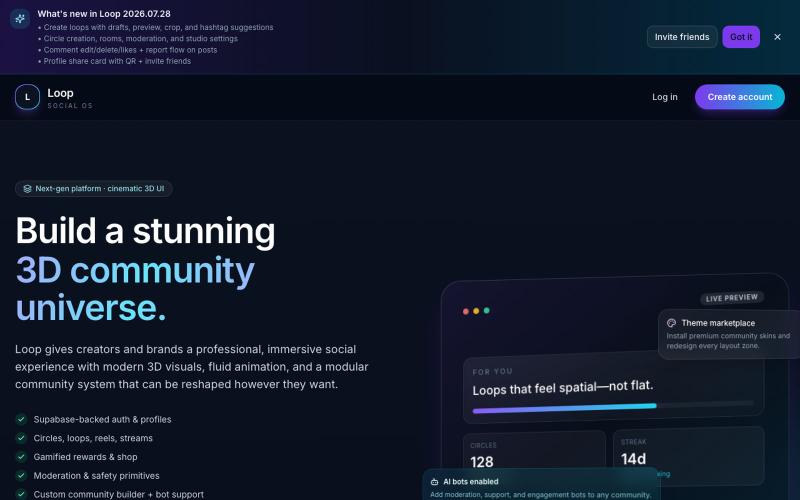
Connect and collaborate with others through a social media app featuring 3D visual effects.

@UseeHamza · X
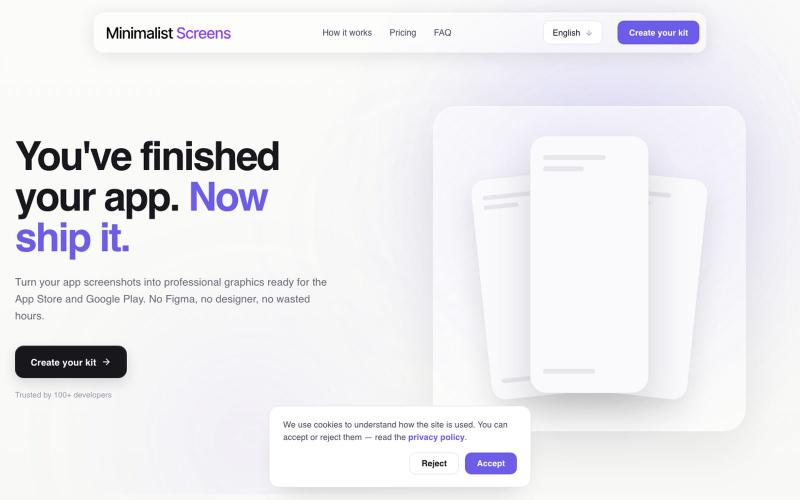
Turn your app screenshots into polished App Store and Play Store graphics in minutes.

@tyd3n_ · X
I'm building Minimalist Screens ( a tool that helps solo founders turn app screenshots into store-ready visuals in minutes.
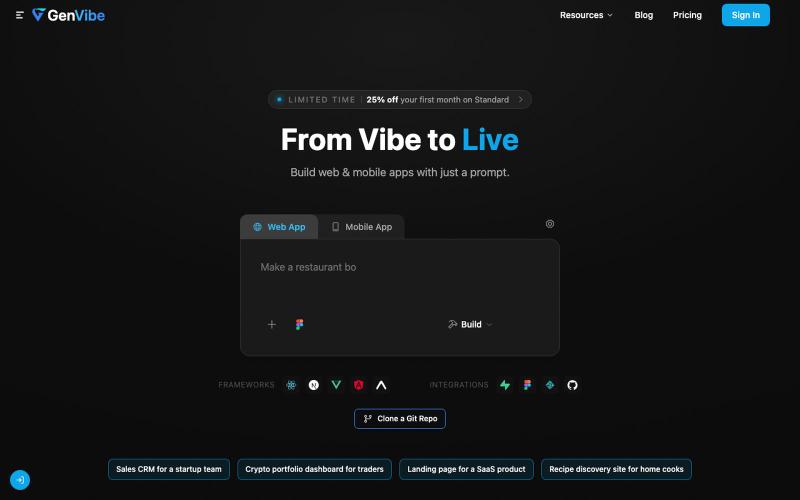
Turn prompts, designs, or screenshots into production-ready web and mobile apps.

@buildwithbk · X
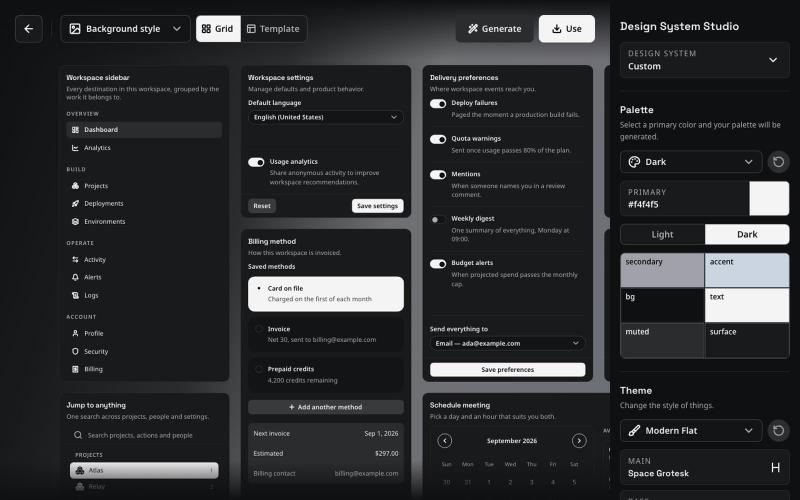
Component system for Vue and React that keeps AI agents consistent with your design system.
pedrobalsadev · HN
I built Balsa UI because I was getting frustrated with coding agents not being able to consistently follow a design system. It usually worked fine at the beginning of a project, but as the project grew, things started to drift. The same happened when I had different projects using the same design system: I kept having to explain the same rules again, and the results were never quite consistent. Most design systems are still built around the idea that a developer reads the docs, understands the r