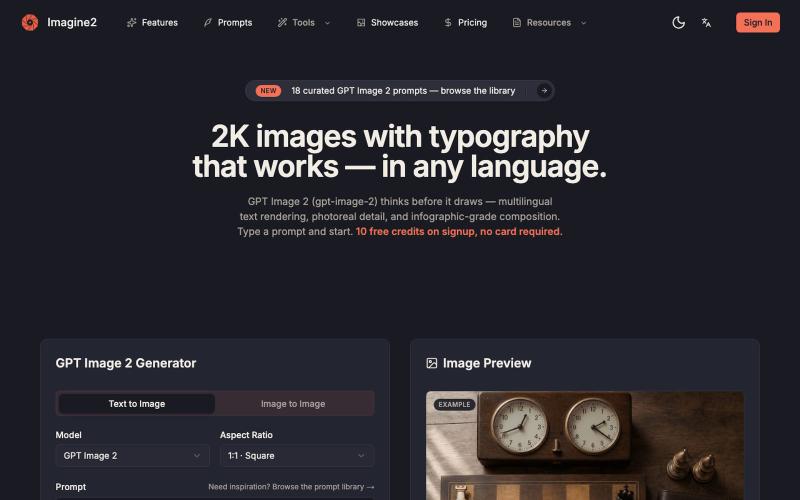
GPT Image 2 — Text-to-Image & Image-to-Image AI Generator
Generate AI images from text or images with support for 2K-4K quality and typography control.
GPT Image 2 — AI 图片生成器,支持文生图、图生图、4K 图片、图中文字生成与 Prompt 示例库,适合制作产品图、海报、广告图和社媒配图
The full gallery
Tech stack
60 projects

Generate AI images from text or images with support for 2K-4K quality and typography control.
GPT Image 2 — AI 图片生成器,支持文生图、图生图、4K 图片、图中文字生成与 Prompt 示例库,适合制作产品图、海报、广告图和社媒配图

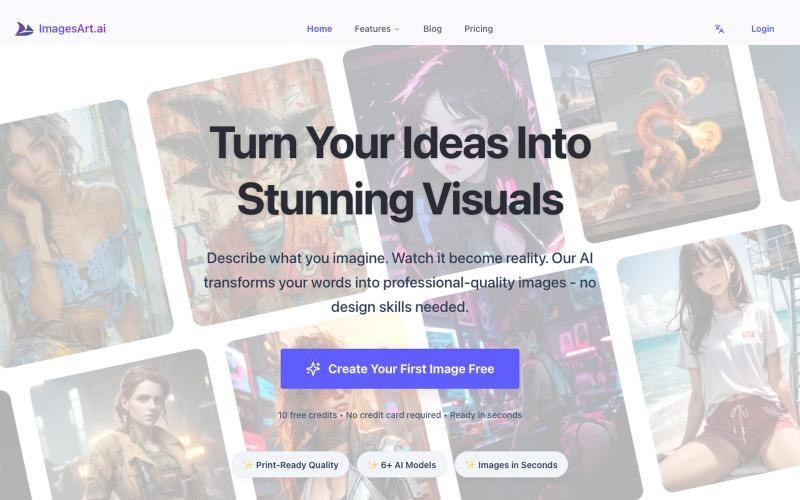
Generate professional images from text using multiple AI models.
ImagesArt.ai — 生成完美的AI艺术提示词。使用这个工具为Flux、Midjourney和Stable Diffusion模型生成并优化图像提示词。

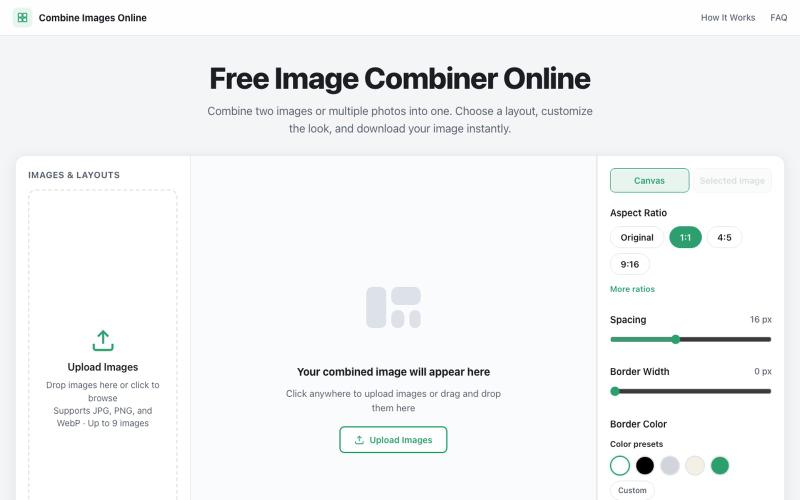
Combine multiple images into custom grids with adjustable spacing, borders, and backgrounds.
@dais33923 · X
新手村一号作品在这里: 做了一个免费的在线拼图工具,可以上传多张图片、自由排版、换背景和边框,再导出成图。 欢迎路过玩玩,也欢迎狠狠挑刺:不好用、缺功能、哪里丑,都可以告诉我(虽然我自己也知道嘿嘿)。 先把它养活,后面慢慢养大or再换一个站玩玩哈哈哈😄🧩

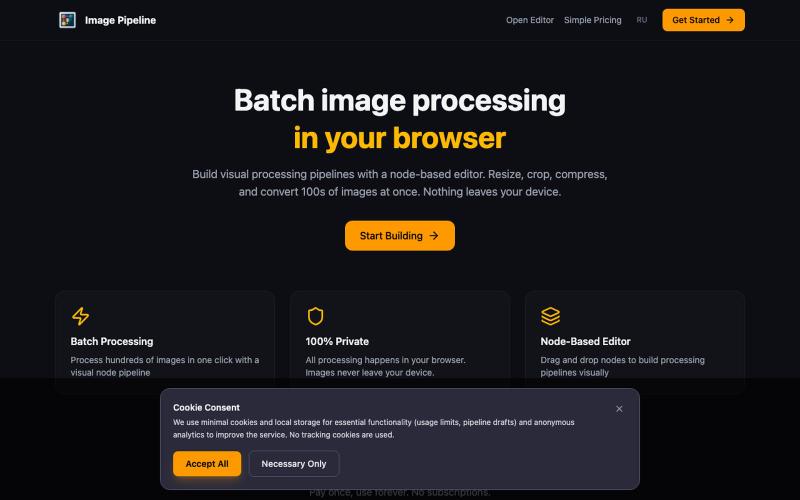
Resize, crop, compress, and convert images in batch — all locally in your browser.
@MaximMitenkov · X
🔒 Just launched Image Pipeline — batch image processing in your browser. 100% private. No signup. Pay once, use forever. #buildinpublic #webdev #privacy

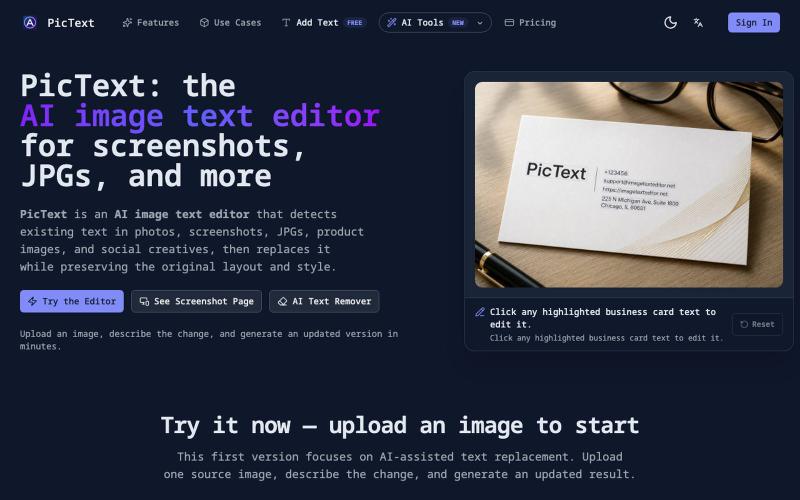
Detect and replace text in images while preserving layout and style.
PicText - 图片文字编辑器 — AI 驱动的图片文本编辑器,检测并替换照片、截图和产品图中的文本,同时保留原始布局和字体

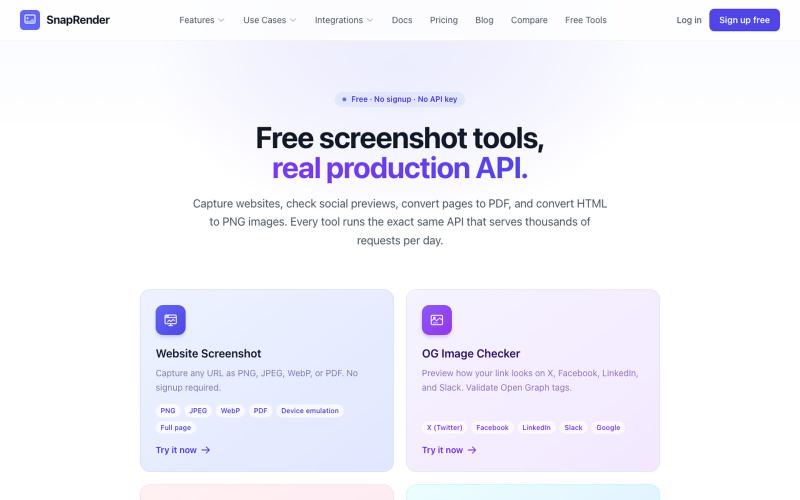
Screenshot websites, convert to PDF or PNG, and check Open Graph images—no login required.
u/SpecificNo8047 · Reddit
I built a screenshot API because my personal Puppeteer setup kept breaking. Six months later it has an MCP server and hundereds of users Solo founder here, this is my product, full disclosure. It started as super simple helper self hosted tool for myself: I needed website screenshots for a project, self-hosted Puppeteer, and spent more time babysitting Chromium than building. So I turned the babysitting into a product, because why not. What it does: one GET request in, rendered screenshot

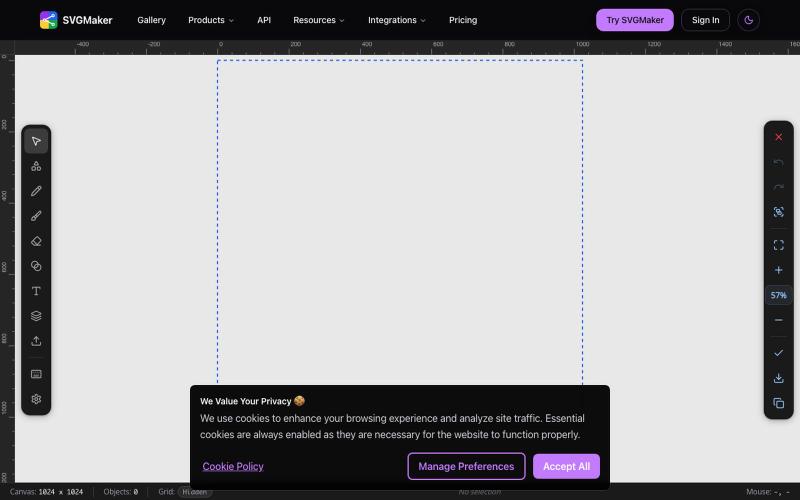
Design vector graphics with AI text-to-SVG generation and multi-format editing in your browser.
u/Every-Comment5473 · Reddit
I think I may have finally found a fully free alternative to BoxySVG. I came across this browser-based free SVG editor from svgmaker , and it feels pretty close to Apple Freeform in the way the canvas, grids, snapping, and alignment work. It also lets you edit paths, points, text, colors, shapes etc. Most of the things I used to open BoxySVG for, I can now do in this one—and it’s completely free. Honestly, I wasn’t expecting it to be this capable, especially since most AI image generation

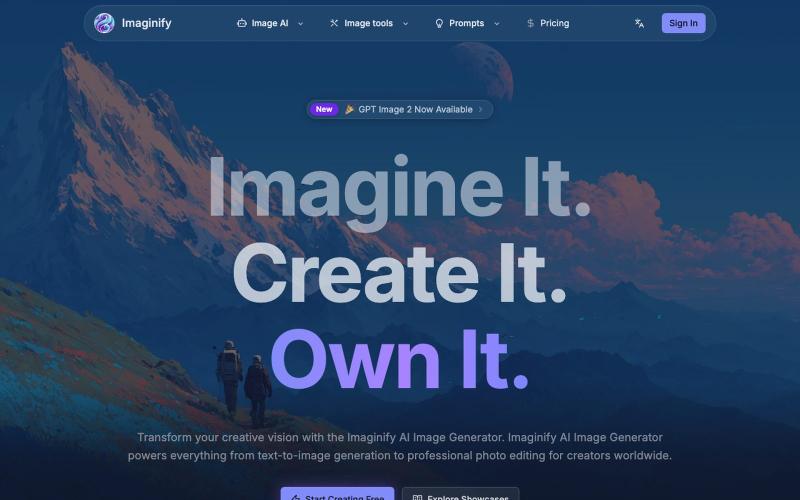
Generate images from text and professionally edit photos with AI enhancement.
Imaginify — AI 图像生成与编辑工具,支持文字生图、参考图重绘、局部修改、背景处理和画质增强,提供多种图像模型与最高 4K 输出

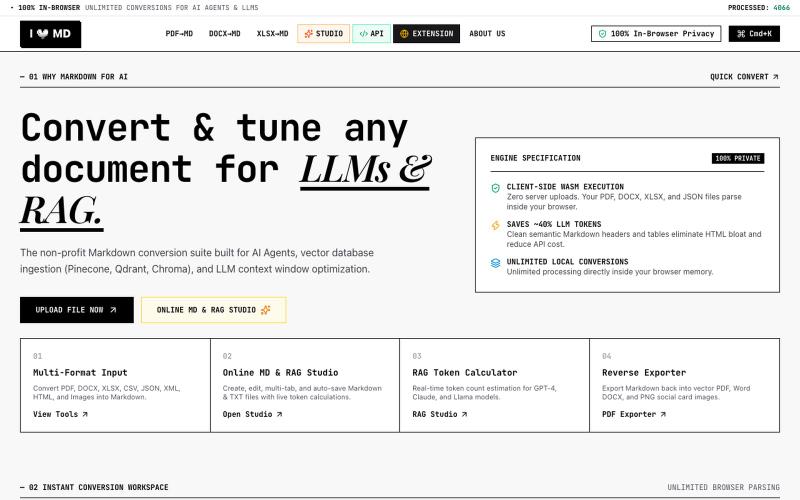
Convert PDF, DOCX, XLSX, CSV, JSON, XML, HTML, Images to clean Markdown optimized for AI Agents, RAG, and Vector DBs. 100% Privacy-First, In-Browser Conversion.
@13SahajChawla · X
For professionals to redact their client's sensitive informations before giving AI to process it & while converting any kind of document to a structured MD file. Better quality outputs, 100% privacy with on-browser local processing, and fully free!

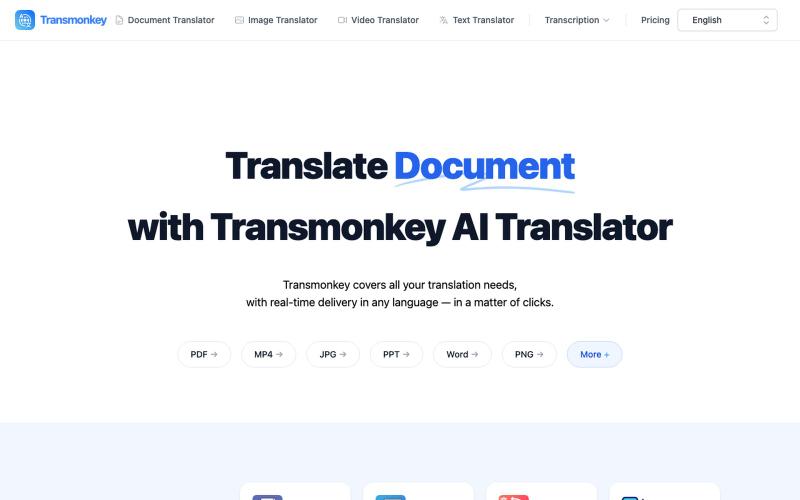
Translate documents, images, videos, and audio files instantly with AI.
Transmonkey — 所有您所需的翻译工具,一应俱全 - [更多介绍](https://www.transmonkey.ai/faq)

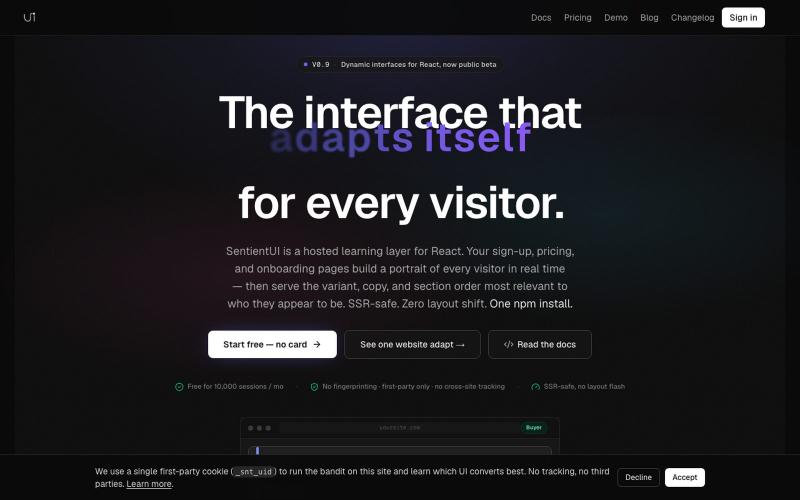
React library that personalizes UI copy and layouts per visitor for conversion optimization.
@casancamdev · X

Edit, compress, convert, and merge video and audio files in your browser.
zhw2590582 · V2EX
最近对网站进行了重构,做成了免费的视频工具站:[ArtPlayer Tools]( https://artplayer.org/tools/) 主要是围绕着 ffmpeg.wasm 和 mediabunny 实现的一些可以直接在浏览器里用的视频/音频工具,常用的有: - 视频压缩:[Compress Video]( https://artplayer.org/compress-video/) - 视频裁剪:[Crop Video]( https://artplayer.org/crop-video/) - 视频合并:[Merge Video]( https://artplayer.org/merge-video/) - 视频尺寸调整:[Resize Video]( https://artplayer.org/resize-video/) - 视频旋转:[Rotate Video]( https://artplayer.org/rotate-video/) - 视频调速:[Change Video Speed]( https://artplayer.org/change-video-speed/) - 添加文字到视频:[Add Text to Video]( https://artplayer.org/add-text-to-video/) - 添加水印:[Watermark Video]( https://artplayer.org/watermark-video/) - 提取字幕:[Subtitle Editor]( https://artplayer.org/subtitle-editor/) - HLS 转 MP4:[HLS to MP4]( https://artplayer.org/hls-to-mp4/) - 音频可视化:[Audio Visualizer]( https://artplayer.org/audio-visualizer/) 大部分工具都是本地处理,文件不会上传到服务器。最开始是因为自己偶尔要处理一些视频,开剪辑软件又有点重,在线工具又担心隐私,所以就慢慢做成了一个站。 目前还在持续完善,体验肯定还有不少粗糙的地方,比如不同浏览器的兼容、移动端操作、长视频性能之类的。 网站: [ArtPlayer Tools]( https: