Kensho: Anime Fitness App | iThor Technology LLP
Log workouts, follow fitness routines, and track your progress.
@kenshofitness · X
The full gallery
Tech stack
60 projects

Log workouts, follow fitness routines, and track your progress.
@kenshofitness · X


Create interactive games, polls, and quizzes with AI for presentations and events.
u/molefrog · Reddit
create multiplayer apps that you can play with friends or share with coworkers. Like Slido/Kahoot but you can create your own one with AI. It can build polls, quizzes or games. had this idea for a while, the space isn't new and there is apps like Kahoot that presenters or educators use for polling/quizzes. however the templates are limited, so I decided to ship my own vibe-coding IDE for generating these. you just describe it for example "noise meter: people scream at their phon

Create realistic group photos instantly using AI
keenthinker · HN
Create realistic group photos in real time with AI

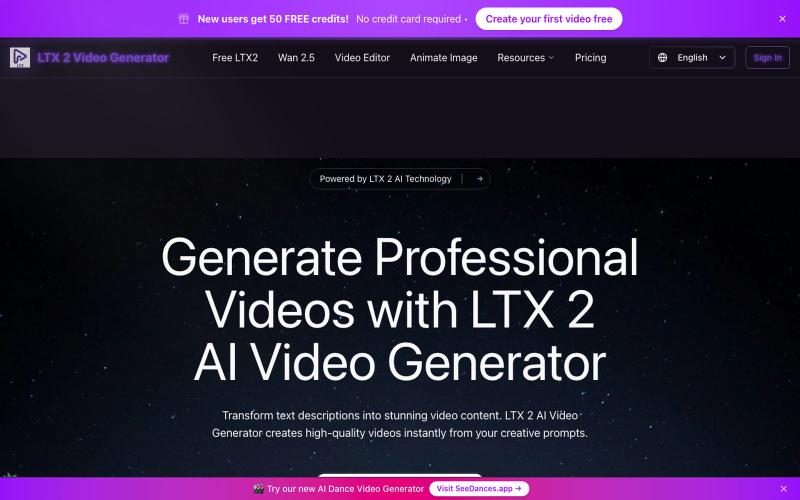
Create 1080p videos with native audio and camera-level control.
Veo 3.1 AI — 使用 Veo3.1 创作电影级视频,配备 1080p 原生音频、首尾帧控制及免费试用额度

A browser color memory game where you match hidden shades using HSL sliders and score 0–10.
ToonTones — 浏览器颜色记忆游戏,观察隐藏色后用 HSL 滑块还原,五轮给出 0–10 分,支持每日挑战和排行榜,无需注册下载

Convert photos or text into cartoon images in Disney, Ghibli, or Pixar styles.
免费在线 AI 卡通图片生成工具 — 将文本和照片转换为令人惊艳的卡通风格图像。它提供多种艺术风格、丰富的自定义选项和高质量的输出,让用户轻松创建独特的头像、社交媒体内容和品牌插画

Instantly play curated HTML5 and WebGL games in your browser without downloading or logging in.
WaHaGameStore — 在线 HTML 游戏,免登录、免下载

Automatically collect Google reviews from your satisfied restaurant customers.
@GetRevyo · X

Free AI image generation using FLUX.1-dev, no account needed
@vic_adeyemi · X
No Login required! Only your token needed! Generate for free! No daily limits of image generation!

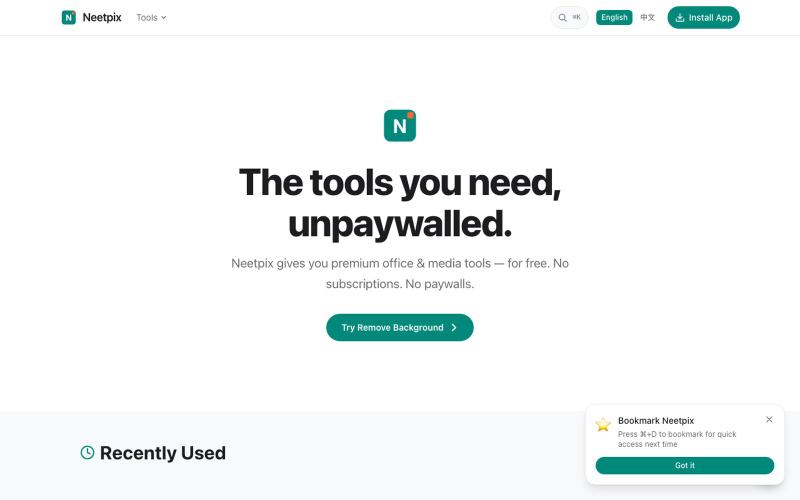
Browser-based video and audio editing tools for compression, cropping, merging, and format conversion.
zhw2590582 · V2EX
最近对网站进行了重构,做成了免费的视频工具站:[ArtPlayer Tools]( https://artplayer.org/tools/) 主要是围绕着 ffmpeg.wasm 和 mediabunny 实现的一些可以直接在浏览器里用的视频/音频工具,常用的有: - 视频压缩:[Compress Video]( https://artplayer.org/compress-video/) - 视频裁剪:[Crop Video]( https://artplayer.org/crop-video/) - 视频合并:[Merge Video]( https://artplayer.org/merge-video/) - 视频尺寸调整:[Resize Video]( https://artplayer.org/resize-video/) - 视频旋转:[Rotate Video]( https://artplayer.org/rotate-video/) - 视频调速:[Change Video Speed]( https://artplayer.org/change-video-speed/) - 添加文字到视频:[Add Text to Video]( https://artplayer.org/add-text-to-video/) - 添加水印:[Watermark Video]( https://artplayer.org/watermark-video/) - 提取字幕:[Subtitle Editor]( https://artplayer.org/subtitle-editor/) - HLS 转 MP4:[HLS to MP4]( https://artplayer.org/hls-to-mp4/) - 音频可视化:[Audio Visualizer]( https://artplayer.org/audio-visualizer/) 大部分工具都是本地处理,文件不会上传到服务器。最开始是因为自己偶尔要处理一些视频,开剪辑软件又有点重,在线工具又担心隐私,所以就慢慢做成了一个站。 目前还在持续完善,体验肯定还有不少粗糙的地方,比如不同浏览器的兼容、移动端操作、长视频性能之类的。 网站: [ArtPlayer Tools]( https:

Create App Store & Play Store screenshots with AI-generated headlines and device frames from your app URL.
@buildrstudio · X