
Creative Tools1 month ago
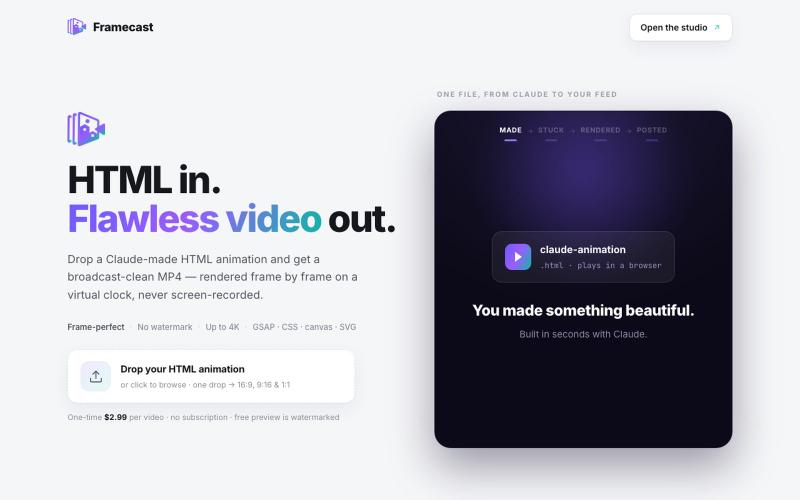
Framecast: Turn HTML Animations Into Flawless Video
Turn HTML animations into watermark-free video for YouTube, TikTok and social platforms.

@FrameCastVideo · X
The full gallery
Tech stack
60 projects
Turn HTML animations into watermark-free video for YouTube, TikTok and social platforms.
@FrameCastVideo · X

Merge PDFs, compress images, remove backgrounds, and access utilities entirely in your browser.

@damiadeh · X
Your files utility tools stacks in your browser. No uploads, files stays on your pc.
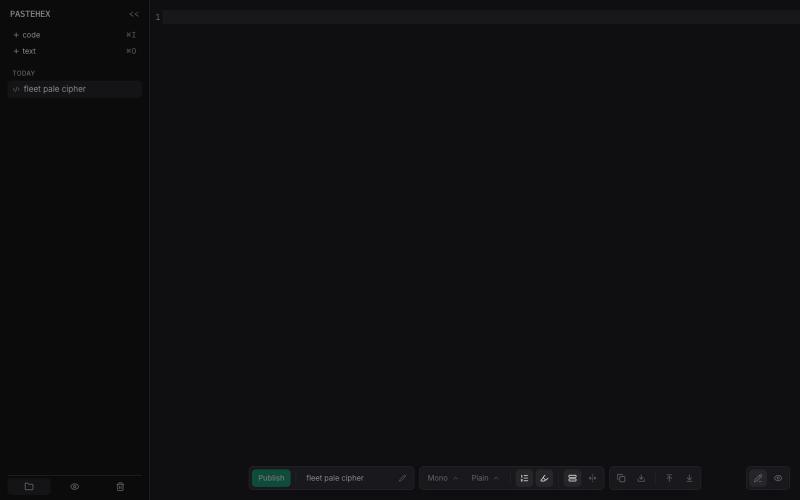
Add drawings and annotations to HTML and Markdown pages with encryption.
pandrre · HN
I've built tldraw for HTML and Markdown pages (with encryption)
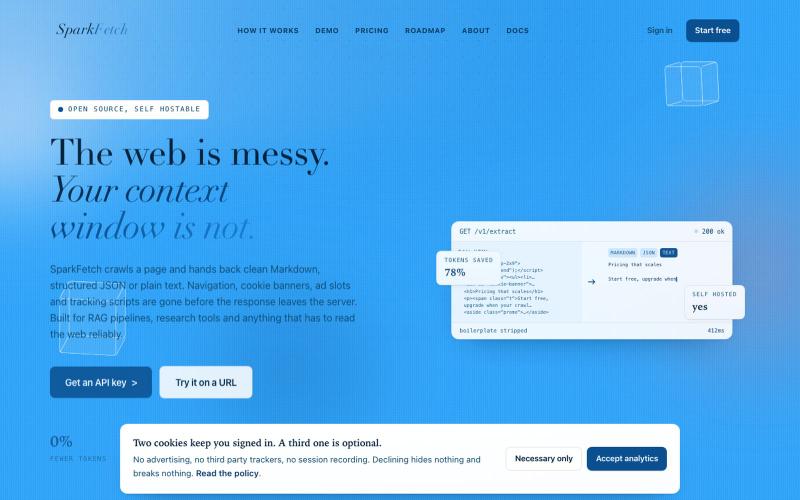
Extract web content as clean Markdown, JSON, or text for AI and RAG pipelines.
Sparkfetch · GitHub
sparkfetch 🔥 Turn any URL into clean, structured, LLM-ready content. The open-source web fetching & extraction API.

Browser tools for image resizing, JSON formatting, PDF processing, text analysis, and design without login.
musekit · Product Hunt
Free AI Tools Free browser tools for everyday tasks, no login
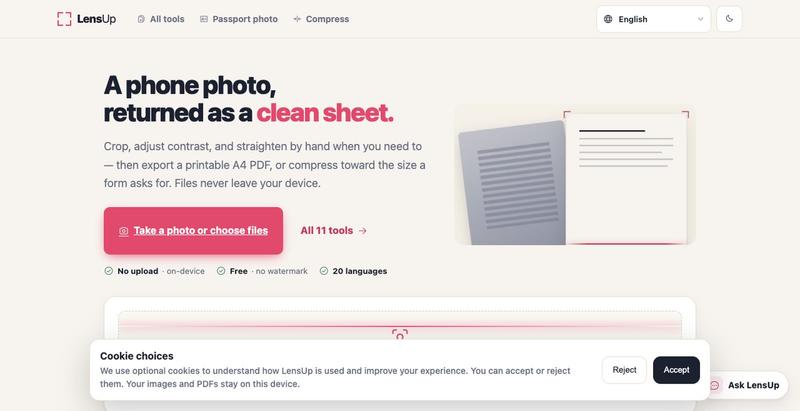
Turn photos into clean, printable PDFs with automatic cropping, de-shadowing, and compression.
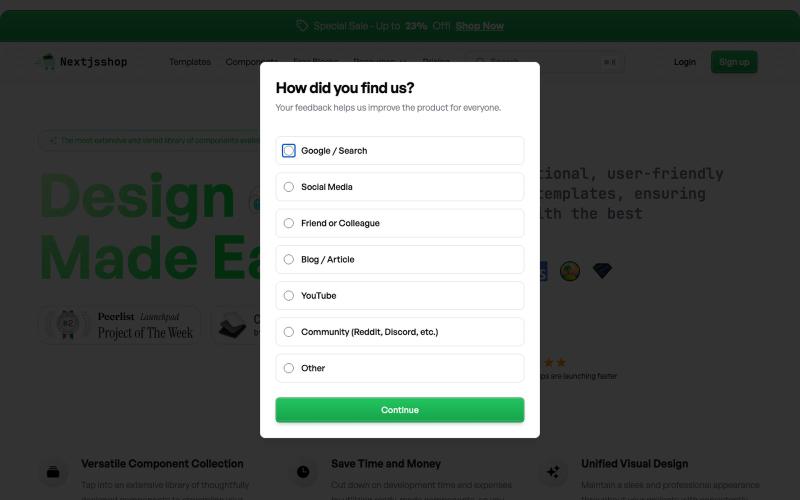
Browse premium multipage templates and components built with Next.js, Tailwind CSS, and modern CMS solutions. Designed for freelancers, developers, and small businesses.

@taher_max_ · X
Building and
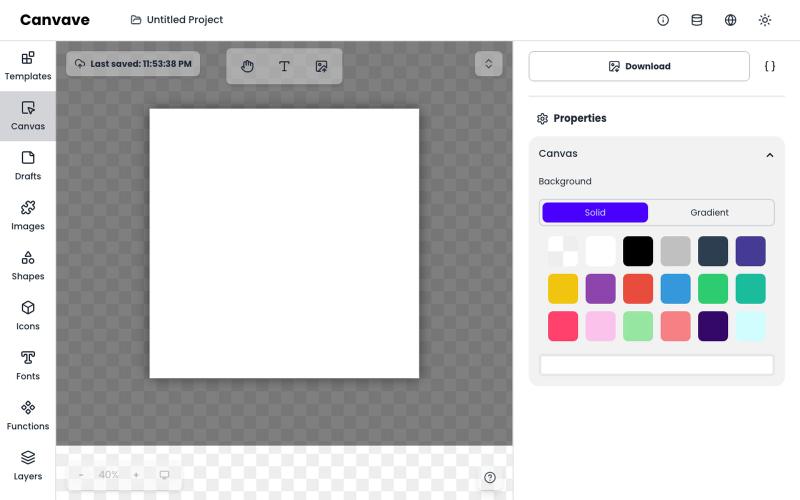
Free browser-based tool for creating graphics, posters, and animations with built-in AI image generation.
Canvave — 简单图形设计和动画制作平台。无须专业技能也能做出任意尺寸的精美设计;最高支持图片 3x 或动画 240 FPS 导出;内置基于 Flux 的 AI 文生图、图生图;适合电商卖家、广告设计、社媒运营、独立开发等有设计需求的群体
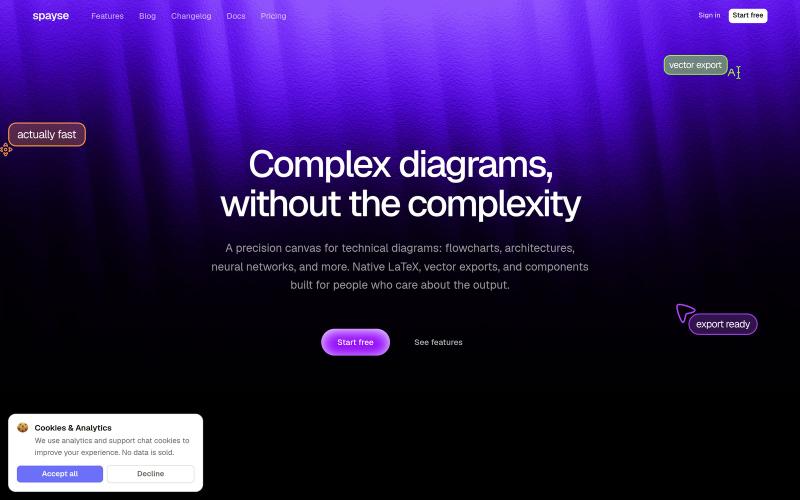
Spayse is a fast diagram canvas for flowcharts, system architecture, and technical figures. Native LaTeX, vector SVG and PDF exports.

@aakarshgoyall · X

Edit, resize, crop and convert images directly in your browser without uploading files.

@its_ajseven · X
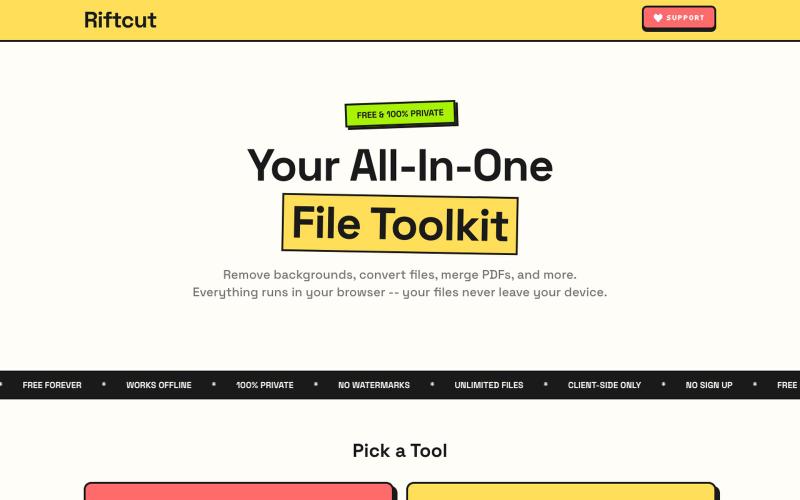
Remove image backgrounds with AI and manage PDFs—convert, merge, and create—all privately in your browser.

@irshit0 · X
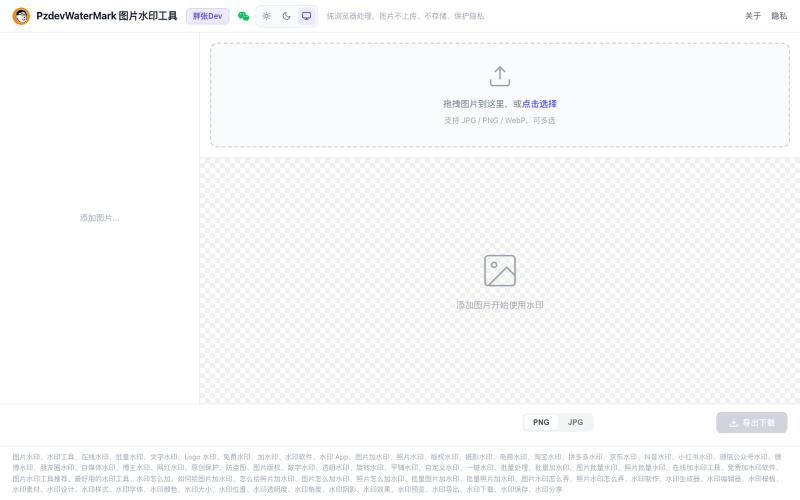
Add text and logo watermarks to images in bulk with client-side browser processing, no upload needed.

@pzdev000 · X
经常写博客要加水印,现有工具都不顺手,自己 vibe coding 写了一个: ✅ 纯前端,批量处理 ✅ 隐私第一:图片不上传,浏览器本地处理,无需注册登录。 ✅ 文字 + Logo图片水印 ✅ 实时预览,所见即所得 ✅ PNG/JPEG 导出