
Creative Tools1 week ago
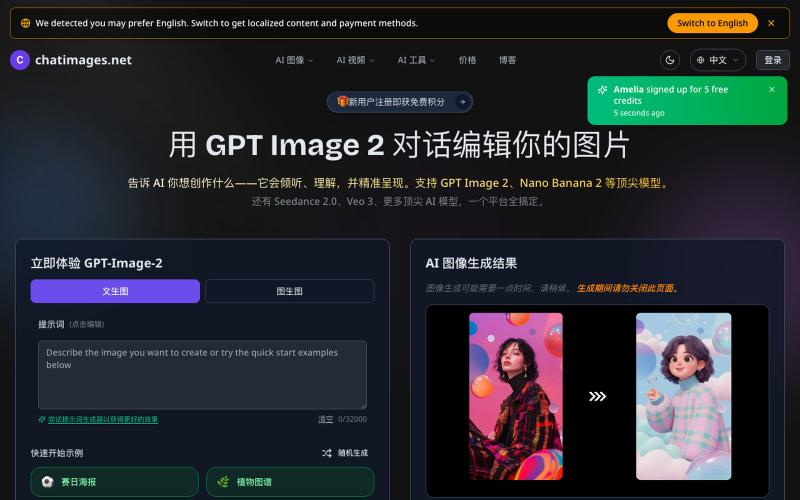
免费在线 AI 图像和视频生成器 - GPT Image 2 | Chatimages.net
Create and edit AI images and videos with text prompts.
GPT Image 2 — 由 OpenAI 最先进图像模型支持的一站式图像生成与编辑工具
The full gallery
Tech stack
60 projects
Create and edit AI images and videos with text prompts.
GPT Image 2 — 由 OpenAI 最先进图像模型支持的一站式图像生成与编辑工具
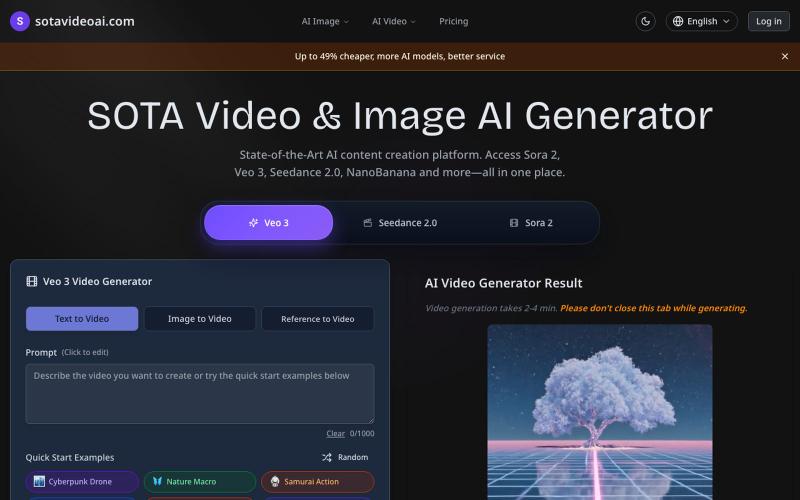
Generate cinematic AI videos using Sora2, VEO3, Runway, and Kling models.
sotavideoai.com — 最新的 AI 视频生成模型,创建具有同步音频、对话和效果的逼真且物理准确的视频。
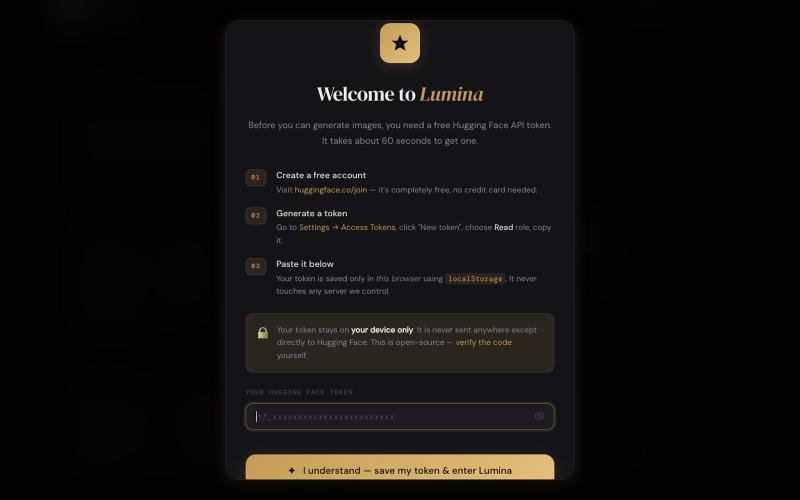
Free AI image generation using FLUX.1-dev, no account needed

@vic_adeyemi · X
No Login required! Only your token needed! Generate for free! No daily limits of image generation!
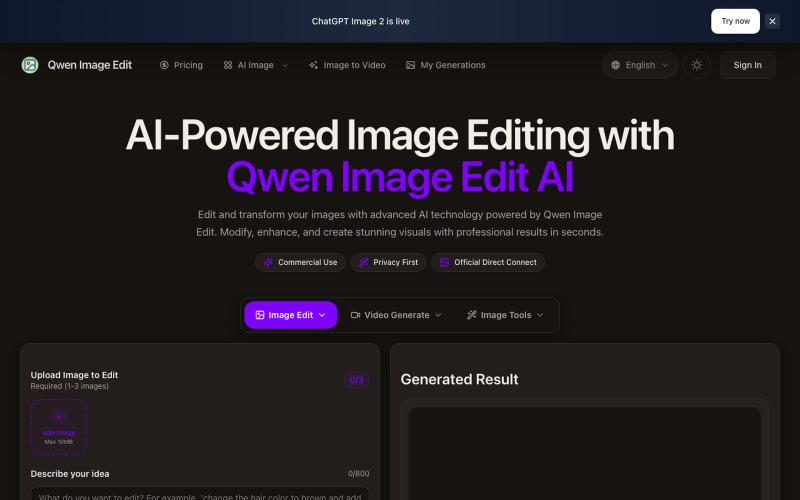
Text-driven AI image editor supporting photo restoration, watermark removal, and avatar generation.
Qwen Image Edit — AI 图像编辑工具,支持文本指令编辑、照片修复、去水印、专业头像生成和多图像处理
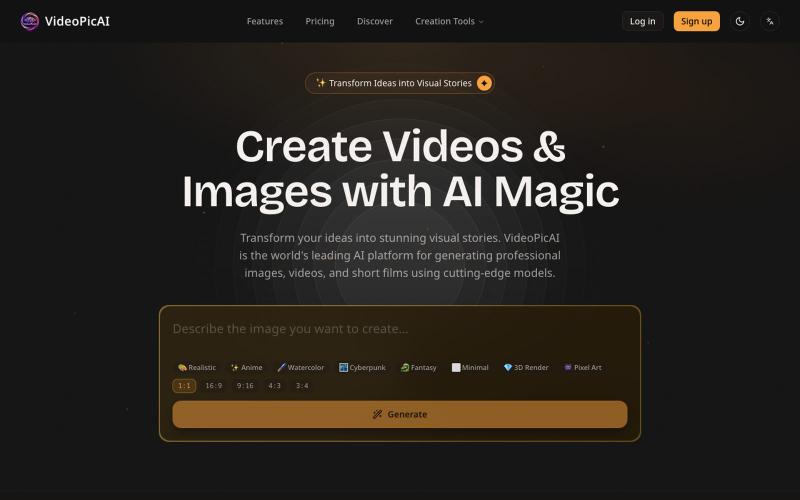
Generate images and videos by describing your ideas using AI.
struy · HN
Transform your ideas into stunning visual stories. VideoPicAI is the world's leading AI platform for generating professional images, videos, and short films using cutting-edge models.
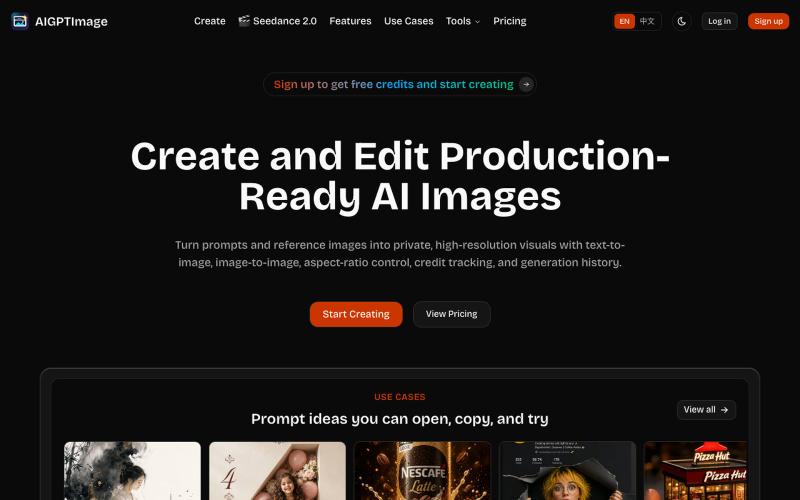
Create production-ready AI images with text-to-image and image-to-image capabilities.
AIGPTImage — 基于 GPT Image 2 的私有、生产级 AI 图像工作室
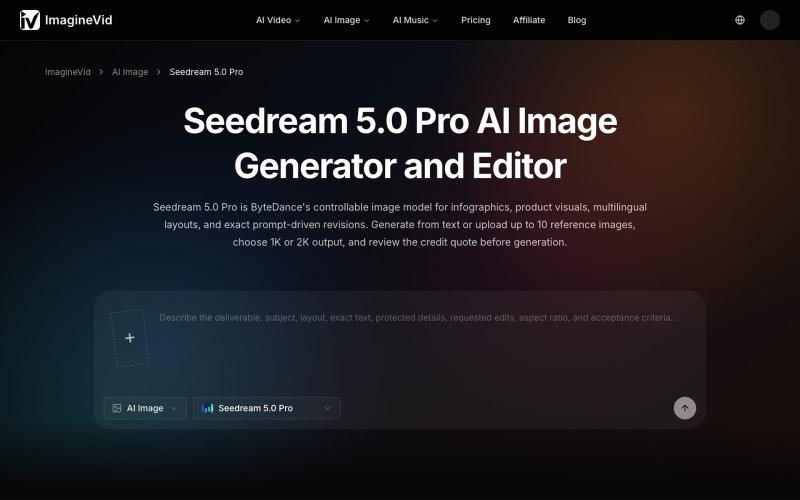
Create and edit AI-generated images with Seedream 5.0 Pro, supporting 2K output, references, and multilingual text.
imaginevid-ai · GitHub
Awesome-seedream-5-pro-prompts-and-skills About World's largest Seedream 5.0 Pro prompt library — 10,000+ curated prompts with preview images, 16 languages. Dreamina Seeream AI image generation. Free & open source.
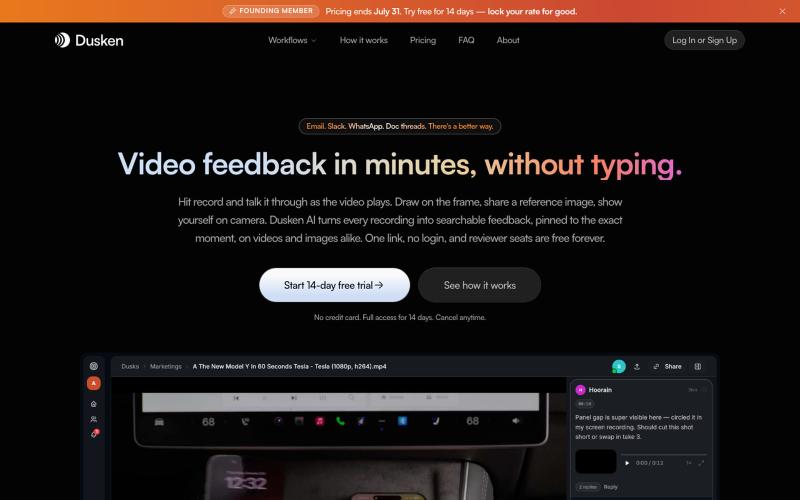
AI-powered video and image review tool with transcription and pixel-accurate commenting for creative teams.

@codesharpdev · X
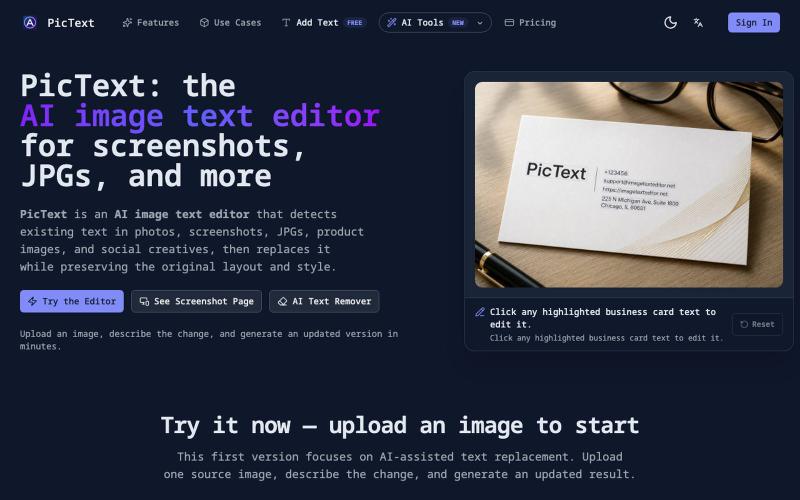
Detect and replace text in images while preserving layout and style.
PicText - 图片文字编辑器 — AI 驱动的图片文本编辑器,检测并替换照片、截图和产品图中的文本,同时保留原始布局和字体
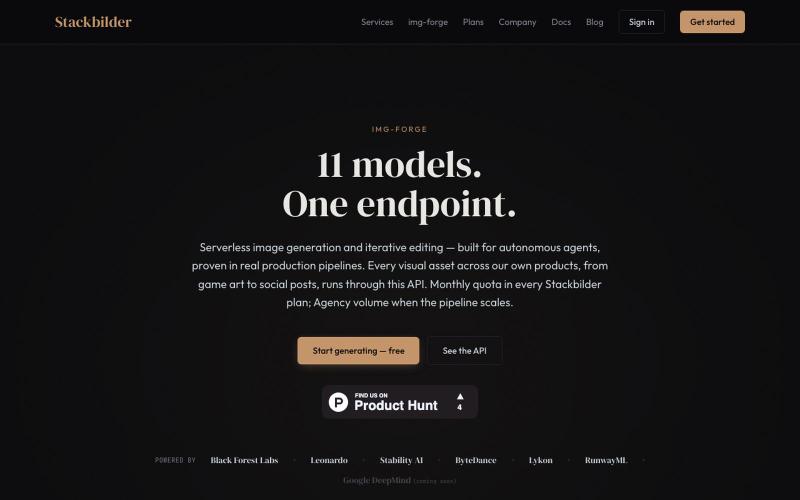
API for text-to-image generation and editing with 11 AI models.
u/texo_optimo · Reddit
I got tired of leaving claude code for image assets so I made Img-Forge - a remote txt2img MCP, API SoloDev here (doing this outside of my 9-5); I've decided to start shipping instead of remaining in a state of perpetual build. I'm shipping the tool I use most in my own work: Img-forge. Link is here but I have a Product Hunt listing for it here. There is a small free tier to check it out. Stackbilder.com is the platform UI; but Easiest way to get your agent working with it is via mcp

Generate and edit AI images for product shots, ads, portraits, and thumbnails via text prompts.
Plugcamp · V2EX
最近在折腾一个小站,主要是围绕 Nano Banana 2 Lite 做图片生成和图片编辑: https://nanobanana2lite.me/ 一开始只是自己想要一个比较轻的入口,用来快速试 prompt 。后来发现每次测图都会遇到几个重复问题: - prompt 写完之后,不知道适合什么比例 - 文生图和图生图入口经常混在一起 - 想找几个可复制的 prompt 示例,但很多站要么太重,要么示例不够直观 - 只是想快速生成一张产品图、头像、广告图、封面图,不想进一个很复杂的工作台 所以就做了这个站。 目前主要有几个部分: - Text to Image:直接输入 prompt 生成图 - Image to Image:上传一张图,再用 prompt 做改图 - AI Image Editor:偏日常编辑,比如换背景、改光线、改风格 - Prompt Library:整理了一些可直接复制的 prompt - Gallery:放了一些 before/after 和示例图 我自己比较在意的是首页别太像传统 SaaS 落地页,所以最近一直在改视觉。之前太干了,后来加了一些更丰富的样张和暗色主题,但也还在调。 这个站不是 Google 官方产品,只是一个第三方工具站。现在更多是想把「轻量、直接、可复制」这件事做好。 如果大家有空的话,想请教几个问题: 1. 首屏看起来会不会太营销,还是说信息还算清楚? 2. 对图片工具来说,大家更想先看到生成表单,还是先看到效果案例? 3. Prompt Library 这种页面有没有用,还是大家更习惯直接自己写? 4. 如果你平时会用 AI 生成图,最常用的场景是产品图、头像、封面、广告图,还是别的? 欢迎拍砖,尤其是 UI 、文案、信息结构这块。 链接再放一次: https://nanobanana2lite.me/
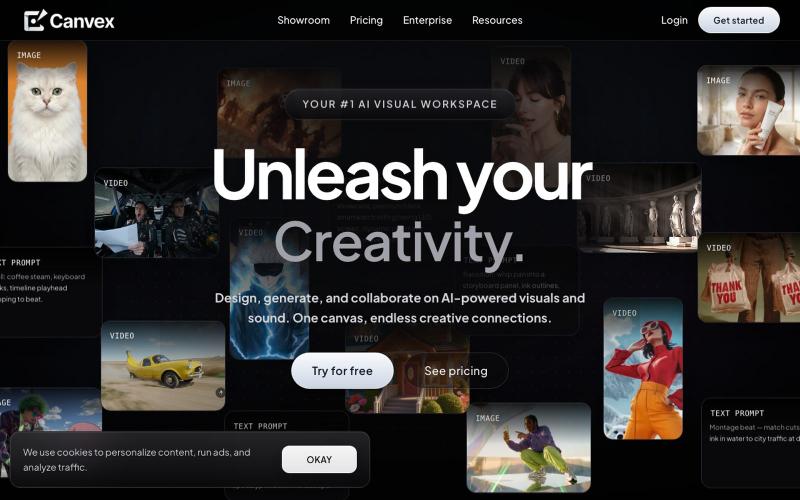
Design and generate visual content for films and creative projects on a shared AI canvas.

@Canvexxx · X