PDF Reflow
Reflow PDFs in your browser using a local AI model.
ldenoue · HN
Show HN: PDF reflow in the browser with local AI model
The full gallery
Tech stack
60 projects

Reflow PDFs in your browser using a local AI model.
ldenoue · HN
Show HN: PDF reflow in the browser with local AI model

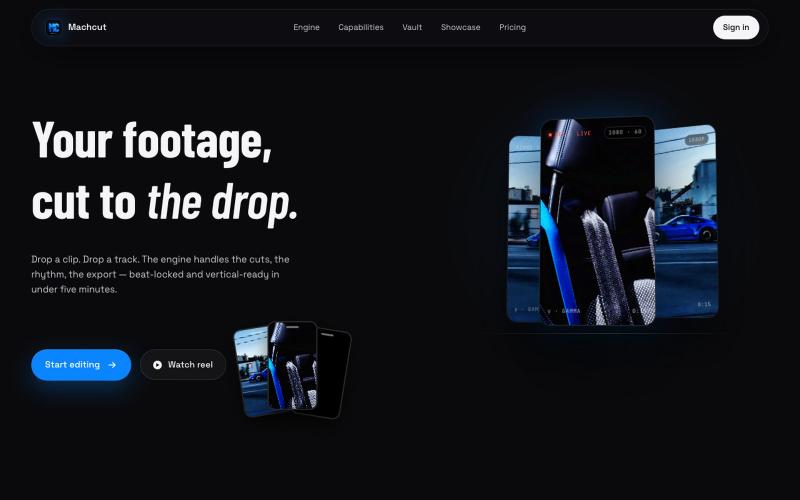
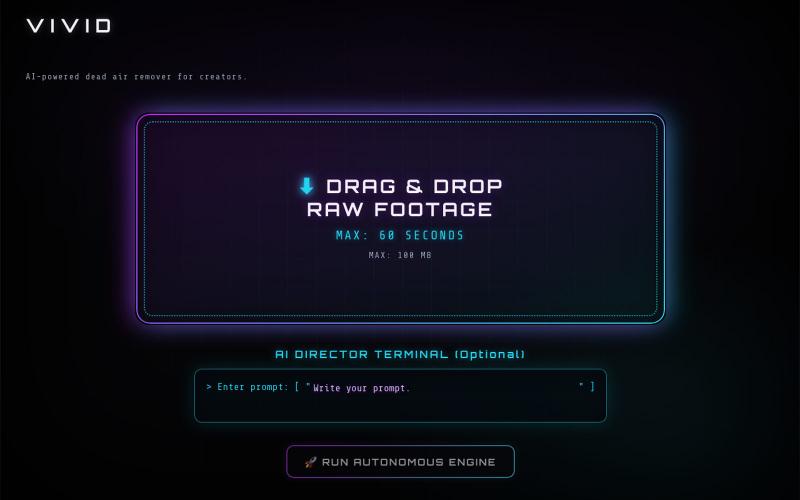
Upload raw video footage and receive an AI-edited version optimized for viewer retention.
@QuiseBuilds · X
- drop raw footage. Atlas maximizes retention. No editing needed.

Upload a product image and choose a scene to generate studio-quality AI photos.
@aftertakenai · X
for AI e-commerce product photography

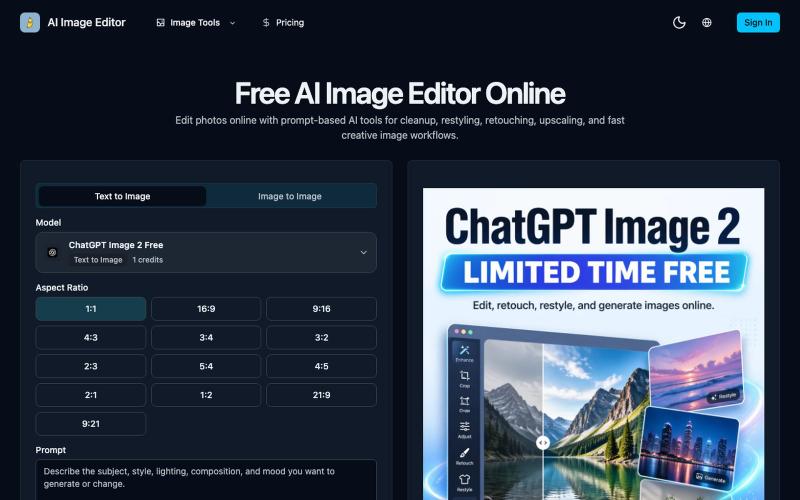
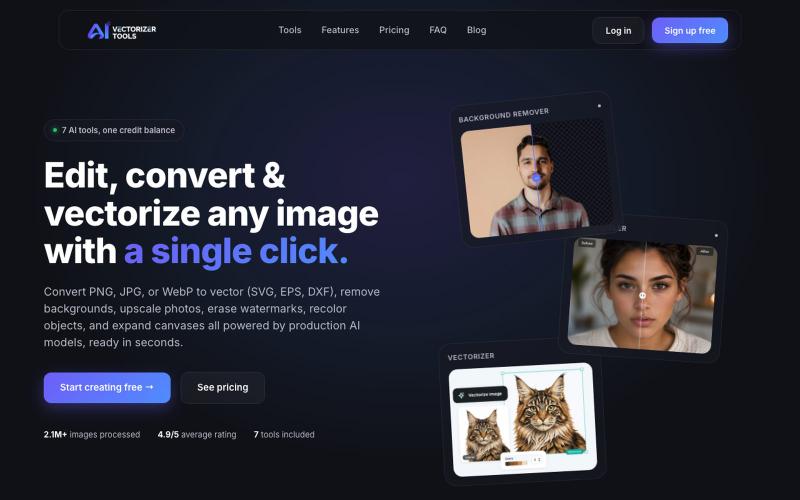
Resize, crop, compress, and convert images in batch — all locally in your browser.
@MaximMitenkov · X
🔒 Just launched Image Pipeline — batch image processing in your browser. 100% private. No signup. Pay once, use forever. #buildinpublic #webdev #privacy

AI video editor that automatically cuts scenes, adds graphics and motion, and assembles finished videos.
pireel · GitHub
pireel Open-source, backend-free AI video editor for talking-head video — storyboarding, designed graphics, kinetic captions, themes and in-browser WebCodecs export. Drivable by any AI agent over MCP.

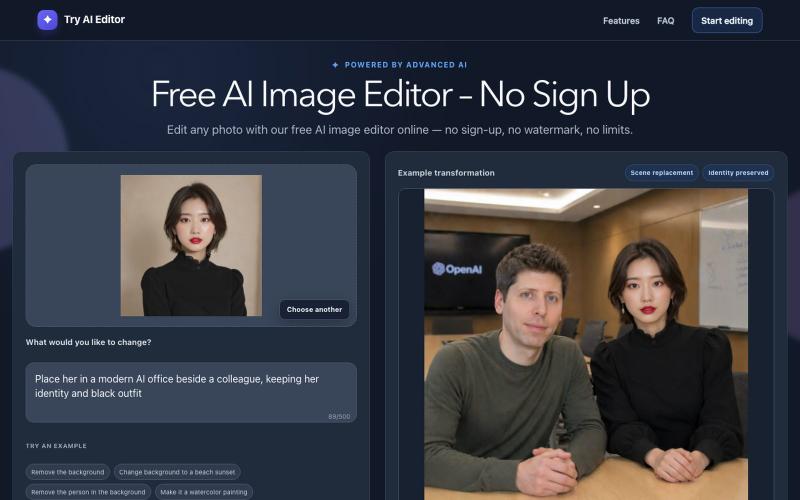
Detect and replace text in images while preserving layout and style.
PicText - 图片文字编辑器 — AI 驱动的图片文本编辑器,检测并替换照片、截图和产品图中的文本,同时保留原始布局和字体
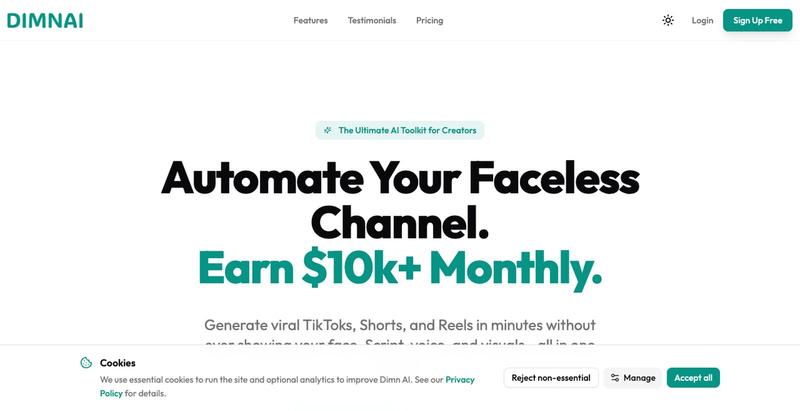
Convert audio or text scripts into customized avatar video clips in minutes.
@CyberBlueCollar · X
Faceless content booster 🚀

Free online image processing tool for composing puzzles, slicing grids, and applying AI segmentation with local processing.
@lanford87746071 · X
上线了一个小工具:羊咩像素 WoollyPix 🐑 在线拼图 / 九宫格切图 / AI 智能分割 / 截图美化 全程本地处理,不上传图片,免费无广告

Chrome extension that auto-fills product launch submissions to Product Hunt, Peerlist, and more.
@benvspak · X

Generate short video clips from long-form content automatically with AI-powered captions and social media exports.
@tryFrameOS · X

Generate animated captions for videos in multiple styles directly in your browser.
@Rajveer_k12 · X
we just shipped 🚀 Kaption AI is live & free — upload a video, get captions in multiple styles. 100% in your browser, no data leaving your device. built with @aayaan_07 → feedback appreciated 👇 #buildinpublic

Capture UI elements with code context and screenshots to share with AI agents for debugging visual bugs.
Loerei · HN
I found that describing where a broken UI is and taking screenshots for AI agents really sucks. I’m too lazy to explain an indescribable visual bug or capture a millisecond-long flash. I also don’t want to remember which file defines an element, whether it's right in the .tsx or a problem with the Parent Styles in .css. And even if you can point out the exact file, your agent still has to dig through thousands of lines of code to know what on earth you're yapping about. In a 7700-file monorepo like Cal.com, simply giving the right file in the prompt for your agent saves about 68.9% of execution time and 94.2% of the tokens your agent needs to digest. HoverSource gives all the needed information and further pushes it to -88.5% time and -94.5% tokens, basically skipping the entire digging session and jumping straight to reasoning and executing. The save is linear to how big your codebase is. I want to save tokens, but don’t want to spend my time and energy digging manually, and a junio