
Creative Tools1 month ago
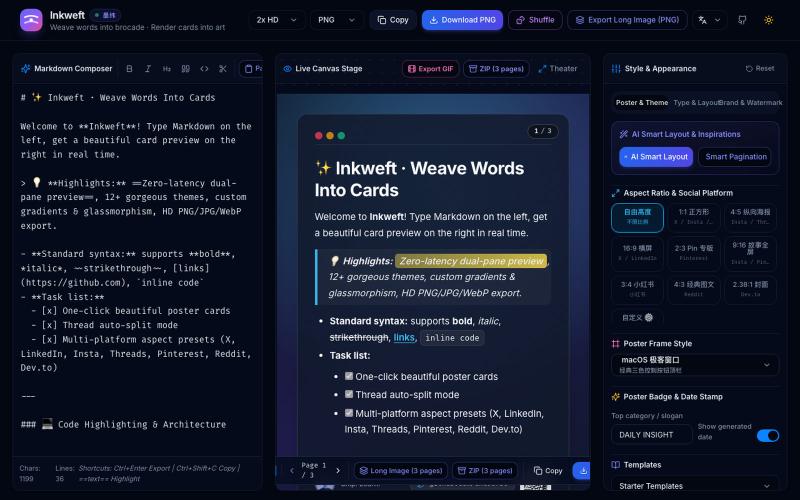
Inkweft · 墨纬 — Markdown 卡片编织与社交海报导出
Convert Markdown notes into styled social media poster cards with 12 themes, export as PNG/JPG/WebP.
Open source

@dxer0730 · X
做了一个把 Markdown 笔记 3 秒变成高颜值社交海报的小工具,支持连载切图与无缝长图拼接 在线体验 / 开源:
The full gallery
Tech stack
60 projects
Convert Markdown notes into styled social media poster cards with 12 themes, export as PNG/JPG/WebP.
@dxer0730 · X
做了一个把 Markdown 笔记 3 秒变成高颜值社交海报的小工具,支持连载切图与无缝长图拼接 在线体验 / 开源:
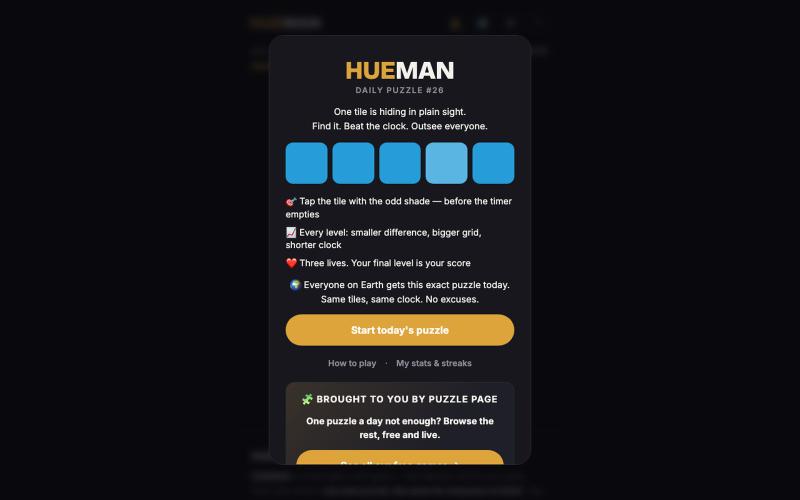
Spot the odd shade in daily color puzzles, no login needed.

@EthanGinsberg · X
building and marketing
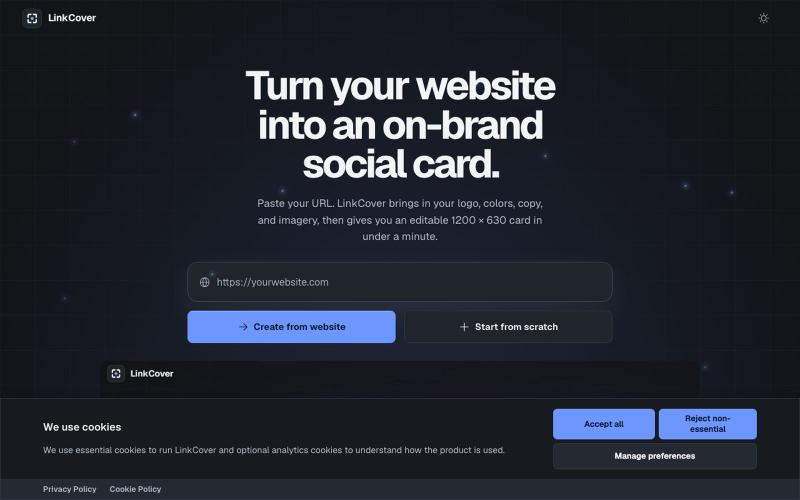
Create an editable, on-brand 1200 × 630 Open Graph image from any website in under a minute. No sign-up or watermark required.

@TiborAntal · X
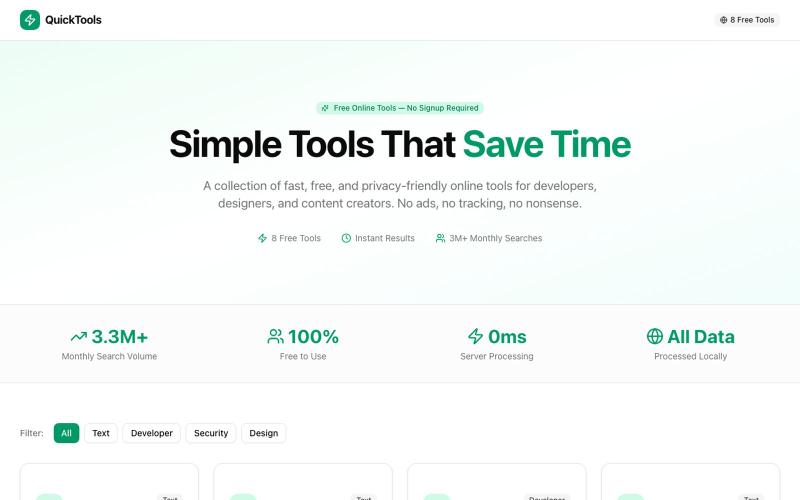
Eight free browser-based tools including JSON formatter, password generator, and color picker.

@Supportpintutec · X
Just launched QuickTools — 8 free online tools 🛠️ Word Counter • JSON Formatter • Password Generator • Color Picker 100% browser-based, no signup 🔗 #SideProject #WebDev #FreeTools #BuildInPublic
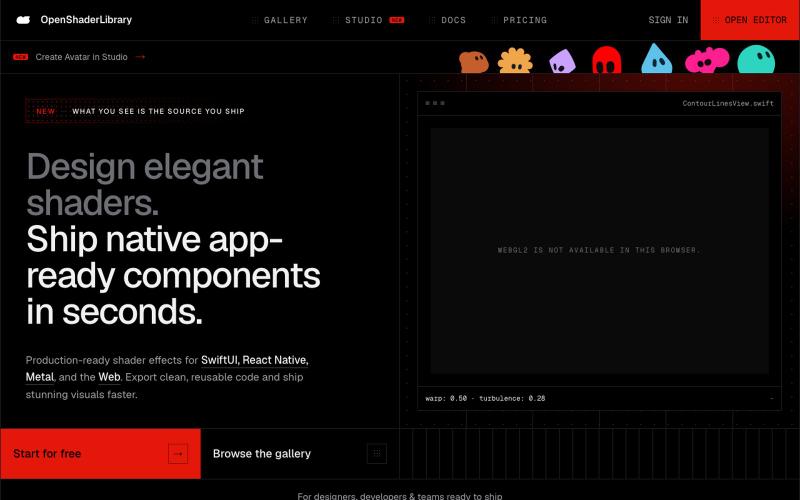
Browse parametric visual effects, tune them live in the browser, and export compiling source for SwiftUI, React Native, and the web.

@dotvonesy · X
Beautiful Effects for Mobile and Web:
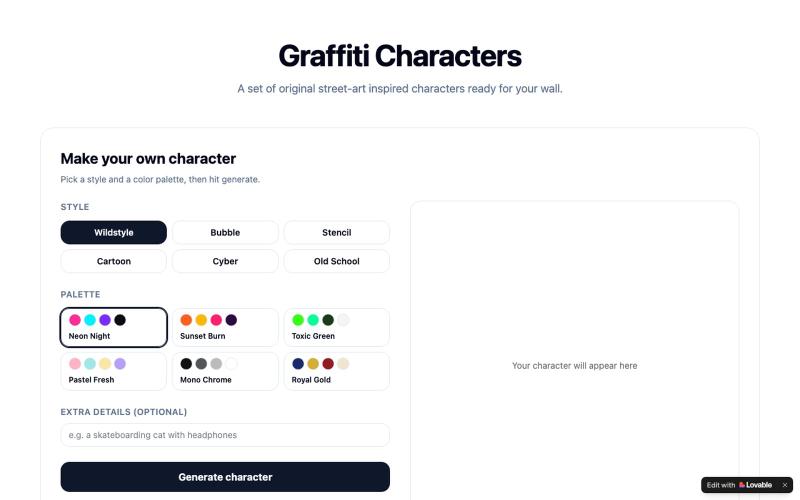
Generate graffiti characters with custom styles and colors, then browse the gallery.

@CHRISFOX1330969 · X
Check out what I just built with Lovable!
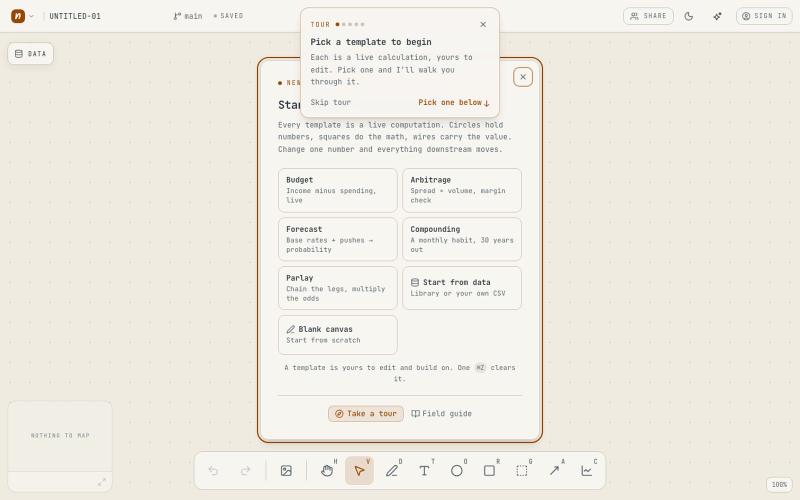
Computational whiteboard for data analysis and insights, no signup required.
tccole · HN
Napkinbook, a smart canvas for discovering, and sharing insights
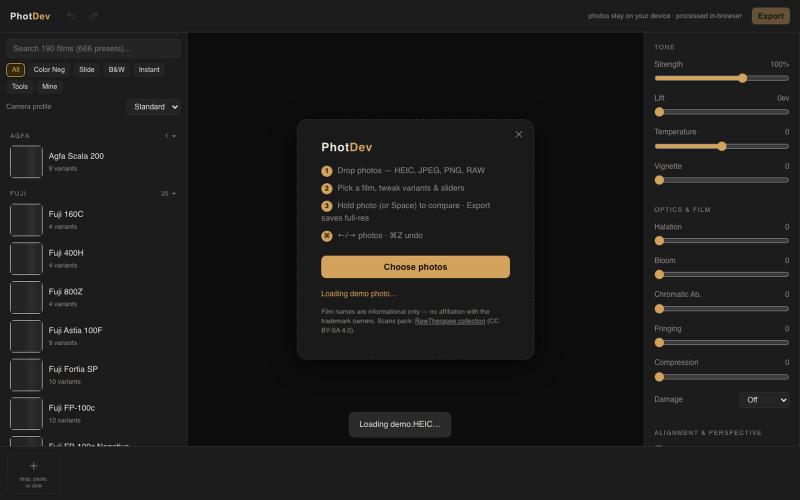
Apply 1,700+ analog film presets to iPhone photos in your browser.

@staskulesh · X
- free in-browser darkroom that makes digital photos look like analog film.
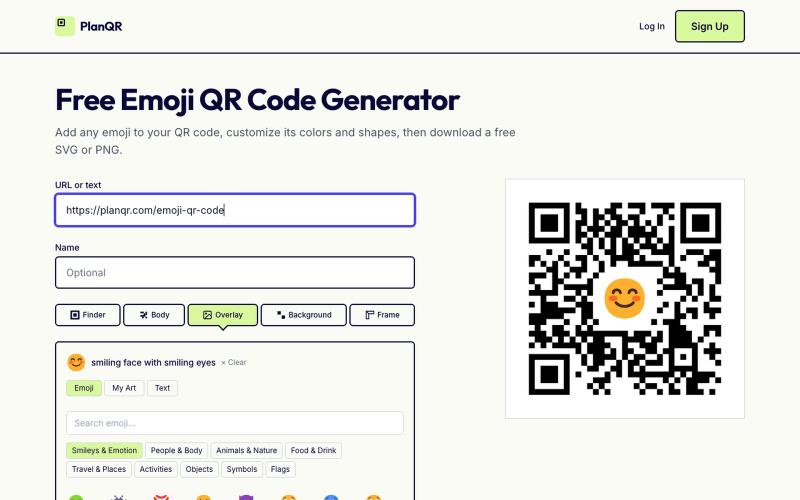
Create custom QR codes with emojis, adjust colors and shapes, then download as SVG or PNG.

@getplanqr · X
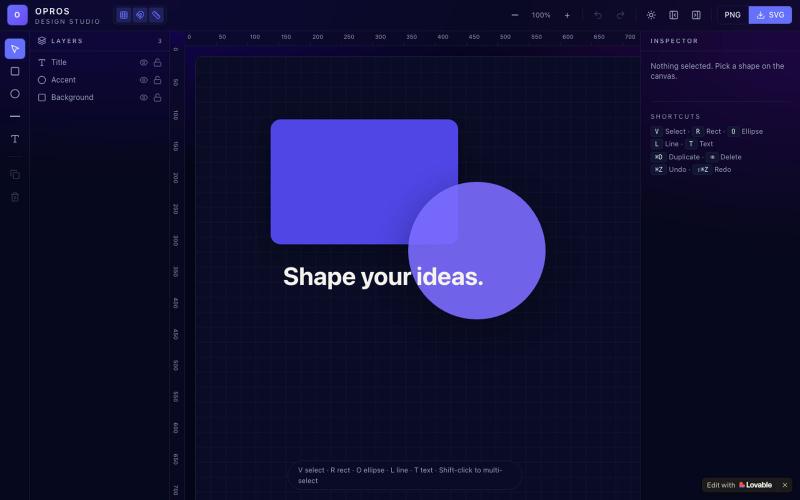
Craft and visualize designs in a web-based creative studio.

@OprosOlamiflex · X
Check out what I just built with Lovable!
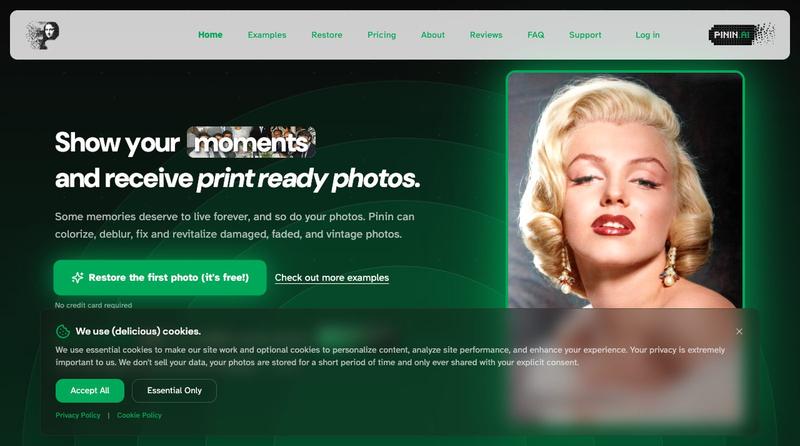
Restore and colorize old photos with AI to repair damage and improve clarity

@Umitech_AU · X
AI photo restoration without the AI slop.

Convert photos and videos to ASCII art, pixel art, mosaic, and more in your browser.

@kail_designs · X
Jokes aside but honestly (Landing page) was built with Claude (Opus 4.7) in 1 day. But no, it was not just four prompts or some random skills. Here's how I built the entire AsciiMagic landing page with Claude in one day👇 Started with a rough sketched wireframe. Then designed it in @paper Then I used the Paper MCP with Claude to recreate that design in code and get a solid first version running. From there, the real work began. I kept iterating with specialised Claude skills: • impeccable • frontend-design • emil-design-eng • review-animations • responsive-design • seo-audit Each one improved a different part of the experience. By the end, the page had: • Mobile-first responsiveness • Better SEO optimised copy • Smooth micro-interactions • Cleaner frontend architecture Then came the part people don't see. For the next 5–6 hours, I wasn't asking Claude to "make it prettier." I was: • Fine-tuning layouts • Uploading and compressing assets • Moving files across diff