Preserve your product. Create everything needed to sell it | Clara
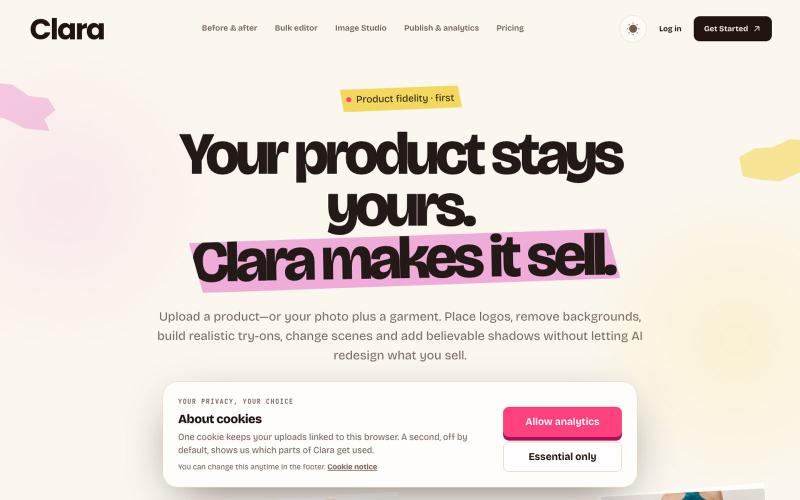
Create accurate product images and videos, keep every generated file, then schedule, publish and manage performance from one workspace.
@devvybrian · X
is my new kid on GitHub block
The full gallery
Tech stack
60 projects

Create accurate product images and videos, keep every generated file, then schedule, publish and manage performance from one workspace.
@devvybrian · X
is my new kid on GitHub block
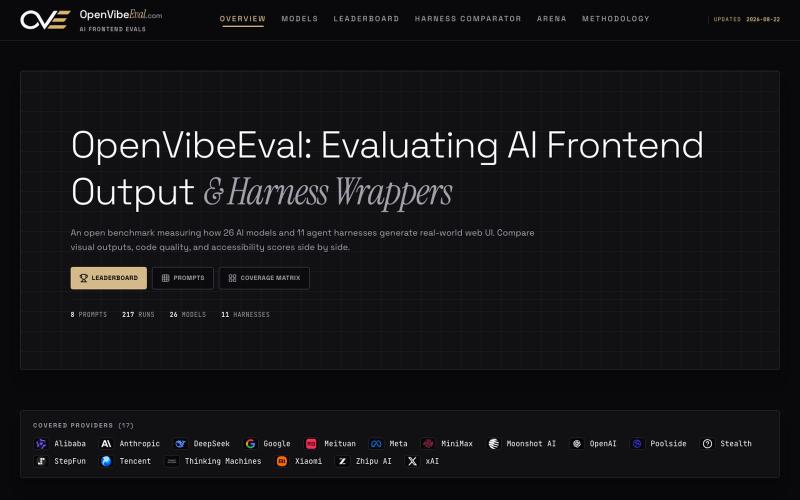
Compare how different AI models generate frontend code and view accessibility scores.
u/12qwww · Reddit
I built a live benchmark to see which AI actually writes the best frontend code Hey everyone! I built OpenVibeEval because I was tired of "vibe-checking" AI-generated frontend code. I wanted to know which model actually produces the most accessible and clean React/Tailwind output. What I built: •A leaderboard of 24 models (Claude, GPT, DeepSeek, etc.) ranked by axe-core accessibility scores. •A Harness Comparator to show how different system prompts change the same model's output. •

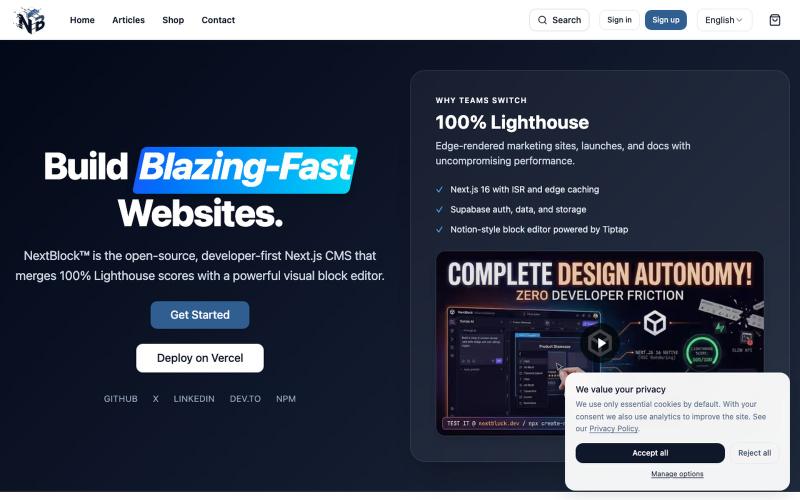
Build and manage Next.js websites with a visual block editor achieving perfect Lighthouse performance.
@NextBlockCMS · X
Connect Claude, ChatGPT, or Gemini directly to your live website!🚀 We just turned NextBlock Cortex AI into an MCP Server! ⚡️ Local dev via VS Code / Claude Code ⚡️ Dual-mode: BYOK + MCP Subscription ⚡️ Mutate JSONB layouts & query DB live Try it: 🧱

A curated library of reusable UI components built with Framer.
@buildlylibrary · X

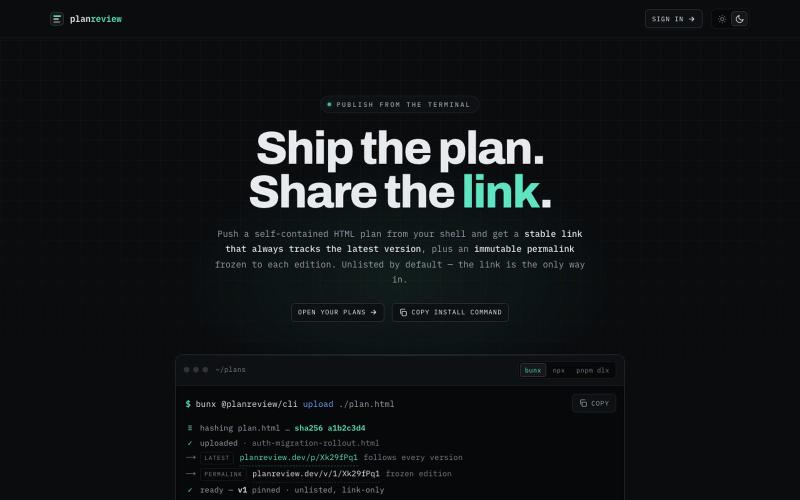
Publish plans from your terminal using Claude Code workflows and AI.
@discorev · X
I've been working on - Using gpt-5.6-sol and Fable in Claude Code via CLIProxyAPI. I've found using these two together with Claude Code Workflows is a killer combination

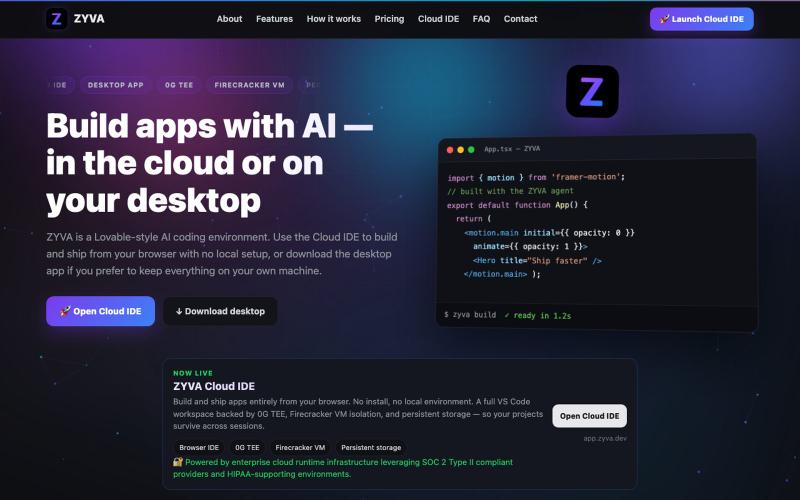
AI-powered IDE running in browser or desktop with live code editor and design tools.
@zyvadev · X
✨ AI Vibe Coding 🎨 Website Cloning 💻 Live Code Editor 👀 Live Preview 🎭 Design Presets 🖼️ Auto Logo & Favicon 🗄️ Database 🌐 Free Hosting & Subdomains Native 0G SDKs: ⚡ 0G Compute 💾 0G Storage ⛓️ 0G Chain Everything in one AI Cloud IDE. build with 0G

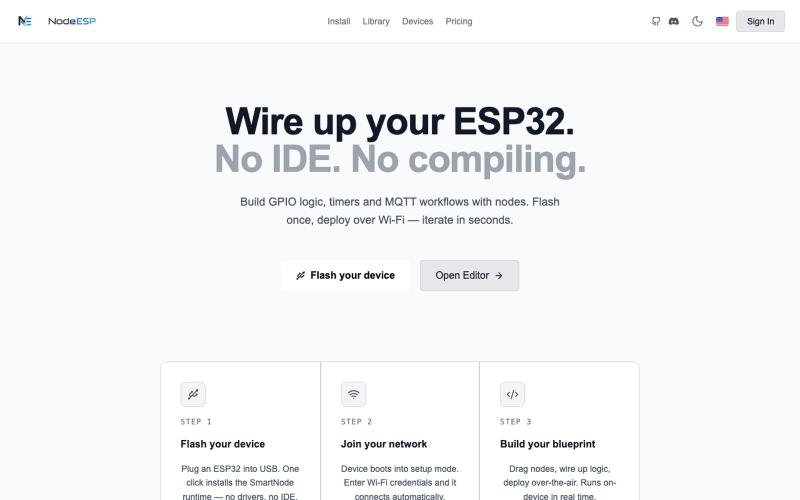
Visual node-based programming environment for creating GPIO logic and MQTT workflows on ESP32 devices.
@NodeESP · X
- Project for sale

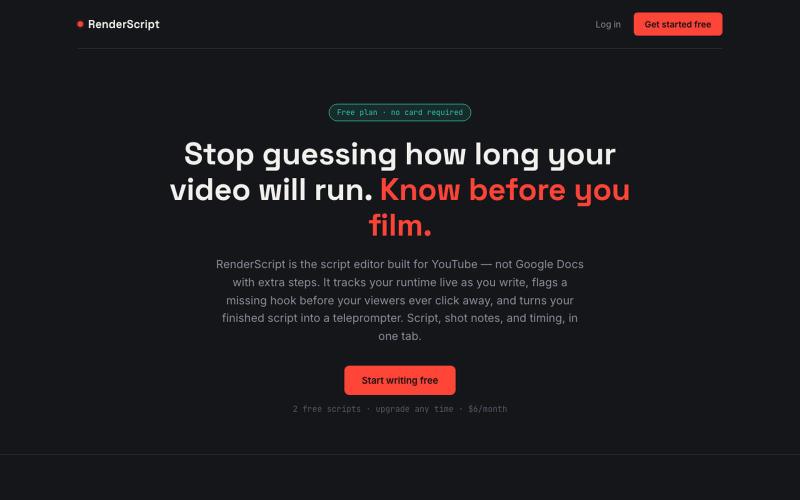
RenderScript tracks your video's runtime as you write, flags weak spots before your viewers do, and turns your script into a teleprompter. Templates, dual-column shot notes, one-cl
@TakeBaseInfo · X

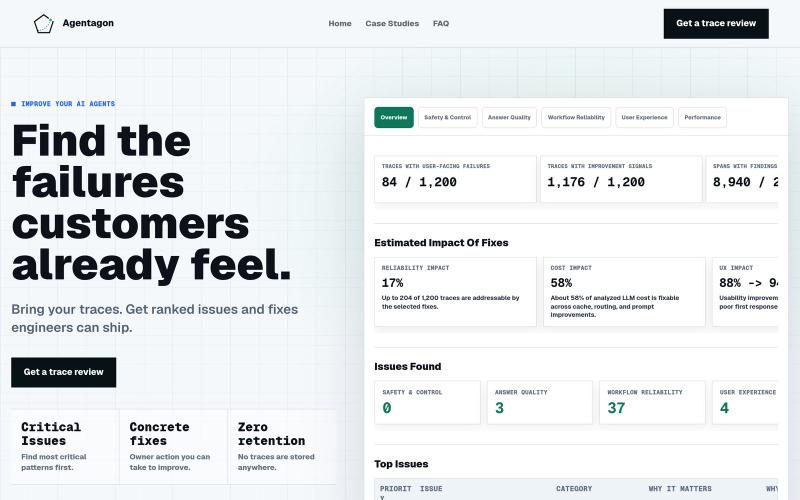
Review production agent traces to identify and fix recurring failures.
@guru3s · X
IMF team for when your AI agent ( Ethan Hunt ) is about to fail v0 at

Edit, compress, convert, and merge video and audio files in your browser.
zhw2590582 · V2EX
最近对网站进行了重构,做成了免费的视频工具站:[ArtPlayer Tools]( https://artplayer.org/tools/) 主要是围绕着 ffmpeg.wasm 和 mediabunny 实现的一些可以直接在浏览器里用的视频/音频工具,常用的有: - 视频压缩:[Compress Video]( https://artplayer.org/compress-video/) - 视频裁剪:[Crop Video]( https://artplayer.org/crop-video/) - 视频合并:[Merge Video]( https://artplayer.org/merge-video/) - 视频尺寸调整:[Resize Video]( https://artplayer.org/resize-video/) - 视频旋转:[Rotate Video]( https://artplayer.org/rotate-video/) - 视频调速:[Change Video Speed]( https://artplayer.org/change-video-speed/) - 添加文字到视频:[Add Text to Video]( https://artplayer.org/add-text-to-video/) - 添加水印:[Watermark Video]( https://artplayer.org/watermark-video/) - 提取字幕:[Subtitle Editor]( https://artplayer.org/subtitle-editor/) - HLS 转 MP4:[HLS to MP4]( https://artplayer.org/hls-to-mp4/) - 音频可视化:[Audio Visualizer]( https://artplayer.org/audio-visualizer/) 大部分工具都是本地处理,文件不会上传到服务器。最开始是因为自己偶尔要处理一些视频,开剪辑软件又有点重,在线工具又担心隐私,所以就慢慢做成了一个站。 目前还在持续完善,体验肯定还有不少粗糙的地方,比如不同浏览器的兼容、移动端操作、长视频性能之类的。 网站: [ArtPlayer Tools]( https:

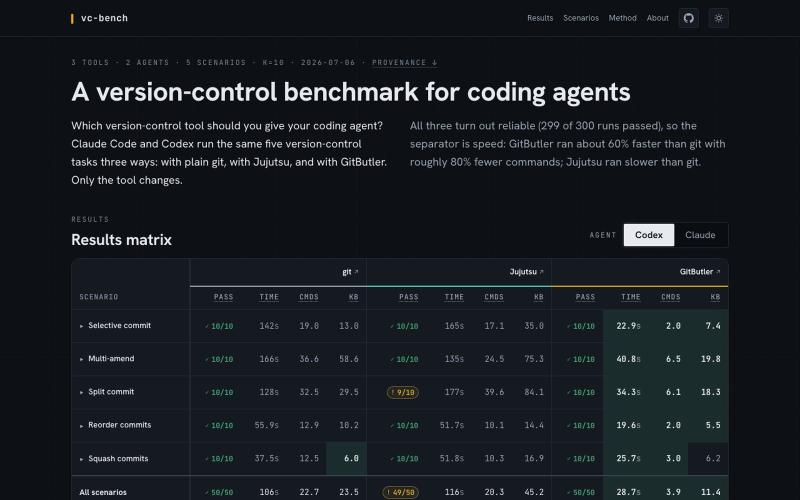
Benchmark version-control systems and coding agents on realistic development tasks.
videlov · HN
I was interested in answering this question so I built a benchmark comparing git, jj and gitbutler in agentic context https://vcbench.dev/ Disclaimer - I am a co-founder of GitButler

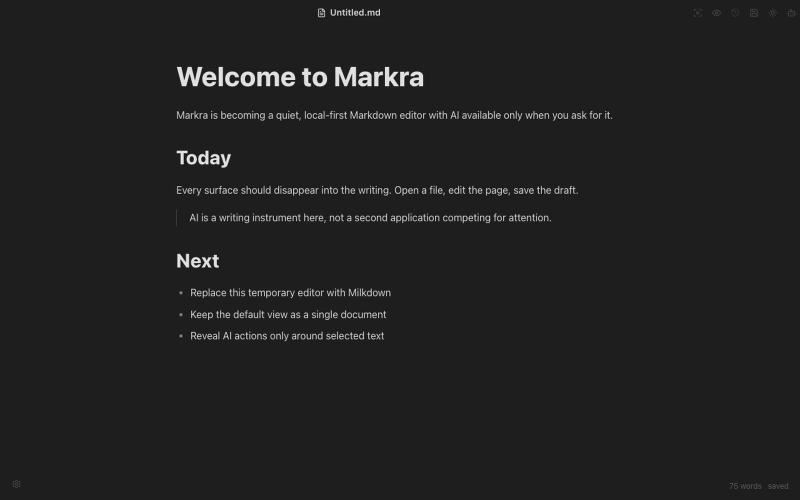
Open-source WYSIWYG Markdown editor with local-first storage and AI-assisted editing across Web, macOS, Windows, and Linux.
Markra — 本地优先的开源所见即所得 Markdown 编辑器,支持 Web、macOS、Windows 和 Linux,AI 修改可预览后应用 - [更多介绍](https://github.com/markrahq/markra/blob/main/README.zh-CN.md)