
Productivity4 days ago
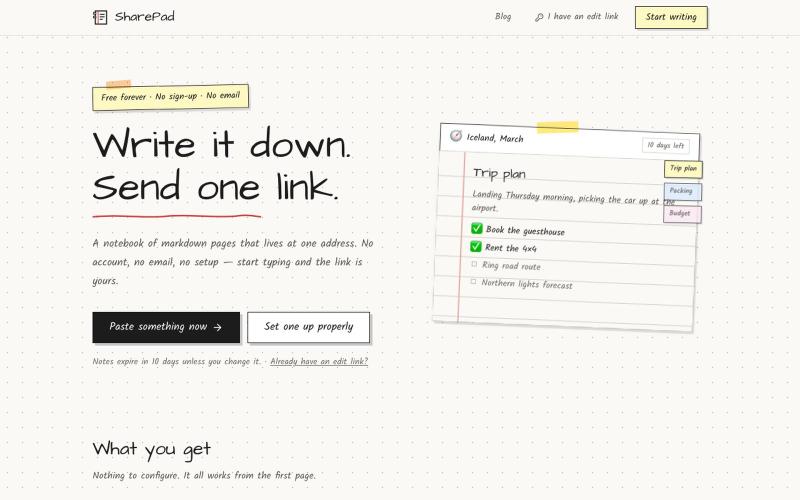
SharePad — Share notes with one link, no signup
Write a notebook of markdown pages and share it with a single link. Password lock, expiry dates, comments and PDF export. Free, and no account needed.

@VarshithVhegde1 · X
The full gallery
Tech stack
60 projects
Write a notebook of markdown pages and share it with a single link. Password lock, expiry dates, comments and PDF export. Free, and no account needed.
@VarshithVhegde1 · X
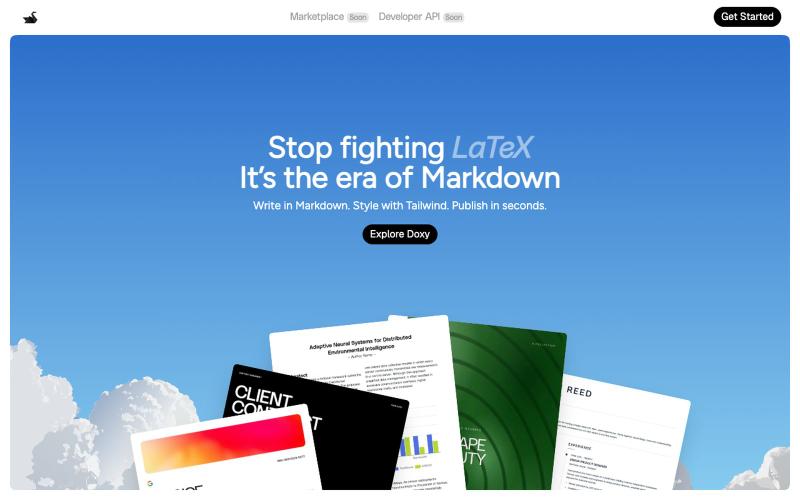
I built a markdown + HTML editor in the browser, I would love feedback Hey everyone, I just launched Doxy a browser-based editor that combines markdown and HTML. T
u/Foreign-Revenue6035 · Reddit
I built a markdown + HTML editor in the browser, I would love feedback Hey everyone, I just launched Doxy a browser-based editor that combines markdown and HTML. Think Overleaf but without LaTeX. It's free to write unlimited. Export to PDF. Paid plan adds AI + unlimited cloud storage. Works entirely in the browser. Would genuinely love feedback from people in this community what's missing, what's broken, what would make you actually use it. https://trydoxy.com/ sub
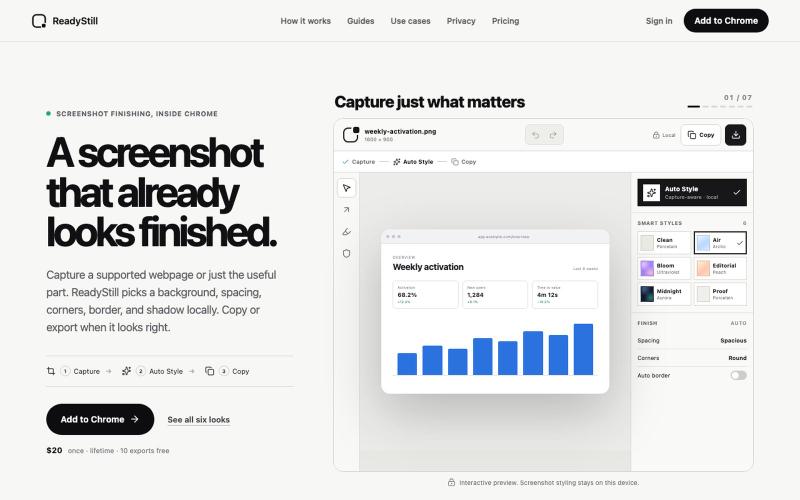
Turn webpage screenshots into polished launch images with privacy-reviewed editing.

@pradeepXkapoor · X
It’s A simple screenshot beautifier chrome extension!
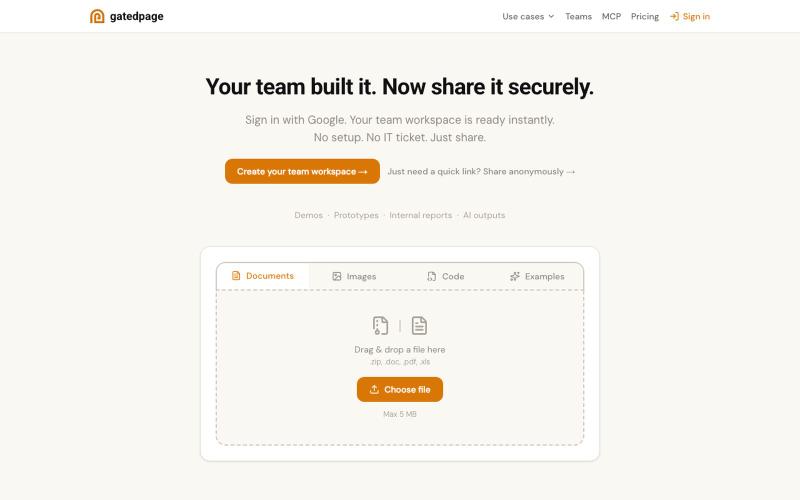
Drop a file to get a shareable link—no signup required.

@gonelf · X
So many things - dead simple way to share projects within your team - dead simple base - no backend forms - ez directory submissions - a Lego event
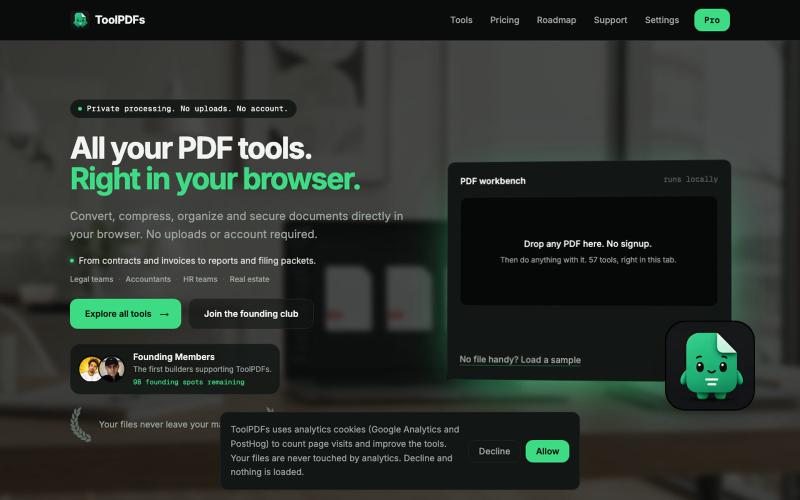
Edit, merge, compress, and convert PDFs with 57 free browser-based tools. No signup, uploads, or watermarks required.

@divvsaxena · X
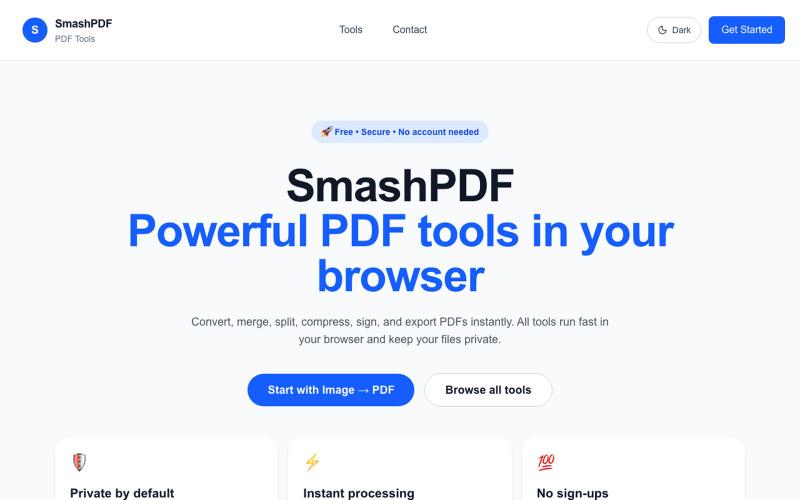
Upload a PDF to merge, split, compress, or convert it without signup.

@dev74ol · X
Just launched SmashPDF — free PDF tools (merge, split, compress, convert) that run entirely in your browser, no sign-up needed 🛠️ Built solo, still improving it daily. Would love feedback! 🔗 #buildinpublic #SideProject

Edit, compress, convert, and merge video and audio files in your browser.
zhw2590582 · V2EX
最近对网站进行了重构,做成了免费的视频工具站:[ArtPlayer Tools]( https://artplayer.org/tools/) 主要是围绕着 ffmpeg.wasm 和 mediabunny 实现的一些可以直接在浏览器里用的视频/音频工具,常用的有: - 视频压缩:[Compress Video]( https://artplayer.org/compress-video/) - 视频裁剪:[Crop Video]( https://artplayer.org/crop-video/) - 视频合并:[Merge Video]( https://artplayer.org/merge-video/) - 视频尺寸调整:[Resize Video]( https://artplayer.org/resize-video/) - 视频旋转:[Rotate Video]( https://artplayer.org/rotate-video/) - 视频调速:[Change Video Speed]( https://artplayer.org/change-video-speed/) - 添加文字到视频:[Add Text to Video]( https://artplayer.org/add-text-to-video/) - 添加水印:[Watermark Video]( https://artplayer.org/watermark-video/) - 提取字幕:[Subtitle Editor]( https://artplayer.org/subtitle-editor/) - HLS 转 MP4:[HLS to MP4]( https://artplayer.org/hls-to-mp4/) - 音频可视化:[Audio Visualizer]( https://artplayer.org/audio-visualizer/) 大部分工具都是本地处理,文件不会上传到服务器。最开始是因为自己偶尔要处理一些视频,开剪辑软件又有点重,在线工具又担心隐私,所以就慢慢做成了一个站。 目前还在持续完善,体验肯定还有不少粗糙的地方,比如不同浏览器的兼容、移动端操作、长视频性能之类的。 网站: [ArtPlayer Tools]( https:
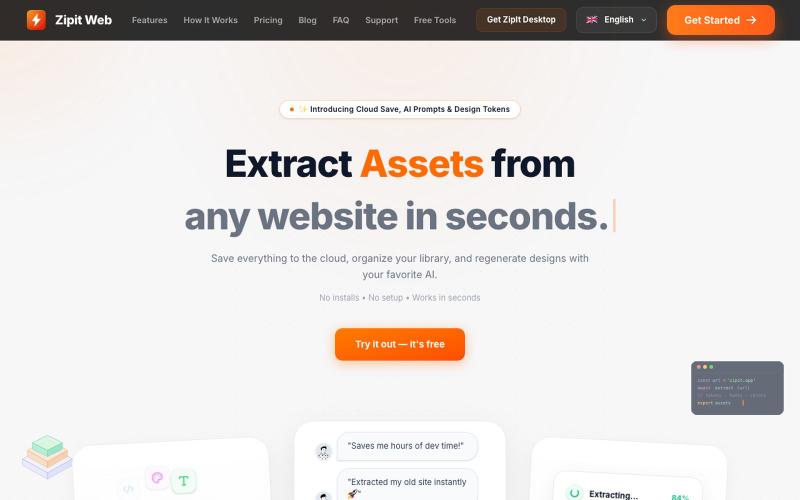
Extract code, design tokens, fonts, colors, and media from any website instantly.

@bharatmodi2014 · X
Extract code, design tokens, fonts, colors, and media instantly. Save everything to the cloud, organize your library, and regenerate designs with your favorite AI.
Browse and download ready-made CSS animations for your web projects.

@imdecentralized · X
How I avoid UI's that looks vibe coded: This is my inspiration store. Beyond just an existing website it has specific components and animations that you can use directly rather than asking claude to generate some based on a website. Stop the slop
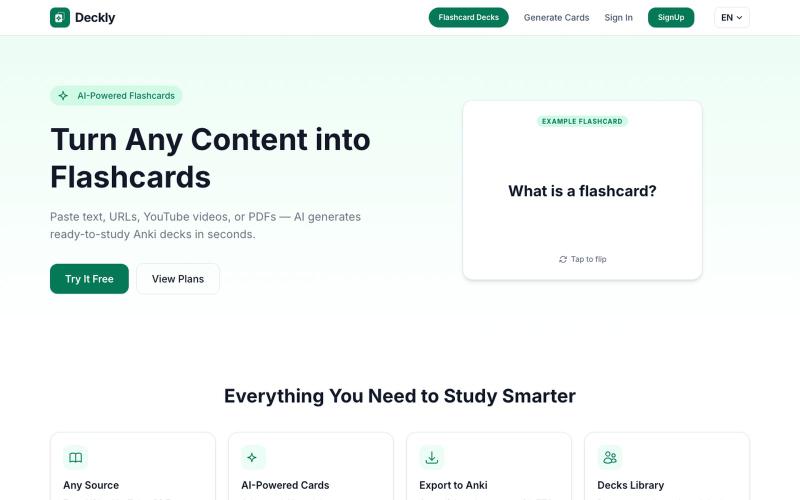
Turn YouTube videos, PDFs, and URLs into Anki flashcard decks in seconds.
u/holios89 · Reddit
Built an AI SaaS that turns your notes/articles/PDFs into study flashcards — looking for harsh feedback (and bugs) Hey folks, Solo/small side project here: Deckly ( deckly.one ) — an AI-powered flashcard generator for spaced-repetition learning (Anki-compatible export). You give it text, a PDF, or an article link, it generates a deck of flashcards (Q&A, Cloze, or multiple choice), optionally with TTS audio and images per card, and you can study it right in the browser or export to `.apkg`.
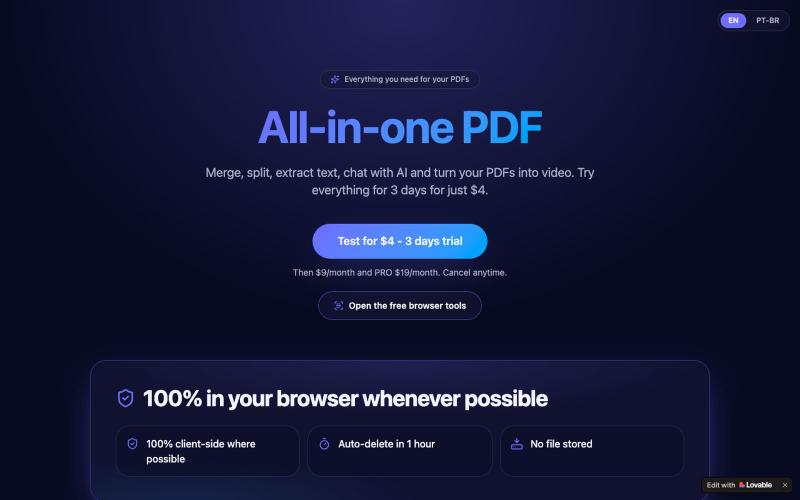
Merge, split, and chat with AI about PDFs, with video conversion—all in one browser tool.
u/Careful-Memory7518 · Reddit
I built an all-in-one PDF tool - merge, split, chat with AI and PDF to video I was tired of paying for 5 different tools just to handle PDFs. So I built PDF Pal - all in one place, no install: ✓ Merge PDFs ✓ Split / extract pages ✓ Extract text in seconds ✓ Chat with AI about your document ✓ PDF to Video Try 3 days for $2, then $9/month. Cancel anytime. Link: https://pdf-pal-ai-video.lovable.app/?lang=en Looking for honest feedback - what would you add? submitted by

Format, convert, and process PDFs and images with 450+ privacy-friendly browser tools.

@tentaco_cc · X
Hey! I built 🐙 It’s a privacy-first web space packed with over 450+ free micro-tools for tech, design, marketing, and PDFs. The best part? Everything runs 100% locally in your browser. No registration, no ads. Let's connect! 🛠️