
Utilities2 weeks ago
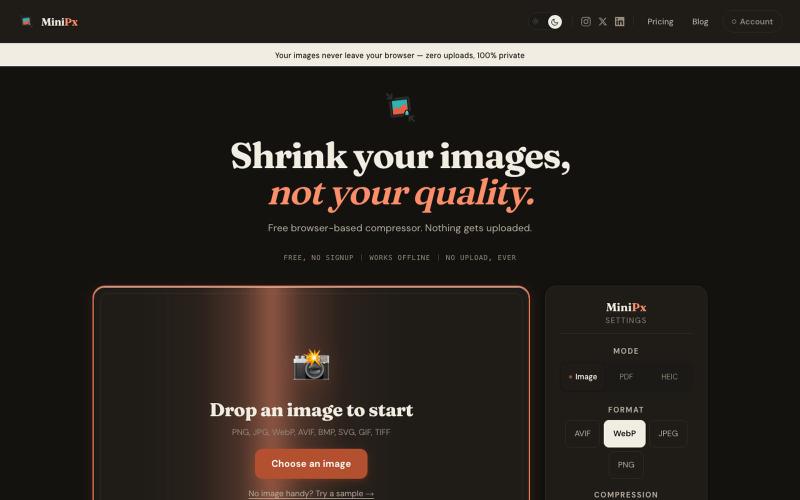
MiniPx — Free Image Compressor | Compress & Convert
Compress and convert images in your browser without uploading or creating an account.

@getminipx · X
The full gallery
Tech stack
60 projects
Compress and convert images in your browser without uploading or creating an account.
@getminipx · X
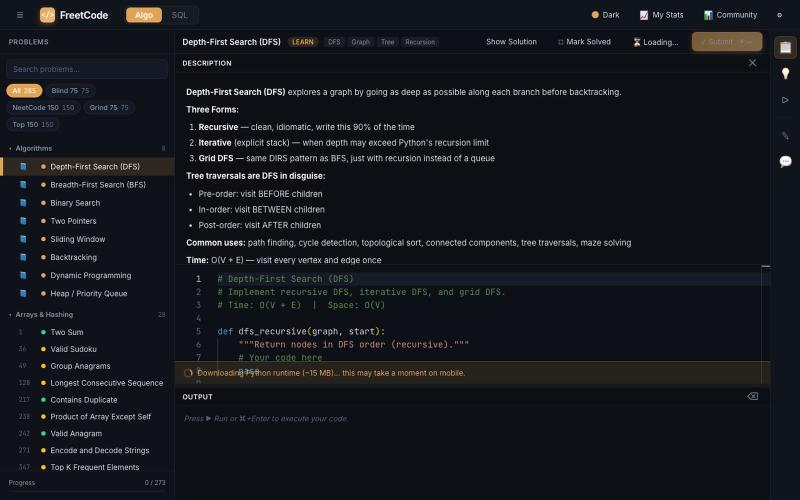
Practice algorithm interview problems with solutions and interactive visualizers.

@Galliard232634 · X
Come study with me on
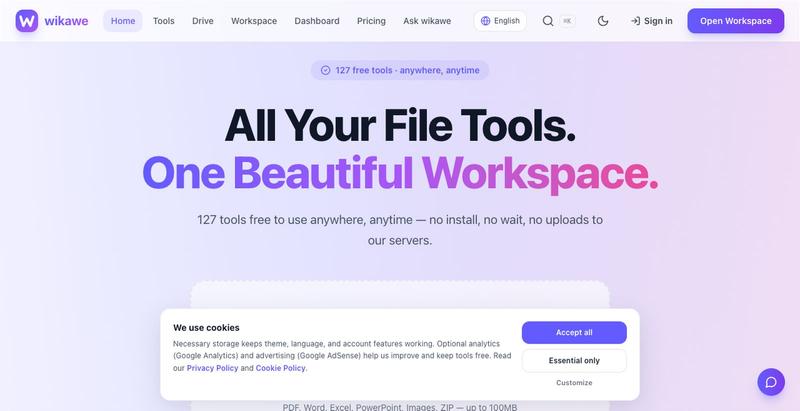
Browser-based PDF tools, card maker, JSON formatter, and image utilities that work offline without uploading files.

@jainarun889 · X
Our Wikawe universe products. Check it out now... - loading
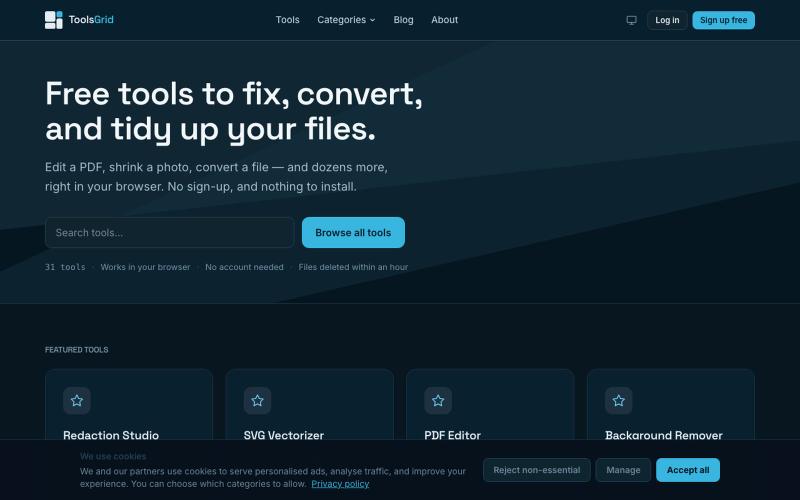
Free tools for PDF, images, video, JSON, SVG and email. No sign-up, no installs, and uploads are deleted within an hour.

@bigchusstheory · X
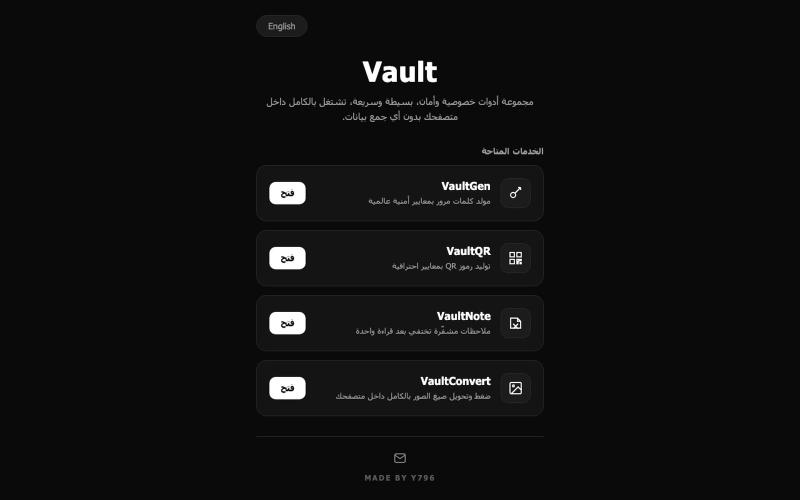
Free privacy and security tools that run entirely in your browser

@VaultY796 · X
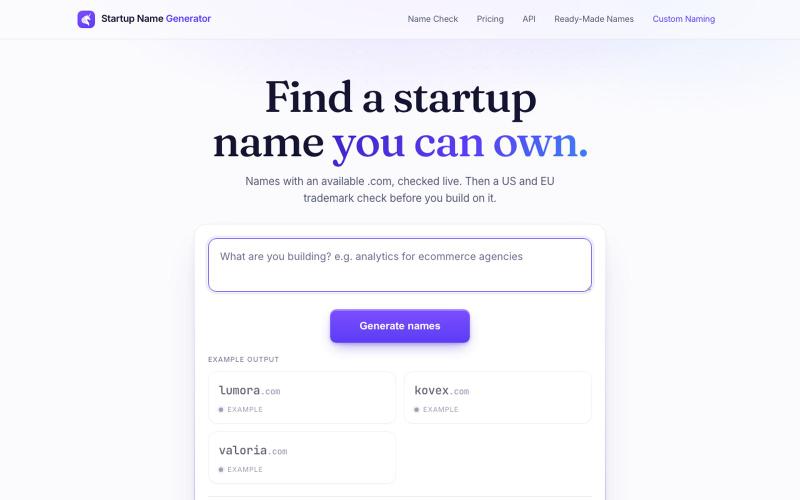
Generate startup names and check .com domain availability instantly.

@AlexCommitter · X
- find a name you can own.
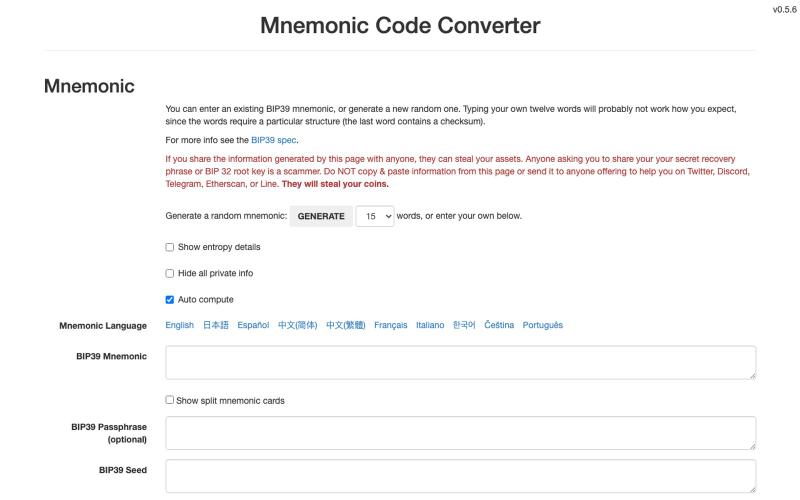
Generate BIP39 mnemonic codes and derive cryptocurrency wallet keys.

@delegacy0 · X
经过实测,keystone的骰子生成助记词和 经历了coldcard被盗事件,我就想用完全自己收集熵,来生成助记词,并且要求完全可验证。所有冷钱包和app 钱包都说自己的随机数是安全的,用最高级的随机数生成器,但是我无法验证,就像coldcard使用了安全芯片,但是在最终生成助记词的时候却没有调用该芯片,所以我就想找一种能自我验证的随机数生成方式,后来看到了keystone的推文,keystone支持骰子生成,正好我有keystone钱包。 但是下一个问题,我怎么验证keystone使用骰子生成的助记词是安全的,怎么证明它用的熵就是我提供给它的那一个?之前研究过 经过实测,keystone的骰子生成助记词和 据说trust wallet也支持该功能,明天找时间再验证一下trust wallet @KeystoneWallet @KeystoneCN
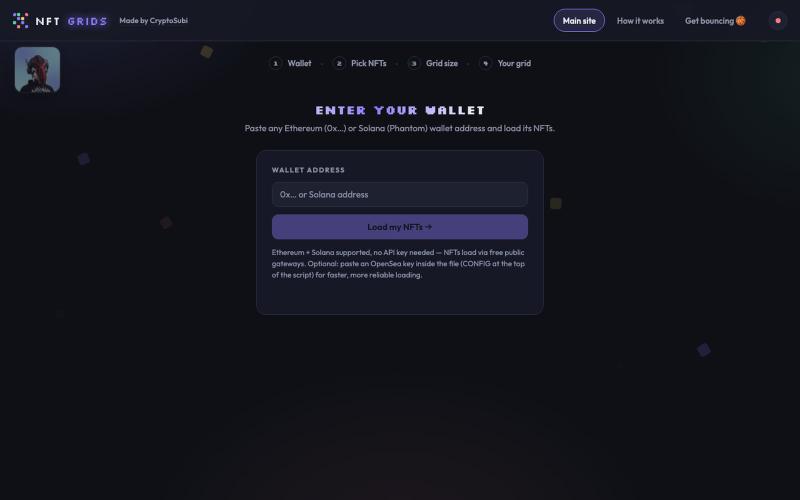
Paste a wallet, pick your NFTs, build a grid, save it as a PNG.

@CryptoSubi · X
Just vibe coded NFT Grids. Check it out here. 👇 No wallet connection needed, just paste in your wallet address, select your NFTs and add them to your grid. Notify me if you realise any bugs. 🐛 Ready to post on socials in under a minute! My grid of NFTs👇
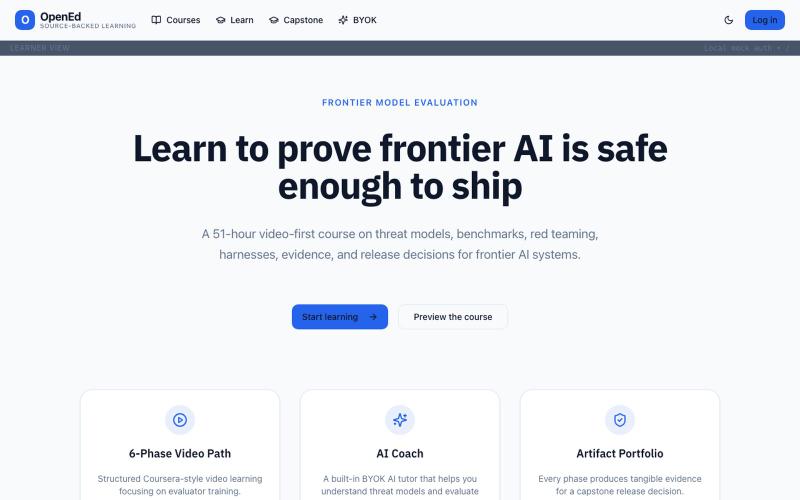
Educational platform addressing problems in modern edtech.

@integ_web · X
~*OpenEd* _Edtech is broken, we are fixing it._
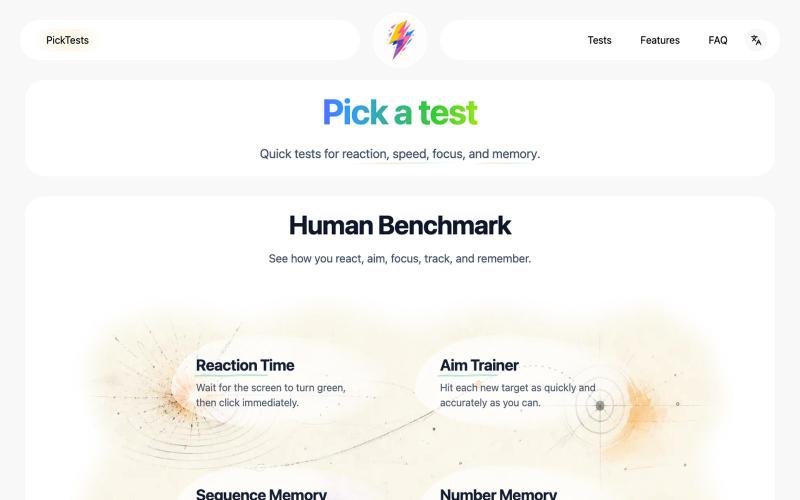
Take quick online tests and get instant results to track your progress.
Nalife520 · V2EX
做了一个在线反应、记忆与专注力测试网站 最近做了一个叫 [PickTests]( https://picktests.com/) 的在线测试站。 反应时间、序列记忆、瞄准训练这些东西,网上其实已经有很多了。真正让我想重新做一遍的,是不少页面要么堆了很多不必要的内容,要么广告和装饰比测试本身更抢注意力,到了手机上也不一定顺手。 所以我给这个项目定了一个比较克制的方向: 不急着增加更多测试,先把每一个已有的测试认真做好。 目前上线了 6 个测试: - 反应时间 - 瞄准训练 - 序列记忆 - 数字记忆 - 多目标追踪 - 斯特鲁普测试 首页:[反应测试]( https://picktests.com/zh/) 网站使用纯 HTML 、CSS 和 JavaScript ,没有账号系统。成绩保存在当前浏览器,打开页面就可以开始。 我现在主要在调整这些细节: - 操作是不是足够顺手 - 测试节奏会不会太快或太慢 - 结果能不能一眼看懂 - 动效和反馈会不会太多 - 手机、平板和电脑上的体验是否一致 目前最想先做好的页面
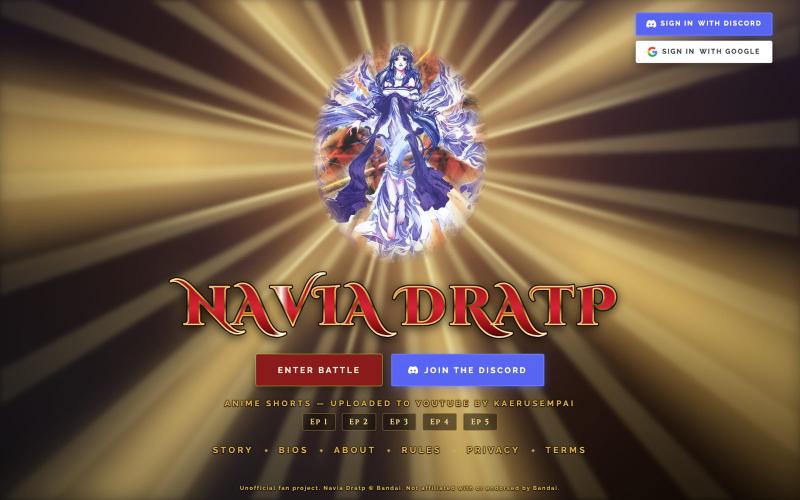
Play a free online version of the out-of-print Bandai strategy board game Navia Dratp.
explosionpunch
Merge images and PDFs into high-quality documents in your browser, with no uploads or accounts.

@_AayushTripathi · X