
Creative Tools2 weeks ago
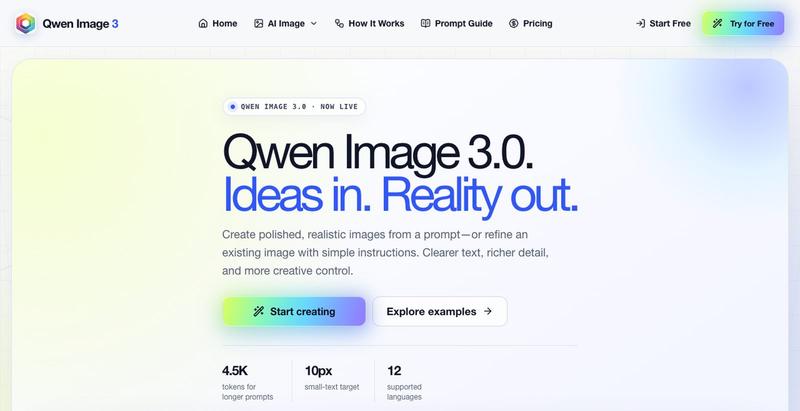
Qwen Image 3.0 - Create Realistic AI Images
Generate realistic AI images from text prompts with editing tools.
The full gallery
Tech stack
61 projects
Generate realistic AI images from text prompts with editing tools.
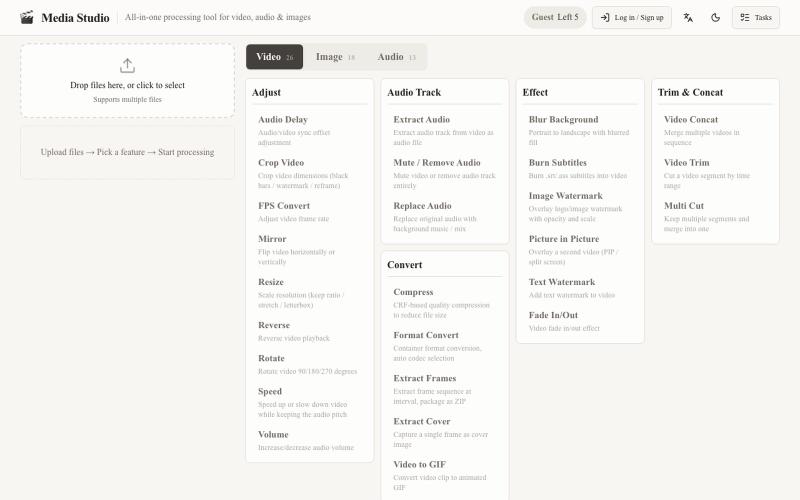
Web-based media editor with 57 tools for trimming, mixing, filtering, and converting audio, video, and images.

@beipojushi · X
做了一个一站式音视频/图片处理工具站。 57 个功能:视频(截取、拼接、变速、倒放、裁剪、压缩、转GIF、字幕、水印),音频(提取、混音、降噪、变速变调、人 声分离),图片(转换、缩放、滤镜、合成GIF)。 免费:游客每天5次,注册后每天20次。
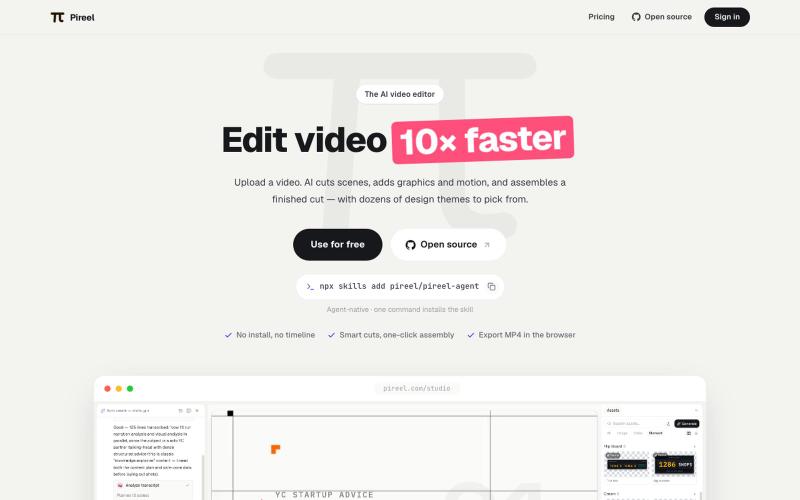
AI video editor that automatically cuts scenes, adds graphics and motion, and assembles finished videos.
pireel · GitHub
pireel Open-source, backend-free AI video editor for talking-head video — storyboarding, designed graphics, kinetic captions, themes and in-browser WebCodecs export. Drivable by any AI agent over MCP.
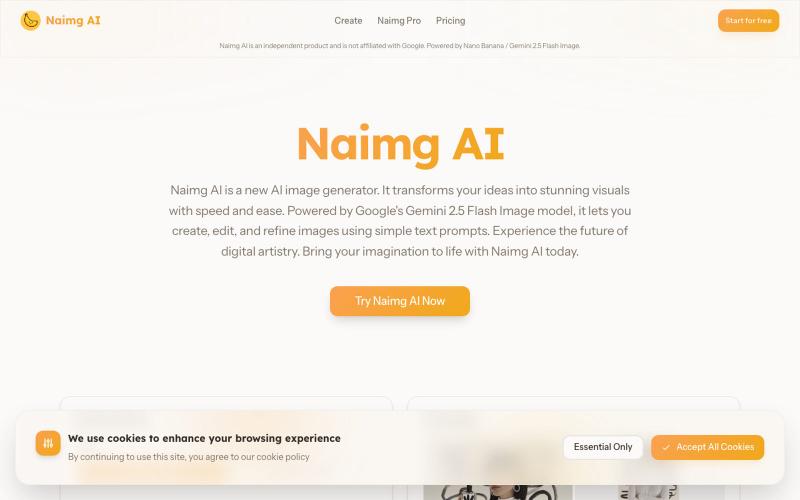
Generate and edit images with AI using Google's Gemini 2.5 Flash.
Nano Banana AI — 基于市面上最强的 AI 图像编辑模型 Nano Banana 开发的图片编辑器,用嘴改图、保持角色一致性、控制细节、图片融合
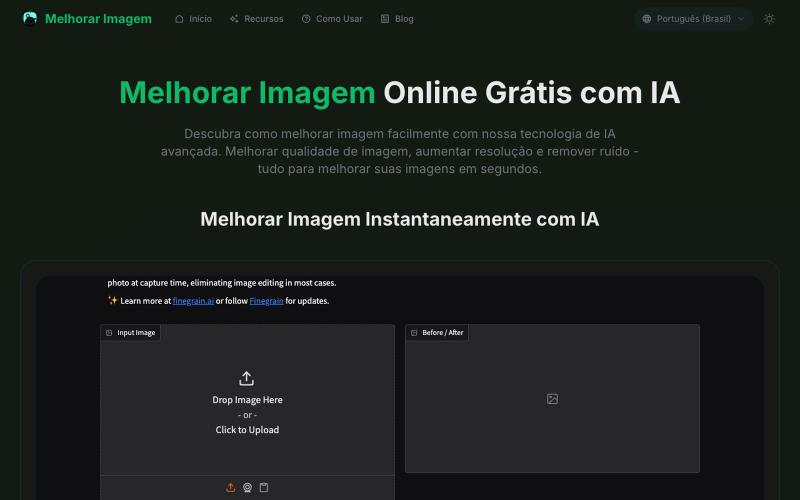
AI tool to enhance photos: upscale resolution, remove noise, and fix blurriness.
melhorar imagem — 专注巴西市场的在线图像处理工具,用 AI 帮助用户提升图片分辨率、增强画质、修复模糊和噪点,让您的照片焕然一新。
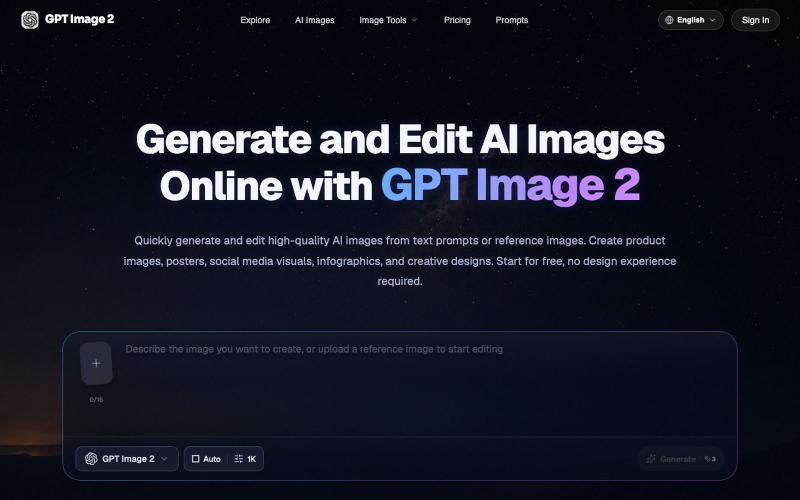
Generate and edit AI images from text prompts or reference images in your browser.
GPT Image 2 AI — AI 图像与视频创作平台
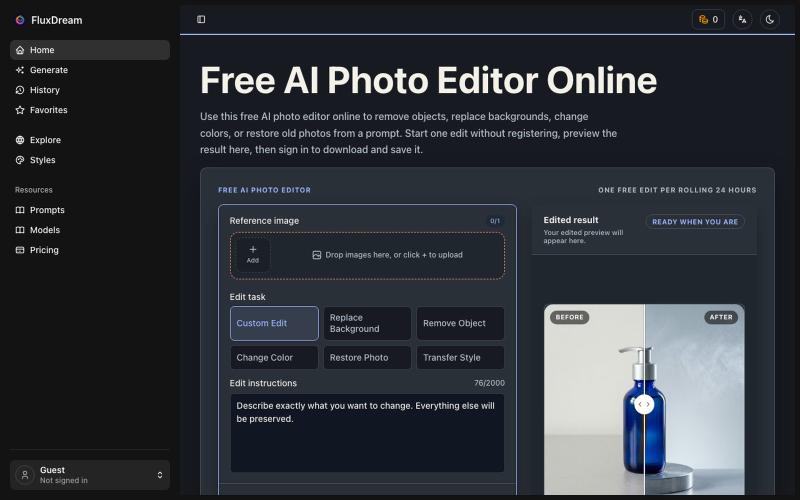
Edit photos with AI prompts—no login, no payment required.
yyy · V2EX
折腾几个月做了个不用登录就能改图的 AI 编辑站,顺便聊聊 Cloudflare Workers 上跑 AI 工作流踩的坑 ## 正文 大家好。做独立开发的,前几个月一直在拿 Nano Banana 和 GPT Image 2 帮朋友批量改图 —— 每次都要开桌面工具、开 API 、开命令行,朋友那边发张原图过来再截屏发过去。烦了。 于是想:能不能就一个网页,打开就能改,不用登录、不用交钱、不用装桌面客户端?做出来了,叫 FluxDream 。 链接: https://fluxdream.com ### 现在能干嘛 网页里就是一堆常见的图片编辑动作,选一个上传原图,写几个字或者不写,出图: - **Photo to Cartoon** — 把照片改成卡通/动漫风 - **Make Photo Realistic** — 反过来把 AI 图 / 手绘做成真实照片质感 - **Polaroid Photo Maker** — 拍立得风,带边框和光晕 - **Relight Photo** — 换光照方向 / 换色温 / 换白天黑夜 - **Rem
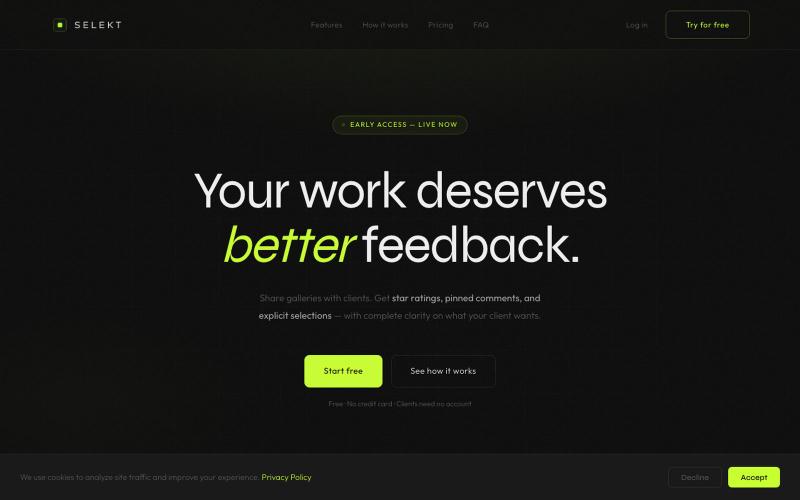
Online photo and video proofing made simple. Export from Lightroom Classic, share galleries with clients, collect star ratings, color labels, and selections — then sync feedback ba

@ThomasHabr · X
My vibe-coded startup is being released now 🎉 The journey begins.
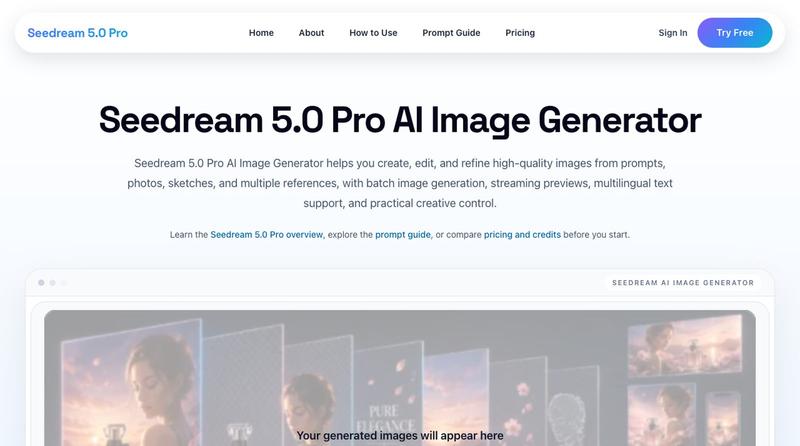
Generate 4K images from prompts and photos with batch processing and watermark-free downloads.
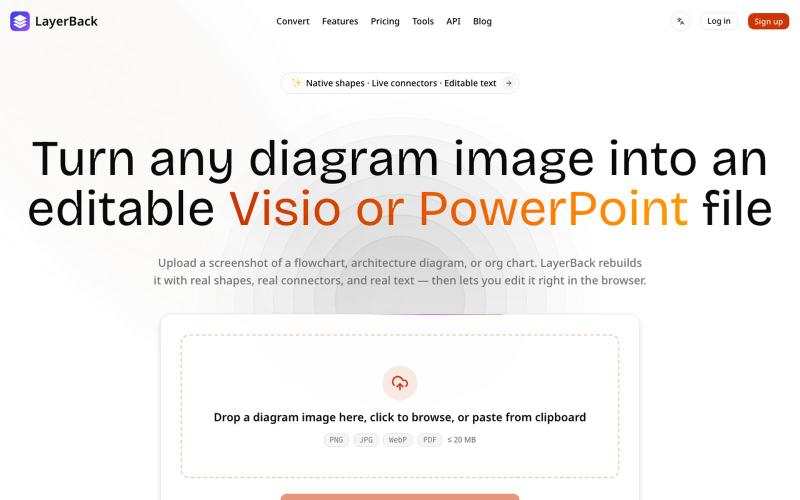
Convert image diagrams into editable Visio, PowerPoint, or draw.io files.

@ChenDavie_AI · X
Just shipped a new LayerBack update 🚀 Turn screenshots, photos, and diagram images into editable Visio or PowerPoint files — directly in the browser or via API. Image in. Editable files out. #buildinpublic #AI #SaaS
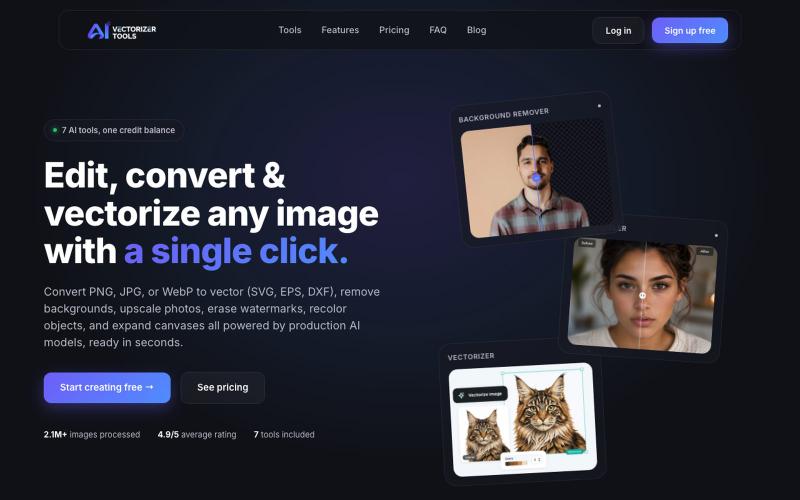
Convert PNG, JPG, or WebP to clean vectors (SVG, EPS, DXF) in seconds. Plus AI background removal, upscaling, and watermark removal — all in one tool. Free to start.

@AiVectorizer · X
free AI image toolkit. Vectorize, remove backgrounds, upscale, remove watermarks.

Generate and edit AI images for product shots, ads, portraits, and thumbnails via text prompts.
Plugcamp · V2EX
最近在折腾一个小站,主要是围绕 Nano Banana 2 Lite 做图片生成和图片编辑: https://nanobanana2lite.me/ 一开始只是自己想要一个比较轻的入口,用来快速试 prompt 。后来发现每次测图都会遇到几个重复问题: - prompt 写完之后,不知道适合什么比例 - 文生图和图生图入口经常混在一起 - 想找几个可复制的 prompt 示例,但很多站要么太重,要么示例不够直观 - 只是想快速生成一张产品图、头像、广告图、封面图,不想进一个很复杂的工作台 所以就做了这个站。 目前主要有几个部分: - Text to Image:直接输入 prompt 生成图 - Image to Image:上传一张图,再用 prompt 做改图 - AI Image Editor:偏日常编辑,比如换背景、改光线、改风格 - Prompt Library:整理了一些可直接复制的 prompt - Gallery:放了一些 before/after 和示例图 我自己比较在意的是首页别太像传统 SaaS 落地页,所以最近一直在改视觉。之前太干了,后来加了一些更丰富的样张和暗色主题,但也还在调。 这个站不是 Google 官方产品,只是一个第三方工具站。现在更多是想把「轻量、直接、可复制」这件事做好。 如果大家有空的话,想请教几个问题: 1. 首屏看起来会不会太营销,还是说信息还算清楚? 2. 对图片工具来说,大家更想先看到生成表单,还是先看到效果案例? 3. Prompt Library 这种页面有没有用,还是大家更习惯直接自己写? 4. 如果你平时会用 AI 生成图,最常用的场景是产品图、头像、封面、广告图,还是别的? 欢迎拍砖,尤其是 UI 、文案、信息结构这块。 链接再放一次: https://nanobanana2lite.me/