
Productivity1 month ago
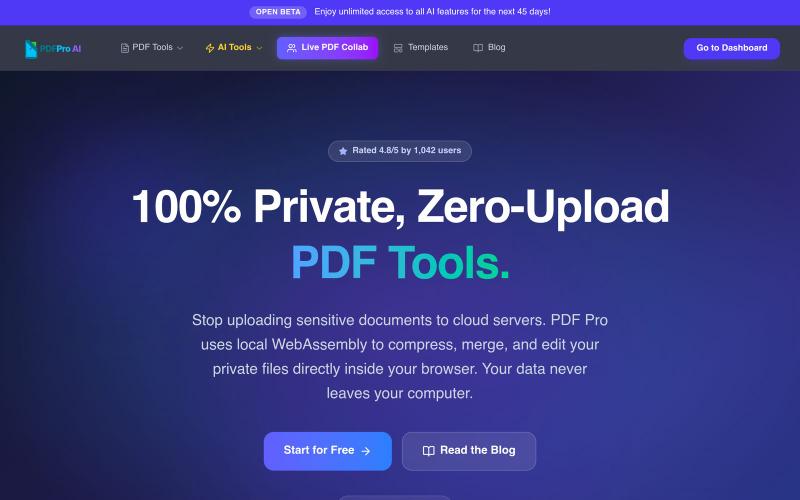
PDF Pro — Free PDF Tools for India | Privacy-First, No Cloud Uploads
Edit PDFs in your browser with compression, merging, AI analysis, and no cloud uploads.

@pdfproindia · X
The full gallery
Tech stack
60 projects
Edit PDFs in your browser with compression, merging, AI analysis, and no cloud uploads.
@pdfproindia · X
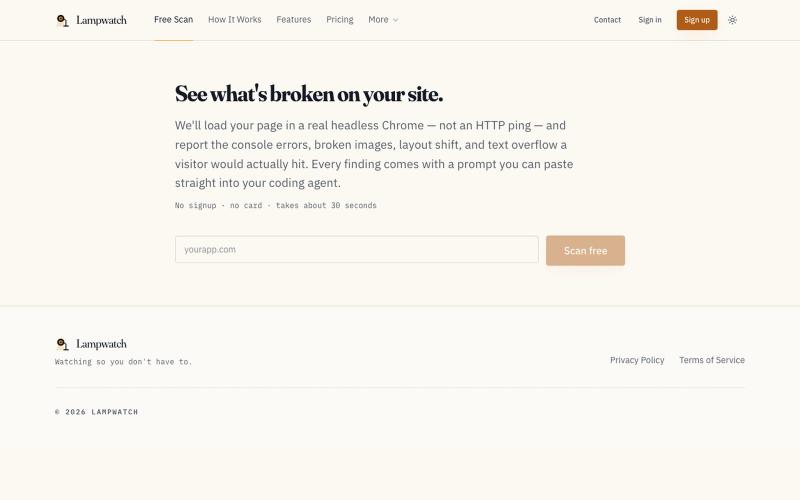
Scan websites for UI issues like broken images and console errors with instant AI fix prompts.
u/Exciting_Pineapple52 · Reddit
I built a Playwright monitor after CI passed but the live UI was broken, would this be useful? AI-assisted development has made it much easier for me to ship changes quickly. The downside: I’ve seen CI pass while the live page still had issues that customers would notice first broken-images, console errors, layout shifts, and overflowing text. The lesson for me was that tests and logs are necessary, but they don’t always show what a real visitor sees after deployment. So I built Lampwatch
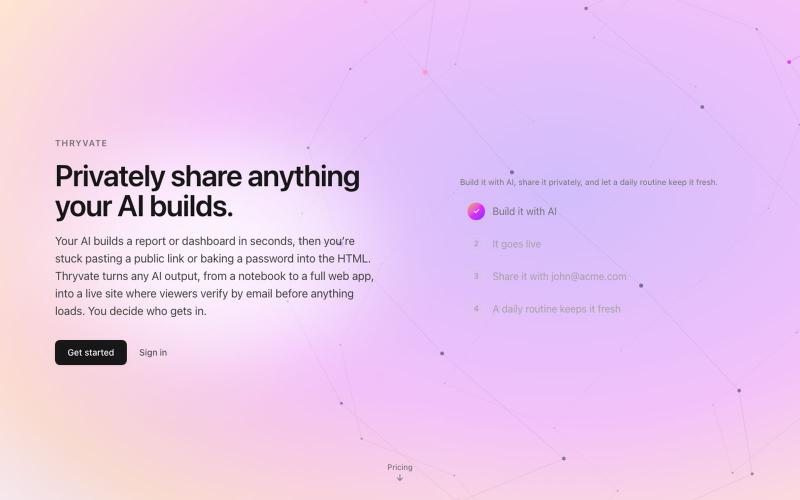
Convert HTML, Markdown, notebooks, or PDFs into private, shareable websites instantly.

@thryvate · X
My AI built something cool, let’s share it with some friends.

Free in-browser PDF tools for merging, splitting, converting, and editing without uploading files.
u/Key_Caramel_5578 · Reddit
Built a free PDF toolkit solo (with AI help) — need feedback on the in-browser text editor before I keep pushing on it Been heads-down on this for a while: thepdftool.in Standard PDF stuff : merge, split, compress, convert, OCR — but most of the conversion tools run entirely client-side (WASM), so files never leave your browser for those. Built solo, leaned on AI tools for a good chunk of the code and debugging. The feature I care most about right now is an inline text editor :— click i
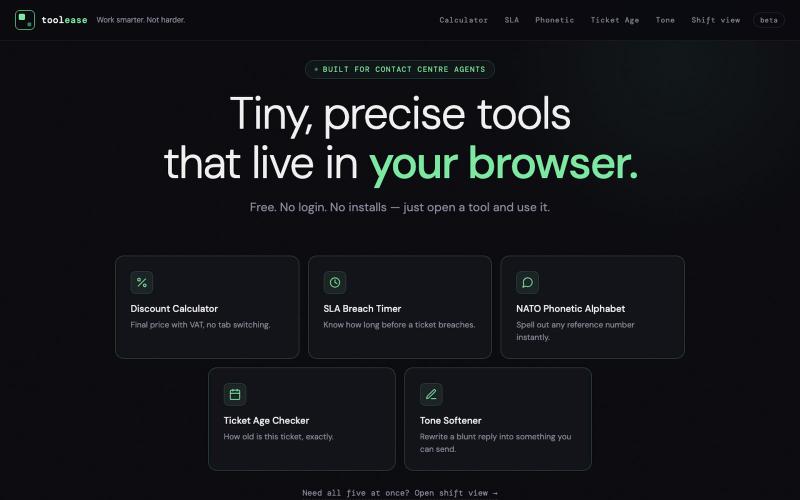
Tiny, precise browser tools for contact centre agents — SLA timer, discount calculator, NATO phonetic, ticket age checker, and an AI tone softener. Free, no login, no installs.

@tooleaseapp · X
Tools for contact centre staff in one place
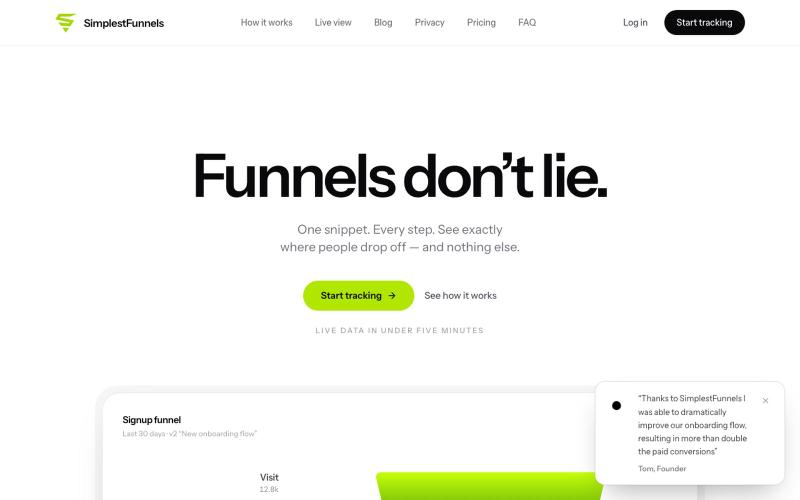
@zdogmode https://t.co/Cdk9FF9iPM - This is a tool I built and was really useful for my own projects, so I made it available.

@tpacker · X
- This is a tool I built and was really useful for my own projects, so I made it available.
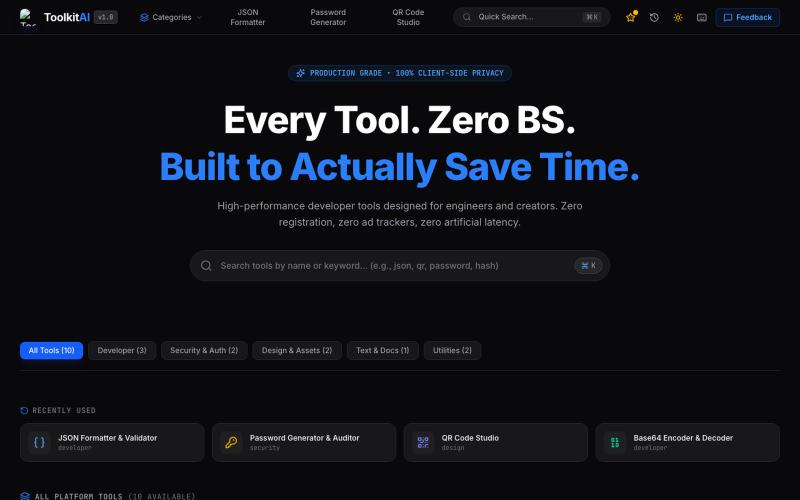
Browser-based suite of privacy-first developer tools including JSON formatter, password generator, QR studio, and Base64 encoder.

@Toolkit__ai · X
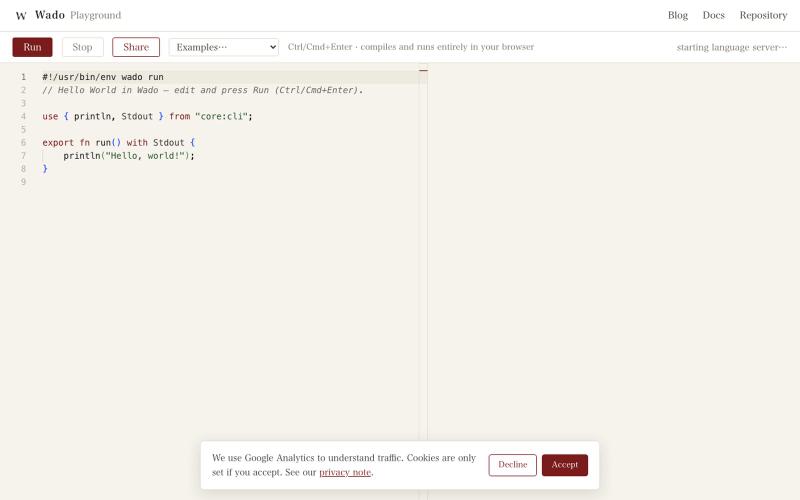
Write and run Wado programs in your browser using a client-side compiler and language server.
gfx · HN
Building a Rust-ish programming language with 100% coding agents: Wado
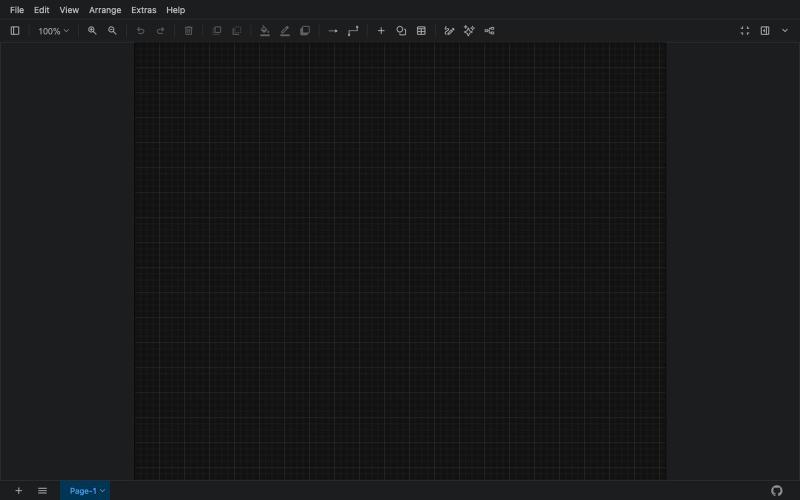
Free online tool for creating flowcharts, process diagrams, org charts, and UML diagrams.

@N0V4Dev · X
I found a tool called Next AI that links AI capabilities directly with diagrams. It lets you build and edit diagrams using natural language prompts instead of clicking around the canvas manually. It's a handy way to sketch out architecture when you don't want to drag every box yourself. The project is built on TypeScript with React 19 and Next.js. It supports multiple AI providers and even includes an MCP Server. This means you can use it with the Claude Code CLI to generate diagrams from your terminal. Deployment options are flexible too. You can run the tool locally with Docker or push it to Vercel and Cloudflare Workers. It supports multi provider setups so you can pick the backend that fits your workflow. #Nextjs #AI #Diagrams #TypeScript
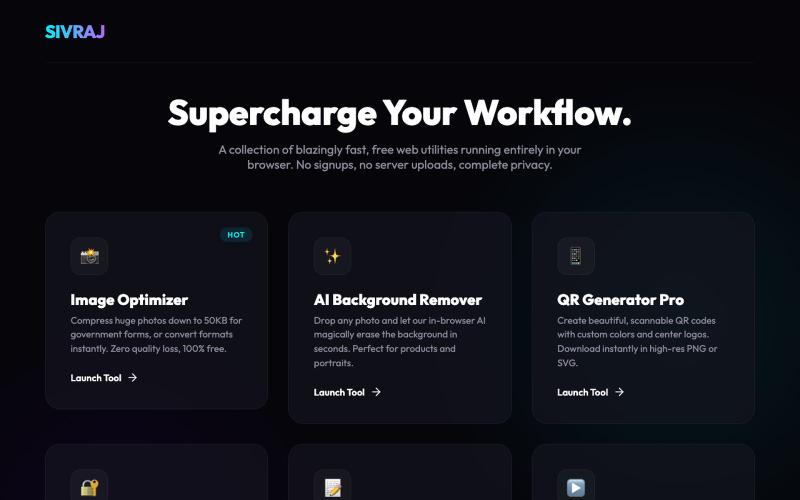
Free online tools for image compression, PDF merging, and document handling without account creation.
u/Numerous_Western_146 · Reddit
Literally guyss u need to check this 🤯 Hey guys, I was getting really annoyed with all those "free" online tools that compress images or merge PDFs but then force you to create an account or pay a premium fee to download your file. Also, uploading sensitive documents to random servers always felt sketchy to me. So, I built a collection of 9 web tools that process everything 100% locally in your browser. No data is ever uploaded to a server, there are no signups, and it's completely free.
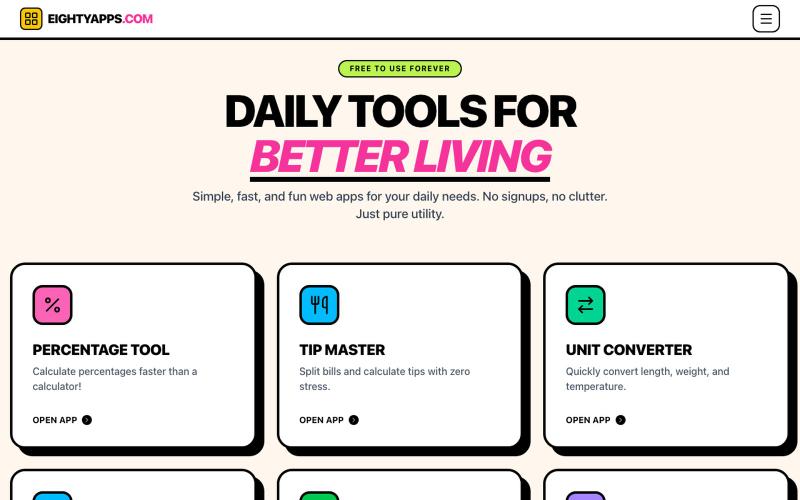
Free, fast online calculators, converters and practical daily tools. No signup required and your saved data stays in your browser.

@SudJourney · X
Hey Nikhil, I am building everyday tools website
