
Creative Tools1 day ago
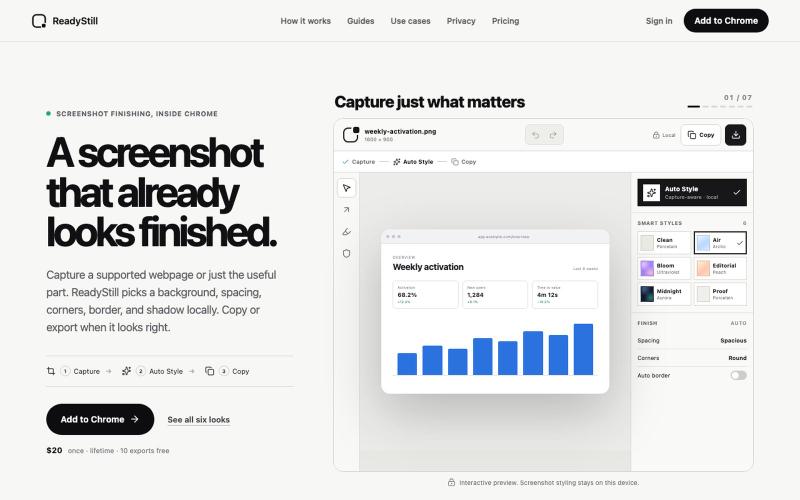
ReadyStill — Chrome Screenshot Editor & Launch Pack
Turn webpage screenshots into polished launch images with privacy-reviewed editing.

@pradeepXkapoor · X
It’s A simple screenshot beautifier chrome extension!
The full gallery
Tech stack
60 projects
Turn webpage screenshots into polished launch images with privacy-reviewed editing.
@pradeepXkapoor · X
It’s A simple screenshot beautifier chrome extension!
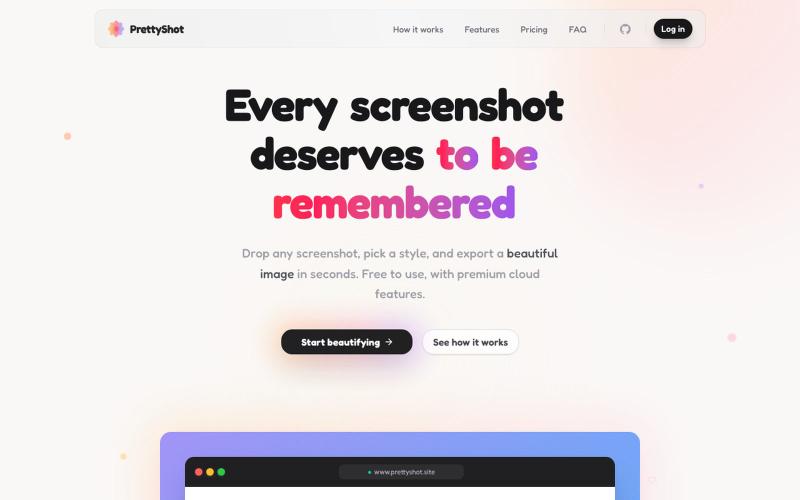
Apply custom styles to screenshots and export them as beautifully formatted images.

@prassami · X
- instantly turns your boring raw screenshots into beautiful images.
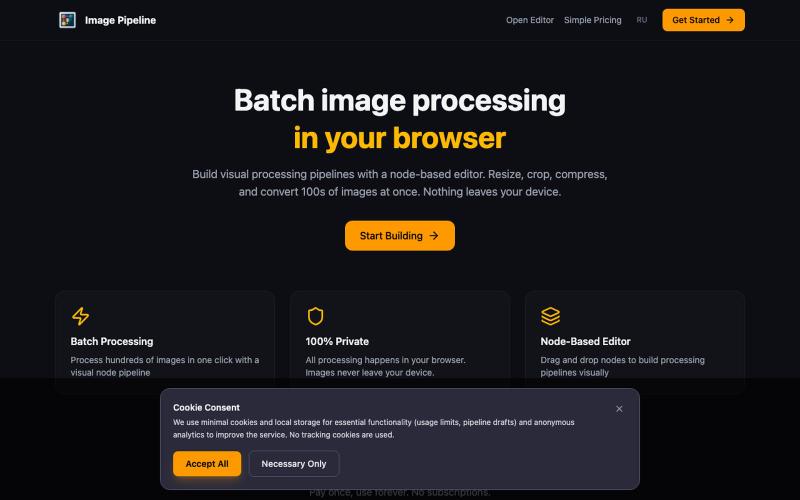
Resize, crop, compress, and convert images in batch — all locally in your browser.

@MaximMitenkov · X
🔒 Just launched Image Pipeline — batch image processing in your browser. 100% private. No signup. Pay once, use forever. #buildinpublic #webdev #privacy
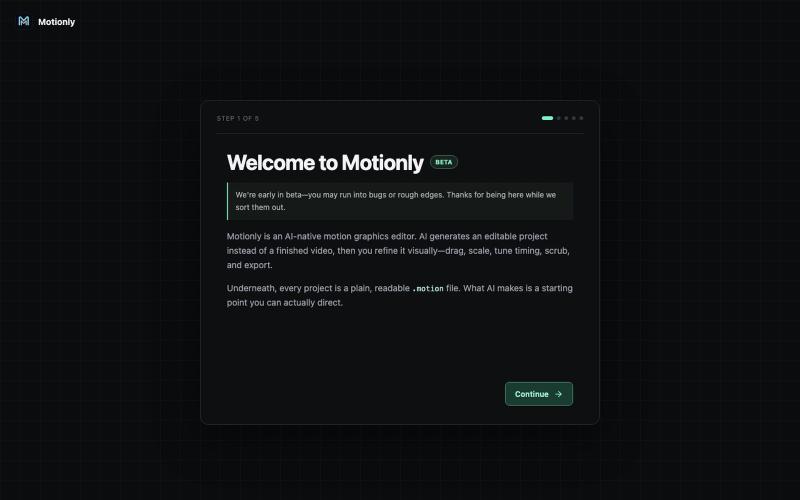
Create motion graphics and animations in your browser with AI assistance.
u/StylePristine4057 · Reddit
I Updated Motionly: A free, lightweight, AI-assisted motion graphics editor that runs right in your browser. The video above was created from a Motionly project written with help from an AI assistant. I'm building Motionly, an open-source motion graphics editor that lets AI help create editable animation projects instead of just generating a final video. The idea is simple: AI creates the first draft, then you open it in Motionly and refine it visually. You can move elements
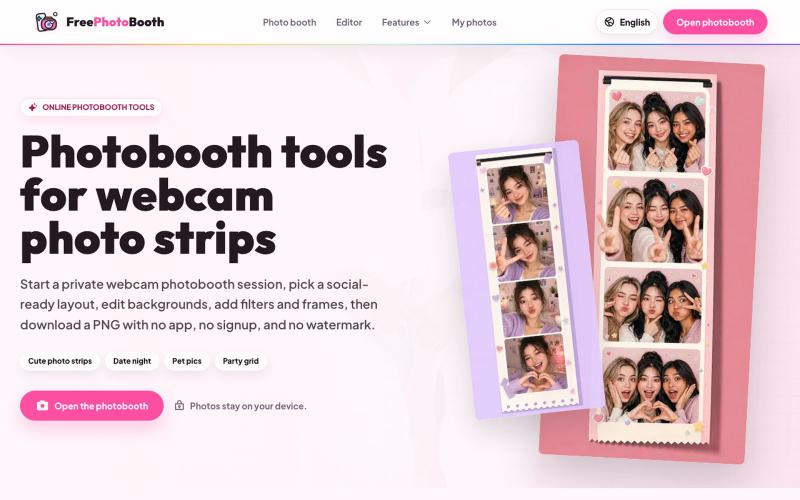
Create webcam photo strips with filters, frames, and background editing.
cmlanche · V2EX
做的在线照相亭本来还有点流量,结果我 301 瞎整一通,彻底废了,重新上了一个站 地址:[freephotobooth.online]( https://freephotobooth.online/) 上面是老地址,本来流量还可以,上站第二天就有 300 个新点击,但我嫌弃域名后期没有品牌优势,所以 301 到了另外一个域名,但上了之后看到流量没有了,又很焦虑,然后又把新站 301 到老站,现在彻底 game over 不得已重新写了一个站,再上,有兴趣可以围观一下,看看哪个更好,有啥问题我可以改改,主打听劝 新站地址:[https://photobooth100.com/]( https://photobooth100.com/)

Design custom themes for Codex Desktop with backgrounds, colors, transparency, and visual effects.
plutozc · V2EX
做了个 Codex Desktop 主题预览和切换工具,先调好再安装 最近一直在用 Codex Desktop ,觉得默认界面看久了有点单调,就顺手做了个主题编辑工具,分享一下: [Codex Skin]( https://getcodexskin.com) 可以先在网页里预览主题,调整背景透明度、面板透明度、颜色、模糊和圆角等参数,满意之后再下载并切换到 Codex Desktop 。 目前支持: - 自定义 JPG 、PNG 、WebP 背景 - 在线实时预览主题效果 - 调整透明度、颜色、模糊、圆角 - 预览满意后生成安装命令 - 不喜欢了可以恢复默认外观 目前主要面向 macOS 上的 Codex Desktop ,还是个人项目,功能和兼容性都在继续打磨。 欢迎试试,也想听听大家对主题参数、预览效果和安装流程的反馈。 直接网址: https://getcodexskin.com [轻喷 轻喷,可能还有些 bug

Collection of 125+ free calculators for finance, health, legal, real estate, and travel—no signup required.

@Arafat3599651 · X
Just launched 🧮 125+ free calculators — mortgage, BMI, debt payoff, compound interest, calories & more. No signup. No ads. Everything runs in your browser instantly. #buildinpublic #webdev #react
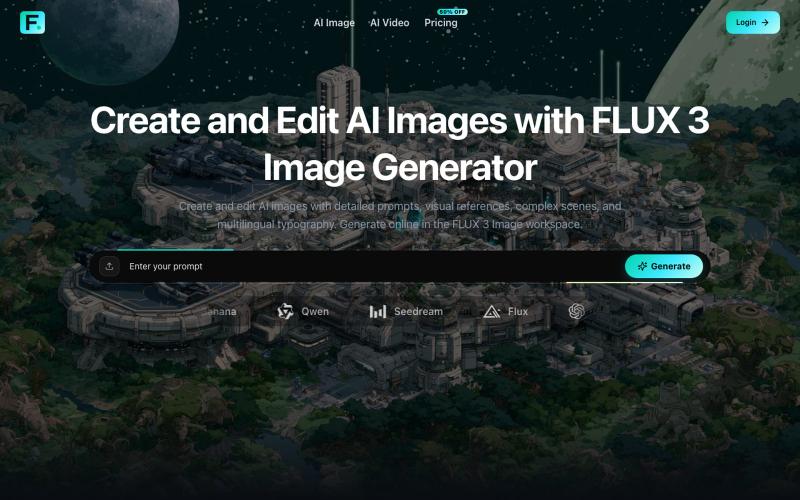
Generate and edit AI images with detailed prompts, reference images, and custom aspect ratios.
Zane3 · V2EX
做了一个视频生成工具,送大家一些积分体验体验 最近做了两个 AI 生成相关的小站,想发出来给大家试试,也顺便收一些真实反馈。 做了几个烂东西,满满的沉淀为现在的样子,实在是太不容易了。 图片站: https://flux3image.pro 视频站: https://flux3video.online 两个站的定位不太一样: Flux 3 Image 主要偏图片工作台,支持文生图、参考图生成、图片编辑、比例和分辨率选择,也接了一些不同风格的图片模型。 Flux 3 Video 主要偏视频生成,支持文本/图片输入生成视频,可以调时长、比例、分辨率、帧率,也有 Fast / Pro 这类模式。 独立 AI image / video workspace ,接第三方模型和自己的账号、积分、任务记录流程。 现在基础功能已经能用了,新用户登录后会有一些 starter credits ,可以先体验,不用一上来付费。具体积分和消耗以站内显示为准,避免我帖子里写死后面配置调整。 我自己知道现在还比较早期,尤其是两个站之间的定位、模型命名、价格解释,还
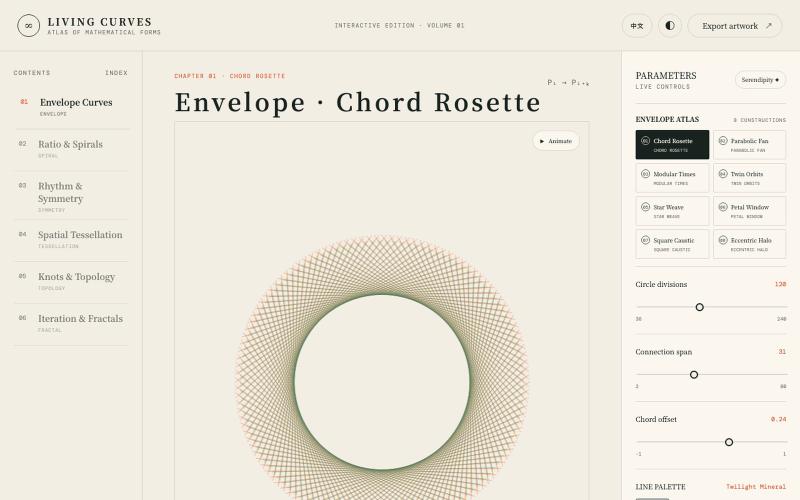
Explore interactive visualizations of mathematical curves, fractals, symmetry, and topology.

@vkuoo · X
Added more demos showcasing graph-math relationships, built with Codex.
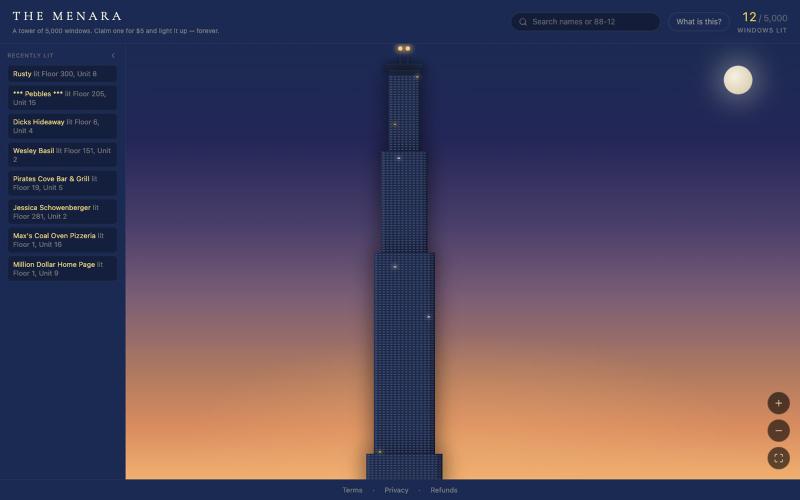
Buy pixels on a shared digital canvas, inspired by the Million Dollar Homepage concept.
u/TheMenara · Reddit
Inspired by the guy who sold a million pixels for a buck each in 2005 — built my own version A while back I was thinking about the old Million Dollar Homepage story — guy sells a million pixels for $1 each in 2005, makes a million dollars, becomes a meme. I kept wondering if a simple, honest version of that idea could still work today, so I figured I'd give it a shot. It's called The Menara — a tower with 5,000 windows. $5 claims one, permanently. You pick your exact floor and unit, add a n

@suni_code Here it is: https://t.co/FJRlXNARp2 Definitely appreciating feedbacks

@sykatt01 · X
Here it is: Definitely appreciating feedbacks
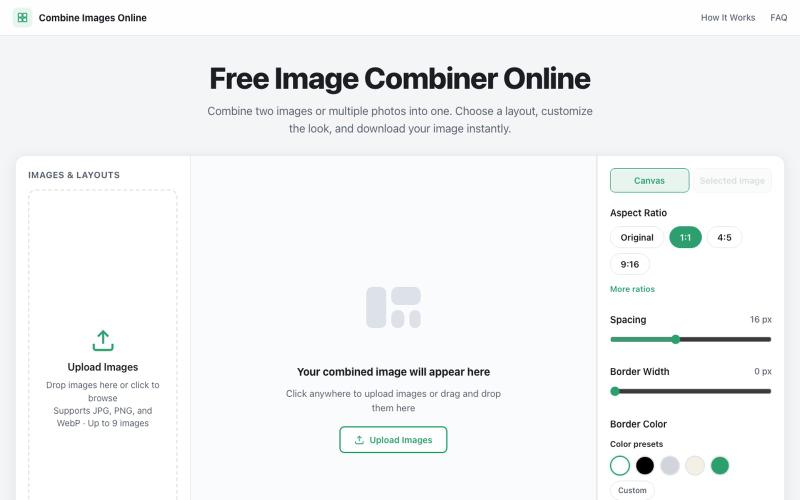
Combine multiple images into custom grids with adjustable spacing, borders, and backgrounds.

@dais33923 · X
新手村一号作品在这里: 做了一个免费的在线拼图工具,可以上传多张图片、自由排版、换背景和边框,再导出成图。 欢迎路过玩玩,也欢迎狠狠挑刺:不好用、缺功能、哪里丑,都可以告诉我(虽然我自己也知道嘿嘿)。 先把它养活,后面慢慢养大or再换一个站玩玩哈哈哈😄🧩