
Productivity1 day ago
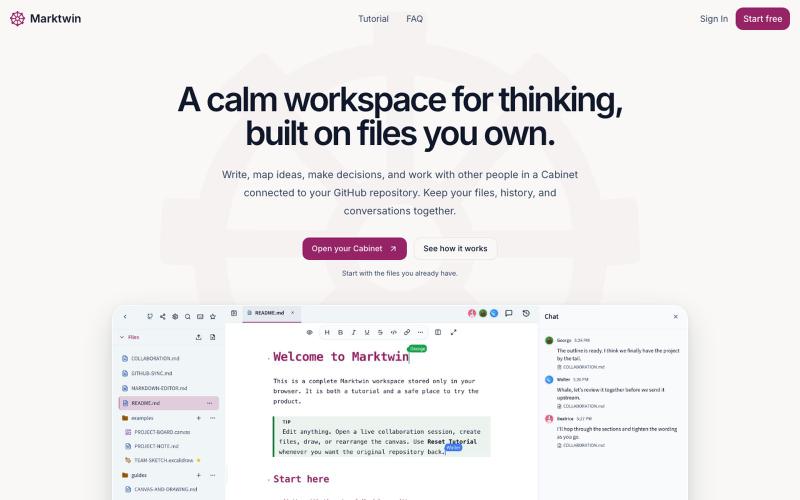
Marktwin | Think, discuss, decide, and work together
Collaborative workspace for thinking, discussing, and working together on Markdown files.
nathwolf · HN
Marktwin – collaborative workspaces on Markdown files you own
The full gallery
Tech stack
60 projects
Collaborative workspace for thinking, discussing, and working together on Markdown files.
nathwolf · HN
Marktwin – collaborative workspaces on Markdown files you own
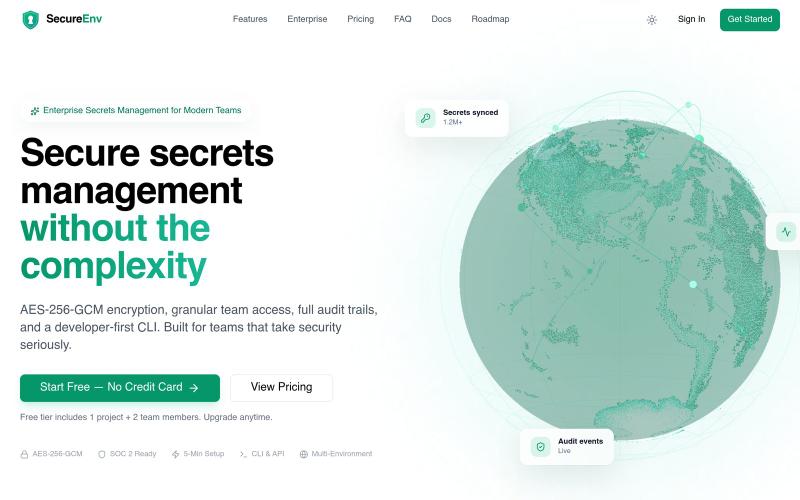
Store and manage team secrets with zero-knowledge encryption and sharing.

@kkworld · X
Introducing SecureEnv. A secure, developer-first platform for managing environment variables and secrets. Simple. Secure. Built for developers. 🌐 #SecureEnv #BuildInPublic #Programming
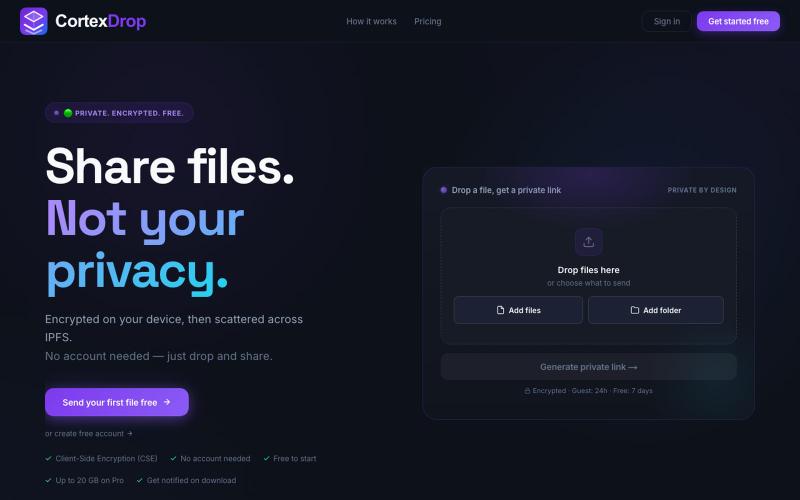
Share encrypted files with self-destructing links without signing up.

@cortexdrop · X
CortexDrop- first consumer file sharing built on IPFS. Drop a file, get a private link.
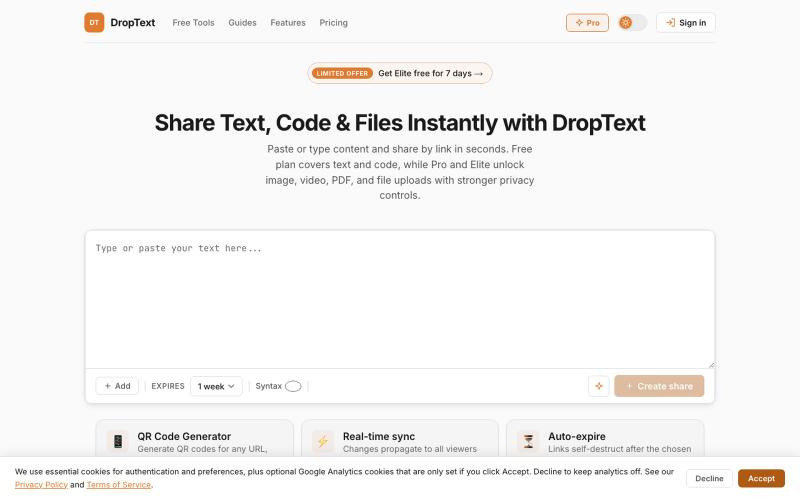
Drop text, files and content, get a link. Share text, code, images, videos, and files with auto-expiry, live collaboration, and secure premium controls.

@Jatin__Saini · X
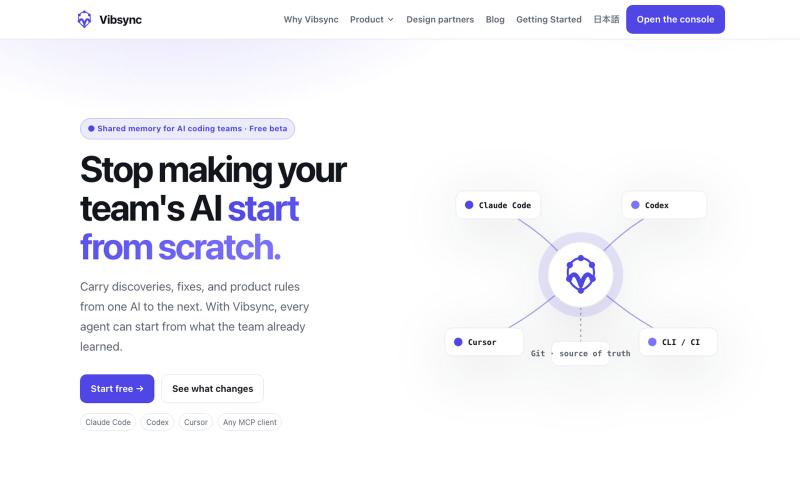
Shared memory for AI coding agents to store team discoveries and reduce duplicate research.
snakaya · HN
Vibsync – One Shared Memory for Claude Code, Cursor and Codex (MCP)
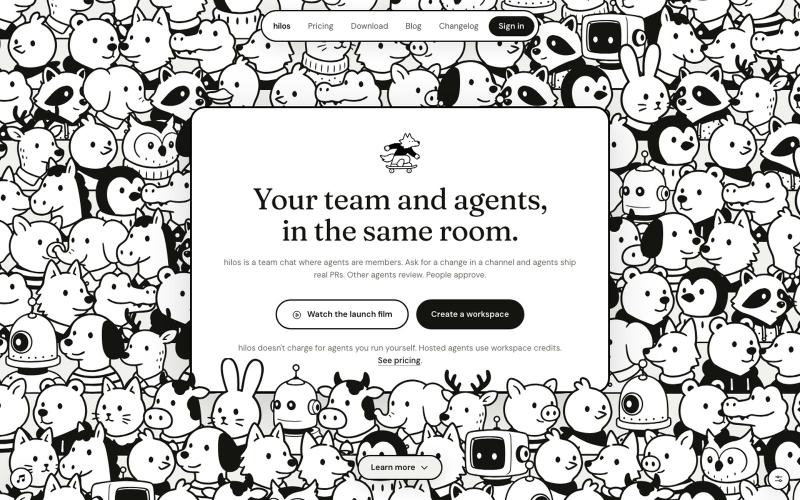
Team chat workspace where AI coding agents are first-class members planning and shipping code.
u/pablostanley · Reddit
Built Hilos, a team chat where AI coding agents are members of the channel Hi, I'm Pabs, and I built this thing I'm calling Hilos (means "threads" in spanish) I work with coding agents every day (Claude Code, Codex, Cursor) and the workflow started to feel a bit isolating... tons of tabs in a terminal, and my team in a chat somewhere else, and I'm the messenger in the middle, copy-pasting context both ways from things I build and feedback I get. The llm doesn't know what the
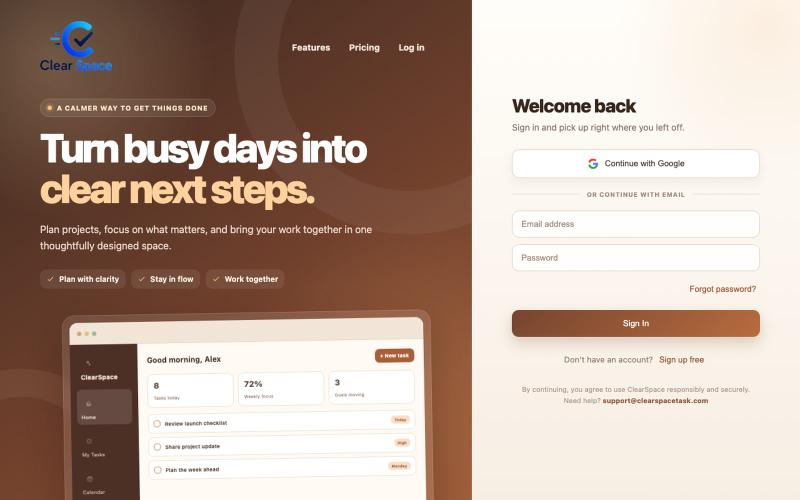
Organize tasks, projects, calendars, and goals in one workspace.
u/clearspacetask · Reddit
The hardest part of my $0.99 task manager wasn’t pricing—it was earning trust I’m building ClearSpace as a very small SaaS, with a Pro plan priced at $0.99/month. I originally thought the difficult decisions would be pricing, billing and deciding which features belonged in Pro. They weren’t. The harder problem was making the product feel trustworthy enough that someone would put real work into it. A task manager can have every feature on the checklist and still lose a user the first time
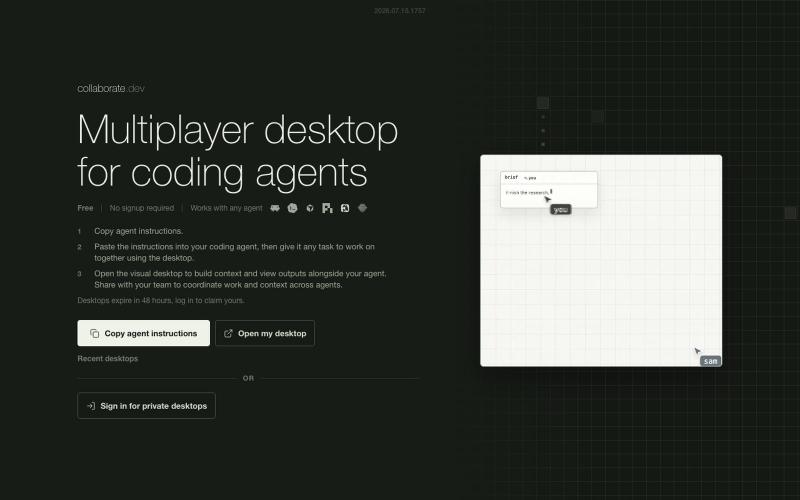
Collaborate with multiple AI coding agents in a shared visual workspace.
austinvhuang · HN
Collaborate.dev – Multiplayer Visual Desktop for Coding Agents
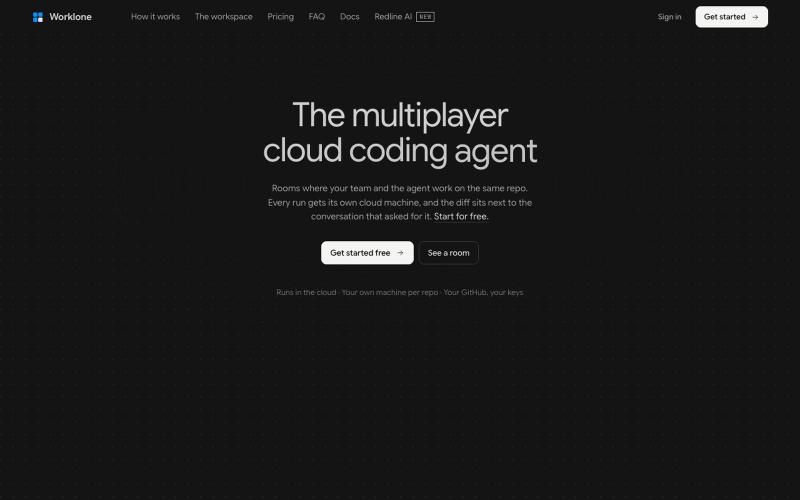
A cloud coding agent for teams to collaborate on code in shared rooms together.
u/Wide-Echo-548 · Reddit
Slack for AI Coding Workspaces I’m the founder of Worklone ( www.worklone.com ) . Disclosing that up front. Worklone is a multiplayer AI cloud coding agent: the agent runs in a cloud Linux sandbox, the team shares one live room, everyone watches and steers the same run. Not a local CLI on one laptop. What we kept seeing building this: the agent isn’t the bottleneck. Handoff is. One person starts a run, closes the lid, nobody else can see the session, and review lives in a different tool t
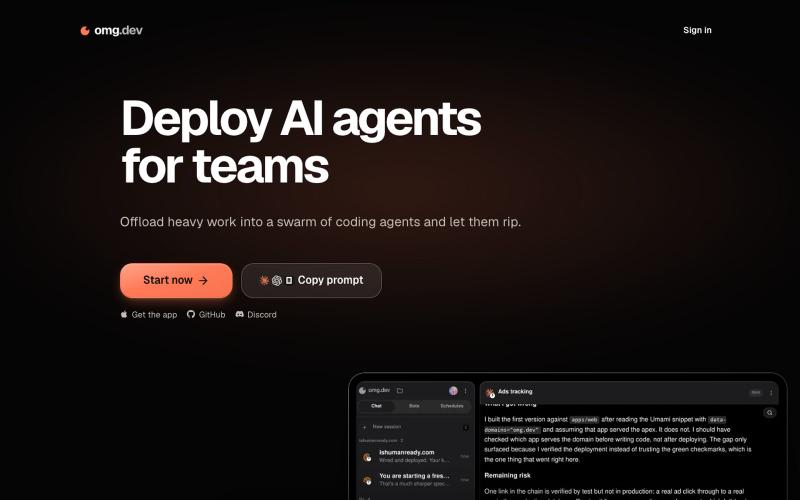
Offload coding work to AI agent swarms with shared team context and workspace.

@BennyKokMusic · X
introducing teams in - shared context and workspace for entire team - support for claude code, codex, pi, open code, cursor and more, no vendor lock in. - run in your own infra, your data, your network - models improve and change but your workflow stays - turn coding agent into autonomous bots or schedules - bring your own subscriptions “There is a lot of coding agent wrapper out there, but this one simplifies, mobile optimized, and built for teams. It turns complex coding agent into normal chat interface” Try it now! Or clone the repo, its all yours
Organize and track brand projects and work data in one place for teams.

@dragonking18681 · X
my 1st experiment of vibe coding project: During my past 15 years' experience of founding & managing my brands Pikka Pikka and ANIFA, I have come across many traps and problems of trademark registration in China and globally. Founders often spent a lot of money and time trying to design a logo they liked, hiring designers who deliver logos they don't like, and finally you came up with a good logo, then only after 12 - 18 months you realised this logo/brand name is not registrable for trademark, either similar trademark already existed, or your brand name/logo is too generic for registration. I made as a solution for founders and designers who wants to made sure their brand name / logo is registrable before they promote it for their businesses, a one stop solution for powerful AI logo & brand kit generator, and global trademark similarity checks and filing service. Currently I have my German lawyer friend Bulent to handle EUIPO and WIPO fi
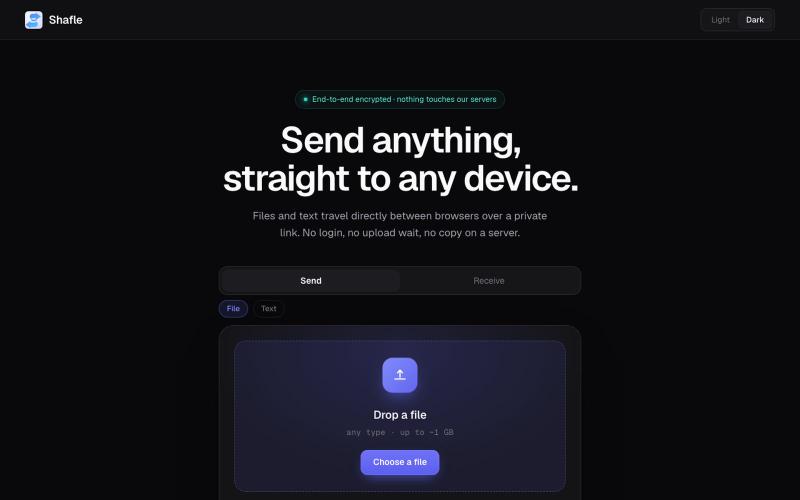
Share files and text directly between browsers without server storage or login.

@bytestreak · X
Building a frictionless, forever free file sharing utility tool. Check it out here: