
The full gallery
Tech stack
60 projects
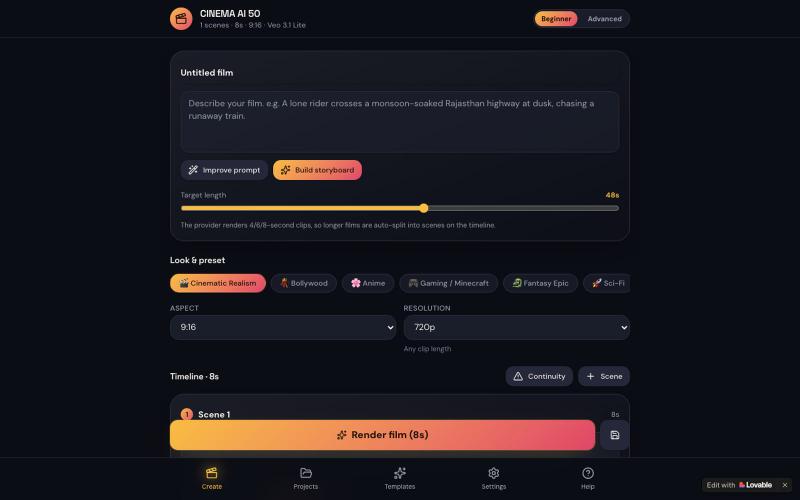
Create cinematic AI videos in 50 seconds using prompts or images with storyboarding and camera controls.

@junivdv9 · X
I build the app my own veo 3 Check out what I just built with Lovable!
Send self-destructing notes and files with zero-knowledge encryption and screenshot protection.
minpym · HN
Flashpaper – Self-destructing secret sharing with no database
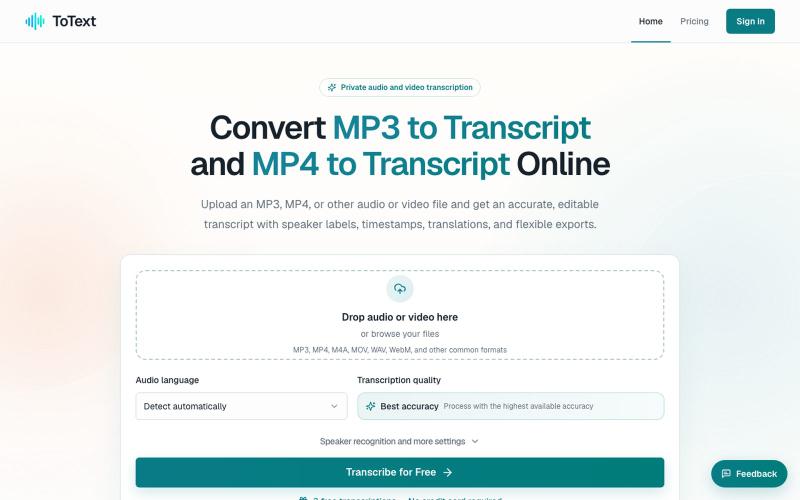
Convert MP3 and MP4 files to editable transcripts with timestamps and speaker identification.
digiplanp · V2EX
做了一个音视频转文字工具,支持 MP3/MP4、说话人识别和字幕导出 大家好,最近做了一个在线音视频转文字工具 ToText ,想发出来请大家体验一下,也听听 V 友的意见。 最开始做这个工具,是因为我自己在处理会议录音、访谈和视频内容时,发现单纯生成一大段文字并不太实用。转录完成后,通常还需要反复对照原始录音、修改错误、区分说话人,再整理摘要或字幕。 所以现在做成了一个相对完整的工作流: * 上传 MP3 、MP4 、M4A 、MOV 、WAV 、WebM 等音视频文件 * 自动识别语言并生成带时间戳的文字稿 * 支持说话人识别和说话人名称修改 * 点击文字片段可以跳转到对应的音视频位置 * 可以搜索、编辑和校对转录内容 * 自动生成摘要、会议纪要、章节和行动事项 * 支持导出 TXT 、DOCX 、PDF 、SRT 、VTT 、CSV 和 JSON 音频文件可以直接使用 [MP3 to Transcript]( https://totext.app/) 功能,比较适合播客、访谈、课程录音、会议和语音备忘录。 视频文件也使用同一个编辑器,通过
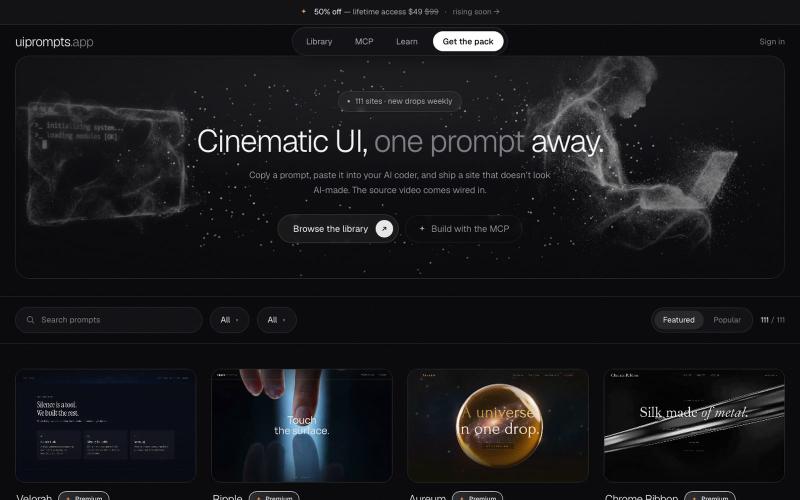
A library of prompts to build premium cinematic websites and hero sections with AI video backgrounds.
openwarehq · GitHub
websiteprompts 30 free copy-paste prompts that turn Claude Code, Cursor or v0 into a cinematic website — exact colours, easing and z-index, plus a background video that is already hosted.
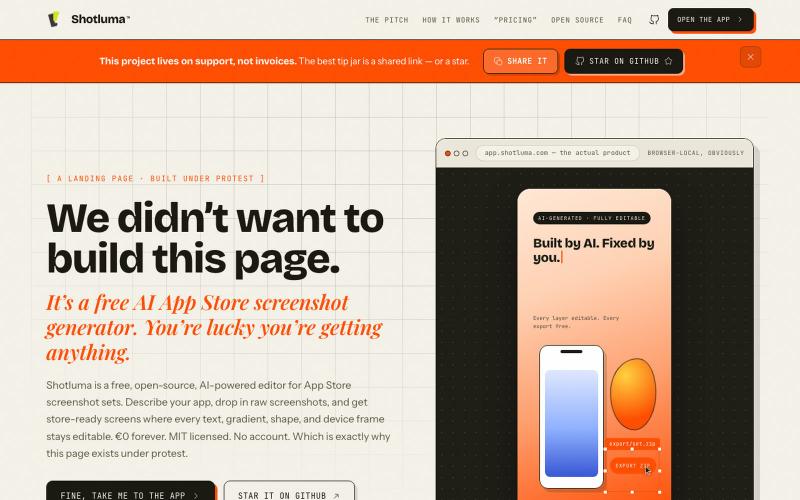
AI App Store screenshot generator with full editability in your browser.
u/Born_Excuse_5610 · Reddit
Free & Open Source AI AppStore Screenshot Generator I’ve been building Shotluma, an open-source editor for creating iOS App Store screenshots. The main idea is pretty simple: I didn’t want the AI to generate a flat image that looks nice but becomes annoying the second you want to change something. In Shotluma, the AI works inside the actual editor. It can add text, gradients, shapes, screenshots and device mockups, but those things stay normal canvas elements afterward. You
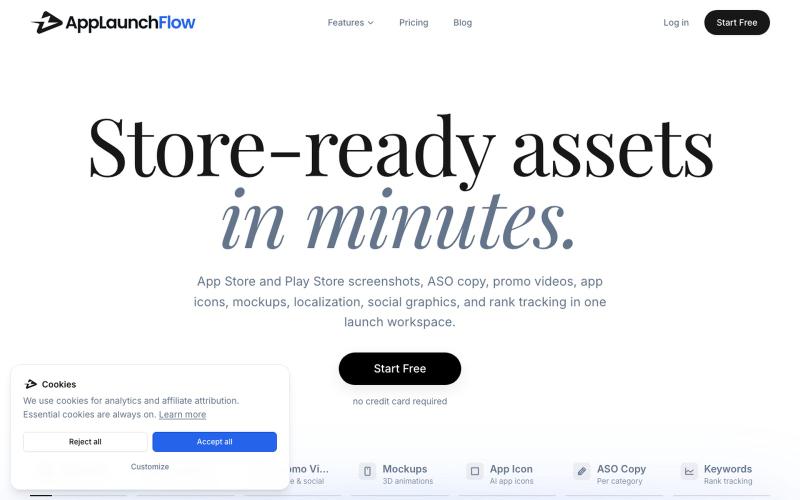
Generate app store and play store screenshots, videos, copy, icons, and marketing assets for your app.
u/Aggravating_Try1332 · Reddit
create app marketing assets using the new ios simulator in claude without leaving the app i built a skill to take screenshots of every page in your app with integration to the AppLaunchFlow MCP so you can create app store screenshots, promo videos, social graphics and more directly from your favourite agent submitted by /u/Aggravating_Try1332 to r/SideProject [link] [comments]
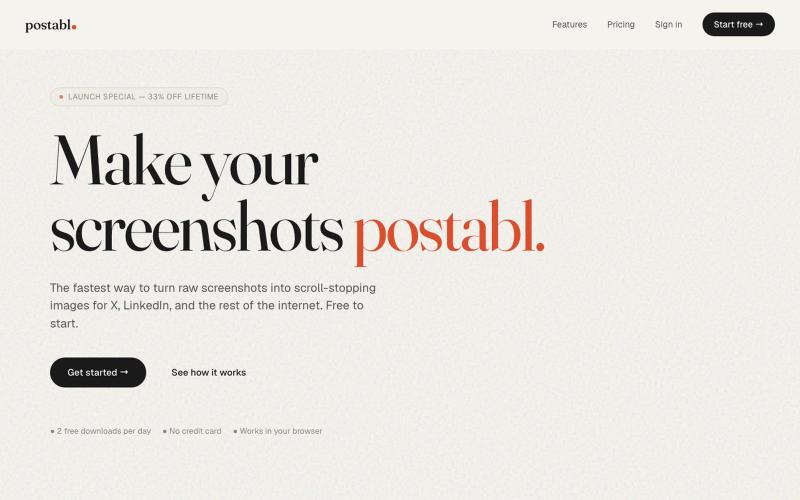
The fastest way to turn raw screenshots into scroll-stopping images for X, LinkedIn, and the rest of the internet.

@soham_nayak04 · X

Turn any public post into a polished, shareable image for X, TikTok, YouTube, and Bluesky.

@larsbuilds · X
here's the link for the lazy ones :)

Edit, compress, convert, and merge video and audio files in your browser.
zhw2590582 · V2EX
最近对网站进行了重构,做成了免费的视频工具站:[ArtPlayer Tools]( https://artplayer.org/tools/) 主要是围绕着 ffmpeg.wasm 和 mediabunny 实现的一些可以直接在浏览器里用的视频/音频工具,常用的有: - 视频压缩:[Compress Video]( https://artplayer.org/compress-video/) - 视频裁剪:[Crop Video]( https://artplayer.org/crop-video/) - 视频合并:[Merge Video]( https://artplayer.org/merge-video/) - 视频尺寸调整:[Resize Video]( https://artplayer.org/resize-video/) - 视频旋转:[Rotate Video]( https://artplayer.org/rotate-video/) - 视频调速:[Change Video Speed]( https://artplayer.org/change-video-speed/) - 添加文字到视频:[Add Text to Video]( https://artplayer.org/add-text-to-video/) - 添加水印:[Watermark Video]( https://artplayer.org/watermark-video/) - 提取字幕:[Subtitle Editor]( https://artplayer.org/subtitle-editor/) - HLS 转 MP4:[HLS to MP4]( https://artplayer.org/hls-to-mp4/) - 音频可视化:[Audio Visualizer]( https://artplayer.org/audio-visualizer/) 大部分工具都是本地处理,文件不会上传到服务器。最开始是因为自己偶尔要处理一些视频,开剪辑软件又有点重,在线工具又担心隐私,所以就慢慢做成了一个站。 目前还在持续完善,体验肯定还有不少粗糙的地方,比如不同浏览器的兼容、移动端操作、长视频性能之类的。 网站: [ArtPlayer Tools]( https:
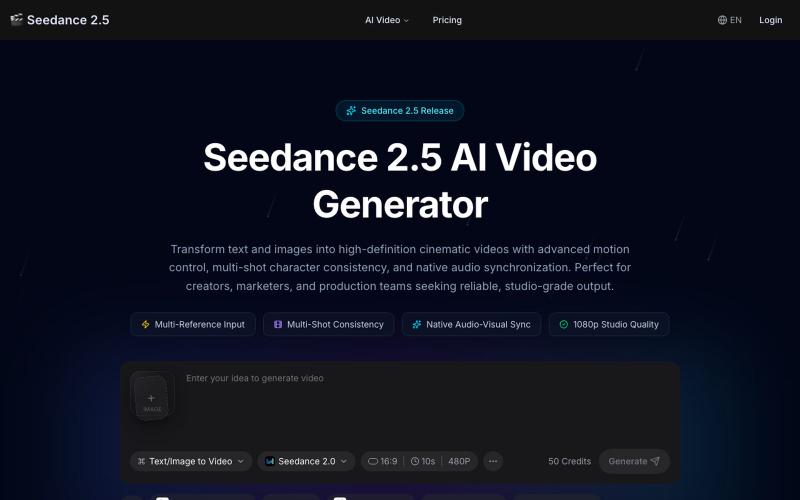
Create cinematic 1080p AI videos from text or images with character locks and sound sync.
seedance 2.5 — 在线 AI 视频生成平台,支持文生视频和图生视频,依托 Seedance 2.5 模型生成流畅自然的 AI 视频
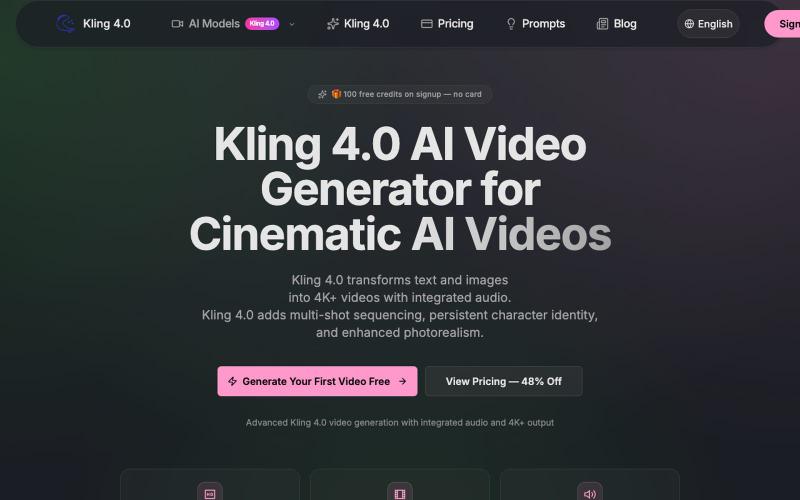
Turn text and images into cinematic 4K+ videos with native audio, multi-shot sequencing, and persistent character identity.
kling — AI 生成视频,支持多种 kling 模型
