
Games & Play2 days ago
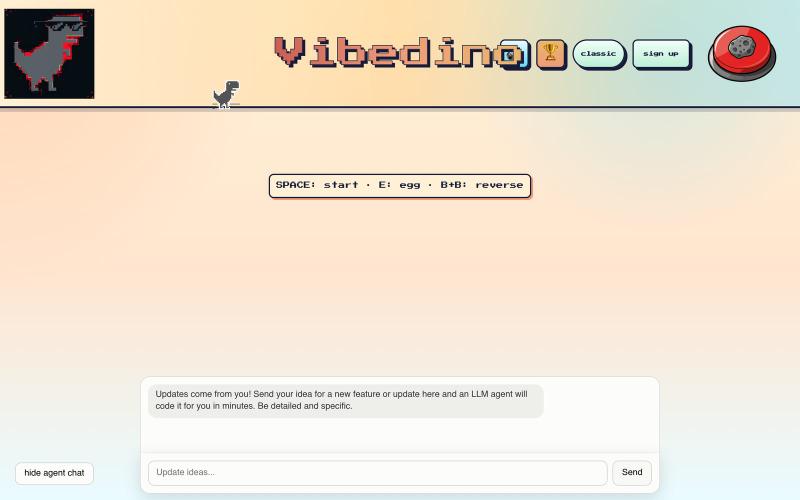
Vibedino
Play Chrome's Dino game and control the dinosaur with AI prompts.
johnnyapple · HN
I made the Chrome Dino Game editable by your AI prompts
The full gallery
Tech stack
60 projects
Play Chrome's Dino game and control the dinosaur with AI prompts.
johnnyapple · HN
I made the Chrome Dino Game editable by your AI prompts
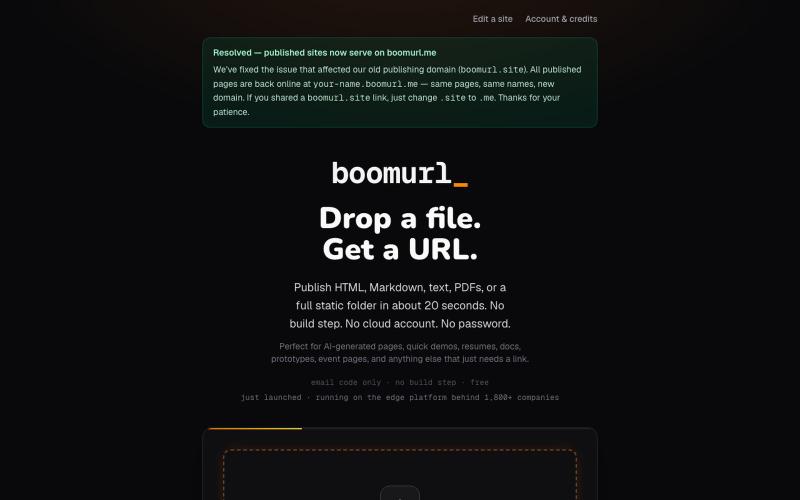
Drag an HTML file or folder to instantly host it on a custom domain with global edge delivery.

@dorongrinstein · X
drag and drop any .html and go live with a custom domain in 20 seconds
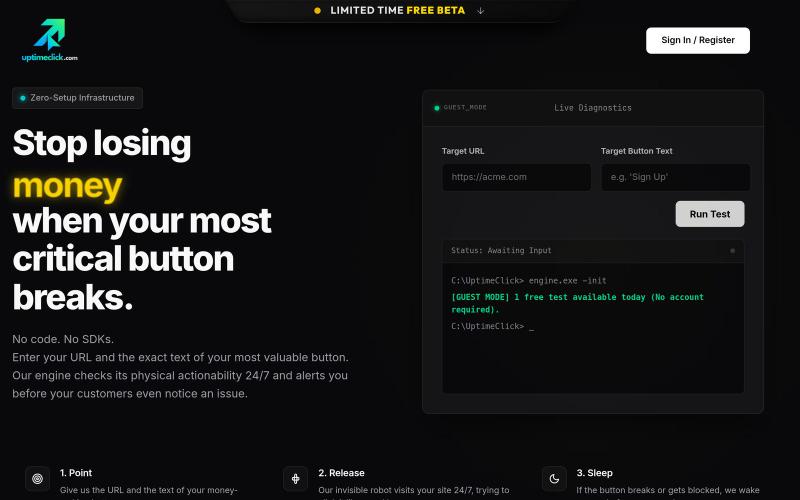
Monitor critical website buttons 24/7 with automated browser testing and receive alerts on failures.

@ardayesilgul · X
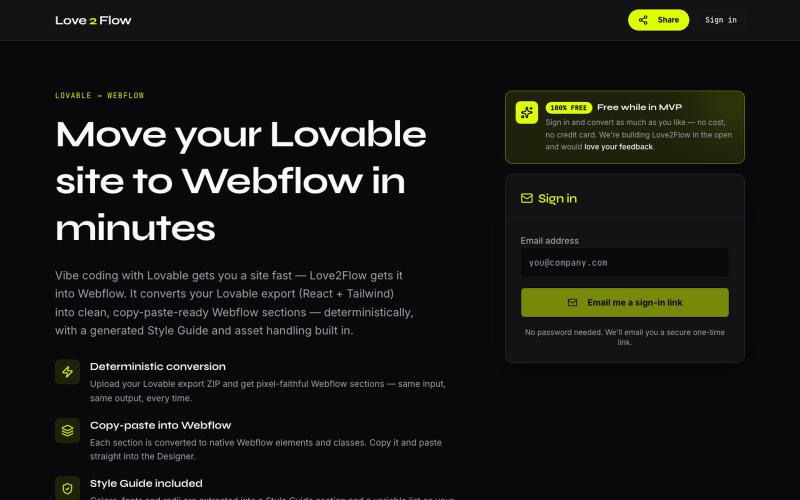
Convert Lovable React exports into paste-ready Webflow sections instantly.

@philippxroth · X
Turn your vibe-coded @Lovable site into clean, paste-ready Webflow sections. Upload your export, organize your migrations in projects, paste straight into @webflow. Free MVP. No password, no credit card — just a magic link and you're in. ✨
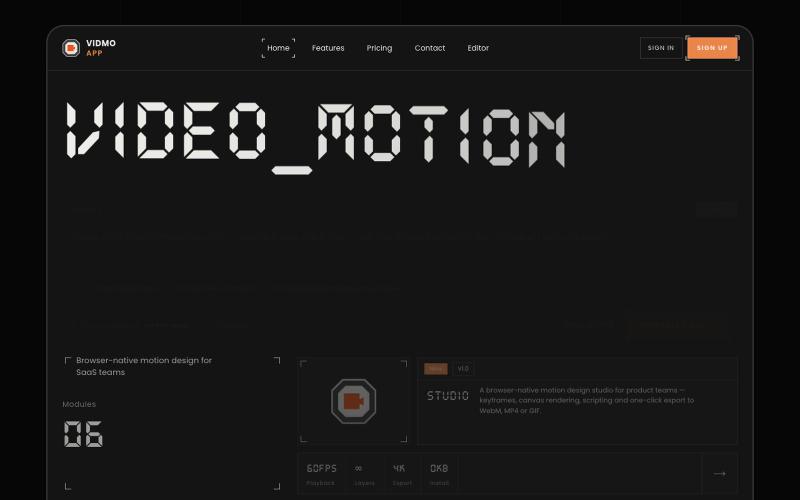
Create animated videos from prompts or URLs using AI; edit with keyframes and effects, export as MP4, WebM, or GIF.
u/Savings_Wolverine408 · Reddit
turns out you can make launch videos in the browser now! turns out you can make launch videos in the browser now, and Claude Opus is doing the heavy part we have been working on vidmo.app , a free browser based motion design editor for making product videos, launch clips, social ads, and simple motion graphics without opening After Effects. the idea is not to make another AI video toy where you type one prompt and get stuck with whatever comes out. the editor works more lik
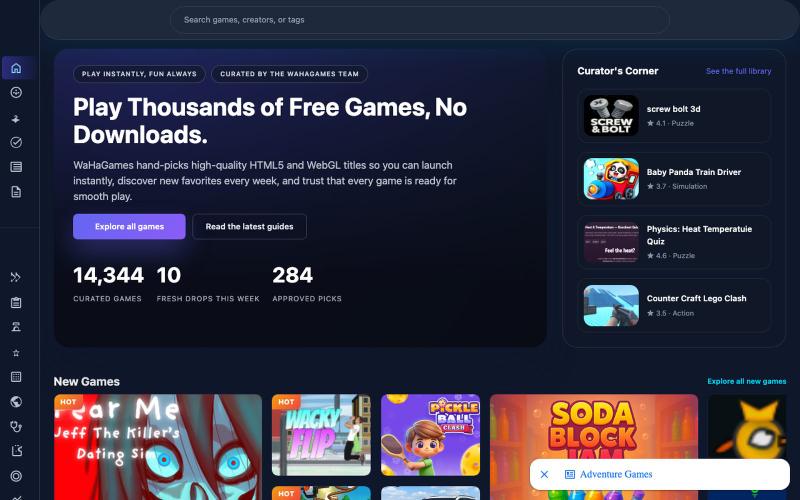
Instantly play curated HTML5 and WebGL games in your browser without downloading or logging in.
WaHaGameStore — 在线 HTML 游戏,免登录、免下载
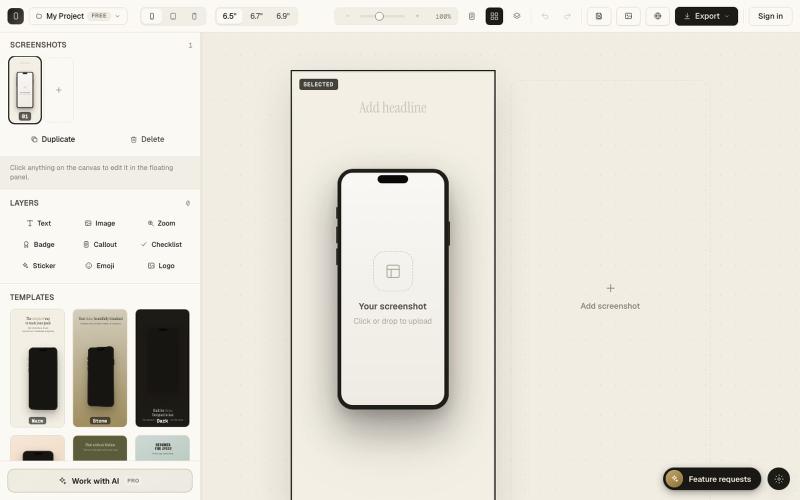
Create polished App Store and Google Play screenshots in your browser.

@SimonKroisi · X
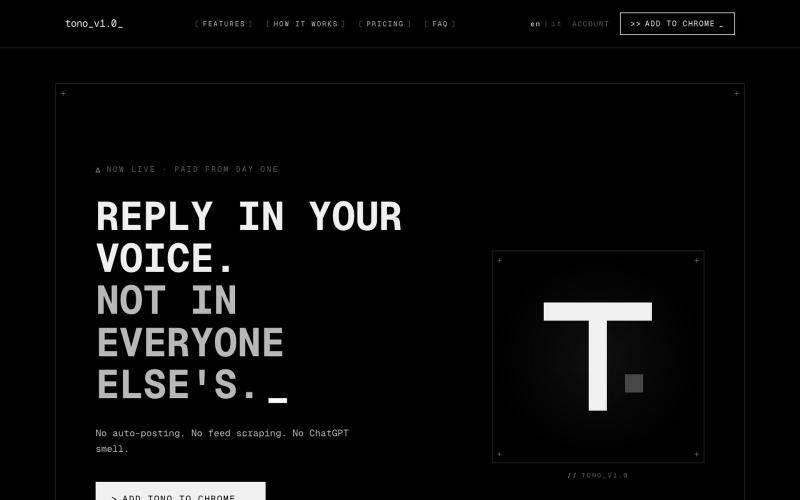
A browser extension suggesting X replies in your unique voice and tone.

@kekkodamato_ · X
Working on -- a browser extension that helps you write better replies on X. Built for anyone who spends time engaging here but wants their replies to actually land.

Convert images to ASCII art, copy symbols, browse ASCII tables, and convert bases—all in your browser.
HeStudy · V2EX
做了个纯前端的 ASCII 工具站:图片转字符画、banner 生成、符号一键复制 平时偶尔需要查 ASCII 码表、复制一些特殊符号(箭头、制表符这类),每次都是搜一个满屏广告的老站凑合用,索性自己做了一个: https://getascii.com 目前有这些工具: 图片转 ASCII 字符画(拖一张图进去就行,支持调宽度/字符集/反色) 文字转 ASCII banner 大字 常用符号一键复制(箭头、制表符、数学符号、颜文字) 完整 ASCII 码表 + 一个交互式键盘映射图(点键盘上的键显示对应的 dec/hex 码) 进制转换器( hex/dec/bin ↔ ASCII ) 几个实现上的点: Astro 构建的纯静态站,所有工具都是纯客户端计算,图片不会上传到任何服务器 没有账号系统,没有付费墙,打开就用 整站是绿色荧光终端风( CRT 扫描线 + JetBrains Mono ),算是给终端审美交个作业 顺手给它做了个 25 秒的宣传片: https://www.youtube.com/watch?v=AjzU5mw1PrI
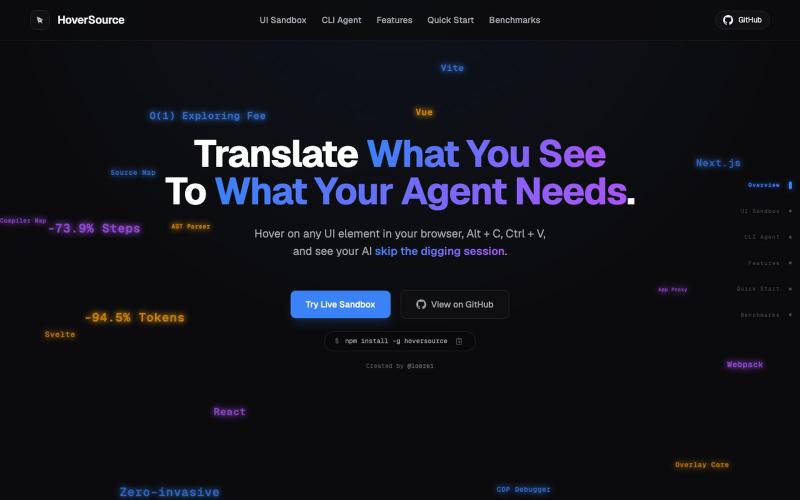
Capture UI elements with code context and screenshots to share with AI agents for debugging visual bugs.
Loerei · HN
I found that describing where a broken UI is and taking screenshots for AI agents really sucks. I’m too lazy to explain an indescribable visual bug or capture a millisecond-long flash. I also don’t want to remember which file defines an element, whether it's right in the .tsx or a problem with the Parent Styles in .css. And even if you can point out the exact file, your agent still has to dig through thousands of lines of code to know what on earth you're yapping about. In a 7700-file monorepo like Cal.com, simply giving the right file in the prompt for your agent saves about 68.9% of execution time and 94.2% of the tokens your agent needs to digest. HoverSource gives all the needed information and further pushes it to -88.5% time and -94.5% tokens, basically skipping the entire digging session and jumping straight to reasoning and executing. The save is linear to how big your codebase is. I want to save tokens, but don’t want to spend my time and energy digging manually, and a junio
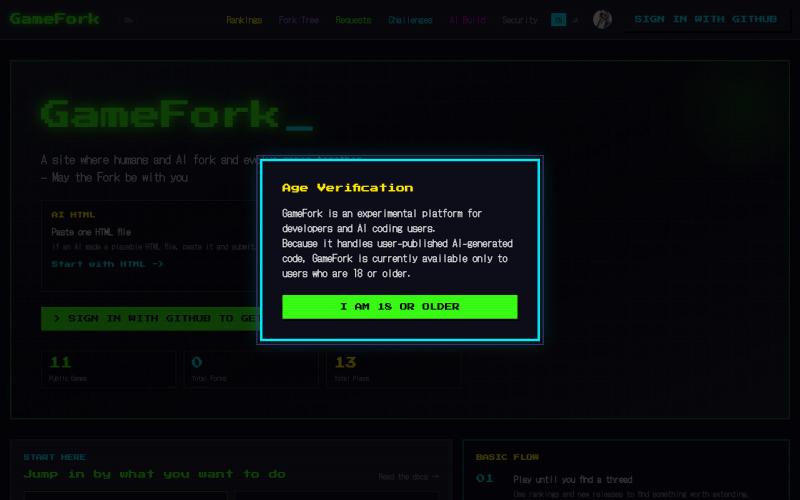
Play and fork browser games built by humans and AI agents.
TakayukiKomada · HN
Show HN: GameFork – AI agents publish and fork browser games via MCP
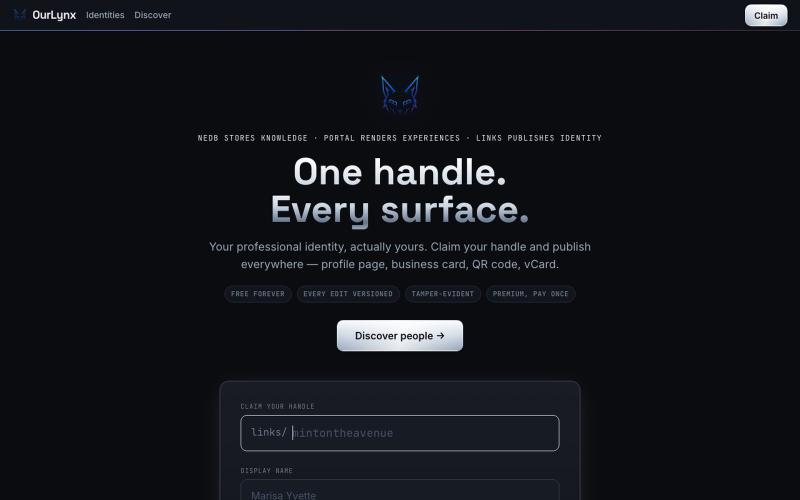
Create one page to aggregate all your links with QR code and live stats.

@interchained · X
one handle, every surface