
Productivity2 days ago
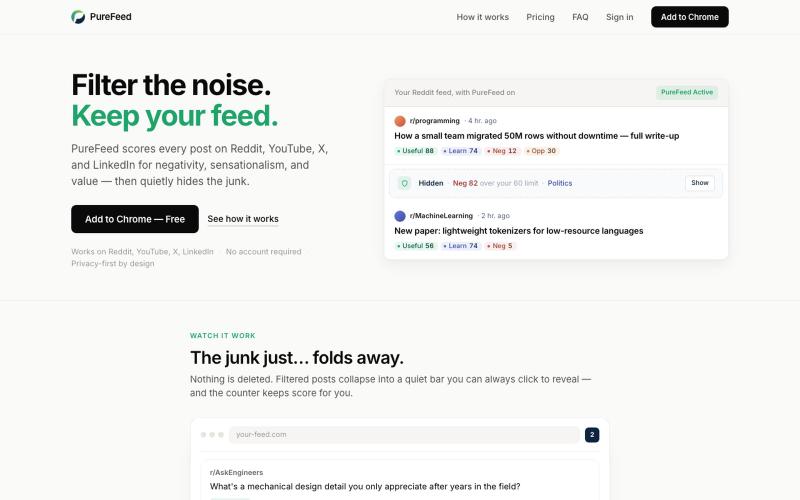
PureFeed — Filter the noise. Keep your feed.
Automatically hide negative and sensational posts on Reddit, YouTube, X, and LinkedIn.

@zelvaio · X
The full gallery
Tech stack
61 projects
Automatically hide negative and sensational posts on Reddit, YouTube, X, and LinkedIn.
@zelvaio · X
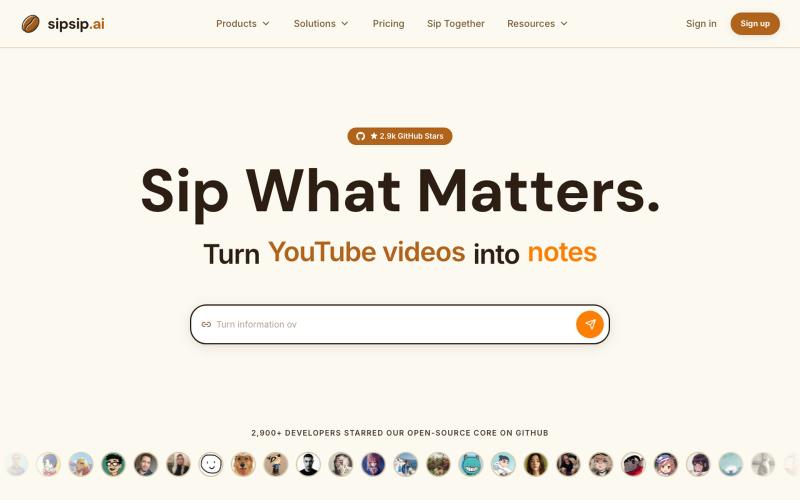
Transcribe and summarize YouTube videos, podcasts, PDFs, and MP3/MP4 files with AI.
sipsip.ai — 支持30+平台视频AI转录并提取摘要,订阅RSS可以每天发送早报

Browser-based tools for video and audio compression, cropping, merging, and conversion without uploading files.
zhw2590582 · V2EX
最近对网站进行了重构,做成了免费的视频工具站:[ArtPlayer Tools]( https://artplayer.org/tools/) 主要是围绕着 ffmpeg.wasm 和 mediabunny 实现的一些可以直接在浏览器里用的视频/音频工具,常用的有: - 视频压缩:[Compress Video]( https://artplayer.org/compress-video/) - 视频裁剪:[Crop Video]( https://artplayer.org/crop-video/) - 视频合并:[Merge Video]( https://artplayer.org/merge-video/) - 视频尺寸调整:[Resize Video]( https://artplayer.org/resize-video/) - 视频旋转:[Rotate Video]( https://artplayer.org/rotate-video/) - 视频调速:[Change Video Speed]( https://artplayer.org/change-video-speed/) - 添加文字到视频:[Add Text to Video]( https://artplayer.org/add-text-to-video/) - 添加水印:[Watermark Video]( https://artplayer.org/watermark-video/) - 提取字幕:[Subtitle Editor]( https://artplayer.org/subtitle-editor/) - HLS 转 MP4:[HLS to MP4]( https://artplayer.org/hls-to-mp4/) - 音频可视化:[Audio Visualizer]( https://artplayer.org/audio-visualizer/) 大部分工具都是本地处理,文件不会上传到服务器。最开始是因为自己偶尔要处理一些视频,开剪辑软件又有点重,在线工具又担心隐私,所以就慢慢做成了一个站。 目前还在持续完善,体验肯定还有不少粗糙的地方,比如不同浏览器的兼容、移动端操作、长视频性能之类的。 网站: [ArtPlayer Tools]( https:
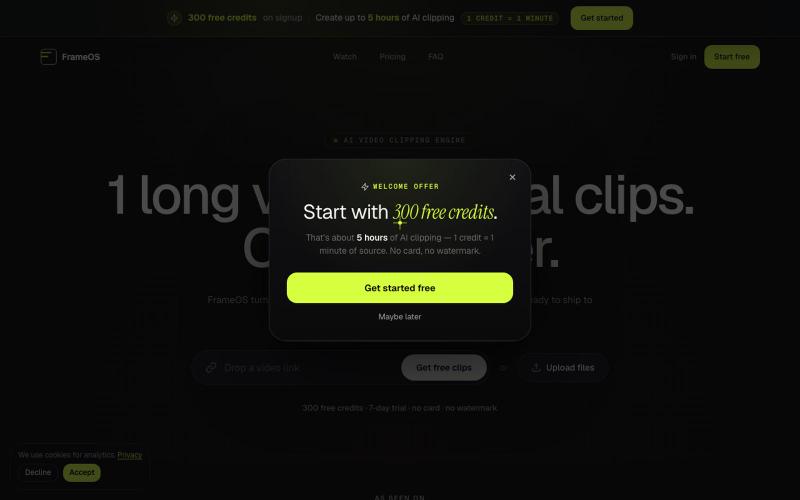
Generate short video clips from long-form content automatically with AI-powered captions and social media exports.

@tryFrameOS · X
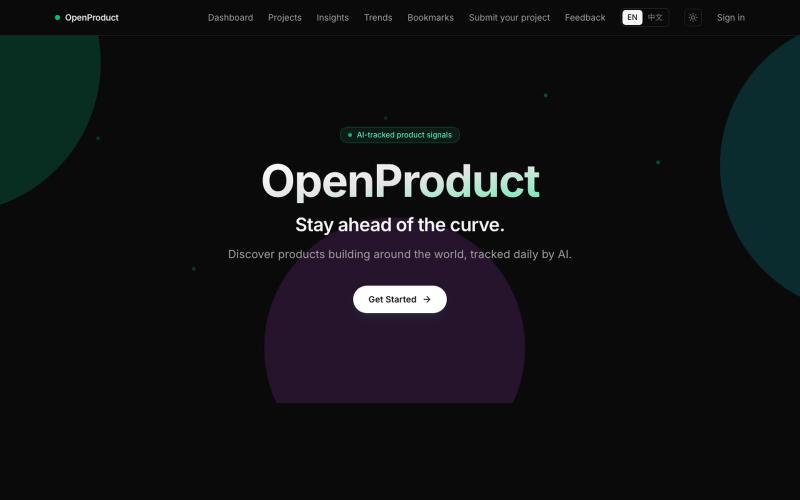
Track trending indie products across GitHub, Hacker News, Product Hunt, and YouTube.
jameshuang23 · Product Hunt
OpenProduct All in one AI product tracer.

Enter your story to create manga panels and videos with AI scenes.
MakeManga — AI 生成漫画,支持 Nano Banana 和 Seedream 4.0 模型,只需提供故事,剩下的分镜和角色生成等都交给 AI
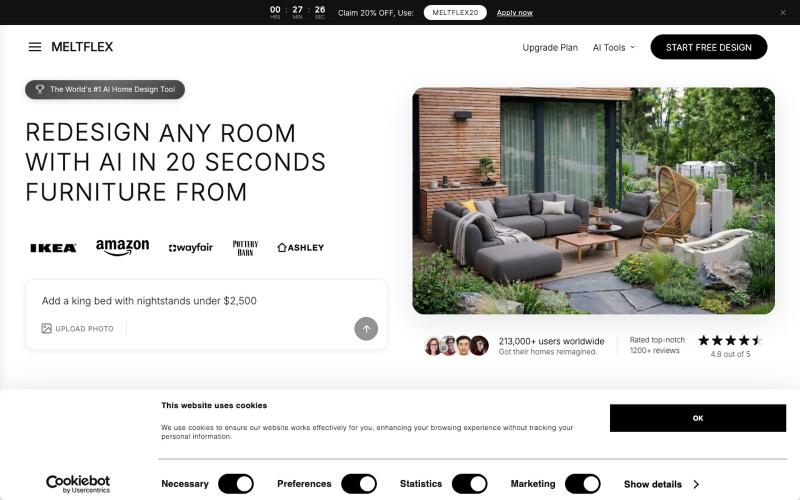
Upload a room photo to get AI-redesigned versions with real furniture in multiple styles.

@BranHrivnak · X

Create richly formatted posts and publish them instantly to the web with a single click.

@masafumiohta · X
I’ve been using Windows as my daily use lately despite I have been using Mac/Linux for a long time, but I keep running into all sorts of issues, so I’ve been fixing them vibe-coding with Claude. I’m gonna dump all that stuff on This blog is fully automated with Claude Code, from coding all the way to reporting. It’s nothing special—anyone could do it—but it’s actually pretty fun once you try it. The only annoyed is that it burns through tokens like crazy. Most of the tips are pretty interesting, so I hope you find them useful.
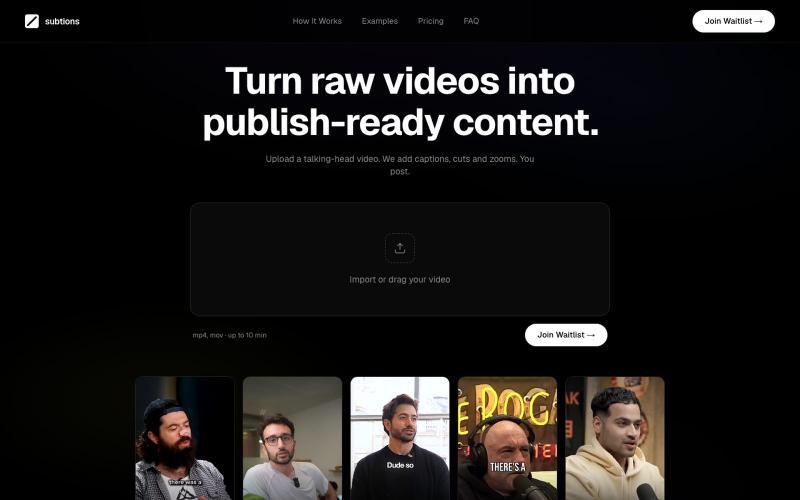
Automatically add captions, cuts and zooms to talking-head videos for social media.

@subtions · X
create publishing ready videos in under 40 seconds. Join the waitlist to get a month of pro free:
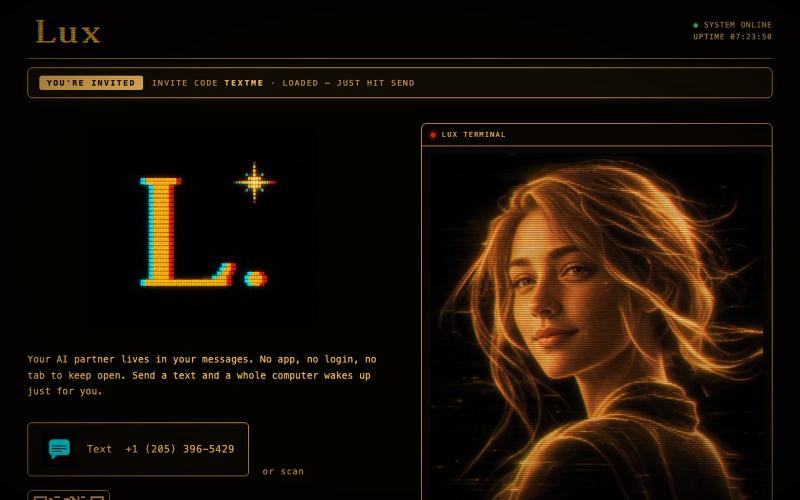
@launch_llama Just working on myself :) text me: https://t.co/33nmIh4ZNU

@textluxhq · X
Just working on myself :) text me:

Upload a product image and choose a scene to generate studio-quality AI photos.

@aftertakenai · X
for AI e-commerce product photography

Generate launch videos from URLs or descriptions in 60 seconds with AI-powered refinement through chat.

@VanillaSkyAI · X
is like Lovable for video. Paste a URL, get a launch video, chat to edit, post 🎬 Here's one I made in minutes 👇