
Utilities1 week ago
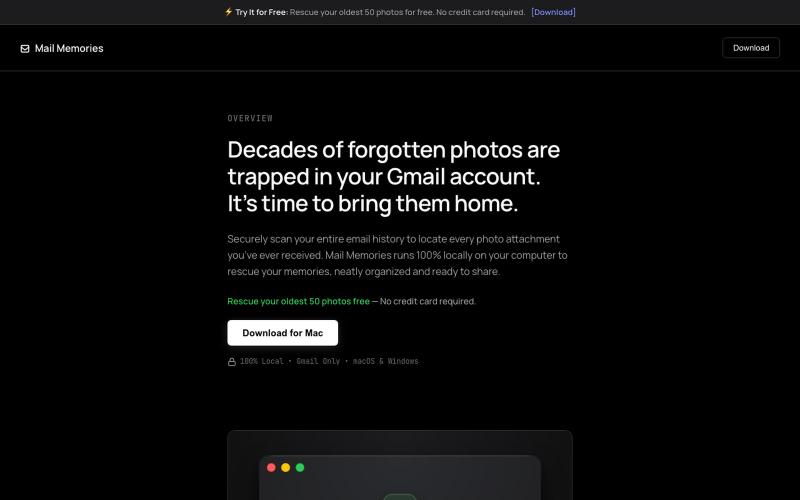
Mail Memories | Rescue Your Photos
Rescue forgotten photos from your Gmail history by scanning locally on Mac or PC
ltiger
The full gallery
Tech stack
60 projects
Rescue forgotten photos from your Gmail history by scanning locally on Mac or PC
ltiger
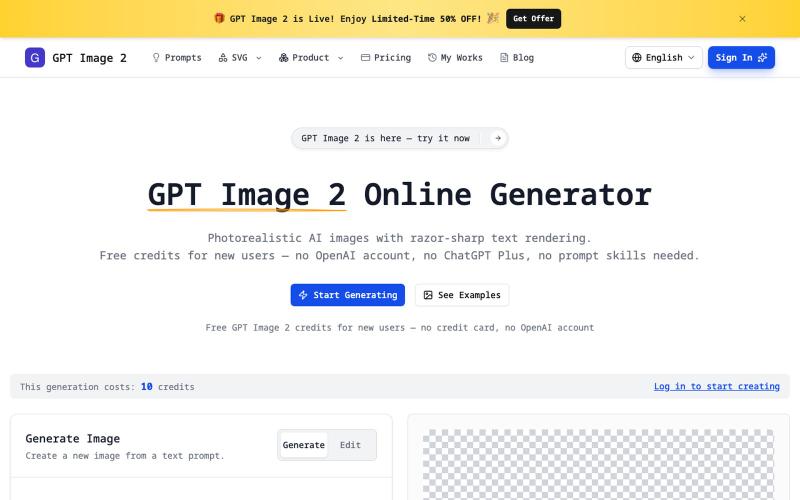
Generate photorealistic AI images with sharp text, transparent PNG, and SVG exports without account creation.
imagesv2.ai — AI 视觉工具箱,提供透明 PNG 生成、SVG 图标制作、海报转 PSD、文章配图、微信聊天截图、推文截图、抖音/TikTok 直播间模拟、LinkedIn 商务头像、个人风格卡、360° 全景图等任务型工具。
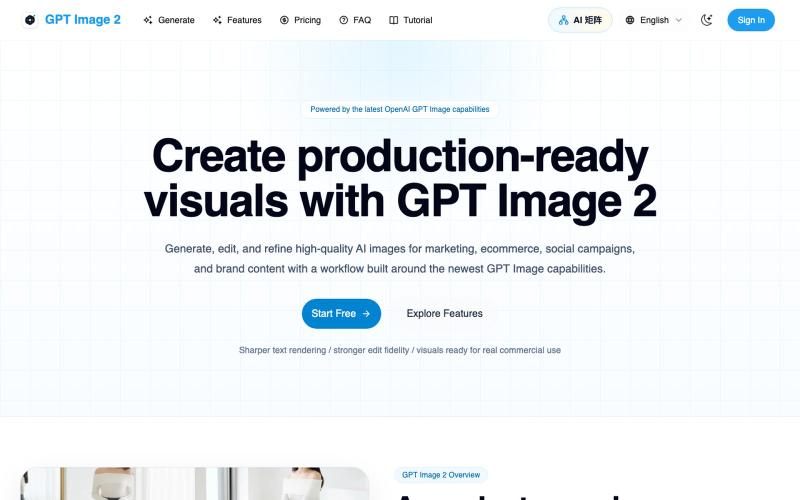
Generate and edit AI images for marketing, ecommerce, social media, and branded content.
Gptimage2 — AI 图片生成工具
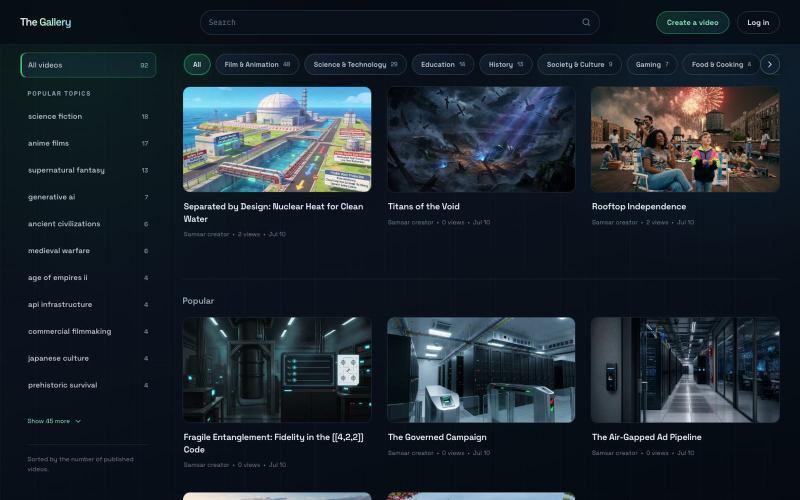
Explore a library of generative videos created by the Samsar community
proy24 · HN
I built a YouTube for generative videos in 50 prompts
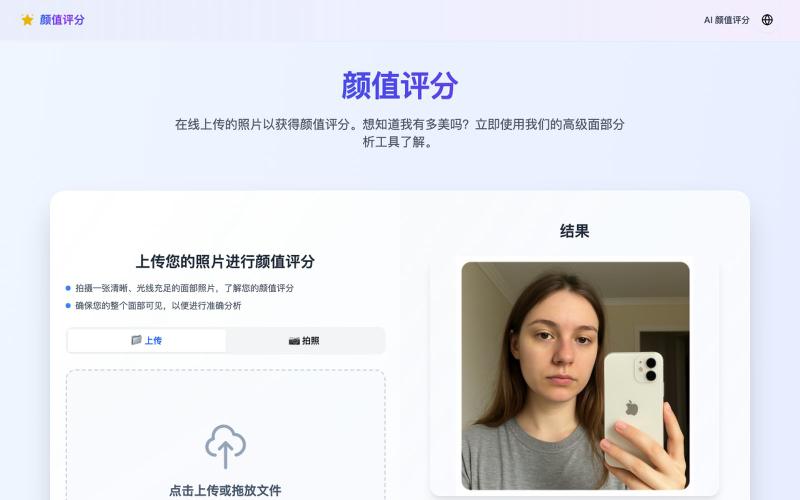
Upload a photo to receive an AI attractiveness score.
颜值评分 — AI 颜值测试
Generate and edit images using AI text-to-image and image-to-image capabilities.
AI-NanoBanana — AI 图像工作室,让你轻松把创意变成高质量视觉作品
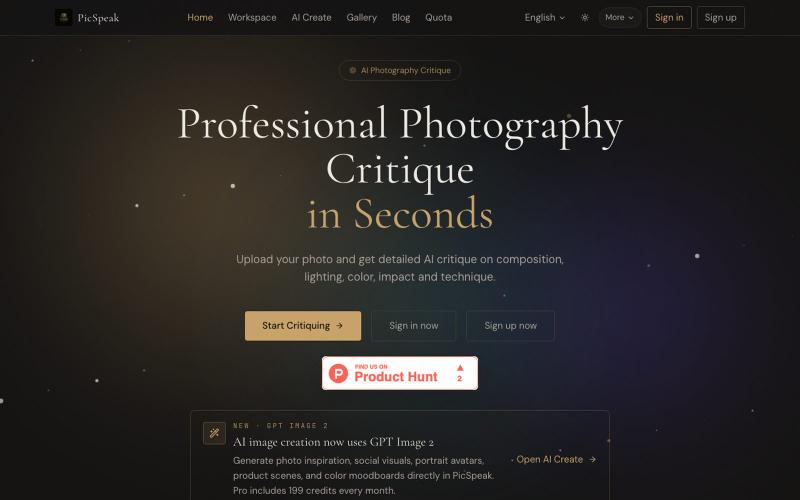
Upload a photo to get AI critique on composition, lighting, and color, then generate visual references for your next shoot.
PicSpeak — 基于 AI 的摄影点评 Web 应用,上传一张照片,几秒钟内即可获得对构图、光线与色彩的专业分析,同时可以向社区展示你的优秀作品。
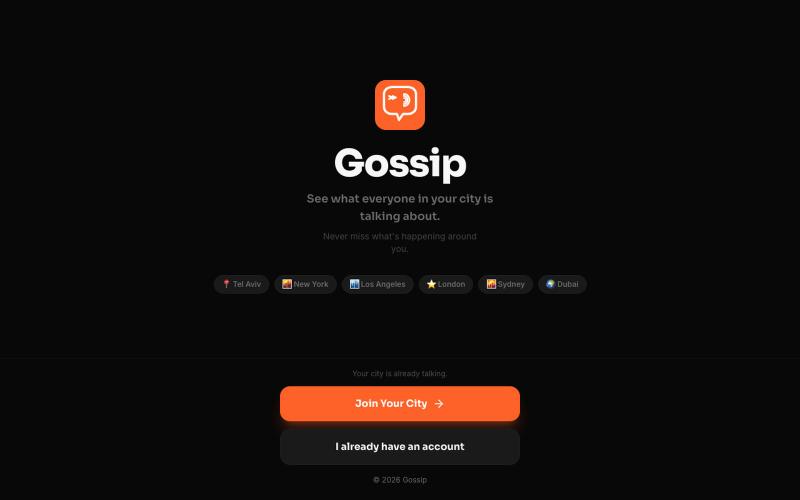
Post local stories and content to compete in city rankings and become your community's top talker.

@mtn98952 · X
What if every city had its own social network? 👀 Join your city, climb the rankings, and become a local legend. Who would be #1 in yours? 🏆
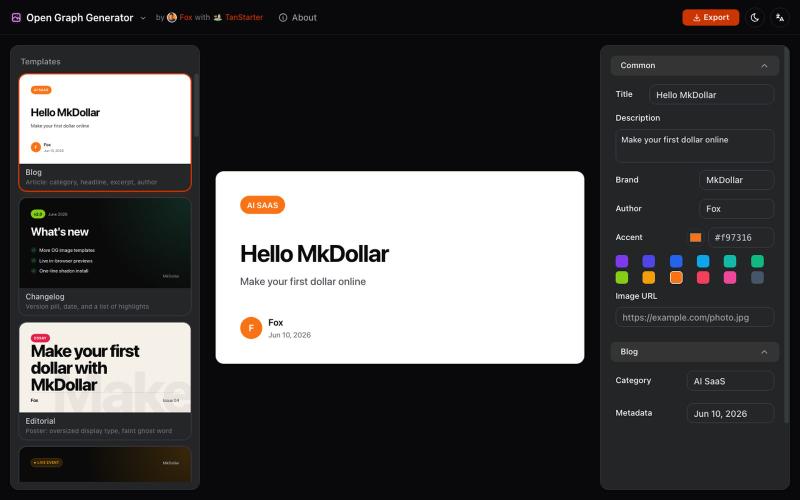
Generate customizable Open Graph images from templates for blog posts and social media.
javayhux · V2EX
名称:Open Graph 图片生成器 网址:[https://og.mkdollar.com]( https://og.mkdollar.com) 功能:内置 10+ Open Graph 图片模板,选择模板,配置参数,即可生成好看的 OG 图片,适用于文章配图、社媒帖 子封面等场景 价格:免费使用,免费下载 

Generate and edit AI images for product shots, ads, portraits, and thumbnails via text prompts.
Plugcamp · V2EX
最近在折腾一个小站,主要是围绕 Nano Banana 2 Lite 做图片生成和图片编辑: https://nanobanana2lite.me/ 一开始只是自己想要一个比较轻的入口,用来快速试 prompt 。后来发现每次测图都会遇到几个重复问题: - prompt 写完之后,不知道适合什么比例 - 文生图和图生图入口经常混在一起 - 想找几个可复制的 prompt 示例,但很多站要么太重,要么示例不够直观 - 只是想快速生成一张产品图、头像、广告图、封面图,不想进一个很复杂的工作台 所以就做了这个站。 目前主要有几个部分: - Text to Image:直接输入 prompt 生成图 - Image to Image:上传一张图,再用 prompt 做改图 - AI Image Editor:偏日常编辑,比如换背景、改光线、改风格 - Prompt Library:整理了一些可直接复制的 prompt - Gallery:放了一些 before/after 和示例图 我自己比较在意的是首页别太像传统 SaaS 落地页,所以最近一直在改视觉。之前太干了,后来加了一些更丰富的样张和暗色主题,但也还在调。 这个站不是 Google 官方产品,只是一个第三方工具站。现在更多是想把「轻量、直接、可复制」这件事做好。 如果大家有空的话,想请教几个问题: 1. 首屏看起来会不会太营销,还是说信息还算清楚? 2. 对图片工具来说,大家更想先看到生成表单,还是先看到效果案例? 3. Prompt Library 这种页面有没有用,还是大家更习惯直接自己写? 4. 如果你平时会用 AI 生成图,最常用的场景是产品图、头像、封面、广告图,还是别的? 欢迎拍砖,尤其是 UI 、文案、信息结构这块。 链接再放一次: https://nanobanana2lite.me/
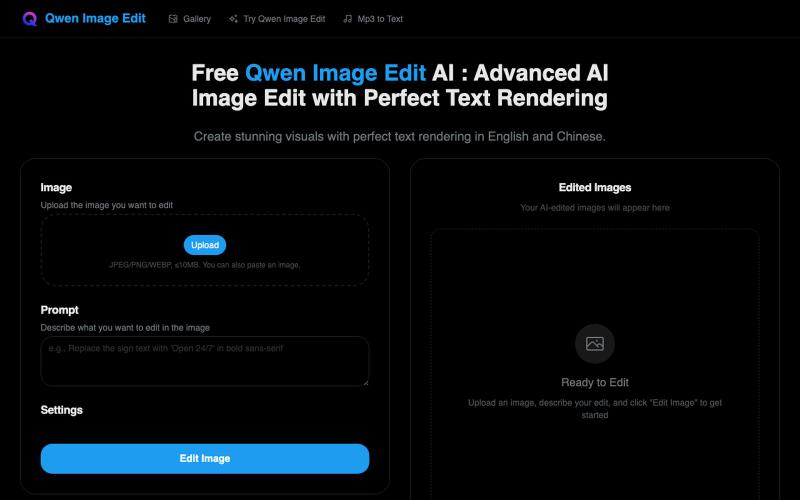
Generate images with AI, featuring exceptional English and Chinese text rendering.
Free Qwen Image Edit AI — Qwen Image Edit 网站。高级 AI 图像编辑与完美文本渲染,完美支持中英文文本渲染。
