
Education1 week ago
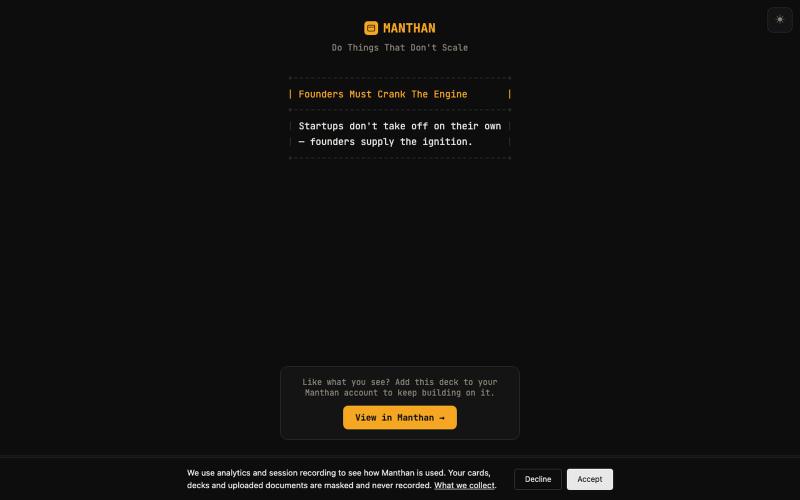
Manthan — shared deck
Explore prerequisite-ordered concept cards in an interactive learning deck, no login required.
mohith-sarma · HN
Manthan a MCP server to store Concept cards with prerequisite links
The full gallery
Tech stack
95 projects
Explore prerequisite-ordered concept cards in an interactive learning deck, no login required.
mohith-sarma · HN
Manthan a MCP server to store Concept cards with prerequisite links
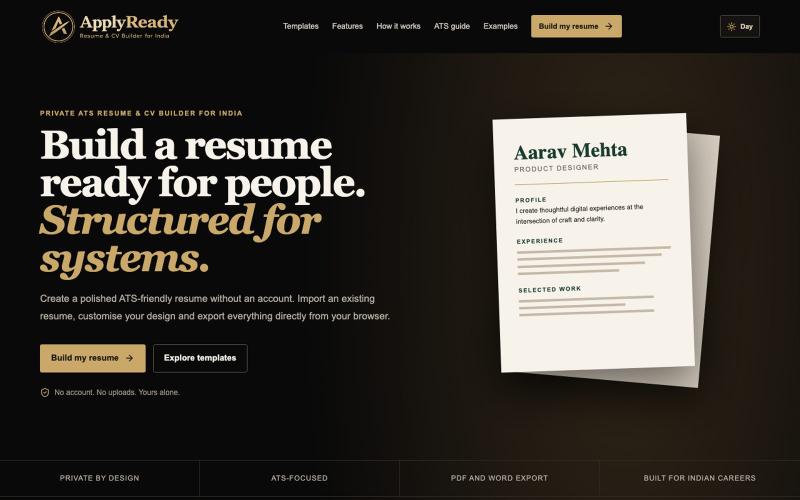
Free ATS-friendly resume builder with no login required and local data storage.

@XanalysisHQ · X
Most resume builders lock ATS-friendly templates behind a paywall. So I built ApplyReady — a free ATS Resume & CV Builder for India. ✅ No signup required ✅ Data stored locally for privacy ✅ ATS-friendly format Try: Built with @ChatGPT #Vibecode
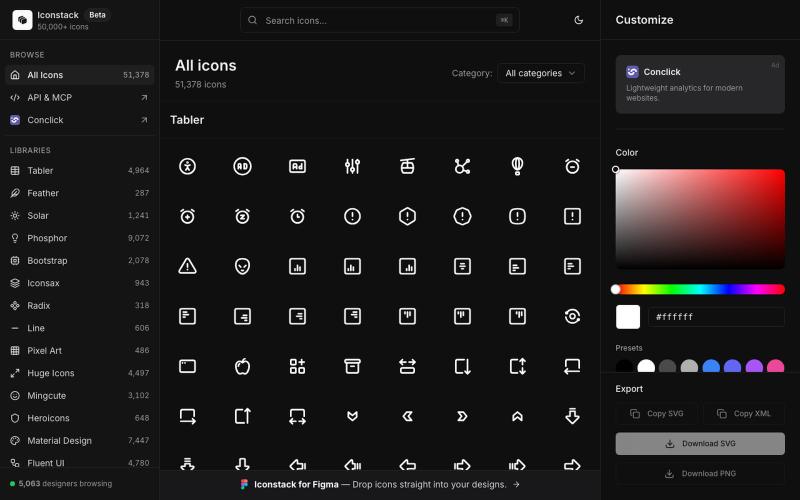
Search 50,000+ free SVG icons, customize colors and stroke, download as SVG/PNG/XML — no login required.

@thedeepflux · X
i'm shipping for designers who need a massive library of high-quality icons without the subscription. it solves the 'i need it now' problem. for other builders, how do you handle feature creep vs. sticking to the core problem?
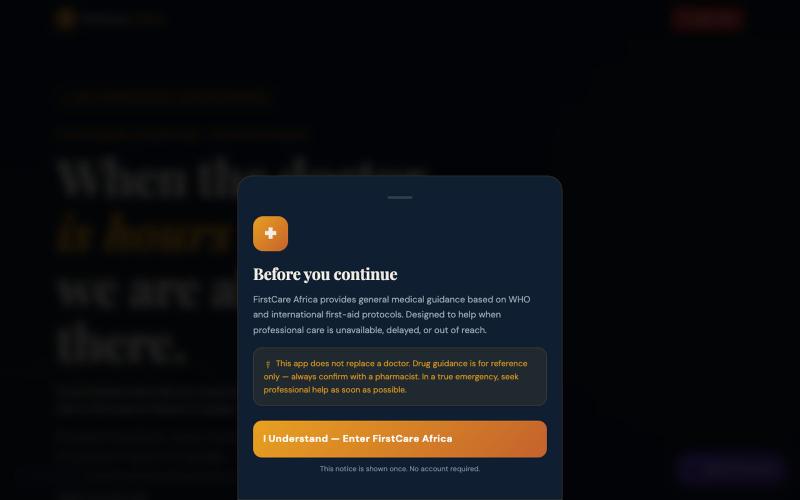
Get emergency first-aid and medical guidance from an AI assistant, free with no login required.

@louis43654118 · X
I just built and deployed an entire digital health platform for Africa—coded completely from my smartphone. 📱🚀 is live. I'm a solo founder, and I need Tech Twitter to be brutal. Tear apart the UX, find the bugs, tell me what breaks. Link 👇
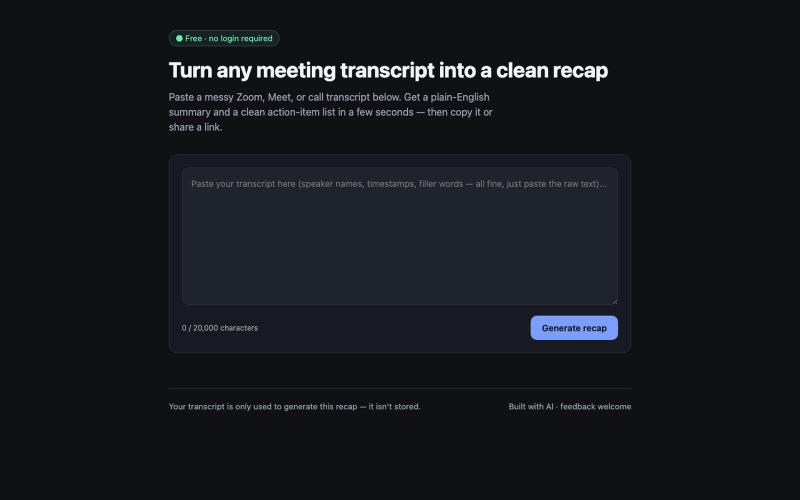
Paste a messy meeting or call transcript and get a clean summary with action items in seconds. Free, no login required.
u/dreresn · Reddit
Built a free tool that turns messy meeting transcripts into a clean summary + action items (no signup) I kept losing track of action items after long Zoom/Meet calls, so I built a small free tool: paste a raw transcript, get back a plain-English summary, a list of action items with owners, and a shareable link. No login, nothing stored. It's a zero-dependency static site plus Vercel serverless functions, running on Gemini's free tier, so it costs $0 to run. Would love feedback on two thin
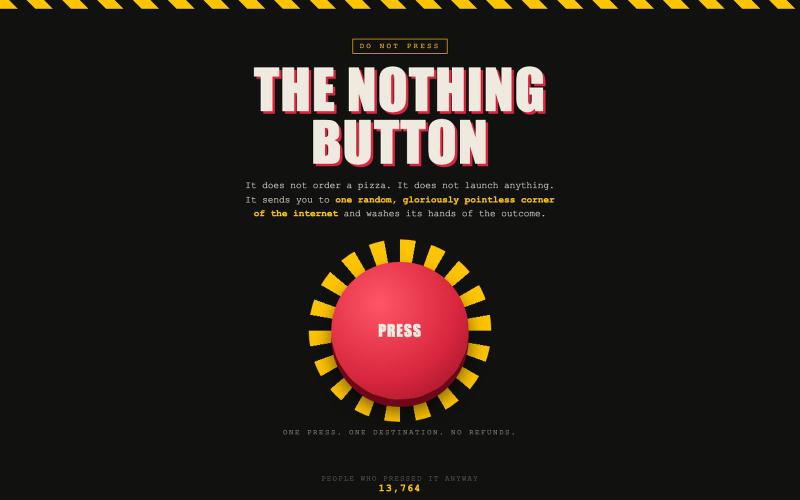
Press a mysterious button and discover what happens.

@saralsachan · X
Waste you time on weird websites
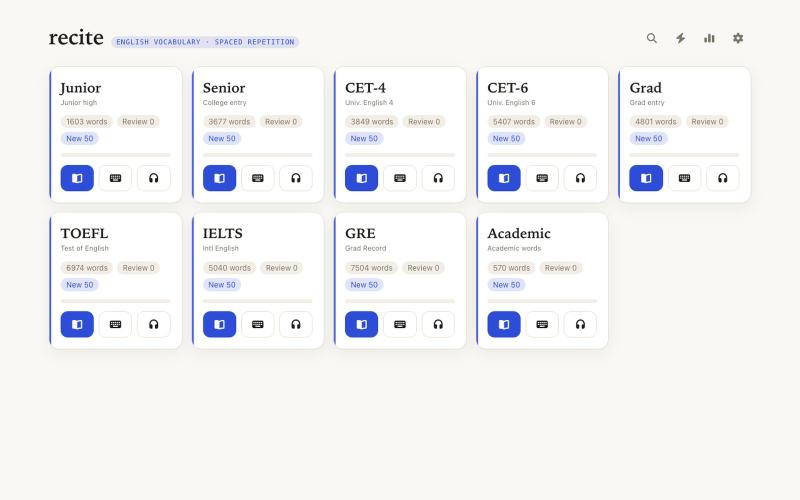
Learn English vocabulary with a no-login, ad-free website that stores all progress locally in your browser.
yuanyuan11 · V2EX
一起来背单词吧! 平时看文献、写论文都离不开英语,词汇量一直是个绕不过去的坎。市面上背单词的 App 不少,扇贝、百词斩、墨墨之类的我也都用过,但是总有些地方不太舒服,得登录、有广告、打卡提醒烦人,还老是惦记着你的数据。作为一个喜欢自己重复造轮子的让,我写了一个背单词的网站,自己需要什么功能就写什么功能。 纯静态网站,部署在 GitHub Pages 上,数据全部存在你自己的浏览器里,这可能也是我最喜欢的服务部署方式了哈哈哈。地址:[jiaoyuan.org/recite]( https://jiaoyuan.org/recite/),源码在 [GitHub]( https://github.com/imjiaoyuan/recite)。 ## 一次完整的背诵流程 打开首页,是一排词表卡片,每个词表一张。卡片上写着总词数、今天到期要复习的词有多少、还能新背几个,下面一条进度条显示你背到哪了。想背哪个点进去就行。 每张卡片先是正面:英文单词、音标、词性,点一下单词或小喇叭可以发音。你在脑子里想过意思之后,按空格(或点按钮)翻开,背面是中文翻译、英文释义和一条例句。
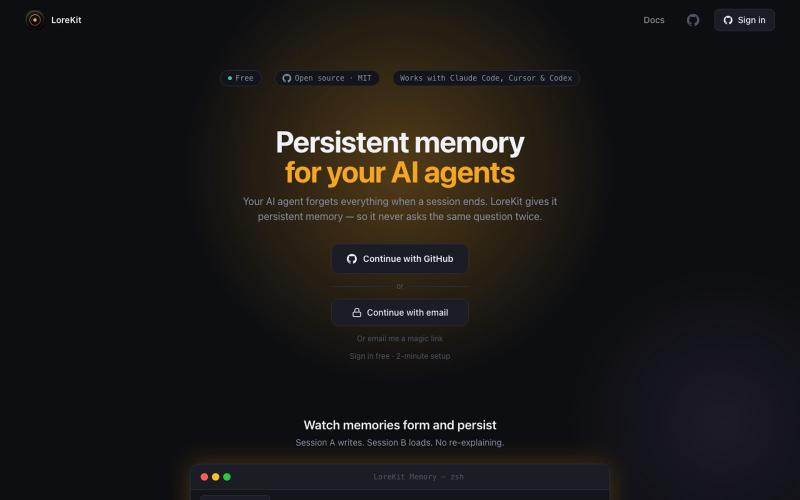
Open-source persistent memory system for AI agents with local and remote storage options.
mthines · HN
A couple of weeks ago I built an open source system for handling memory for agents, and it's called LoreKit. It supports local and remote (so you can share with colleagues for instance) memory, it's free, open source and REALLY easy to set up. Local memories requires no sign up, but remote does obviously - but sign up is just OAuth. It's retrieving memories lexically - so no embedding (for now), but using scopes and labels to make sure the memories you retrieve are relevant automatically. And it
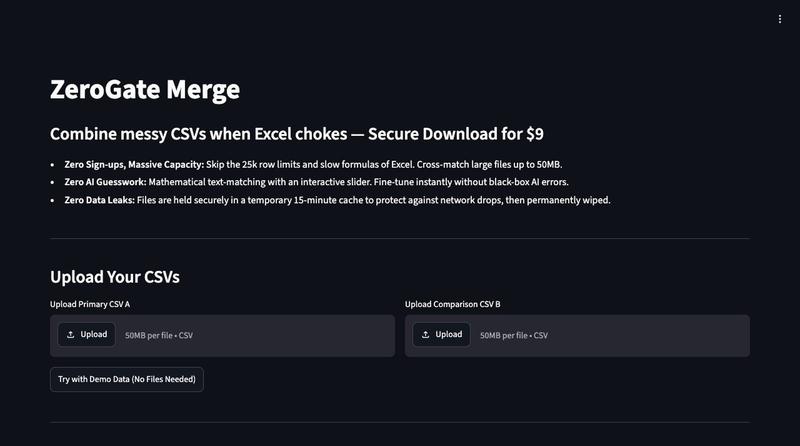
Visual CSV matching tool without login requirements.
ngarner · HN
ZeroGate – Fast, account-free visual CSV matching without AI
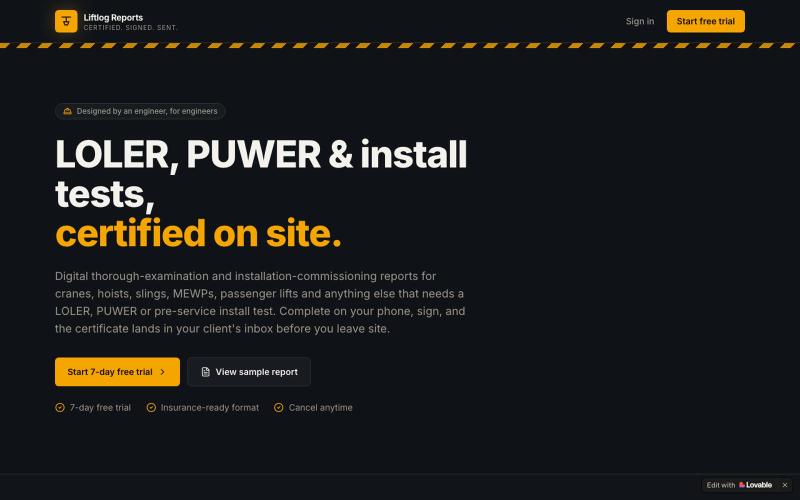
Complete, sign, and send LOLER and PUWER inspection reports digitally.

@rj120781 · X
Check out what I just built with Lovable!
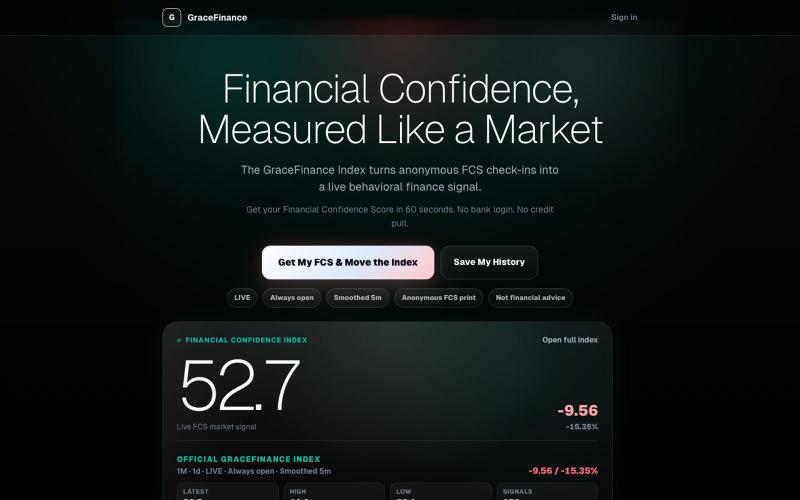
Get your Financial Confidence Score from a 60-second no-login quiz.

@GraceFintech · X
Check your Financial Confidence Score in under 60 seconds. No account needed.
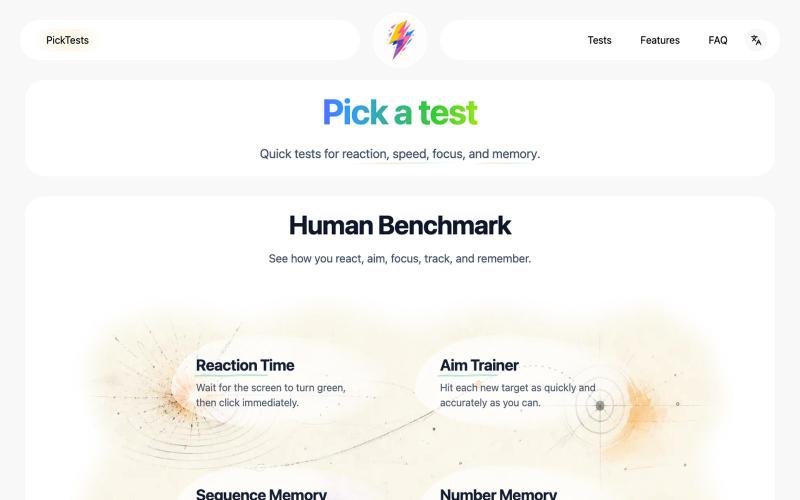
Take quick online tests and get instant results to track your progress.
Nalife520 · V2EX
做了一个在线反应、记忆与专注力测试网站 最近做了一个叫 [PickTests]( https://picktests.com/) 的在线测试站。 反应时间、序列记忆、瞄准训练这些东西,网上其实已经有很多了。真正让我想重新做一遍的,是不少页面要么堆了很多不必要的内容,要么广告和装饰比测试本身更抢注意力,到了手机上也不一定顺手。 所以我给这个项目定了一个比较克制的方向: 不急着增加更多测试,先把每一个已有的测试认真做好。 目前上线了 6 个测试: - 反应时间 - 瞄准训练 - 序列记忆 - 数字记忆 - 多目标追踪 - 斯特鲁普测试 首页:[反应测试]( https://picktests.com/zh/) 网站使用纯 HTML 、CSS 和 JavaScript ,没有账号系统。成绩保存在当前浏览器,打开页面就可以开始。 我现在主要在调整这些细节: - 操作是不是足够顺手 - 测试节奏会不会太快或太慢 - 结果能不能一眼看懂 - 动效和反馈会不会太多 - 手机、平板和电脑上的体验是否一致 目前最想先做好的页面