
Creative Tools12 hours ago
CA 2026
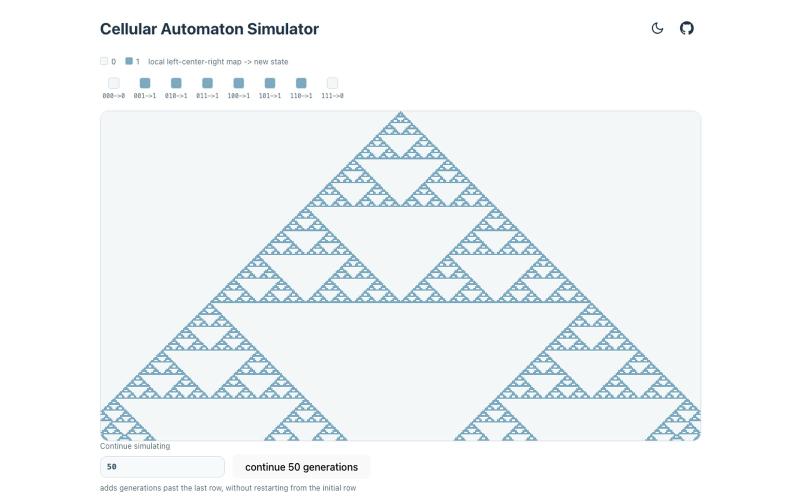
Interactive explorer for scanning cellular automata rules and visualizing their evolution patterns.
kypaku · HN
Scanner for cellular automata rule space
The full gallery
Tech stack
60 projects
Interactive explorer for scanning cellular automata rules and visualizing their evolution patterns.
kypaku · HN
Scanner for cellular automata rule space

Turn topics, notes, or YouTube lectures into flashcards and quizzes using AI.

@pixelnestlabs · X
🚨 hey Elon musk you should check this: 🚀 I’m 14, and I just launched Kernol 🧠 An all-in-one AI study ecosystem built by Pixel Nest Labs. One of the most powerful AI study tools I've built. Don't take my word for it. 👀 👉
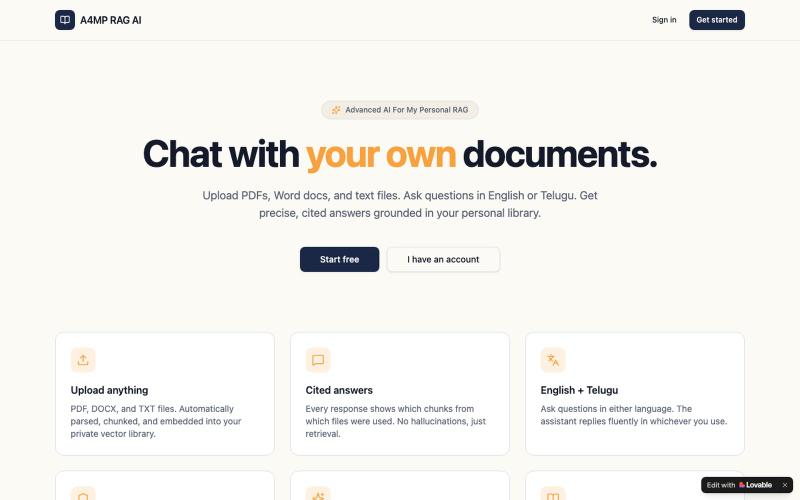
Upload documents and chat with an AI that cites sources using retrieval-augmented generation.

@ajkbossp · X
Check out what I just built with Lovable!

Browser extension that organizes ChatGPT conversations with AI-powered tags and search.

@jumper211212 · X
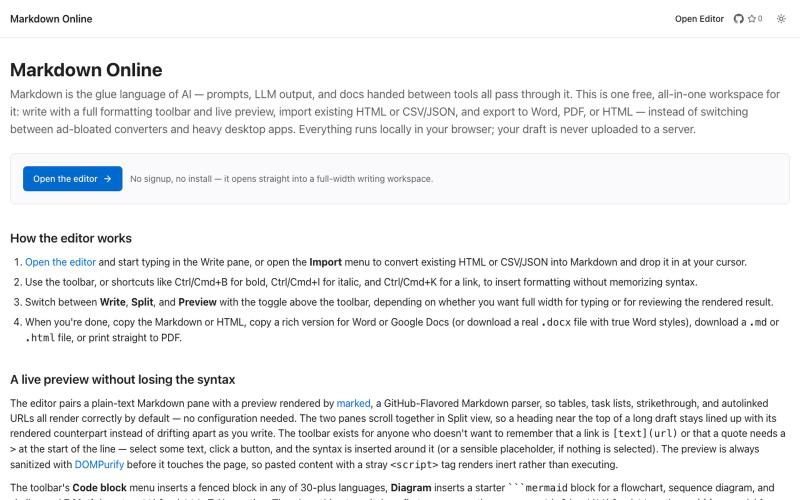
Browser-based markdown editor with live preview and export to HTML, Word, and PDF.
u/Eleraffa · Reddit
Built a browser-only Markdown editor for my own daily LLM workflows — live DBML schemas, proper DOCX export, token counts Hey r/SideProject , I move a lot of text between LLMs, local docs, and web tools every day. I couldn't find a lightweight browser editor that handled a few specific micro-annoyances without shoving ads in my face, requiring a signup, or routing text through a server. So I vibe-coded Markdown Online (mostly hacked together with Claude) to solve my own itch. It’s a plai
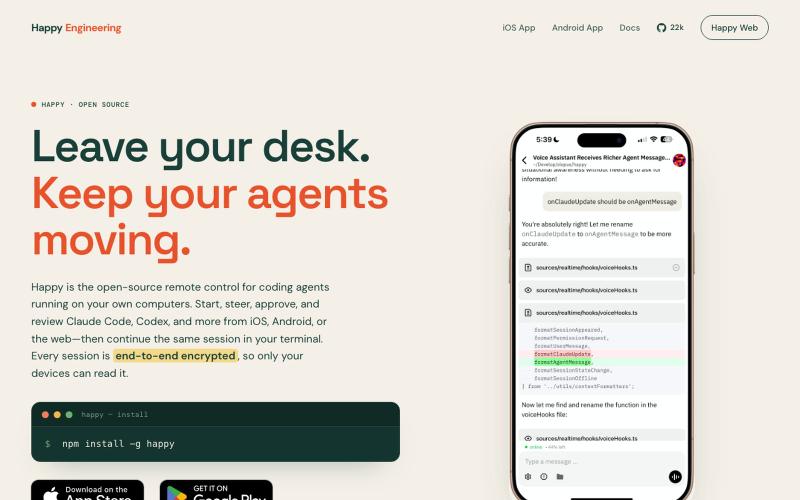
Open-source remote control for Claude Code and Codex on iOS, Android, and web.

@Ex3NDR · X
Few days ago Happy had a birthday. Tried to refresh one of the most neglected part of it: our Happy Website: also i built a new harness called “rig”. i started to use at work recently instead of codex/claude code and i liked how it does work. i want to share this with everyone. it is a codex and cause code reimplemented using Pi, but keeping native prompts and expanded a little for uniformity (like added workflows to codex yay!). when something new released that is worthy of porting - i ask Sol to mim for prompts or read sources directly and i can have a feature within an hour. why this is needed? i was constantly blocked by the needing of integrating a lot of models together, which each has their own harness or many doesn’t have any, but i didn’t want to go too far from native and don’t like the idea of extensions - i want experience to be the same everywhere. i think configuration > extensions. more soon
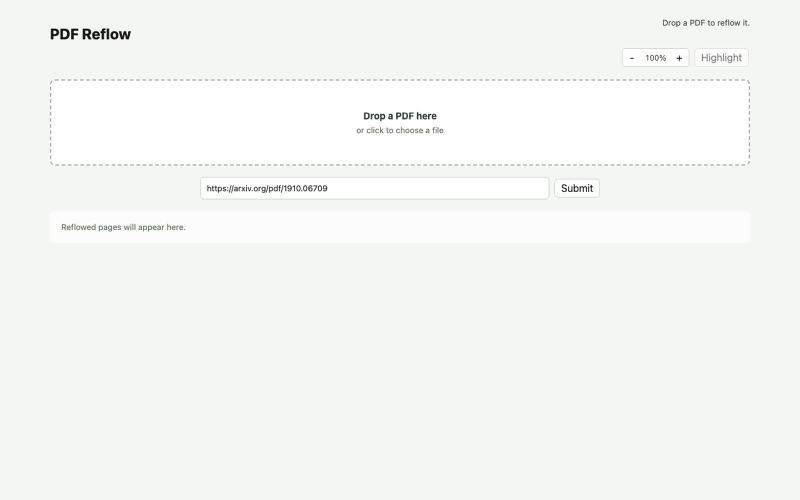
Reflow PDFs in your browser using a local AI model.
ldenoue · HN
Show HN: PDF reflow in the browser with local AI model

Create and launch websites from text descriptions with AI, no coding required.

@PrakashS720 · X
Been deep in AI tools this week. Here are 10 that actually earned a spot in my stack: 1. (prompt once, generate with 40+ image/video models) 2. (an AI colleague that works your tickets in Slack) 3. (a blockchain built so AI agents can pay each other) 4. (one API key for 100+ models, auto-routed + insured) 5. (an AI employee that lives in Slack and Teams) 6. (run your fleet of Claude Code/Codex agents in parallel) 7. (AI search that answers instead of just linking) 8. (describe a topic, get a full slide deck back) 9. (speak naturally, get polished text 4x faster) 10. (60+ image/video models, one prompt box) Don't lose this list, it could be incredibly helpful.
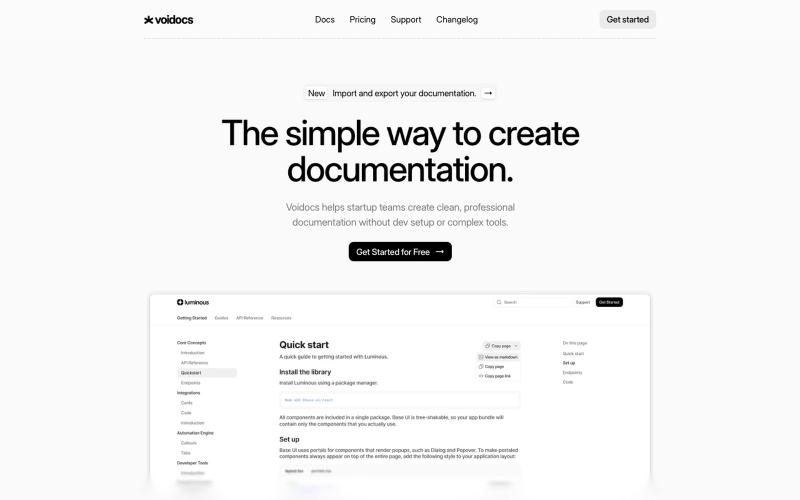
Generate professional documentation for startups without coding or complex setup.

@hannah24_app · X
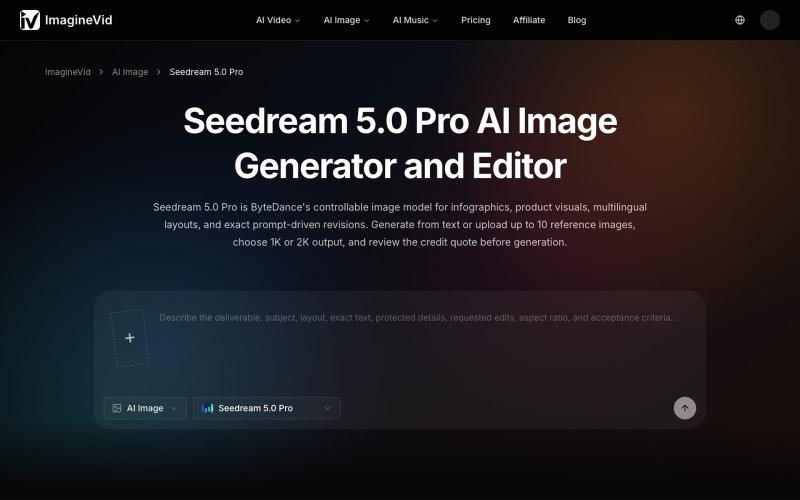
AI image generator and editor with 2K output, reference images, and multilingual text support.
imaginevid-ai · GitHub
Awesome-seedream-5-pro-prompts-and-skills About World's largest Seedream 5.0 Pro prompt library — 10,000+ curated prompts with preview images, 16 languages. Dreamina Seeream AI image generation. Free & open source.
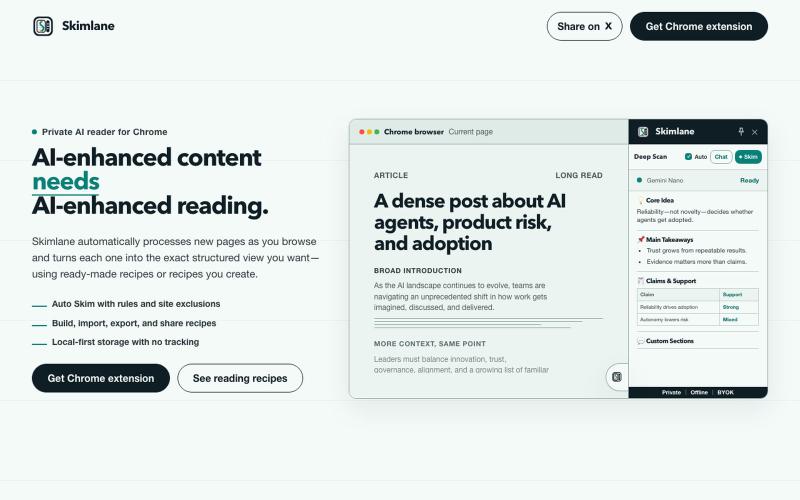
Chrome extension that processes web pages with AI, offering customizable reading recipes and local processing, no sign-up needed.
bibryam · HN
Skimlane – A local-first, customizable, AI reading assistant for Chrome

Design custom themes for Codex Desktop with backgrounds, colors, transparency, and visual effects.
plutozc · V2EX
做了个 Codex Desktop 主题预览和切换工具,先调好再安装 最近一直在用 Codex Desktop ,觉得默认界面看久了有点单调,就顺手做了个主题编辑工具,分享一下: [Codex Skin]( https://getcodexskin.com) 可以先在网页里预览主题,调整背景透明度、面板透明度、颜色、模糊和圆角等参数,满意之后再下载并切换到 Codex Desktop 。 目前支持: - 自定义 JPG 、PNG 、WebP 背景 - 在线实时预览主题效果 - 调整透明度、颜色、模糊、圆角 - 预览满意后生成安装命令 - 不喜欢了可以恢复默认外观 目前主要面向 macOS 上的 Codex Desktop ,还是个人项目,功能和兼容性都在继续打磨。 欢迎试试,也想听听大家对主题参数、预览效果和安装流程的反馈。 直接网址: https://getcodexskin.com [轻喷 轻喷,可能还有些 bug