
Creative Tools2 months ago
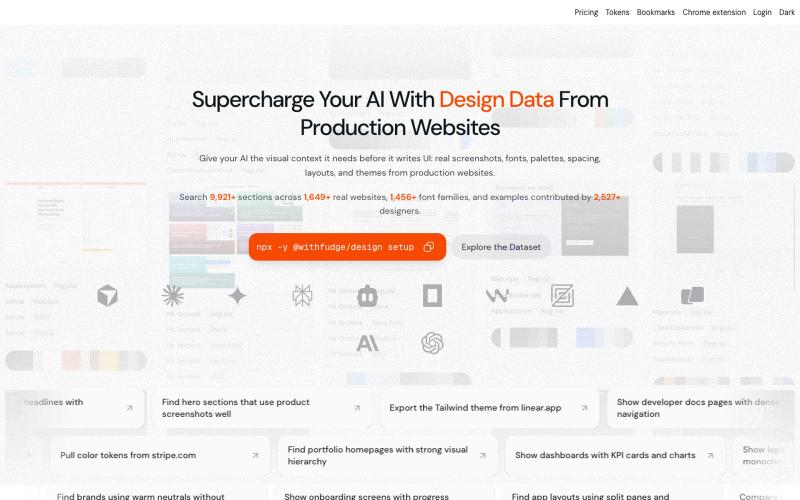
Fudge: AI-Powered Design Inspiration & Font Discovery
Browse design inspiration, fonts, and color palettes curated from real websites.
sim04ful · HN
Fudge – Web Design References for AI
The full gallery
Tech stack
60 projects
Browse design inspiration, fonts, and color palettes curated from real websites.
sim04ful · HN
Fudge – Web Design References for AI
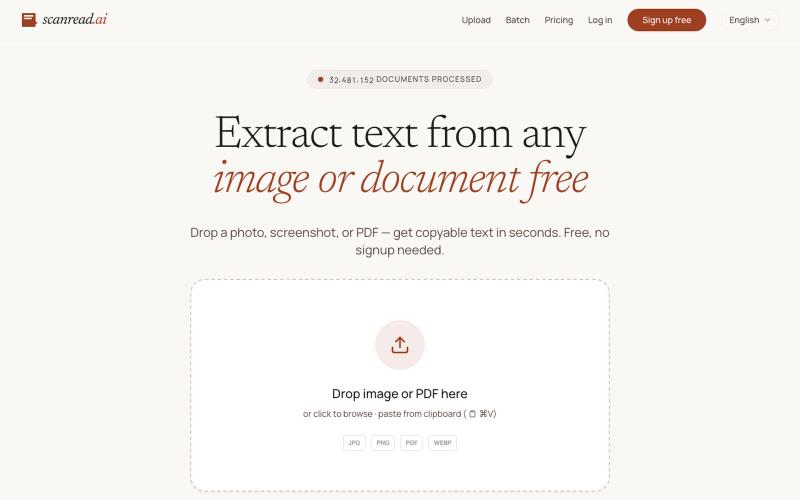
Extract text from images, documents, and PDFs in over 100 languages.
ScanRead.ai — OCR 文字提取工具,支持 100+ 语言,可从图片、PDF、截图和手写文档中提取文字
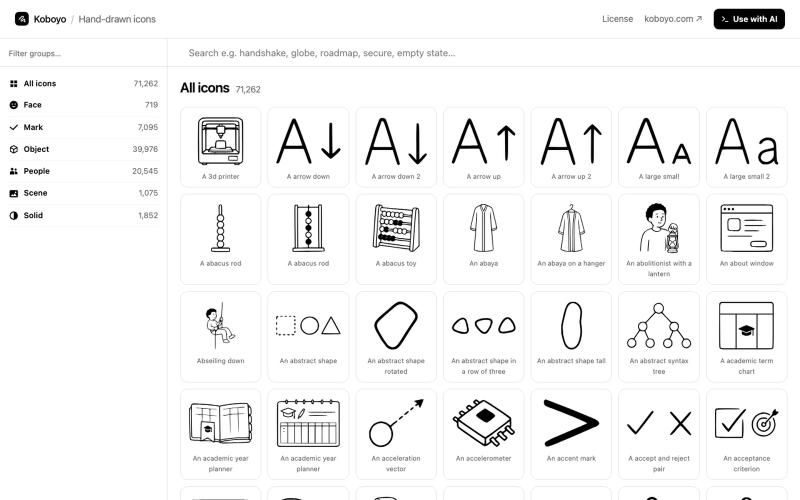
Search and download from 71,262 free hand-drawn SVG icons with synonym matching.
kamranahmedse · HN
I made 70K+ hand-drawn icons using AI
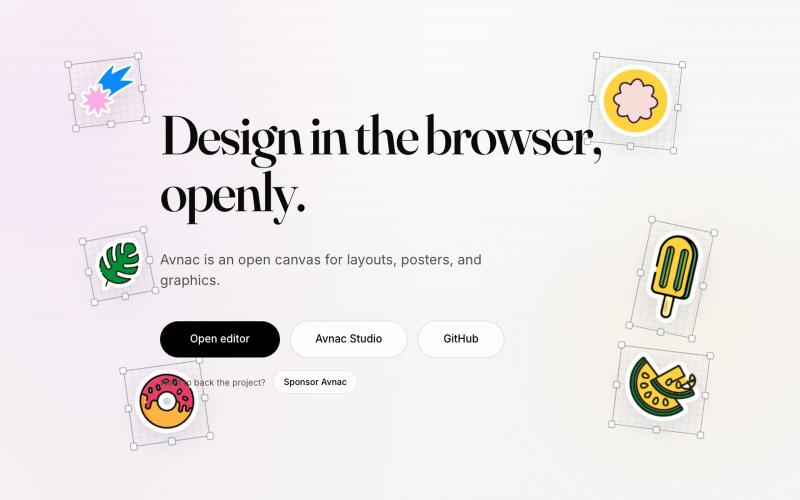
Open-source design tool for creating graphics in the browser.

@akinkunmi · X
He trash-talked me and my amazing project ( unprovoked while all his projects are vibe-coded slop. That's why I named him King of Slop.
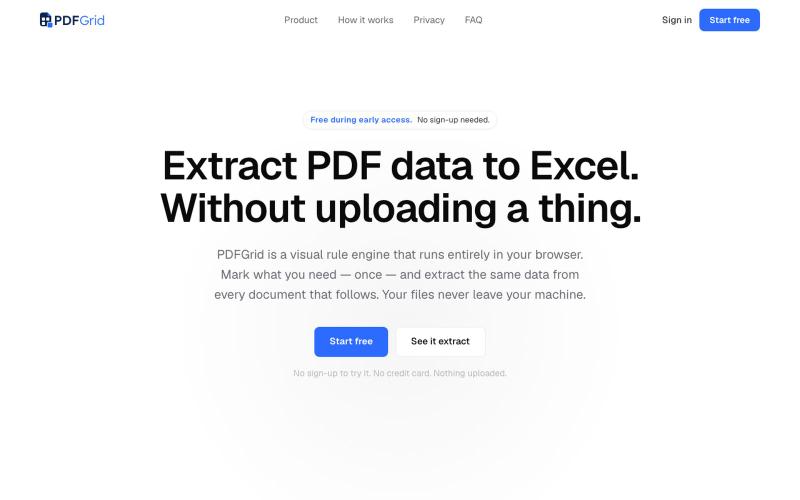
Define extraction rules once and apply them to turn PDFs into spreadsheets.

@PDFGrid · X
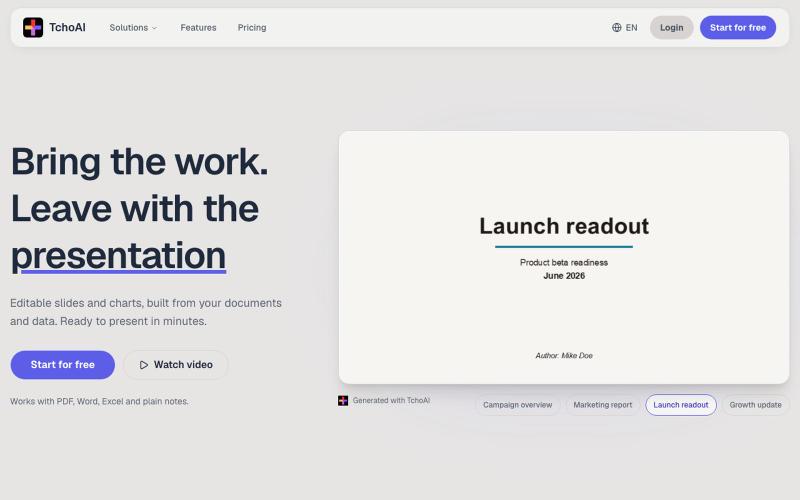
Transform documents and notes into editable presentation slides and charts with AI.
dyfang · HN
TchoAI – Transform your documents into editable slide decks
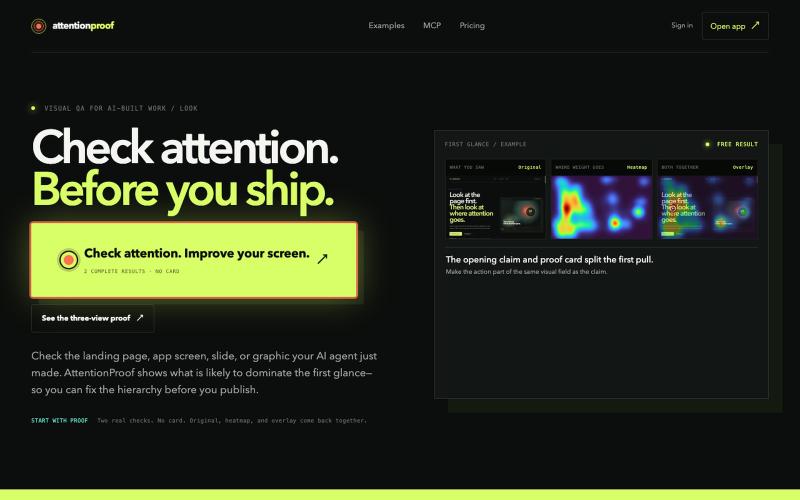
Analyze predicted human attention on designs with ML heatmaps and overlays.
u/dimabreezy · Reddit
Hey, I built a tech that predicts human attention (it's Machine Learning + Data project). I've being using it for the past 2 months and it gives amazing results to AI agents I'm a software engineer and I also love good visuals. And I hate when AI build UI but it doesn't understand what should be GRABBING the attention, so I've build a tech that solves that https://attentionproof.com/ Here you can sign in with the ChatGPT account and get free 2 tries (I got limited compute) so please g

Design custom themes for Codex Desktop with backgrounds, colors, transparency, and visual effects.
plutozc · V2EX
做了个 Codex Desktop 主题预览和切换工具,先调好再安装 最近一直在用 Codex Desktop ,觉得默认界面看久了有点单调,就顺手做了个主题编辑工具,分享一下: [Codex Skin]( https://getcodexskin.com) 可以先在网页里预览主题,调整背景透明度、面板透明度、颜色、模糊和圆角等参数,满意之后再下载并切换到 Codex Desktop 。 目前支持: - 自定义 JPG 、PNG 、WebP 背景 - 在线实时预览主题效果 - 调整透明度、颜色、模糊、圆角 - 预览满意后生成安装命令 - 不喜欢了可以恢复默认外观 目前主要面向 macOS 上的 Codex Desktop ,还是个人项目,功能和兼容性都在继续打磨。 欢迎试试,也想听听大家对主题参数、预览效果和安装流程的反馈。 直接网址: https://getcodexskin.com [轻喷 轻喷,可能还有些 bug
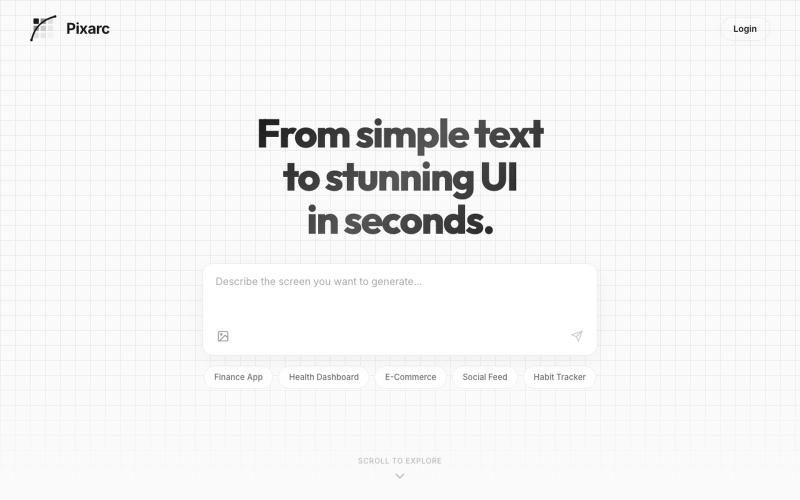
Generate interactive UI previews from text descriptions; export to native code or Figma.

@ArjunVr58131189 · X
- Design mobile apps like you own a team!
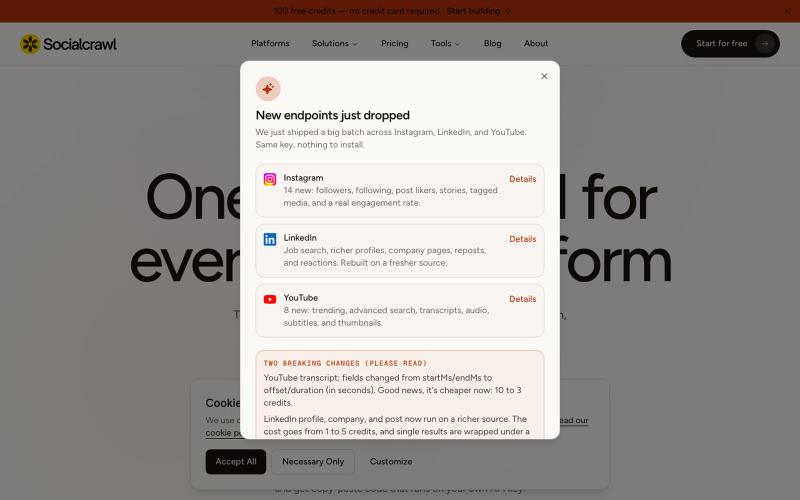
API to extract data from 44 social media platforms through a unified interface.
u/dooddyman · Reddit
I launched 2 SaaS. First failed brutally. Second hit $5k MRR in 3 months. What worked and didn't. tldr: My first AI SaaS failed because I built blindly, outsourced marketing, and had no clear ICP. My second product hit $5k/mo in 3 months because I built an audience first, obsessed over SEO and distribution, and targeted a specific niche. I launched my first AI SaaS last year, kept it alive for about a year now. It's making less than $50 mrr and i'm thinking of closing it. Here's what went
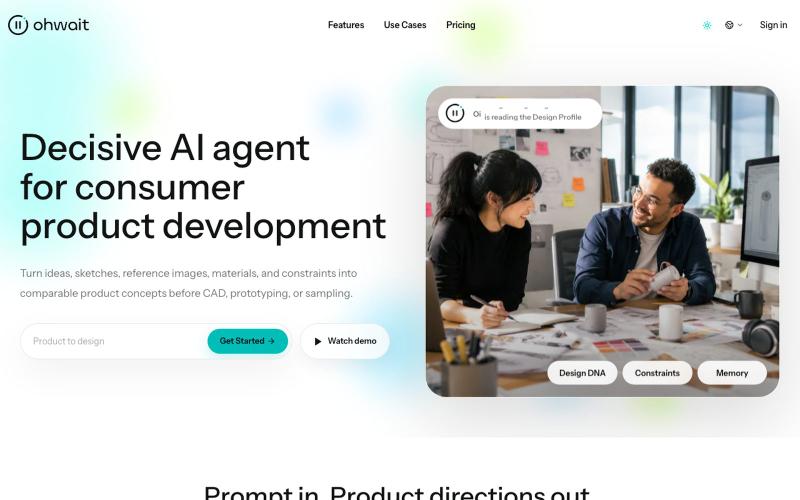
AI agent that generates comparable product concepts from ideas, sketches, images, and constraints.

@hedge8og · X
4月23日,我开始用 Codex 搭自己的产品。到现在,满3个月了。 截至7月19日,Codex 页面显示247.1亿个 Token,连续使用54天。标题里的“250亿”是取整,准确数字以截图为准。 这三个月,我把 做上线了,产品介绍视频改了很多版,也借助 Codex 做了不少以前一个人很难完成的工作。 具体一点:我用它整理过 BP、导出过 PDF、做过 PPT 工作稿,也把调研、文档、图片、浏览器操作、网站、视频和邮件这些常见 Skills 跑过一圈。有些后来真的进入了工作,有些试完就放下了。 现在回头看,最大的收获不是“我做过这么多种东西”,而是我越来越能分清:哪些能力能进入真实工作,哪些只是演示起来很厉害。 这些数字确实挺夸张。说实话,我自己看到也会觉得:是不是做了很多事? 但如果现在让我总结,我不会把它们当成绩。它们只能证明我很投入,蹬得快冒烟了,不能证明产品已经有价值,更不能证明商业已经成立。 我大学辍学,最高学历是高中,之前一直在制造业工作,也不会写代码。写这些不是为了卖惨,更不是想证明学历没用,只是先把我的真实起点说清楚。 2月 OpenClaw 火起来以后,我开始认真试各种 AI 工具,想先解决工作里那些重复、又不得不做的事情。 这期间还有一次,客户马上要我提案,但公司的设计师手上也有急活。我用 ChatGPT 做了产品效果图,最后拿到了订单。 老板后来跟我说:“早知道你可以帮我做这些,那些外包设计早就可以不用买了。” 到了4月,我又用扣子搭了发货模板和记账系统。原来需要手工对比核验的条形码、外箱码,我也开始想办法交给工具处理。 这张订单图只能证明订单记录是真实存在的,不能单靠它证明订单一定是 AI 带来的,更不是 Ohwait 的客户案例。AI 参与了产品效果图制作,之后拿到订单,是我对那次真实工作过程的记录。 那一刻让我兴奋的,其实不是发现了什么创业机会,而是我第一次觉得,模型真的可以成为人的“数字外骨骼”。 回头看这三个月,我现在有5个比较确定的结论。 ### 1. AI最好先从一个真问题开始 发货、记账、核验、临时要效果图,这些都不是什么宏大命题,但它们有一个共同点:问题原本就存在,而且有人正在为它花时间、花钱或者承担压力。 我现在判断一个 AI 工具有没有价值,还是看两件事:它有没有少让我重复
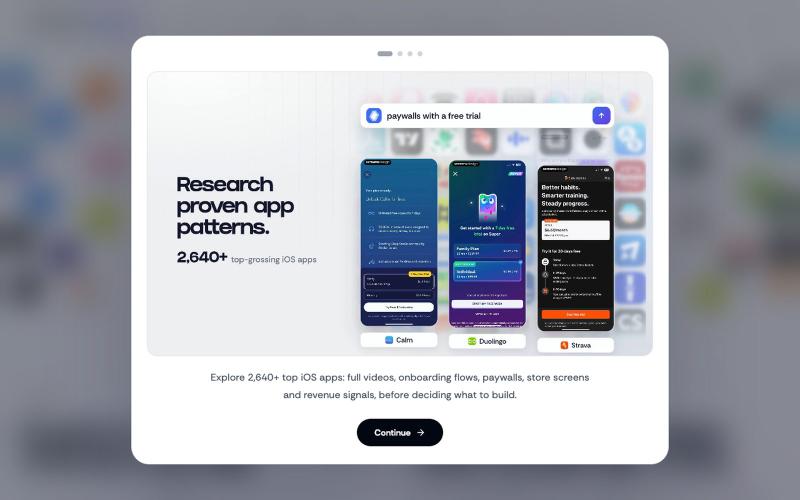
Discover how successful iOS apps design their screens, onboarding & paywalls. Perfect for designers, developers & product teams.

@VechAlex · X