
Developer Tools4 weeks ago · 2 tries
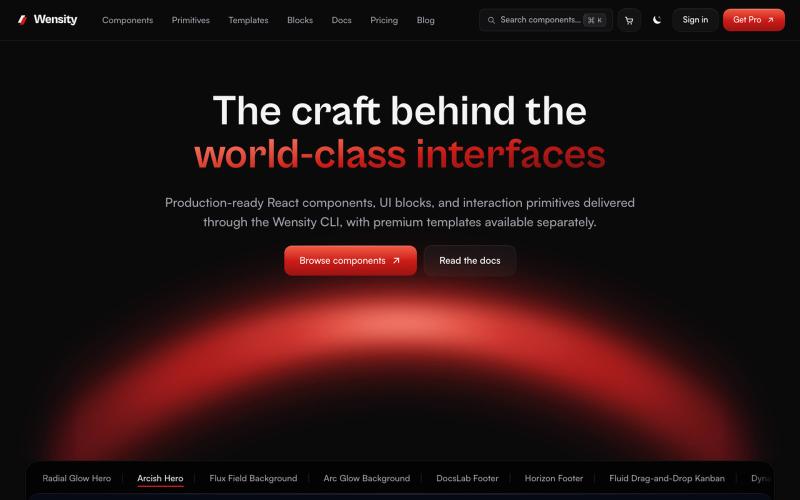
Wensity UI | Premium Components, Blocks and Templates for React and Next.js
Browse interactive React and Next.js components, blocks, and Tailwind templates.

@Ksparth12 · X
The full gallery
Tech stack
60 projects
Browse interactive React and Next.js components, blocks, and Tailwind templates.
@Ksparth12 · X
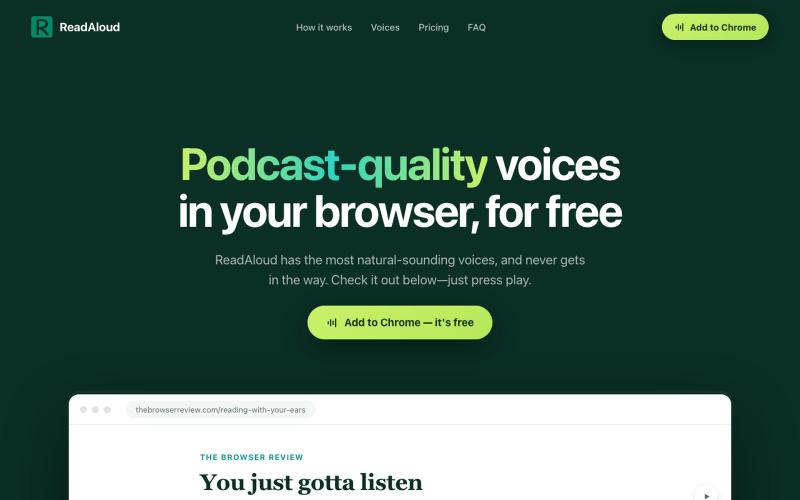
Reads articles aloud in your browser with podcast-quality voices.
DmitryDolgopolo · HN
ReadAloud – on-device, podcast-quality text-to-speech in the browser
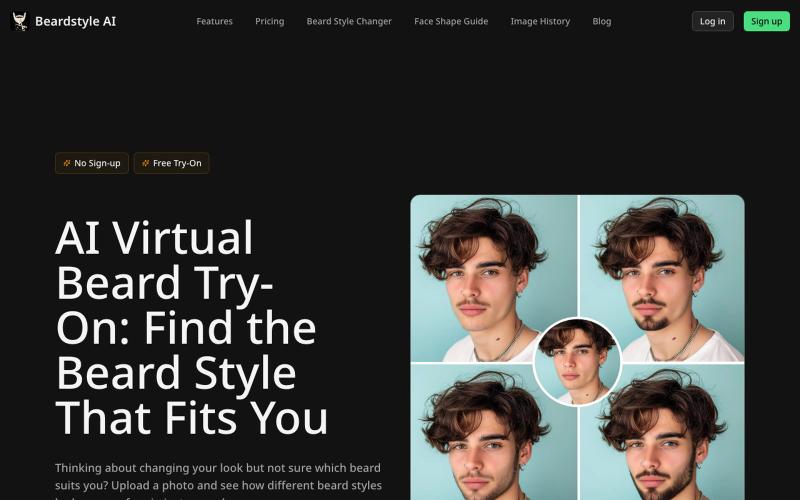
Try different beard styles and colors on your face with realistic virtual previews.
Beardstyle AI — 虚拟试戴胡子
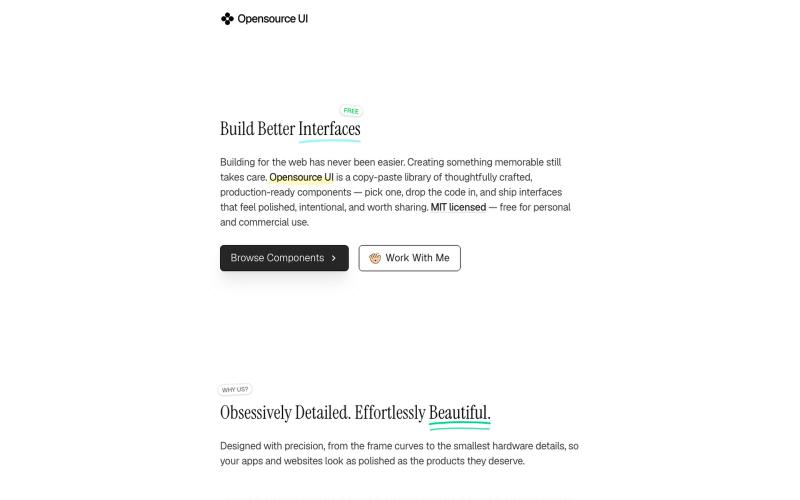
Copy production-ready React and Next.js UI components with live previews.

@BidyutKundu12 · X
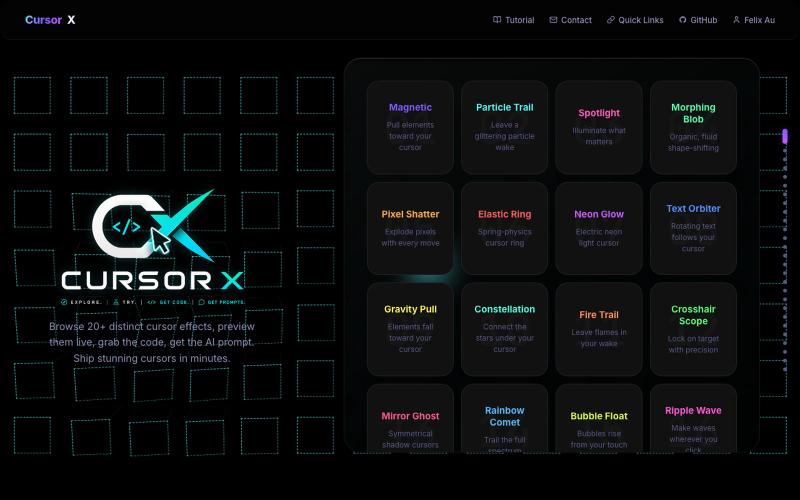
Interactive showcase of 20+ custom cursor effects with live previews and copy-paste code snippets.
Felix-au · GitHub
CursorX-Interactive-Cursor-Effects 20+ custom cursor effects for developers with live interactive previews, copy-paste code snippets, AI prompts, and a full config panel. Built with React + Canvas API.

Use 450+ privacy-friendly tools to format, convert, and process PDFs and images directly in your browser.

@tentaco_cc · X
Hey! I built 🐙 It’s a privacy-first web space packed with over 450+ free micro-tools for tech, design, marketing, and PDFs. The best part? Everything runs 100% locally in your browser. No registration, no ads. Let's connect! 🛠️
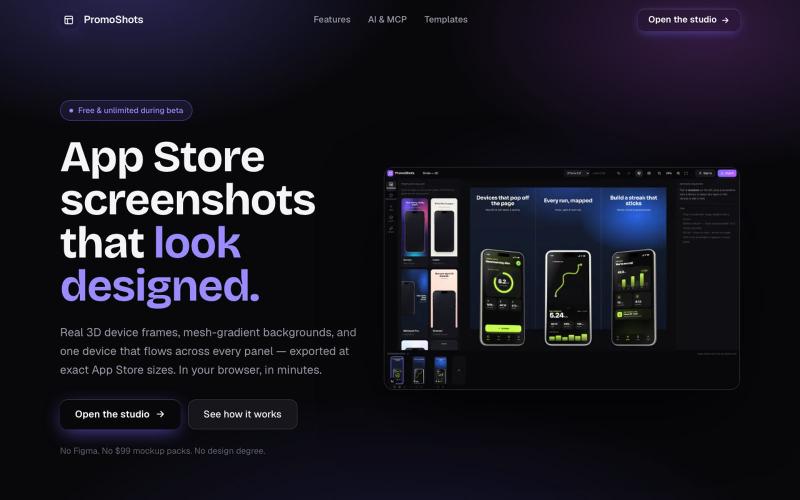
Design App Store screenshot sets with 3D device frames, gradients, and one-click export.

@MSiatrak · X
Checked my Umami stats this morning - straight from Claude Code via my Umami MCP 📊 ~30% of visitors are on mobile… and every single one hit the "desktop only" gate. Shown 11 times, 0 continued past it. A third of traffic couldn't even try it.
Mobile workspace for editing and previewing HTML/CSS/JS apps with AI integration.
u/heisenberg2995 · Reddit
I built a mobile workspace to edit and preview the HTML apps ChatGPT/Claude write for you. Hey everyone! I built VanillaPad , a mobile workspace for building simple HTML/CSS/JS projects. 👉 https://vanillapad.dev The idea came from something I kept running into. Sometimes I'd need a simple utility app or a quick landing page or to test a little game idea. Getting the initial code written was easy since I could just ask ChatGPT or Claude on my phone. The hard part came af
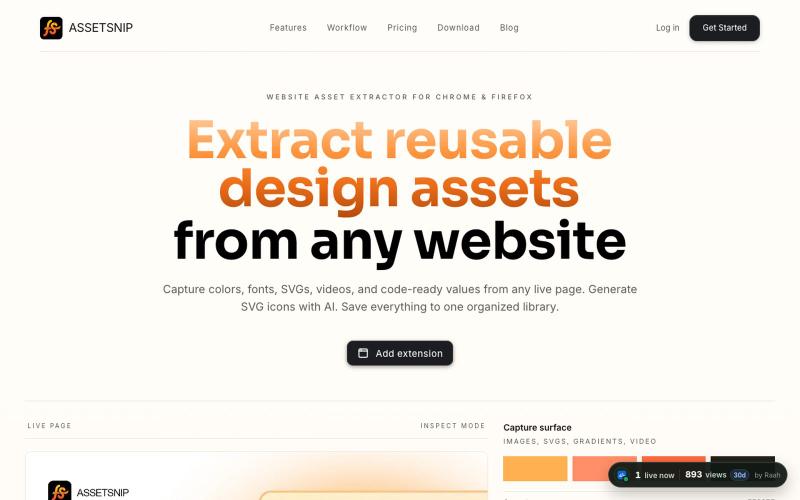
Extract colors, fonts, SVGs, videos, gradients, Lottie, and design values from any website. Save to a reusable library and export CSS, HTML, or Tailwind-ready code.

@Astrodevil_ · X
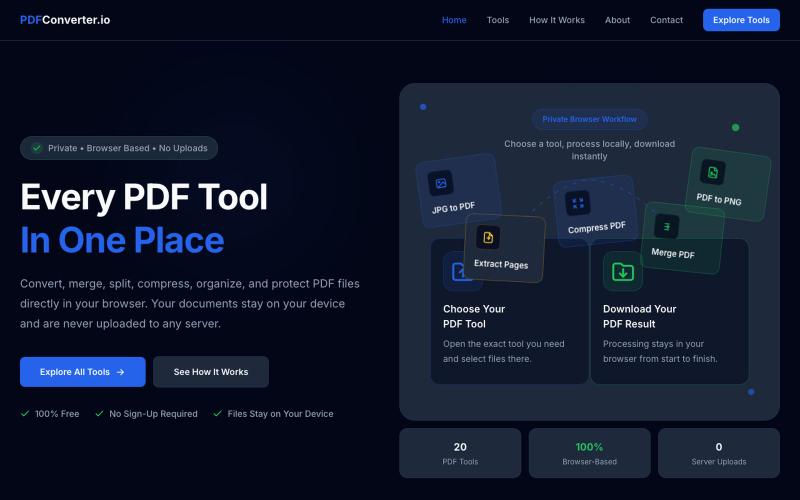
Convert, merge, split, and compress PDF files using 20 free browser-based tools with no server uploads required.

@meuzairqureshi · X
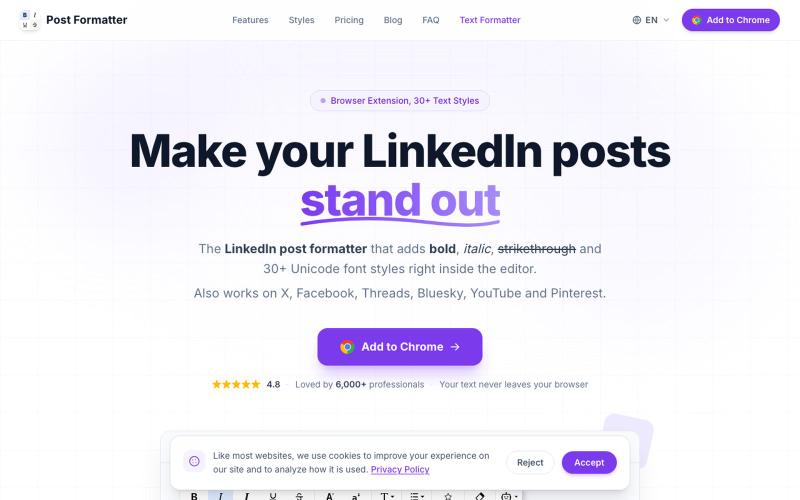
LinkedIn post formatter Chrome extension. Add bold, italic & 30+ Unicode fonts with AI proofread, drafts & live preview. Works on X, Facebook, Threads & more.

@a_shimanski · X
Post Formatter, a browser extension for LinkedIn and X. 30+ text styles in the editor and a live preview before you publish → Happy to check yours out 🤝

Edit, compress, convert, and merge video and audio files in your browser.
zhw2590582 · V2EX
最近对网站进行了重构,做成了免费的视频工具站:[ArtPlayer Tools]( https://artplayer.org/tools/) 主要是围绕着 ffmpeg.wasm 和 mediabunny 实现的一些可以直接在浏览器里用的视频/音频工具,常用的有: - 视频压缩:[Compress Video]( https://artplayer.org/compress-video/) - 视频裁剪:[Crop Video]( https://artplayer.org/crop-video/) - 视频合并:[Merge Video]( https://artplayer.org/merge-video/) - 视频尺寸调整:[Resize Video]( https://artplayer.org/resize-video/) - 视频旋转:[Rotate Video]( https://artplayer.org/rotate-video/) - 视频调速:[Change Video Speed]( https://artplayer.org/change-video-speed/) - 添加文字到视频:[Add Text to Video]( https://artplayer.org/add-text-to-video/) - 添加水印:[Watermark Video]( https://artplayer.org/watermark-video/) - 提取字幕:[Subtitle Editor]( https://artplayer.org/subtitle-editor/) - HLS 转 MP4:[HLS to MP4]( https://artplayer.org/hls-to-mp4/) - 音频可视化:[Audio Visualizer]( https://artplayer.org/audio-visualizer/) 大部分工具都是本地处理,文件不会上传到服务器。最开始是因为自己偶尔要处理一些视频,开剪辑软件又有点重,在线工具又担心隐私,所以就慢慢做成了一个站。 目前还在持续完善,体验肯定还有不少粗糙的地方,比如不同浏览器的兼容、移动端操作、长视频性能之类的。 网站: [ArtPlayer Tools]( https: