
AI Agents2 weeks ago
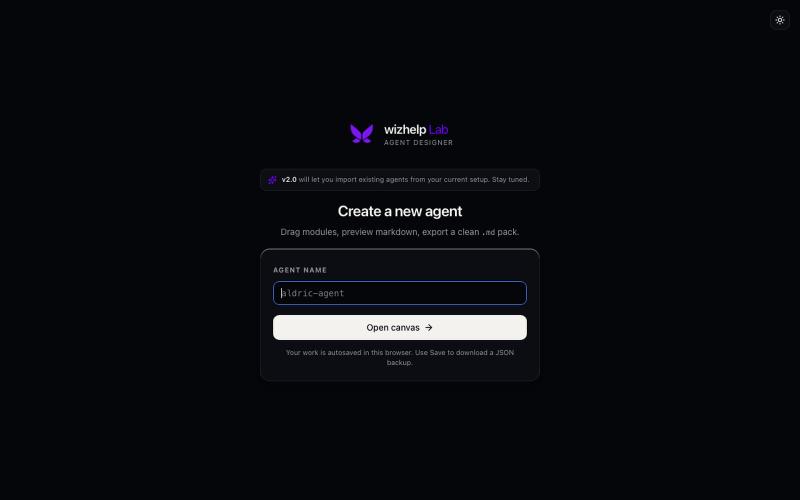
wizhelp Lab — Create a new agent
wizhelp Lab — design agent packs visually. Drag modules, preview markdown live, export a clean .md pack.

@wizhelper · X
The full gallery
Tech stack
60 projects
wizhelp Lab — design agent packs visually. Drag modules, preview markdown live, export a clean .md pack.
@wizhelper · X
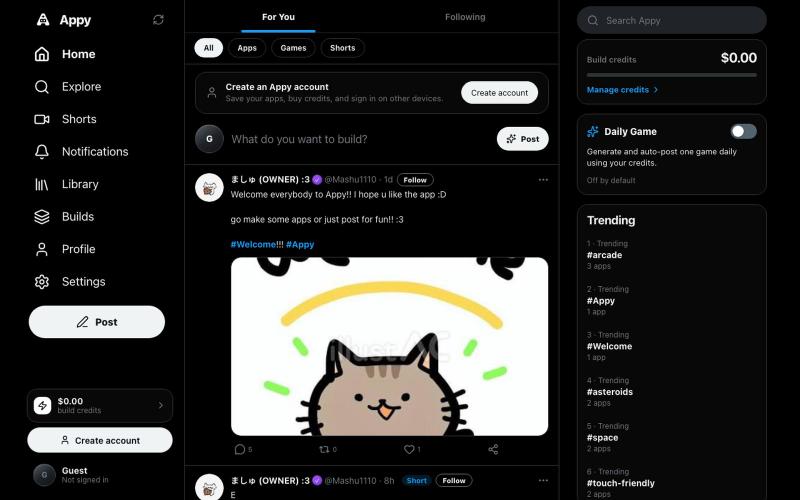
Create, publish, and play AI-built apps and games in your browser.

@Starexgames2026 · X
Hey elon :D is it ok if I can make it in my app so people can use their supergrok sub to build with the AI in the app? Its like X but for vibe coded apps :3 very simular to websim before but with a X interface :D it would mean a lot :D

AI agent that generates and refines marketing assets and designs on an infinite canvas.
u/nav132 · Reddit
I’ve been building a creative agent and would love some honest beta feedback Hey, I’m Naveen. I’ve been building Creativly for a while, and I’ve just opened the beta for something new called Creativly Agent. The easiest way to explain it is: think Claude Code or Codex, but instead of working through a codebase, it works with your images, documents, notes and files on a canvas. You can drop in a rough idea or a full brief, add some references and ask it to help. It can resear

Manage and control your coding agents from any browser or mobile device.

@vilmire_tmp · X
Tired of alt-tabbing between terminals to check if my coding agents were done, stuck, or waiting on approval. So I built ADHDev: control Claude Code / Codex / Cursor CLI from your browser or phone, on every machine you own. AGPL self-hosted edition too.
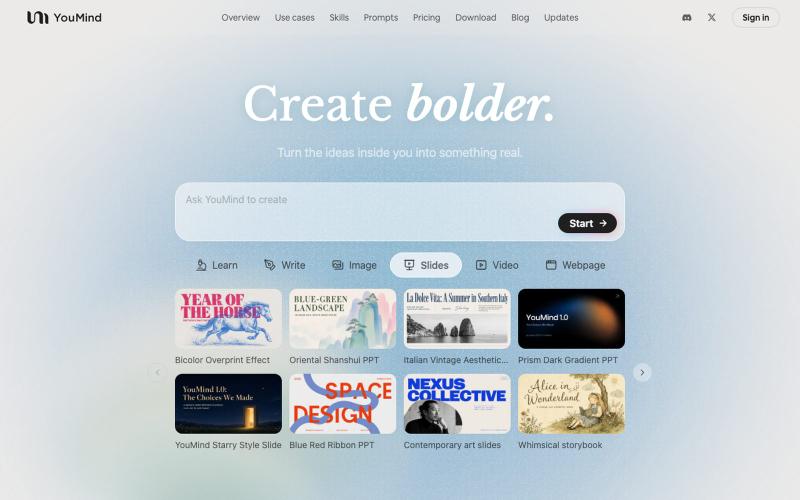
AI tool that transforms diverse materials into beautifully designed slide presentations.

@leahlibest · X
the most aesthetic AI slides website
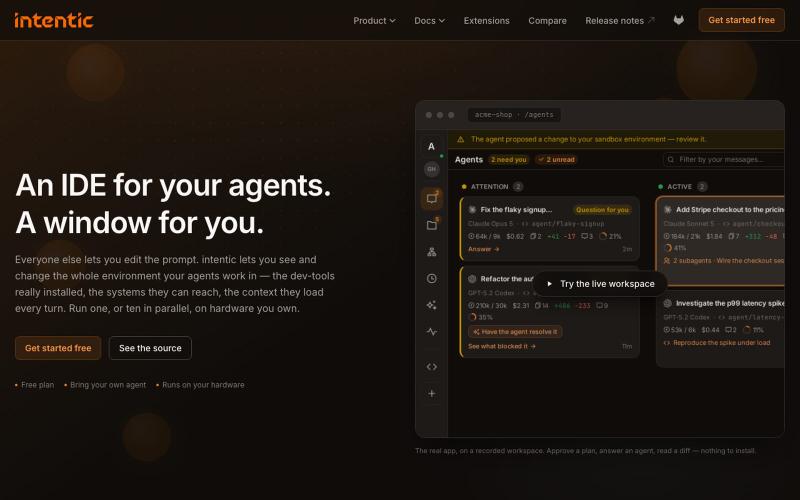
An IDE for deploying and running AI agents in sandboxes on your own hardware.
u/EagleApprehensive · Reddit
I've made an IDE. I built intentic.dev , a free IDE that runs self-hosted on your hardware in docker - can be easily shared with coworkers and deployed on servers. It's not for you! It's a home for agents, you're just a guest there so behave. Comes with cool stuff for AI powerusers - token saving mechanisms, codebase indexers, healthiness checkers - helps you keep the code manageable. Can connect to stuff as well. And if you're crazy you can even add widget to your produc
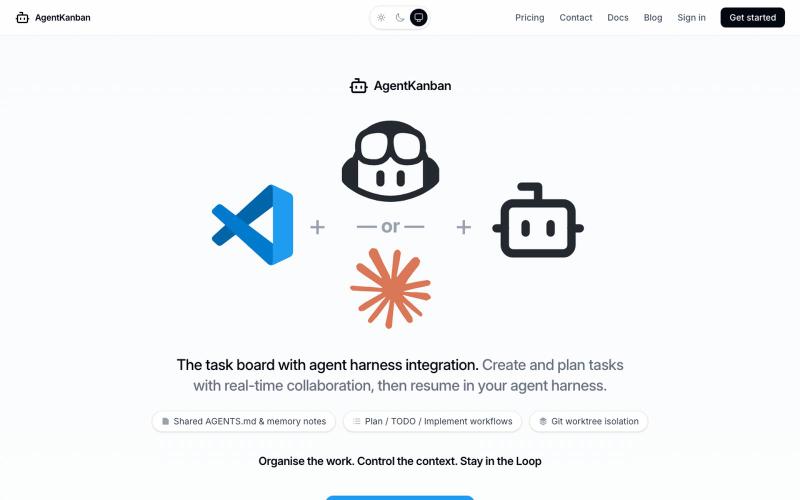
Task board for AI agents in VS Code with persistent context across chat sessions.
gb2d_hn · HN
It was with the transience of valuable agent session dialogue in mind that I built https://www.agentkanban.io - A key feature is context capture in the tasks which you create on the board and then progress in agent sessions. Supported agents are currently Claude and Github CoPilot in VS Code. All of your context is captured in the task and can be reloaded into new agent sessions at any point in the future. Tool use is intentionally discarded because it is proprietary in nature and therefore brea
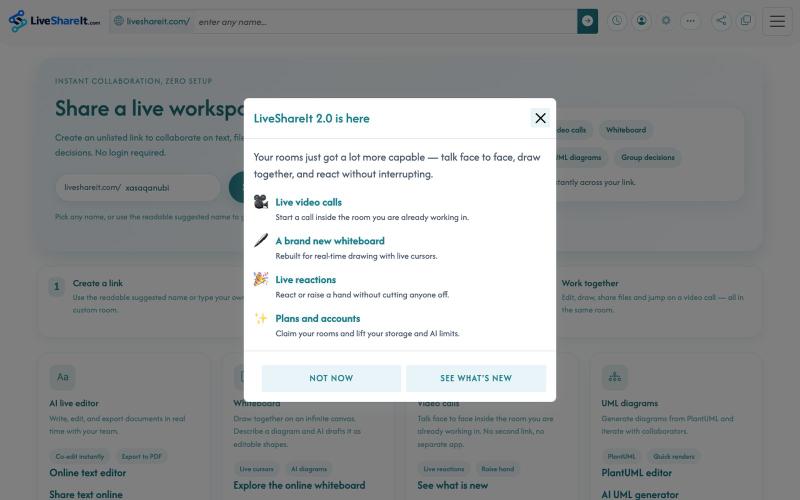
Real-time collaboration workspace with AI-powered code editor, file sharing, UML diagrams, and group decision tools.
u/Hopeful-Can-1540 · Reddit
Trying to figure out distribution for a real-time collaboration tool LiveShareIt has been around for a bit, and the product has changed quite a lot recently. The basic idea is pretty simple: open a room, share the link, and start working together. No signup needed. People can share code/text, send files, use a collaborative whiteboard, and jump on a video call in the same room. One feature I’ve been playing with lately is the AI whiteboard. Instead of starting from a blank canvas, you
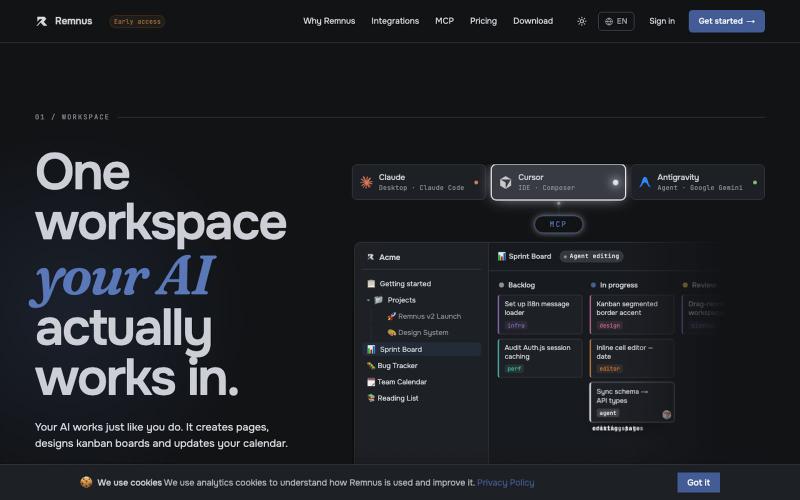
Build databases, kanban boards, and notes for AI agents to collaborate on.

@emir_ogz · X
Just shipped - AI-native workspace for solo devs Agent reads/writes your project notes automaticly
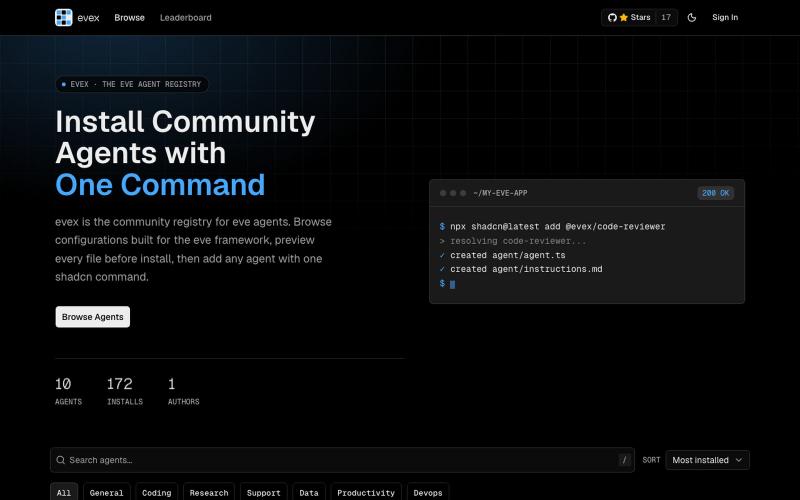
Browse, preview, and install community-built eve agents via npm.

@TommyBez85 · X
I'm building the eve agents registry
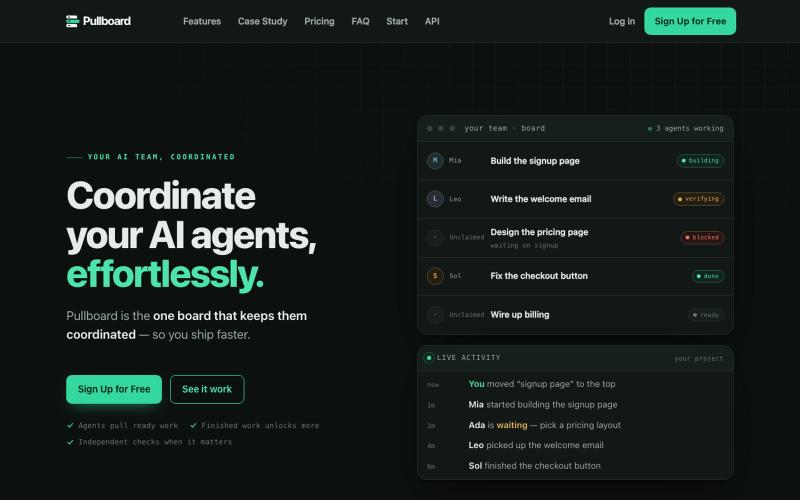
Assign and coordinate work for AI agents using a prioritized task board with dependencies.
Olscore · HN
Pullboard – a work queue for agents, built to run a quant desk

Generate UI screens for mobile and web apps from text descriptions in seconds.

@ninakolari · X
Google just dropped Stitch and it changes the entire vibe coding workflow. You describe what you want your app to look like. It builds full high-fidelity screens in seconds. No Figma. No designer. No credit card. Here is how to use it: Go to Sign in with your Google account. That’s it. You’re in. Instead of typing “make me an app” type this: “A lesson planning app for teachers. Clean and calm. Inspired by Notion. Minimal. White space.” The more specific you are the better your screens. Then refine with follow up prompts. Change the nav. Try dark mode. Get 3 menu variations. Or just speak it. Your screens become a clickable prototype in seconds. Click a button and Stitch generates the next screen automatically. Your entire app flow. Before you write one line of code. Then take it further. Export to Lovable or Cursor and build the logic on top. Use the MCP server to keep your design and code in sync. Pull any website’s design system in seconds. Save everything as