
Productivity1 week ago
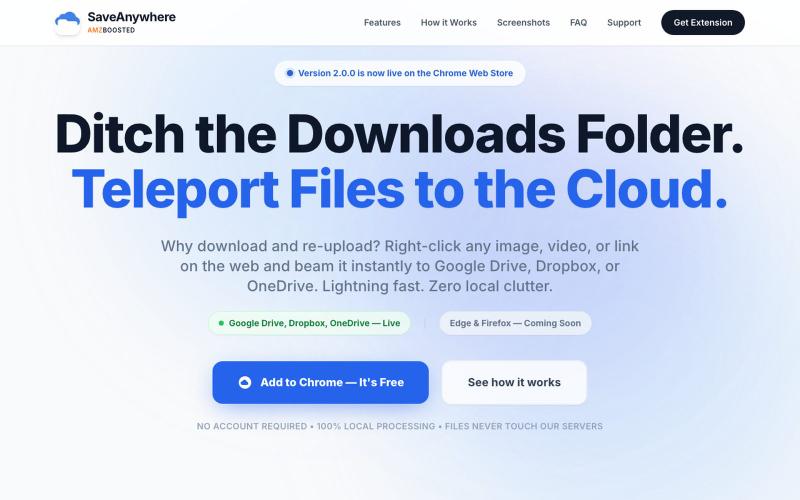
SaveAnywhere by AMZBoosted | Save Directly to Your Cloud
Chrome extension that saves files, images, and links directly to Google Drive, Dropbox, and OneDrive with local processing.

@SaveAnywhere · X
Free chrome extension :
The full gallery
Tech stack
60 projects
Chrome extension that saves files, images, and links directly to Google Drive, Dropbox, and OneDrive with local processing.
@SaveAnywhere · X
Free chrome extension :
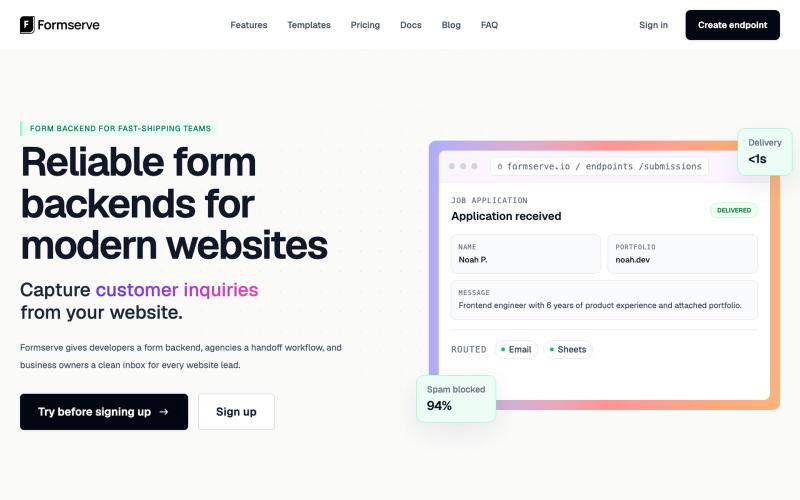
Form backend for static sites and AI launches that captures submissions and routes them to your tools.

@AbhilashVeettil · X

Upload a product image and choose a scene to generate studio-quality AI photos.

@aftertakenai · X
for AI e-commerce product photography

Upload a CAS PDF to get AI portfolio analysis with benchmark comparisons and allocation insights.

@iASHeeesh · X
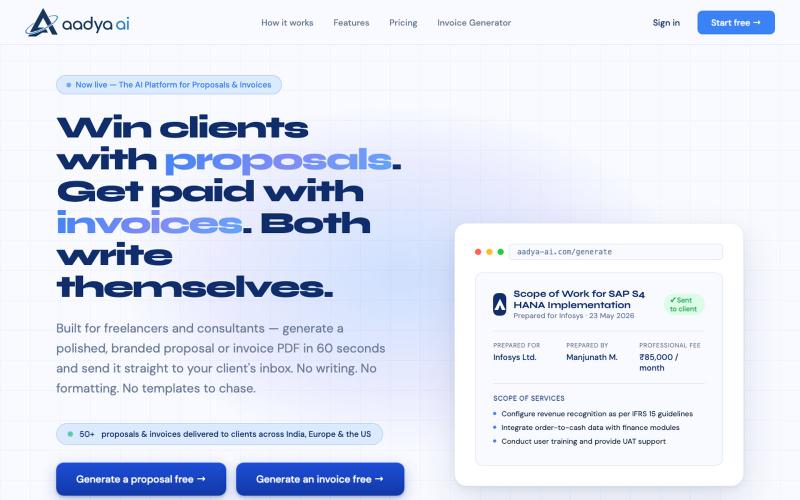
AI generates branded proposals, invoices, and professional documents as PDFs in 60 seconds.

@AadyaAI · X
Aadya AI turns a client conversation into a branded, ready-to-send proposal or invoice PDF in 60 seconds — no templates, no formatting, no chasing.
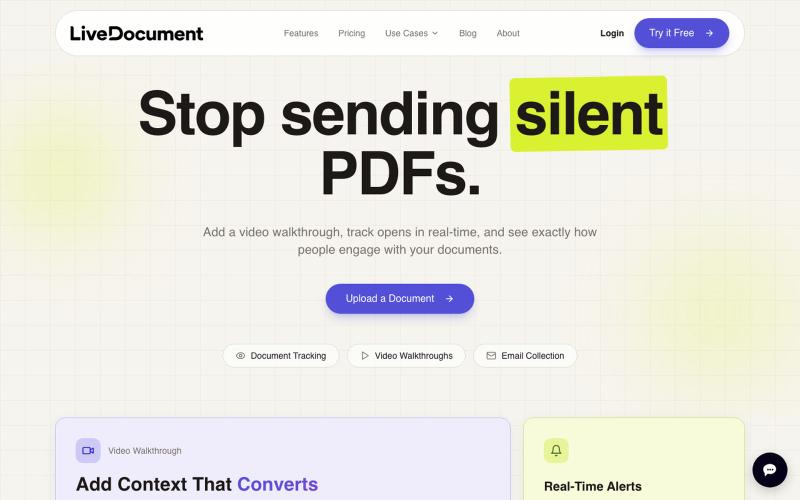
Add personal videos to PDF documents and track viewer engagement with analytics for sales follow-up.

@Cam_james05 · X
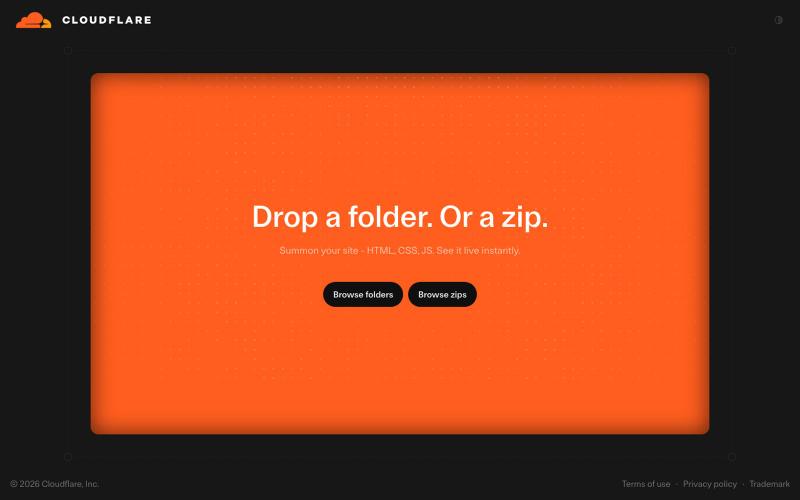
Drop a folder or zip file to instantly deploy a website on Cloudflare's global network.

@vikingmute · X
Cloudflare 也推出了 drop 服务, 上传一个文件夹或者 zip,网站直接上线,不需要登陆。我记得前几天 vercel 刚上线了同样的功能,Vercel Drop 这两老哥天天打嘴炮,功能也都前后脚。 这服务其实要手动操作,没有 CLI 好用,不过不需要登陆是一大优势,而且drop 无脑操作,更适合小白要上线网站。
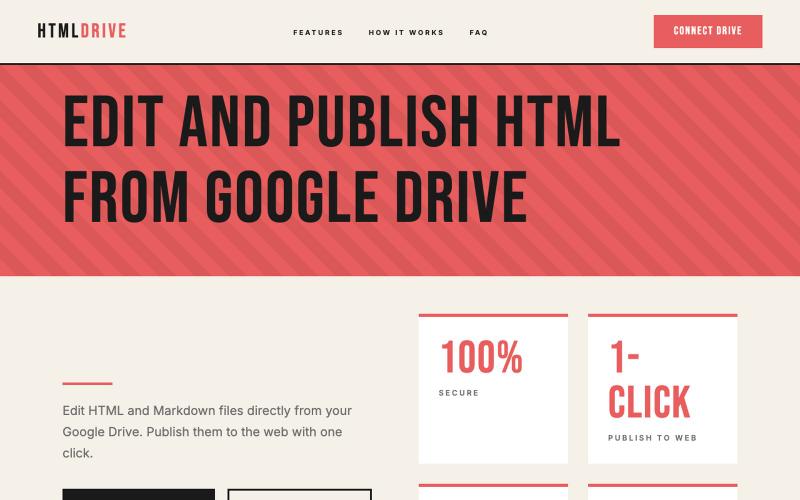
Serve and publish HTML files directly from your Google Drive.
debamitro · HN
I found that AI tools are generating excellent HTML documents nowadays, yet there's no easy way to show them to others. Yes, there's GitHub pages - but I don't know if it is user-friendly for non-technical people. This app allows you to keep your HTML file in your Google Drive and serve it from there. Feedback is most welcome.
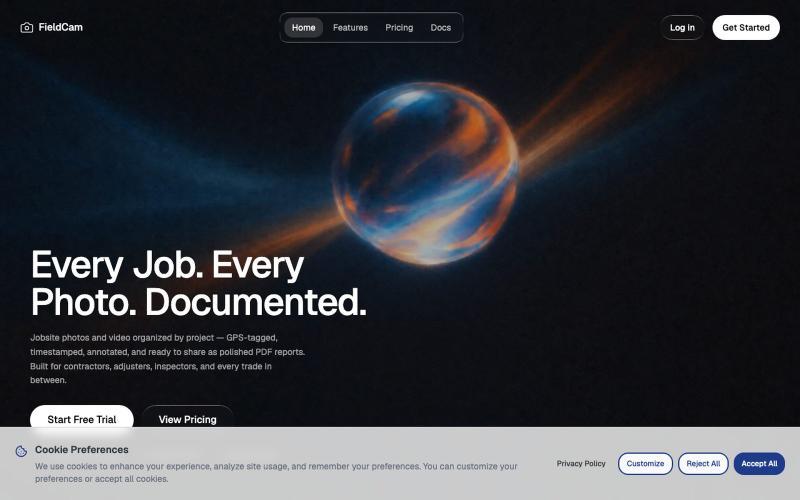
Organize jobsite photos and videos by project with GPS, timestamps, and auto-generate PDF reports.

@12squaredAI · X
| @fieldcam_app

Create richly formatted posts and publish them instantly to the web with a single click.

@masafumiohta · X
I’ve been using Windows as my daily use lately despite I have been using Mac/Linux for a long time, but I keep running into all sorts of issues, so I’ve been fixing them vibe-coding with Claude. I’m gonna dump all that stuff on This blog is fully automated with Claude Code, from coding all the way to reporting. It’s nothing special—anyone could do it—but it’s actually pretty fun once you try it. The only annoyed is that it burns through tokens like crazy. Most of the tips are pretty interesting, so I hope you find them useful.

Create narrated training videos from PDFs and documents using AI-generated slide decks.
u/No-Tap6993 · Reddit
I built a slide deck video builder Most AI generated visual can look like slop. I built a slide deck video builder for training content. It generates beautiful slide decks from 18 templates, adds voice over, allows post editing, and finally export to mp4. Check it out at https://inkbolt.ai and let me know what you think! I have to give a shout out to this repo for inspiring how to do design properly with AI. https://github.com/zarazhangrui/frontend-slides submitted b
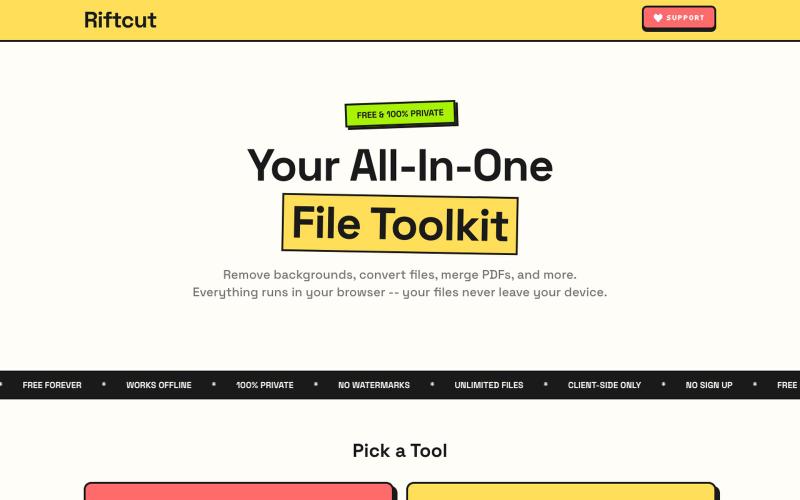
Remove image backgrounds with AI and manage PDFs—convert, merge, and create—all privately in your browser.

@irshit0 · X