
Other1 week ago
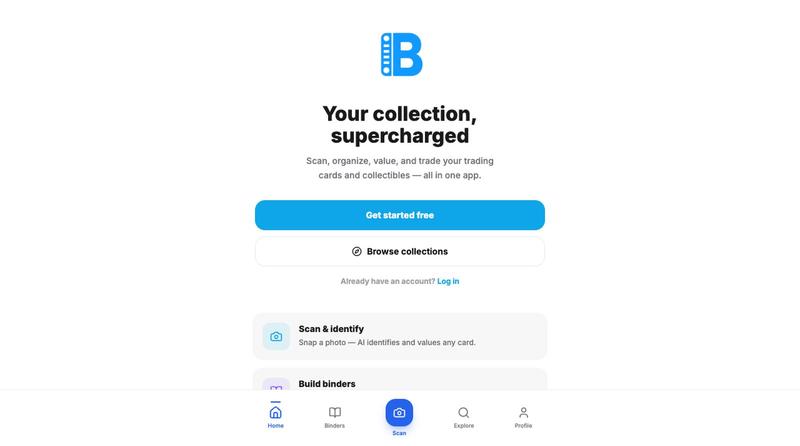
Binder
Build, organize, and grow your card collection with AI-powered scanning, real-time market values, and a beautiful digital binder designed for collectors.

@bindertrading · X
The full gallery
Tech stack
60 projects
Build, organize, and grow your card collection with AI-powered scanning, real-time market values, and a beautiful digital binder designed for collectors.
@bindertrading · X

Convert photos and videos to ASCII art, pixel art, mosaic, and more in your browser.

@kail_designs · X
Jokes aside but honestly (Landing page) was built with Claude (Opus 4.7) in 1 day. But no, it was not just four prompts or some random skills. Here's how I built the entire AsciiMagic landing page with Claude in one day👇 Started with a rough sketched wireframe. Then designed it in @paper Then I used the Paper MCP with Claude to recreate that design in code and get a solid first version running. From there, the real work began. I kept iterating with specialised Claude skills: • impeccable • frontend-design • emil-design-eng • review-animations • responsive-design • seo-audit Each one improved a different part of the experience. By the end, the page had: • Mobile-first responsiveness • Better SEO optimised copy • Smooth micro-interactions • Cleaner frontend architecture Then came the part people don't see. For the next 5–6 hours, I wasn't asking Claude to "make it prettier." I was: • Fine-tuning layouts • Uploading and compressing assets • Moving files across diff
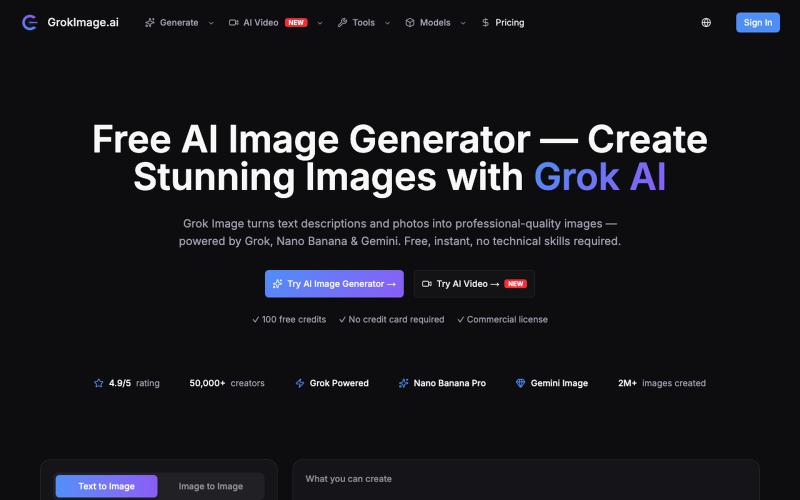
Generate AI images with multiple models (Grok, Gemini, GPT) instantly without signing up.
sxliusir · V2EX
谁说好用的多模型 AI 绘图与视频工具必须挨个买会员? GrokImage.ai 难道不香吗? 平时做项目、搭建 Landing Page 或者给自媒体找素材时,大家可能经常需要在多个 AI 绘图平台之间切换(比如看重 Midjourney 的画质、又想试 Grok 的文字渲染能力)。 最近在使用 <a href="https://grokimage.ai" rel="dofollow">GrokImage.ai</a>,体验不错,简单给社区的 V 友们分享一下使用体会: ### 核心亮点: 1. **多模型集成**:在一个后台里直接切 Grok Imagine 、Nano Banana Pro 和 Gemini Flash 。 2. **文字渲染准确**:用 Grok 那个模型画海报、招牌或者含字母的商品时,英文和数字基本不会出现乱码。 3. **内置实用小工具**:包含 AI 商务头像是( AI Headshot )、电商产品图生成( Product Photography )以及壁纸生成。 4. **支持文生视频 / 图生视频**:生成完静态图后可以一键转成
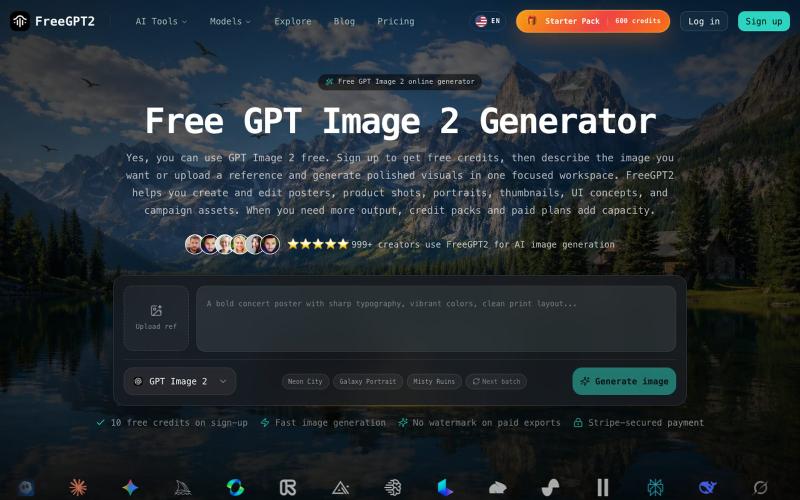
Generate and edit AI images for free with no login required.
FreeGPT2 — GPT Image 2 生成器网站,即时创建 AI 图像,无需登录
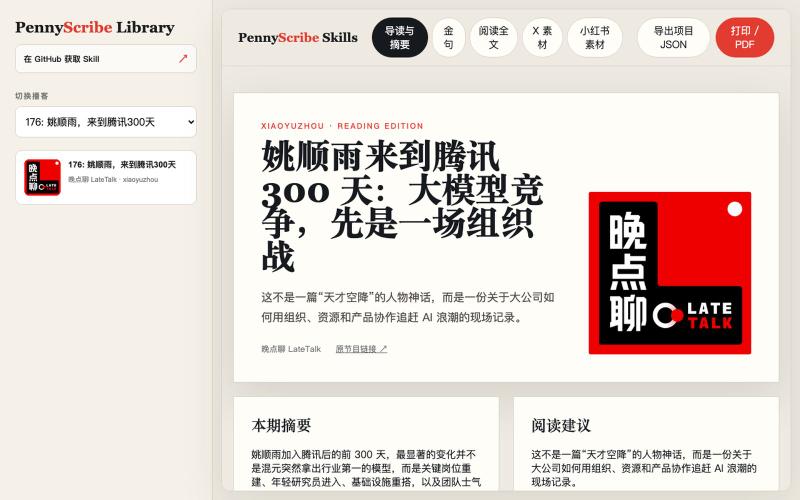
Generate transcriptions, social media posts, and Xiaohongshu cards from podcasts and videos with in-browser editing.
yedaxia · V2EX
开源一个把播客变成小红书和 X 帖子的 Agent Skill 给它一个公开的播客或视频链接,它可以完成: - 支持 YouTube 、Apple Podcasts 、小宇宙、B 站等平台 - 下载音频并生成转写 - 把转写整理成分章节、适合阅读的完整全文 - 提取摘要、核心观点和金句 - 生成适合 X 的帖子和 Thread - 生成小红书标题、发布文案和图片卡片 - 提供 10 种小红书卡片风格 - 在网页里直接编辑文案和卡片 - 将单张卡片复制到剪贴板,或者导出 PNG - 将全部卡片打包成 ZIP 下载 - 把多期播客组织成可以本地访问和切换的网站 目前卡片支持手绘涂鸦、新粗野主义、剪纸、中世纪现代、漫画书、包豪斯、杂志排版、复古未来主义等风格。 我用一期《晚点聊》做了在线 Demo ,可以直接体验完整的全文、摘要、金句以及小红书卡片编辑效果: Demo: https://pennyscribe-skills-demo.pages.dev GitHub: https://github.com/YeDaxia/pennyscrib
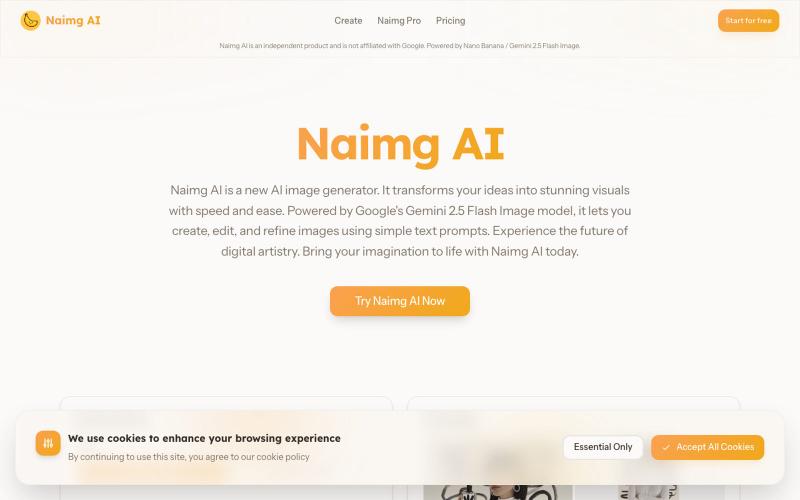
Generate and edit images with AI using Google's Gemini 2.5 Flash.
Nano Banana AI — 基于市面上最强的 AI 图像编辑模型 Nano Banana 开发的图片编辑器,用嘴改图、保持角色一致性、控制细节、图片融合
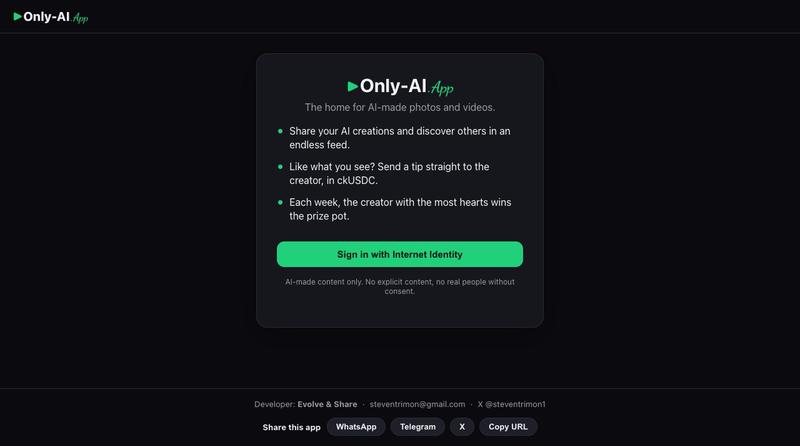
Gallery and generator for AI-made photos and videos.

@steventrimon1 · X
I built this with Claude Code and Caffeine! Check out Only AI — the home for AI-made photos and videos
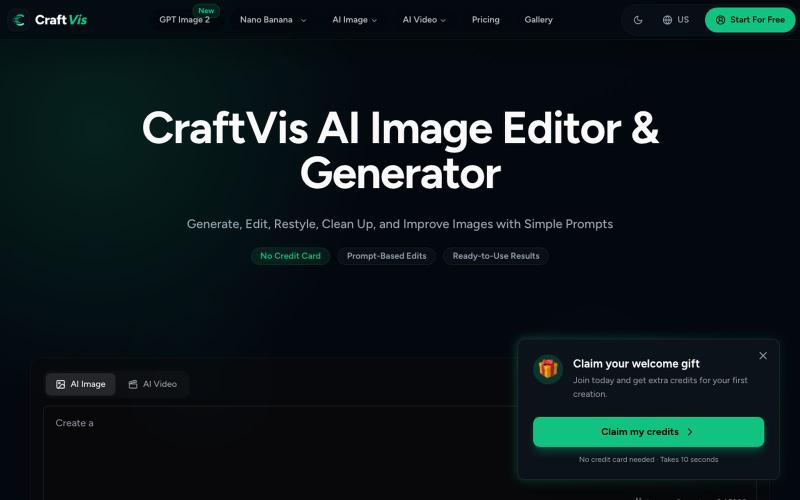
Generate and edit images online with AI for product photos, ads, and social posts.
Samlion · HN
I built CraftVis, an AI image editor

Create custom LEGO designs and minifigures using AI from text and photo inputs, with animation.
Brick Center — 如果您是一位乐高爱好者,热衷与创造各种乐高形象,BrickCenter 可以将您的创意,自动生成乐高设计图。AI 乐高生成器可以将你的文字转换成定制的乐高套装。轻松地从照片创建你自己的小人偶,如果您觉得乐高头像很酷,也可以将您的自拍图片,生成乐高头像。还可以来网站浏览由爱好者精心制作的独一无二的乐高作品 - [更多介绍](https://www.bilibili.co

Compare different AI video models and generate videos with pay-as-you-go pricing.
MaxVideoAI — 多模型 AI 视频生成平台(文生视频 / 图生视频),提供公开的模型页面、提示词参考和示例,用于探索不同的视频生成模型。
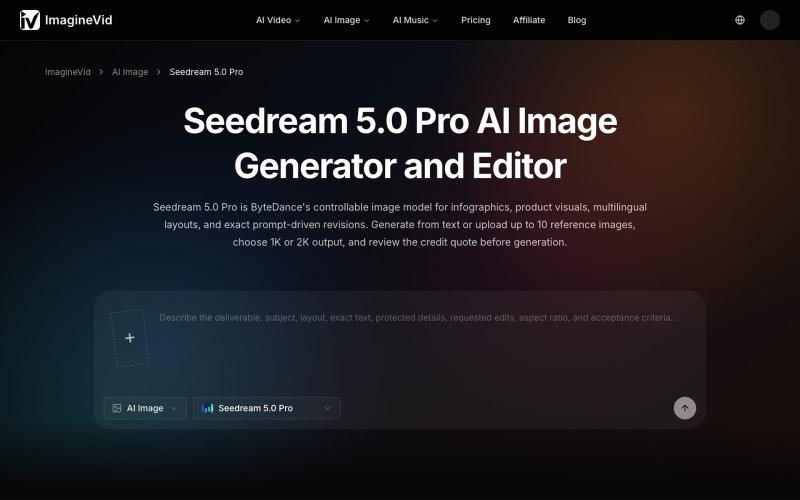
AI image generator and editor with 2K output, reference images, and multilingual text support.
imaginevid-ai · GitHub
Awesome-seedream-5-pro-prompts-and-skills About World's largest Seedream 5.0 Pro prompt library — 10,000+ curated prompts with preview images, 16 languages. Dreamina Seeream AI image generation. Free & open source.
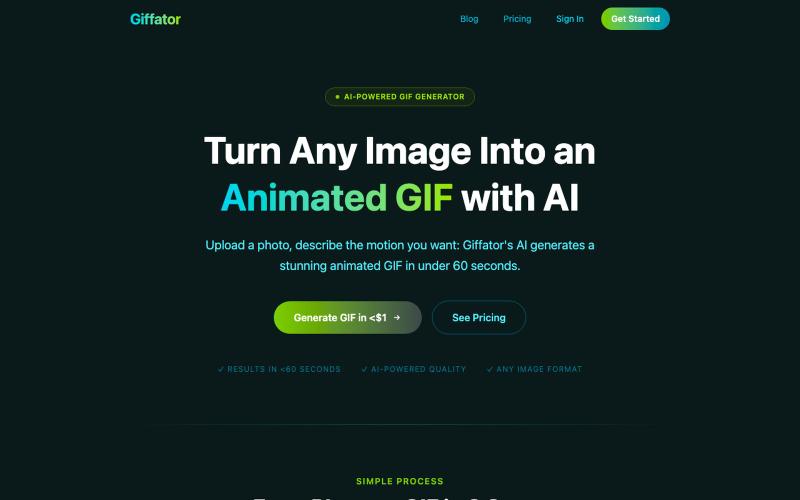
Generate animated GIFs from images by describing the motion with AI.

@psychoduino · X
Dropped it, let me know if you've caught it.