
Creative Tools2 weeks ago
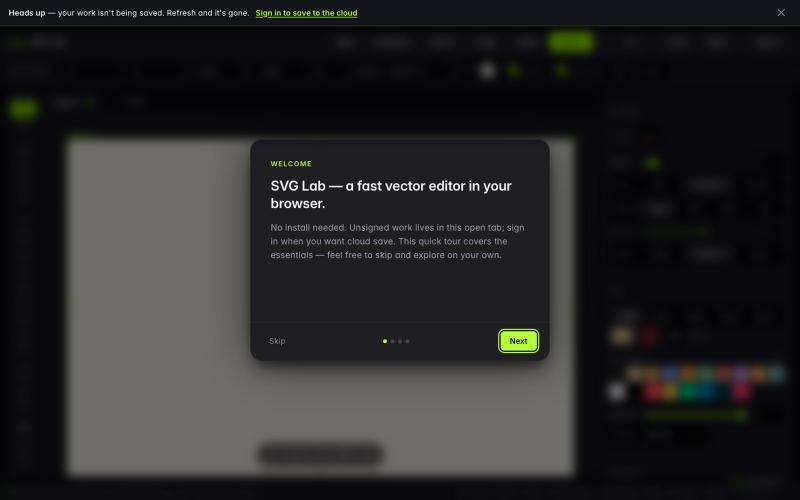
SVG Lab - Free Online SVG Editor in Your Browser
Draw, edit, import and export SVG files in a free browser-based editor.

@usman_basheers · X
Wohh. Roast this then:
The full gallery
Tech stack
60 projects
Draw, edit, import and export SVG files in a free browser-based editor.
@usman_basheers · X
Wohh. Roast this then:
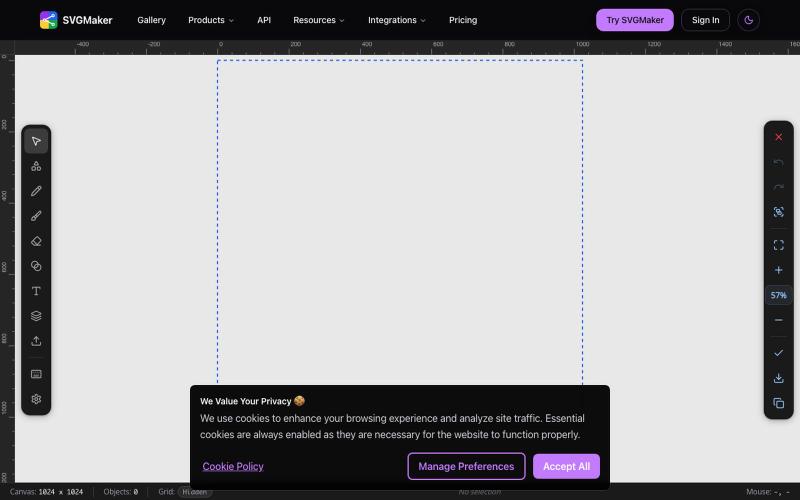
Design vector graphics with AI text-to-SVG generation and multi-format editing in your browser.
u/Every-Comment5473 · Reddit
I think I may have finally found a fully free alternative to BoxySVG. I came across this browser-based free SVG editor from svgmaker , and it feels pretty close to Apple Freeform in the way the canvas, grids, snapping, and alignment work. It also lets you edit paths, points, text, colors, shapes etc. Most of the things I used to open BoxySVG for, I can now do in this one—and it’s completely free. Honestly, I wasn’t expecting it to be this capable, especially since most AI image generation
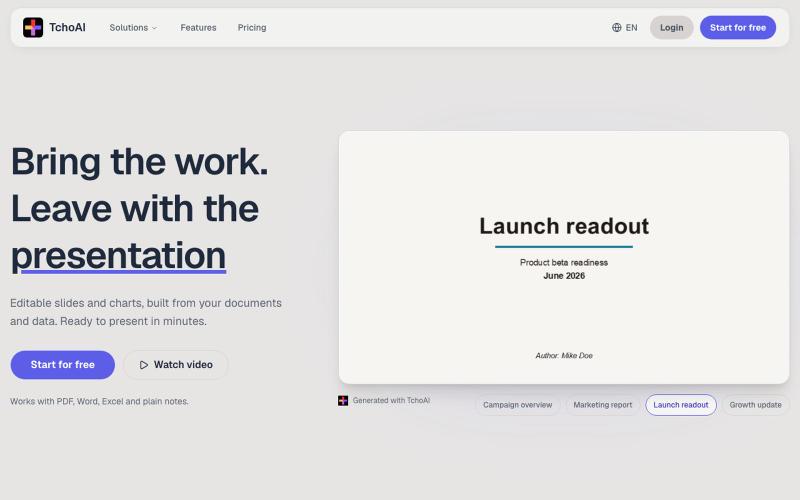
Transform documents and notes into editable presentation slides and charts with AI.
dyfang · HN
TchoAI – Transform your documents into editable slide decks
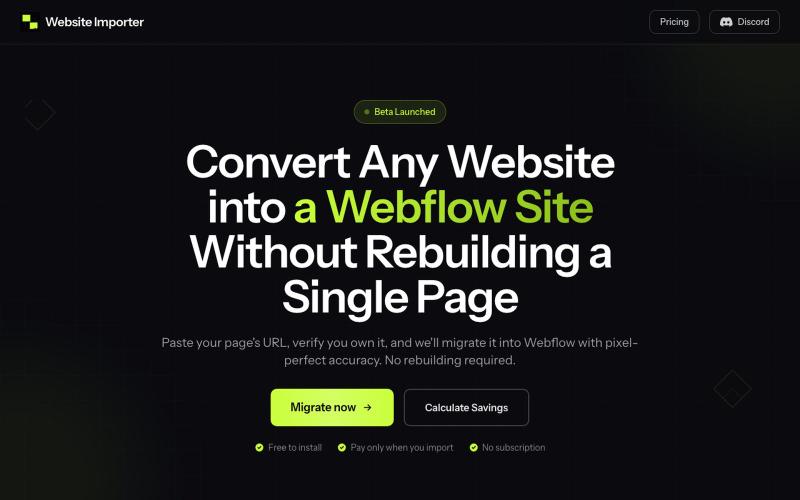
Paste a website URL to convert it into a Webflow site with pixel-perfect layout and styling preserved.

@elvis_cibalinda · X
Convert your #lovable site to #Webflow and scale
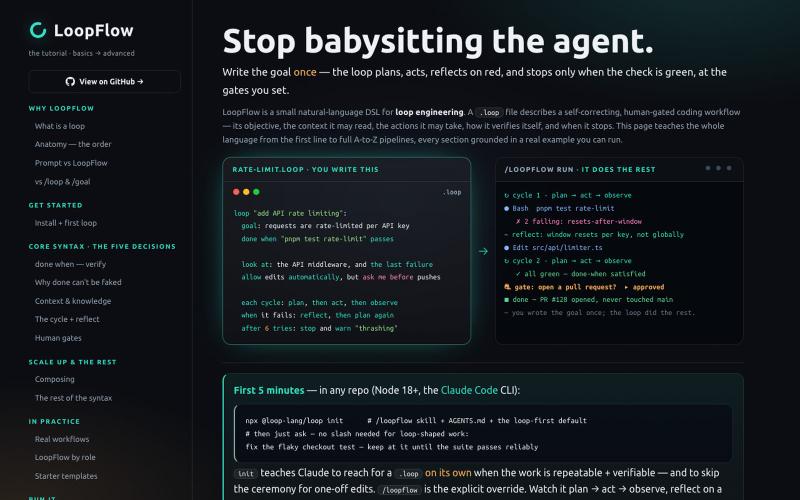
Describe self-correcting coding workflows in plain English and run them until tests pass.
forgeapp
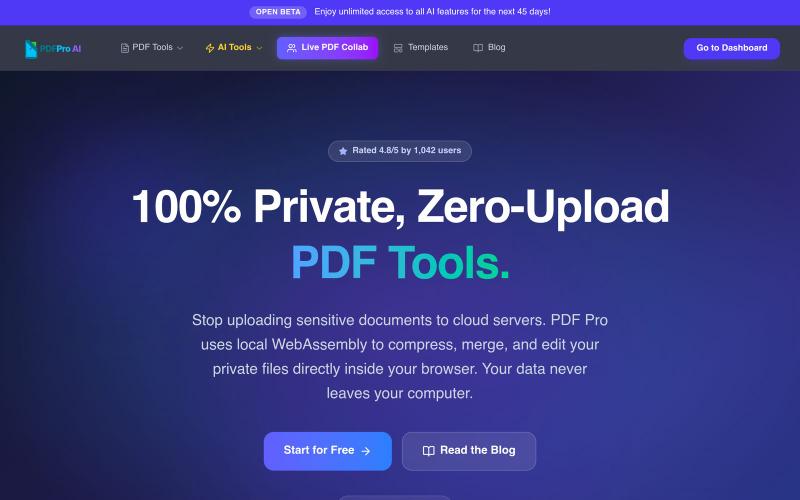
Edit PDFs in your browser with compression, merging, AI analysis, and no cloud uploads.

@pdfproindia · X
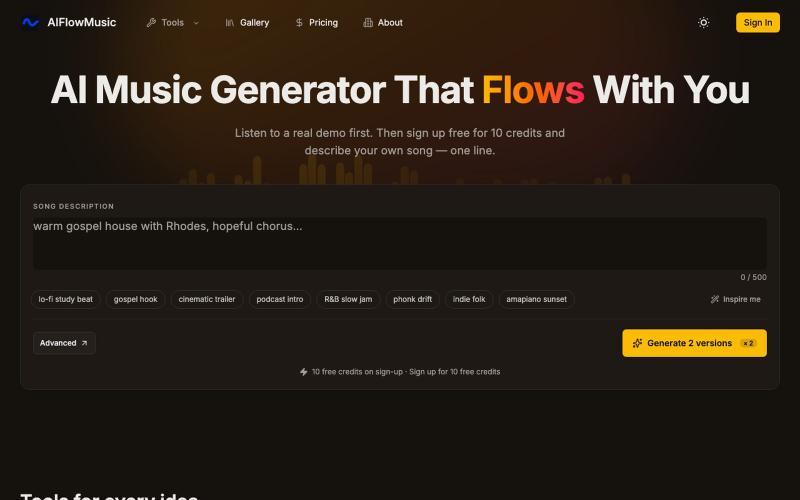
Generate full songs from one line of text, or use creator tools like Audio to MIDI and Slowed & Reverb.
AIFlowMusic — AI 音乐生成网站
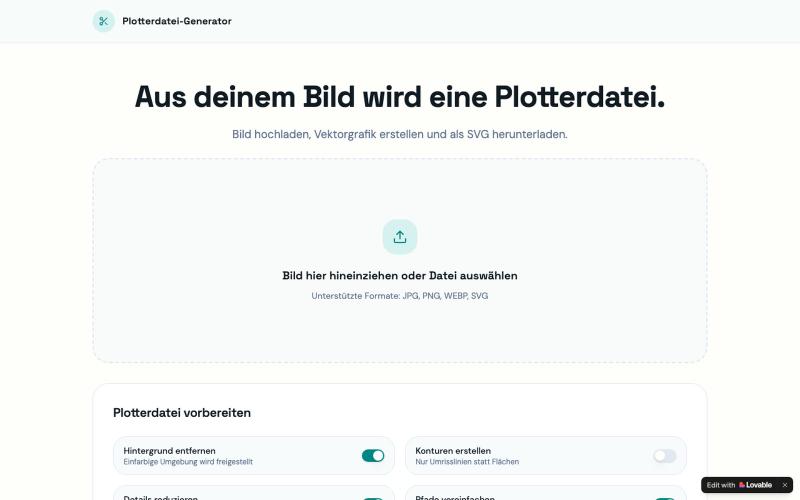
Convert images to SVG vector files for cutting plotters directly in your browser.

@PlotterAI01 · X
Check out what I just built with Lovable!
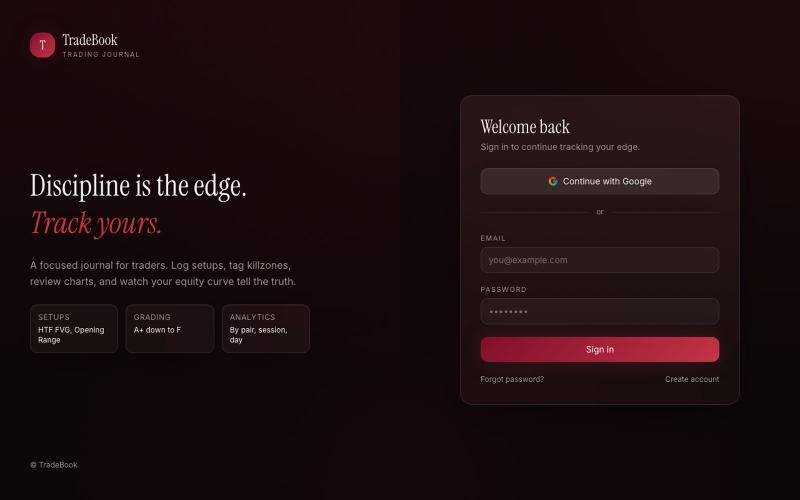
Trading journal to log trades and track equity curves, win streaks, and performance analytics.

@NimraWeb3 · X
So I vibe coded my own with Lovable TradeBook. Log trades w/ session, killzone, model, grade, R:R + screenshots, track multiple accounts, get a real dashboard (equity curve, win streaks, pair/session breakdowns). Demo: GitHub:

Browser tools for image resizing, JSON formatting, PDF processing, text analysis, and design without login.
musekit · Product Hunt
Free AI Tools Free browser tools for everyday tasks, no login
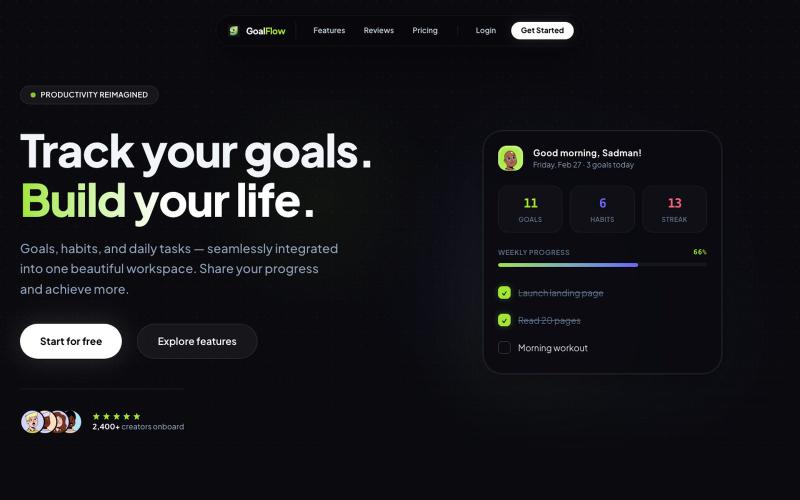
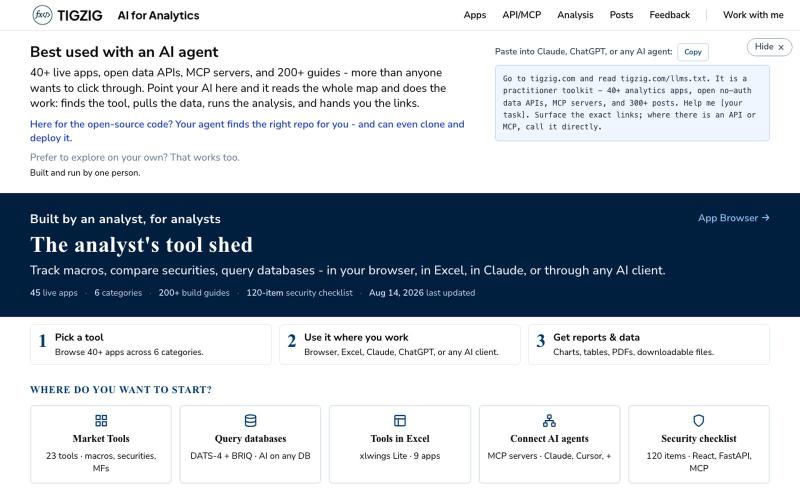
40+ analytics apps and APIs for data workflows—no signup needed, accessible in browser, Excel, Claude, and AI agents.

@amarHarolikar · X
I have rebuilt the Markdown to PDF converter on You paste your text or Markdown, you get a properly typeset PDF back, and your AI agent can do the same over MCP or a plain API call. No sign up, no key, free. Had built this a long time back as a fairly basic thing and then left it alone, and over the last few weeks I could see a rise in traffic. Took a fresh look and found that lot of it was not rendering. Headings below a certain level were being dropped, nested lists were coming out flat, and code blocks were losing their formatting. What is there now: - Page breaks where you want them, using :::pagebreak::: on a line by itself - Tables, nested lists, task lists and code blocks all render properly - Greek letters, maths symbols, arrows and the rupee sign come out right - Emoji and symbols do not break the render - Plain dot txt files keep their line breaks Live tool at API & MCP docs (humans): API & MCP docs (AI)
