
Developer Tools1 month ago
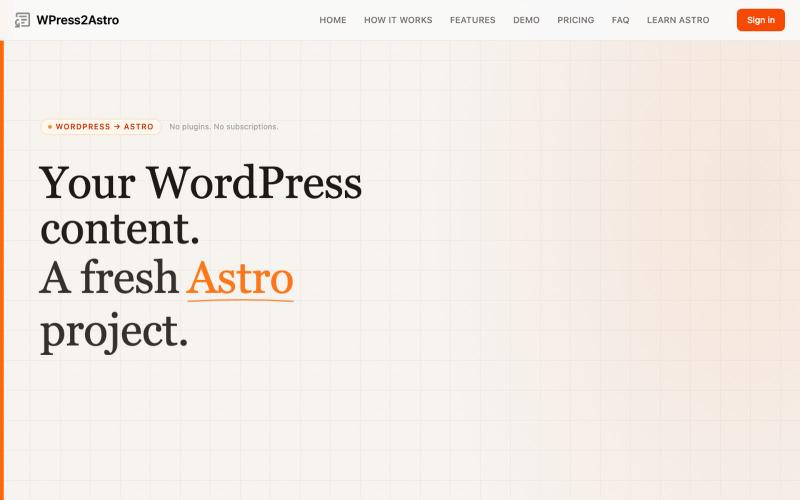
WordPress to Astro Starter Converter
Convert WordPress sites to production-ready Astro starter projects with clean Markdown.

@WPress2Astro · X
The full gallery
Tech stack
61 projects
Convert WordPress sites to production-ready Astro starter projects with clean Markdown.
@WPress2Astro · X
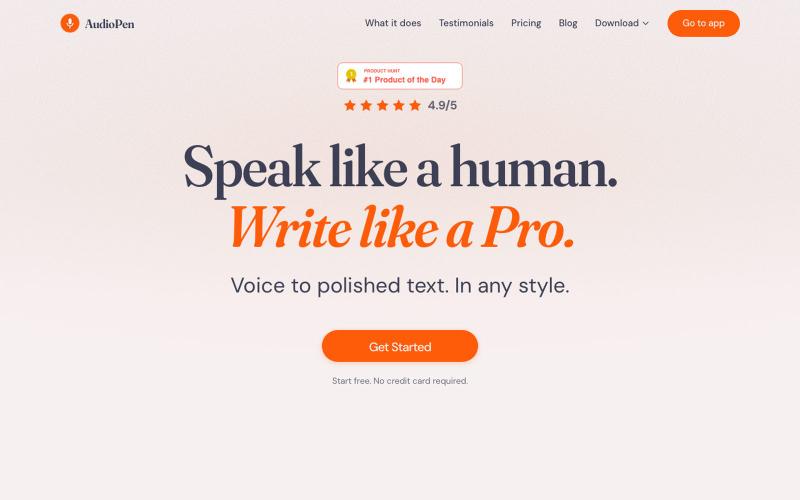
Convert voice to polished written text with customizable AI rewriting styles.

@louispereira · X
End of an era for me. I just moved web app out of Bubble, to a version i custom built with Claude. No Code gave me wings back in 2023, but it cannot compete with Claude in 2026 imo. Forever grateful to @bubble though. It changed my life.
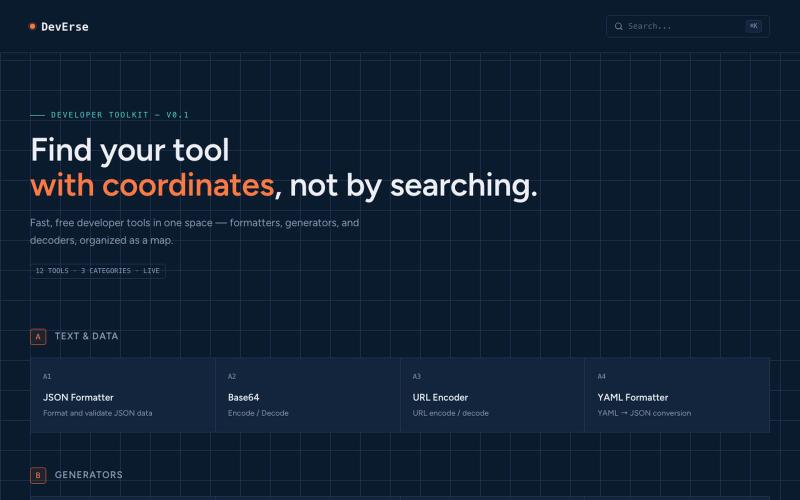
Free developer tools organized as a map, featuring formatters, generators, and decoders.

@AntiaIuri · X
Just shipped DevErse 🚀 A curated directory for dev tools & AI utilities built to speed up your workflow. It's super early stage — check it out and let me know your thoughts! 👇 🔗 #buildinpublic #indiehackers #laravel #reactjs
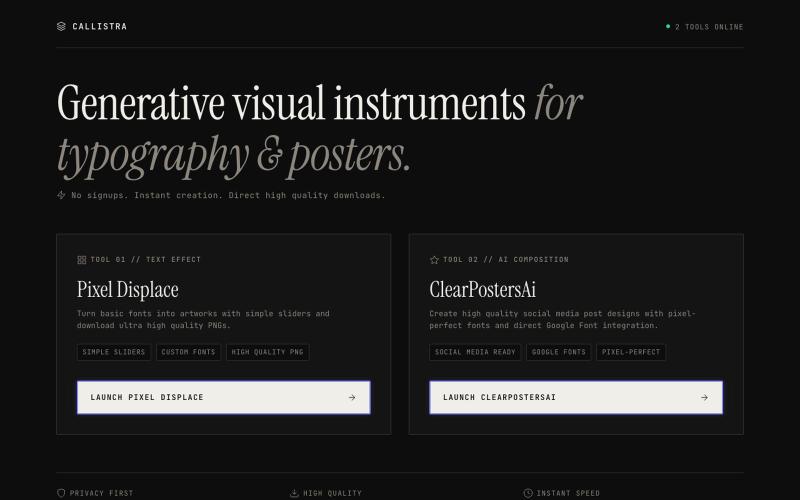
Precision design instruments for digital artisans. Launch Pixel Displace and ClearPostersAi.

@abdulbatenhere · X
0$ MRR. 0$ price. Two products are ready to use. A text styler suitable for people who wants to design anything with stylish typography. And a social media post maker for people who want pixel perfect graphic designs from AI. Both are free.
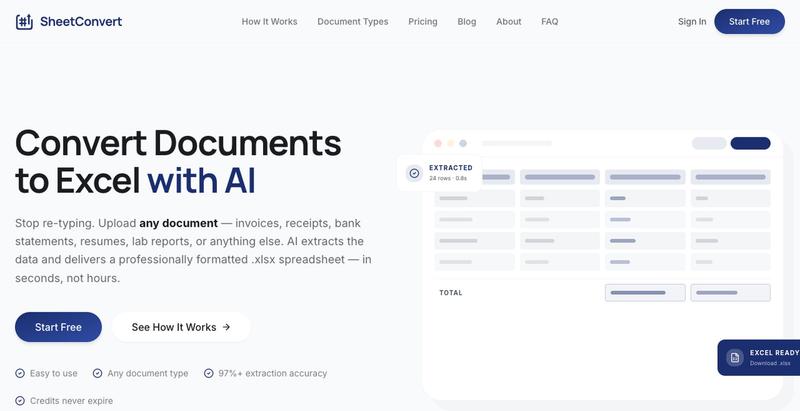
Convert invoices, purchase orders, receipts, bank statements, resumes, business cards, and more into structured Excel spreadsheets in seconds. Powered by Google Gemini AI. Pay only

@mauliikk · X
I recently built a product called You basically upload a document in bulk lets say you upload 50 receipts, sheetconvert will extract all the data in a categorised excel sheet
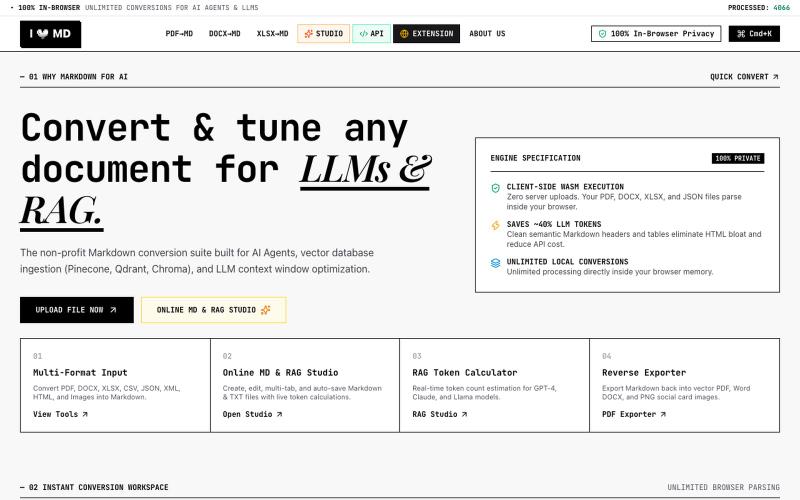
Convert PDF, DOCX, XLSX, CSV, JSON, XML, HTML, Images to clean Markdown optimized for AI Agents, RAG, and Vector DBs. 100% Privacy-First, In-Browser Conversion.

@13SahajChawla · X
For professionals to redact their client's sensitive informations before giving AI to process it & while converting any kind of document to a structured MD file. Better quality outputs, 100% privacy with on-browser local processing, and fully free!

Free in-browser PDF tools for merging, splitting, converting, and editing without uploading files.
u/Key_Caramel_5578 · Reddit
Built a free PDF toolkit solo (with AI help) — need feedback on the in-browser text editor before I keep pushing on it Been heads-down on this for a while: thepdftool.in Standard PDF stuff : merge, split, compress, convert, OCR — but most of the conversion tools run entirely client-side (WASM), so files never leave your browser for those. Built solo, leaned on AI tools for a good chunk of the code and debugging. The feature I care most about right now is an inline text editor :— click i

Edit, compress, convert, and merge video and audio files in your browser.
zhw2590582 · V2EX
最近对网站进行了重构,做成了免费的视频工具站:[ArtPlayer Tools]( https://artplayer.org/tools/) 主要是围绕着 ffmpeg.wasm 和 mediabunny 实现的一些可以直接在浏览器里用的视频/音频工具,常用的有: - 视频压缩:[Compress Video]( https://artplayer.org/compress-video/) - 视频裁剪:[Crop Video]( https://artplayer.org/crop-video/) - 视频合并:[Merge Video]( https://artplayer.org/merge-video/) - 视频尺寸调整:[Resize Video]( https://artplayer.org/resize-video/) - 视频旋转:[Rotate Video]( https://artplayer.org/rotate-video/) - 视频调速:[Change Video Speed]( https://artplayer.org/change-video-speed/) - 添加文字到视频:[Add Text to Video]( https://artplayer.org/add-text-to-video/) - 添加水印:[Watermark Video]( https://artplayer.org/watermark-video/) - 提取字幕:[Subtitle Editor]( https://artplayer.org/subtitle-editor/) - HLS 转 MP4:[HLS to MP4]( https://artplayer.org/hls-to-mp4/) - 音频可视化:[Audio Visualizer]( https://artplayer.org/audio-visualizer/) 大部分工具都是本地处理,文件不会上传到服务器。最开始是因为自己偶尔要处理一些视频,开剪辑软件又有点重,在线工具又担心隐私,所以就慢慢做成了一个站。 目前还在持续完善,体验肯定还有不少粗糙的地方,比如不同浏览器的兼容、移动端操作、长视频性能之类的。 网站: [ArtPlayer Tools]( https:
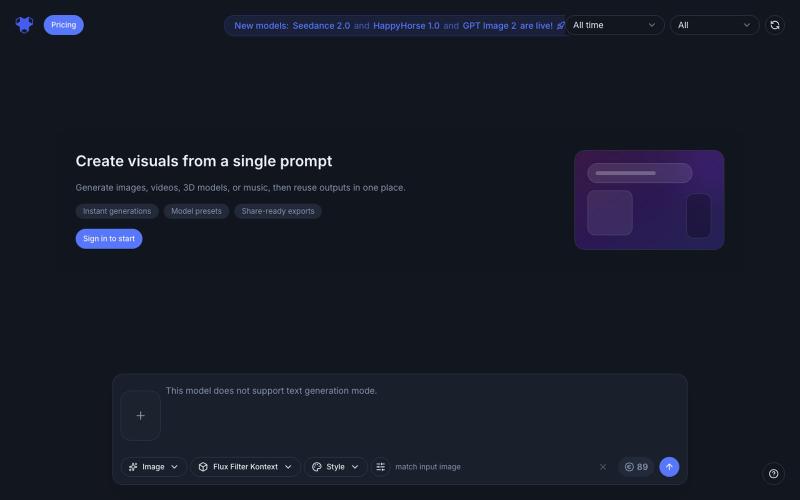
AI-powered generator that transforms photos and creates videos, music, and 3D content with various effects.
AI Filter — 用 AI 滤镜将你的照片变换为动漫、粘土、3D、像素、表情符号、视频游戏、贴纸等多种滤镜风格

Convert photos and videos to ASCII art, pixel art, mosaic, and more in your browser.

@kail_designs · X
Jokes aside but honestly (Landing page) was built with Claude (Opus 4.7) in 1 day. But no, it was not just four prompts or some random skills. Here's how I built the entire AsciiMagic landing page with Claude in one day👇 Started with a rough sketched wireframe. Then designed it in @paper Then I used the Paper MCP with Claude to recreate that design in code and get a solid first version running. From there, the real work began. I kept iterating with specialised Claude skills: • impeccable • frontend-design • emil-design-eng • review-animations • responsive-design • seo-audit Each one improved a different part of the experience. By the end, the page had: • Mobile-first responsiveness • Better SEO optimised copy • Smooth micro-interactions • Cleaner frontend architecture Then came the part people don't see. For the next 5–6 hours, I wasn't asking Claude to "make it prettier." I was: • Fine-tuning layouts • Uploading and compressing assets • Moving files across diff
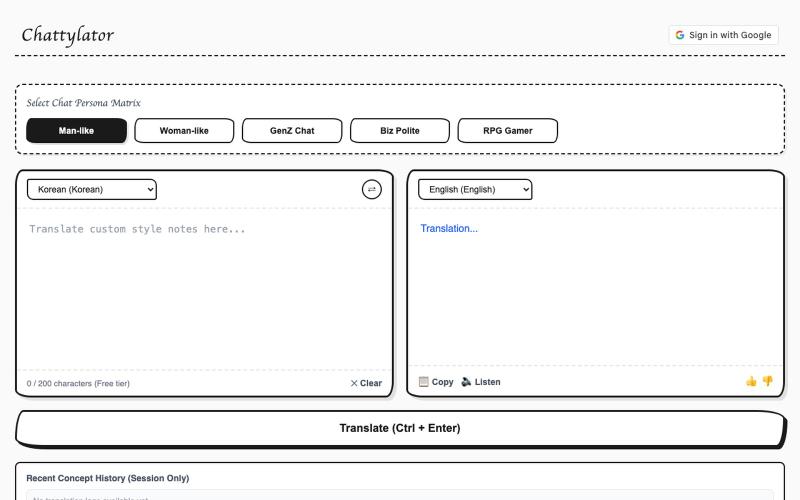
Translate text while preserving tone and nuance with customizable speaking styles.

@CJKA56U1Xv2CA2p · X
Just launched an AI translator Ive been working on Instead of only translating words, it tries to preserve the tone and nuance of the original text, with different speaking styles to choose from I'd love to hear your feedback! 🔗 #BuildInPublic #tools
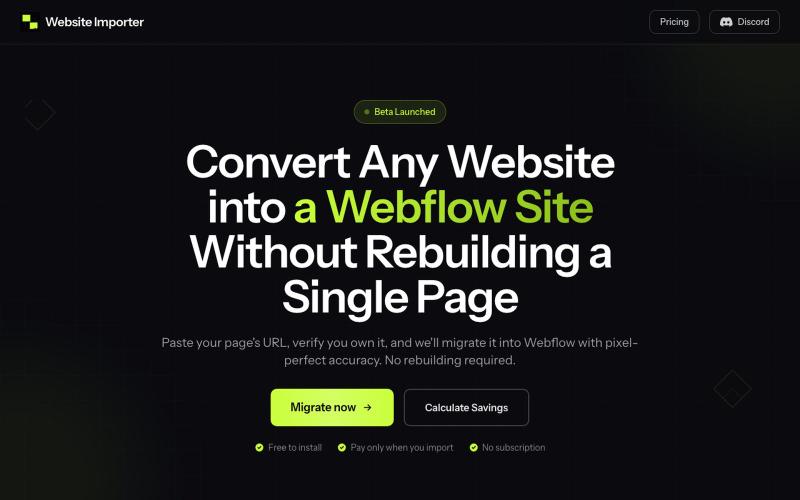
Paste a website URL to convert it into a Webflow site with pixel-perfect layout and styling preserved.

@elvis_cibalinda · X
Convert your #lovable site to #Webflow and scale