

Health & Wellness4 days ago
OùSuisJe — GPS vocal pour personnes aveugles
A web app that announces your GPS location and address aloud to help blind and low-vision people navigate.

@JOFIMAN · X
Check out what I just built with Lovable! 🤗
The full gallery
Tech stack
60 projects
A web app that announces your GPS location and address aloud to help blind and low-vision people navigate.
@JOFIMAN · X
Check out what I just built with Lovable! 🤗
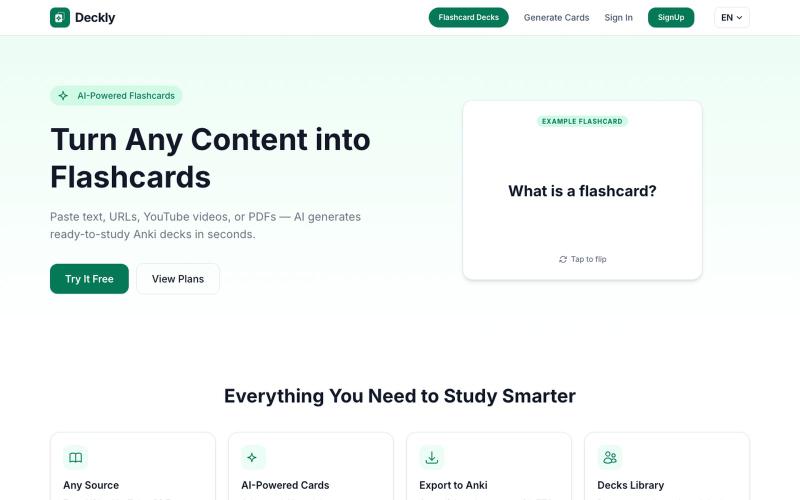
Turn YouTube videos, PDFs, and URLs into Anki flashcard decks in seconds.
u/holios89 · Reddit
Built an AI SaaS that turns your notes/articles/PDFs into study flashcards — looking for harsh feedback (and bugs) Hey folks, Solo/small side project here: Deckly ( deckly.one ) — an AI-powered flashcard generator for spaced-repetition learning (Anki-compatible export). You give it text, a PDF, or an article link, it generates a deck of flashcards (Q&A, Cloze, or multiple choice), optionally with TTS audio and images per card, and you can study it right in the browser or export to `.apkg`.
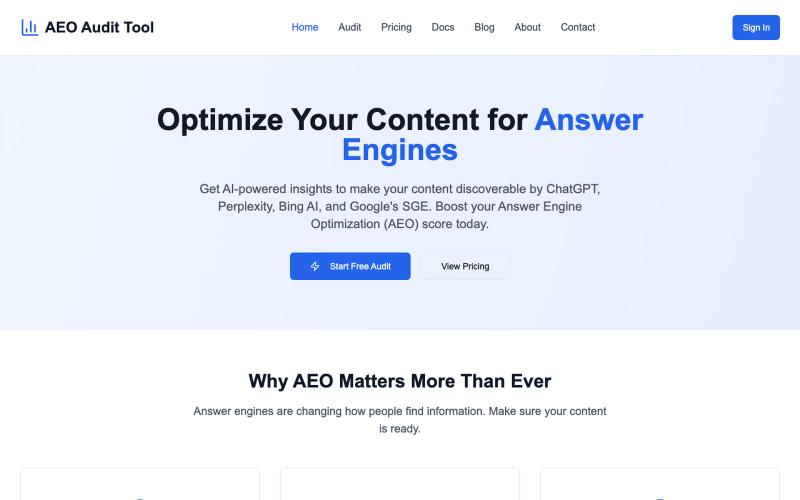
Audit your content's performance for AI-powered search engines.

@BayofDomain · X
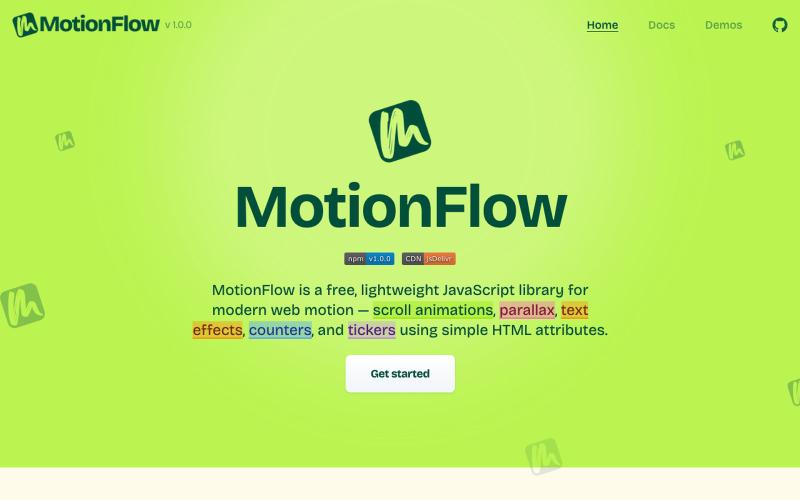
Free JavaScript library for adding scroll animations, parallax effects, and text animations to websites using HTML attributes.

@iamdeepak89 · X
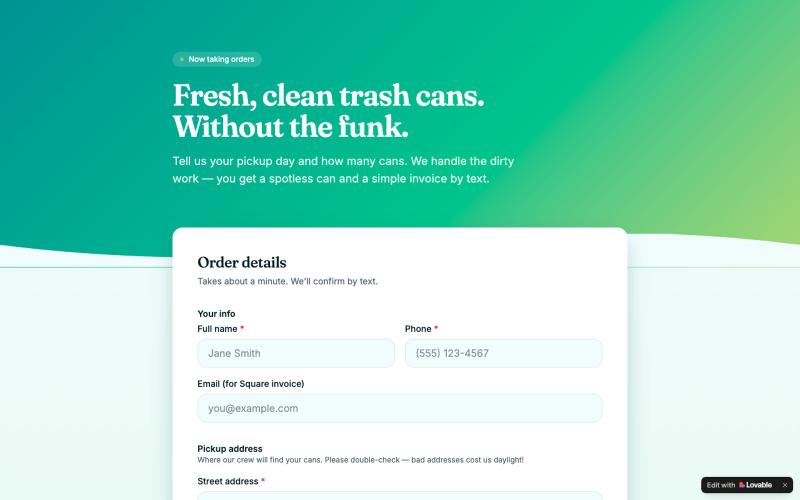
Order professional trash can cleaning service for scheduled pickup.

@rockoouytn · X
Check out what I just built with Lovable!
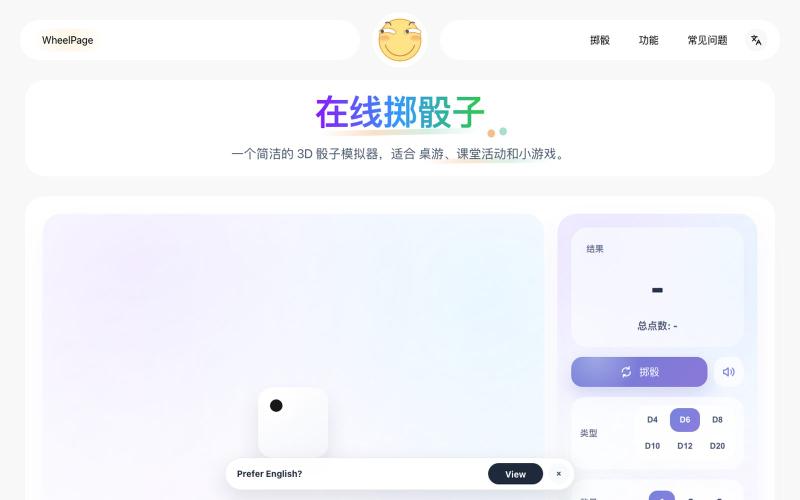
Roll 3D animated dice (D4-D20) for tabletop games instantly.
Nalife520 · V2EX
最近用 Codex 做了一个 3D 骰子! 最近做了一个很小的网页工具:3D 骰子。 做完后有点纠结: 这种小工具到底应该保持极简,还是把常见功能都补上? 抛骰子: https://wheelpage.com/zh/dice-roller/ Dice Roller: https://wheelpage.com/dice-roller/ 现在功能很简单:打开页面,点一下,骰子滚动,然后给出结果。 一开始觉得骰子就是 1 到 6 的随机数,应该很好做。 但做的时候发现,如果只是直接显示数字,又不太像“掷骰子”;做成 3D 动画,又担心有点多余。 现在倾向于先保持简单,打开就能用,不加太多设置。 顺便也做了一个抛硬币页面: https://wheelpage.com/zh/coin-flip/ 它和骰子类似,都是临时做随机决定的小工具。
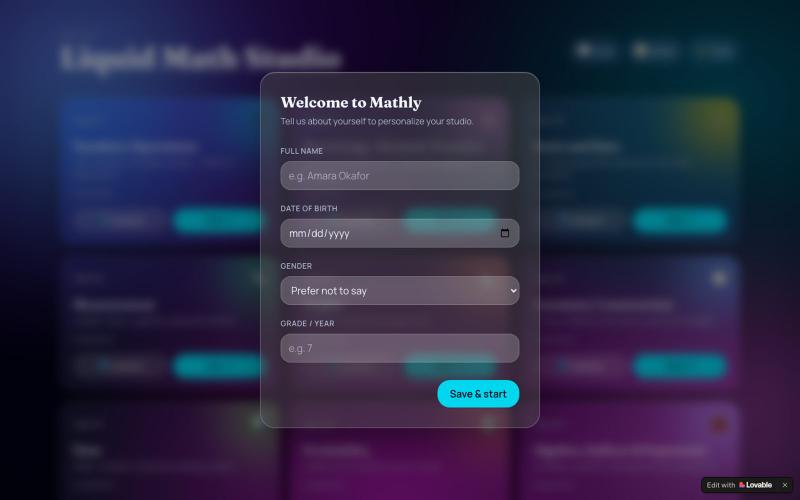
Learn math through interactive quizzes across 9 topics with an AI tutor and liquid-glass interface.

@AsedaKingVpryi · X
Check out what I just built with Lovable!
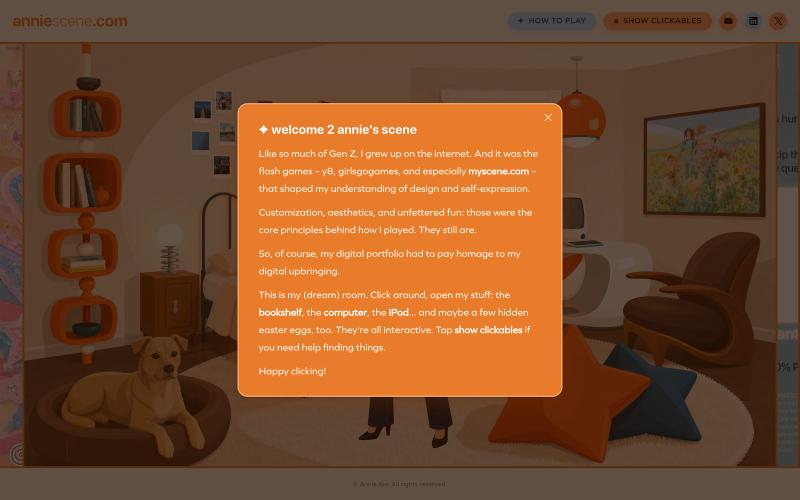
Click through a Gen-Z bedroom with working iPod, bookshelf, and hidden easter eggs.
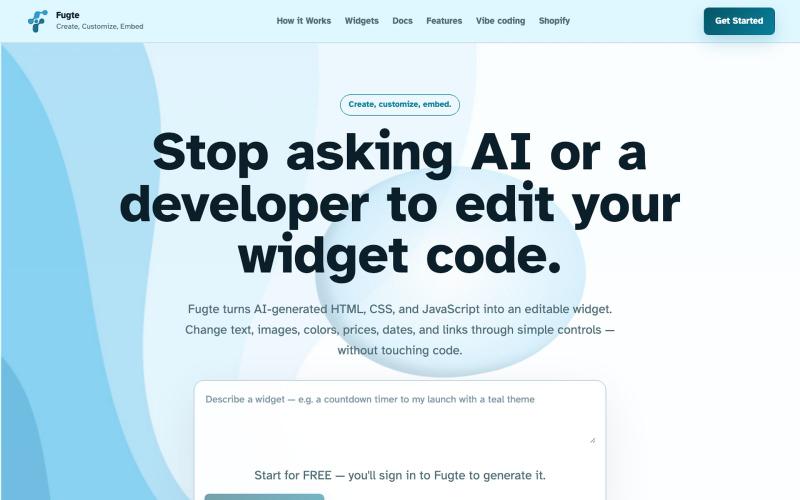
Create and customize interactive widgets with AI and embed them on any website.

@fugteapp · X
which empowers nontechnical users to be able to customize code generated by AI or developer, and be able to share and embed it to the website they are already using
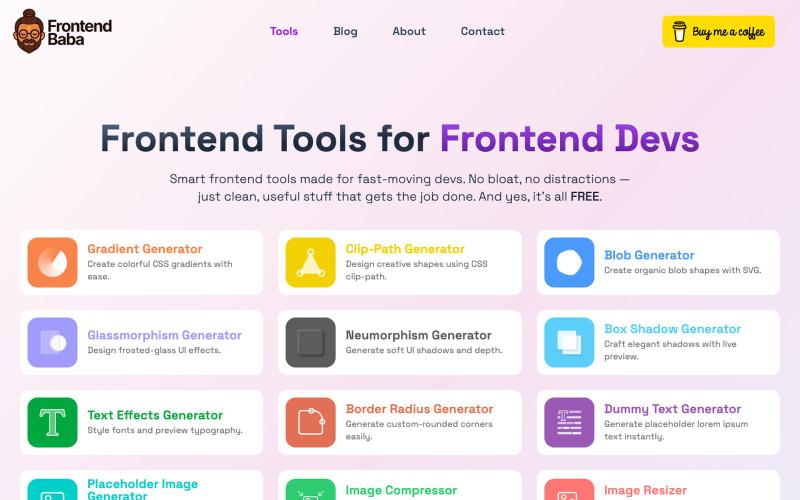
Free frontend developer tools for CSS generation, image compression, and more.
@iamdeepak89 · X

Screen recorder for Mac & Windows with auto-zoom on clicks, gradient backgrounds, and webcam overlay.

@zuess05 · X
Shipped some banger updates to

Generate and edit AI images for product shots, ads, portraits, and thumbnails via text prompts.
Plugcamp · V2EX
最近在折腾一个小站,主要是围绕 Nano Banana 2 Lite 做图片生成和图片编辑: https://nanobanana2lite.me/ 一开始只是自己想要一个比较轻的入口,用来快速试 prompt 。后来发现每次测图都会遇到几个重复问题: - prompt 写完之后,不知道适合什么比例 - 文生图和图生图入口经常混在一起 - 想找几个可复制的 prompt 示例,但很多站要么太重,要么示例不够直观 - 只是想快速生成一张产品图、头像、广告图、封面图,不想进一个很复杂的工作台 所以就做了这个站。 目前主要有几个部分: - Text to Image:直接输入 prompt 生成图 - Image to Image:上传一张图,再用 prompt 做改图 - AI Image Editor:偏日常编辑,比如换背景、改光线、改风格 - Prompt Library:整理了一些可直接复制的 prompt - Gallery:放了一些 before/after 和示例图 我自己比较在意的是首页别太像传统 SaaS 落地页,所以最近一直在改视觉。之前太干了,后来加了一些更丰富的样张和暗色主题,但也还在调。 这个站不是 Google 官方产品,只是一个第三方工具站。现在更多是想把「轻量、直接、可复制」这件事做好。 如果大家有空的话,想请教几个问题: 1. 首屏看起来会不会太营销,还是说信息还算清楚? 2. 对图片工具来说,大家更想先看到生成表单,还是先看到效果案例? 3. Prompt Library 这种页面有没有用,还是大家更习惯直接自己写? 4. 如果你平时会用 AI 生成图,最常用的场景是产品图、头像、封面、广告图,还是别的? 欢迎拍砖,尤其是 UI 、文案、信息结构这块。 链接再放一次: https://nanobanana2lite.me/