
Creative Tools2 weeks ago
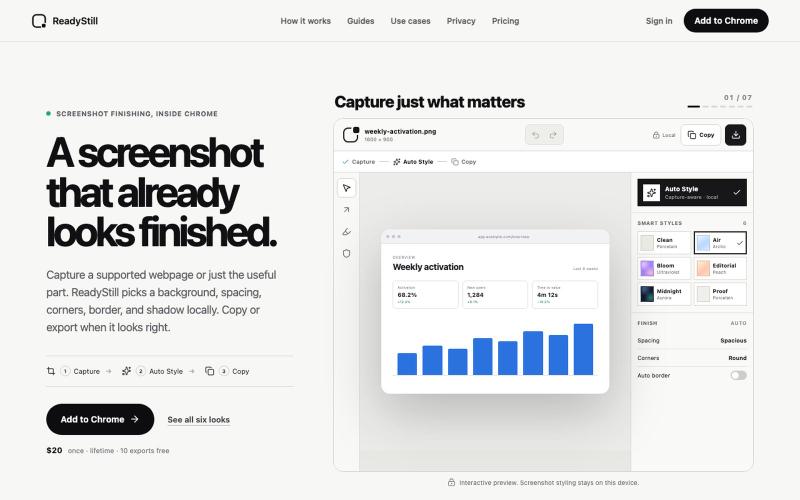
ReadyStill — Chrome Screenshot Editor & Launch Pack
Turn webpage screenshots into polished launch images with privacy-reviewed editing.

@pradeepXkapoor · X
It’s A simple screenshot beautifier chrome extension!
The full gallery
Tech stack
60 projects
Turn webpage screenshots into polished launch images with privacy-reviewed editing.
@pradeepXkapoor · X
It’s A simple screenshot beautifier chrome extension!
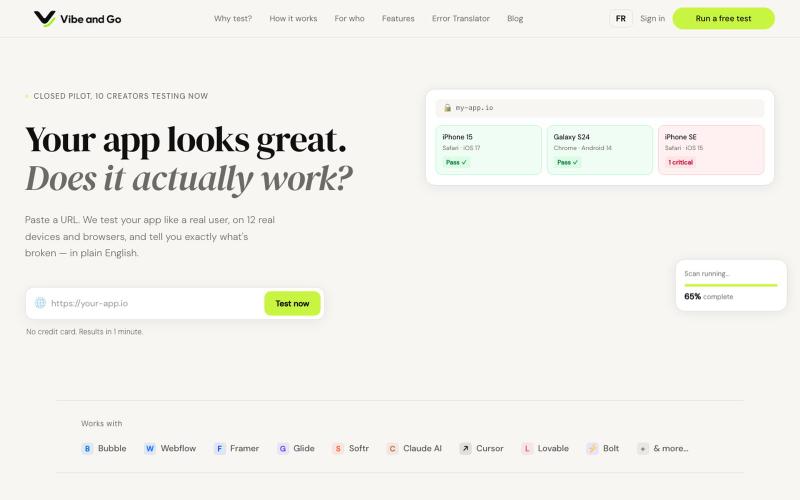
Test your app across devices and browsers to catch bugs automatically in minutes.

@vibe_and_go · X
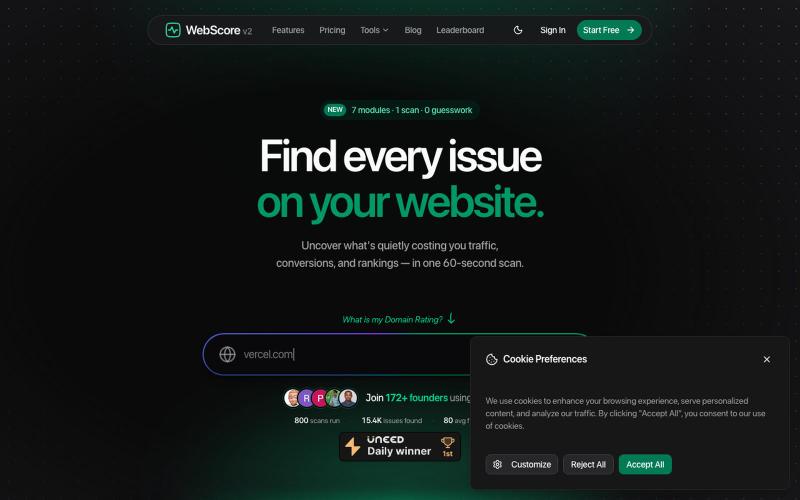
Free website analyzer & SEO audit tool — scan any site for performance, SEO, security, accessibility & UI/UX issues in 60 seconds. Fix what hurts your ranking.

@WebScore_now · X
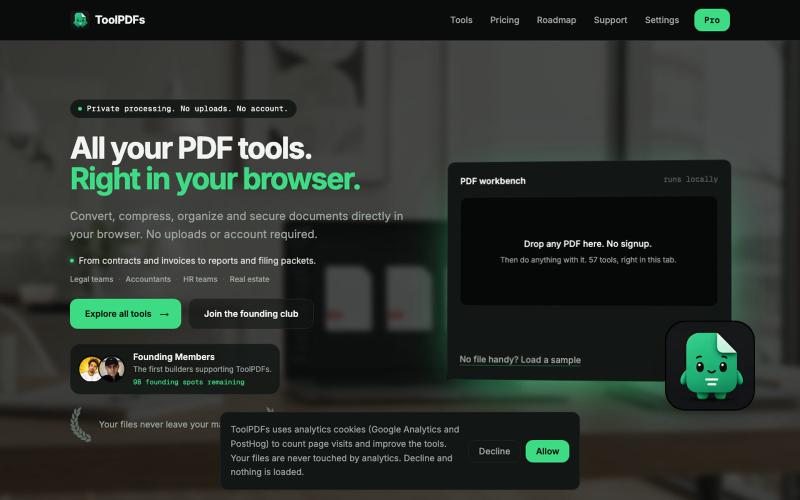
Edit, merge, compress, and convert PDFs with 57 free browser-based tools. No signup, uploads, or watermarks required.

@divvsaxena · X
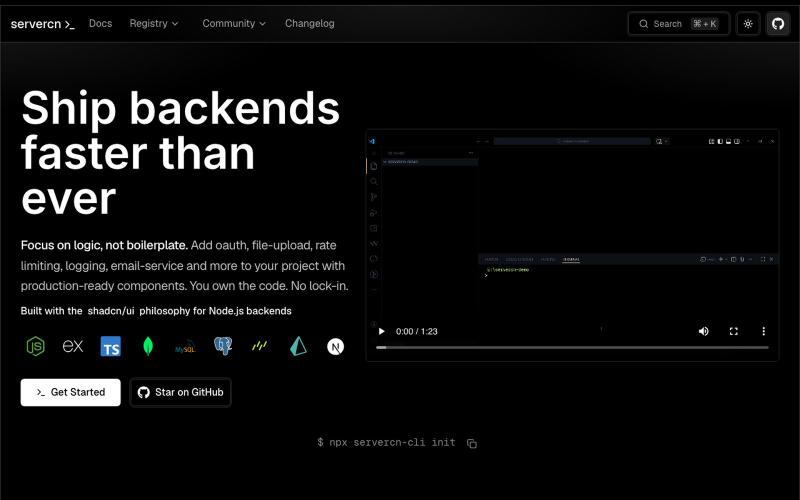
Browse and copy production-ready Node.js backend components inspired by shadcn/ui

@_akkal_dhami · X
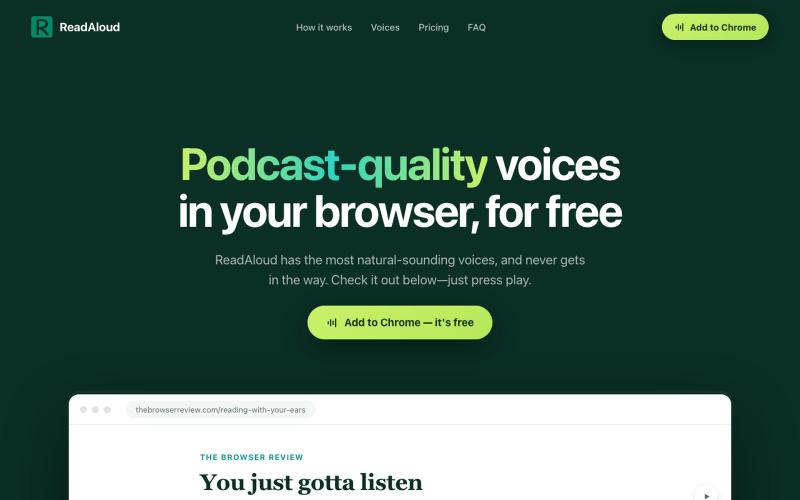
Reads articles aloud in your browser with podcast-quality voices.
DmitryDolgopolo · HN
ReadAloud – on-device, podcast-quality text-to-speech in the browser
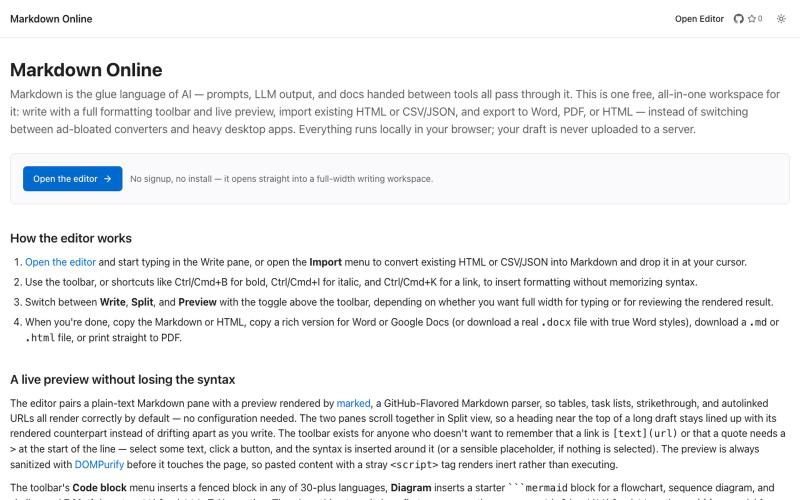
Browser-based markdown editor with live preview and export to HTML, Word, and PDF.
u/Eleraffa · Reddit
Built a browser-only Markdown editor for my own daily LLM workflows — live DBML schemas, proper DOCX export, token counts Hey r/SideProject , I move a lot of text between LLMs, local docs, and web tools every day. I couldn't find a lightweight browser editor that handled a few specific micro-annoyances without shoving ads in my face, requiring a signup, or routing text through a server. So I vibe-coded Markdown Online (mostly hacked together with Claude) to solve my own itch. It’s a plai
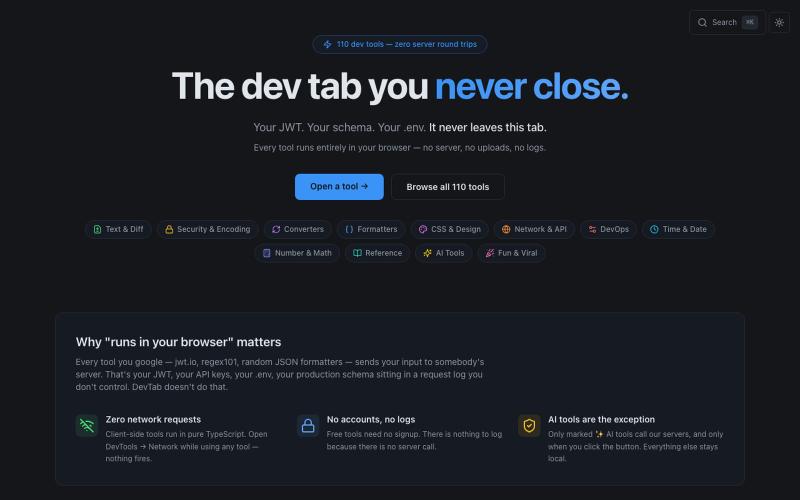
110+ free developer tools including JSON formatter, JWT decoder, and regex tester that run entirely in your browser.

@abhilakshharora · X
Just launched DevTab on Product Hunt 🚀 110+ dev tools that run 100% in your browser. Zero server calls. No signup. Free forever. Would love your support 🙏 → #buildinpublic #DevTools

Automate Twitter/X posts and replies with AI, and monitor accounts via browser extension.
u/alexkendig · Reddit
I got tired of paying monthly for X tools, so I built a BYOK/Local browser extension instead Hey everyone, I use X/Twitter to share product updates, find customers, and build an audience. The problem is that most X tools eventually become another expensive subscription. TweetHunter, Typefully style tools, schedulers, AI assistants, outreach tools, it adds up quickly, often $30–$90/month. So I built Tweetback, a browser extension workspace for X that uses your own AI key in
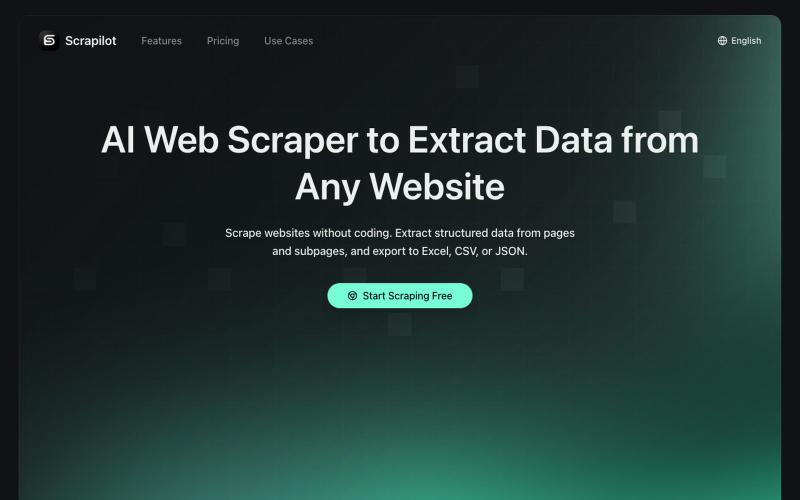
Extract tables and data from any website with one click, export to Excel or JSON.
Scrapilot — AI 爬虫插件,零代码采集任意网页数据,运行在真实浏览器中,天然抗反爬,支持定时自动化工作流
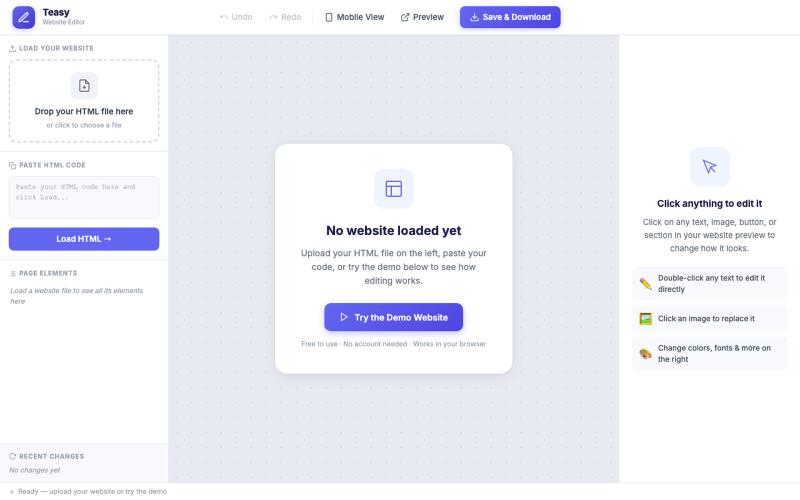
Edit any HTML website visually in your browser without coding or sign-up needed.

@TakeBaseInfo · X
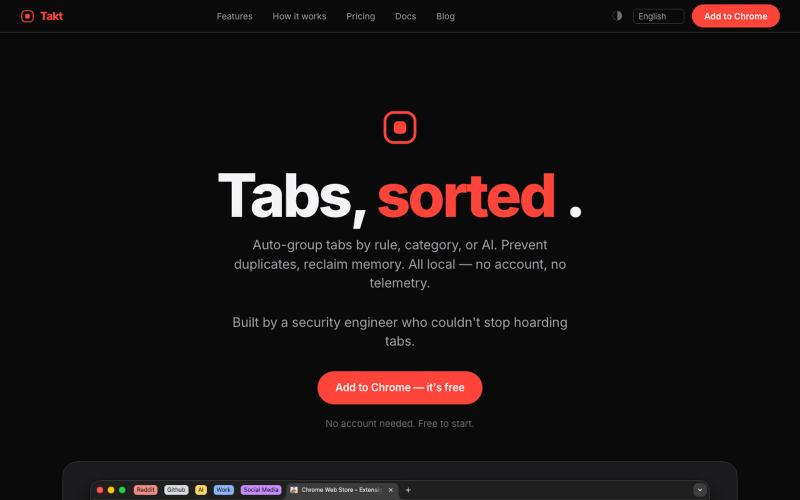
Chrome extension that groups tabs automatically, prevents duplicates, and tracks resource usage.
u/-Leelith- · Reddit
Takt tab manager Update n°4: Adding 6 languages translations, (almost) fully interactive demo, an AI grouping feature, reworked our onboarding and fixing many bugs After discovering this sub and my first post , sharing my update n°4: We mentioned on the update n°3 that we wanted to build a live interactive demo. So we did that and build an almost identically fully interactive "try before you install" demo of the extension. The goal was to have a demo that converts a browser visit into a