ruanzhubao
软著宝 — AI 生成全套软著材料(包括 8 张软件截图、详细图文文档鉴别材料、60 页原创源代码等)- [更多介绍](https://ruanzhubao.com/blogs/ruanzhubao-shuomingshu)

The full gallery
Tech stack
60 projects

软著宝 — AI 生成全套软著材料(包括 8 张软件截图、详细图文文档鉴别材料、60 页原创源代码等)- [更多介绍](https://ruanzhubao.com/blogs/ruanzhubao-shuomingshu)

Audit your landing page across 22+ factors in under a minute. Dashboard AI copilot, grade trends, analytics, and Reddit leads in one workspace.
@Canvasowl · X
Building the best way to audit your landing page and find leads:

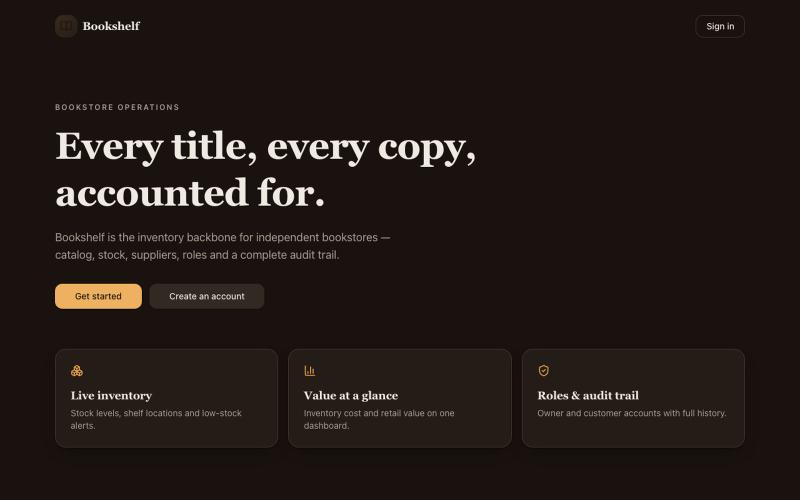
Track titles, stock levels, suppliers and staff activity for your bookstore in one workspace.
@asta30201 · X

Put your project's live numbers — GitHub stars, uptime, users — on one page you share. Like Linktree for your infrastructure.
@haukejung · X
Show your stats and keep your projects in view with Claim for just 29 $ ✌️

AI-powered SEO platform that automates keyword research, competitor analysis, and content strategy through autonomous agents.
@cairndev · X

Browse 1,200+ curated logo designs for inspiration across symbols, wordmarks, and animated styles.
@taher_max_ · X
Building and

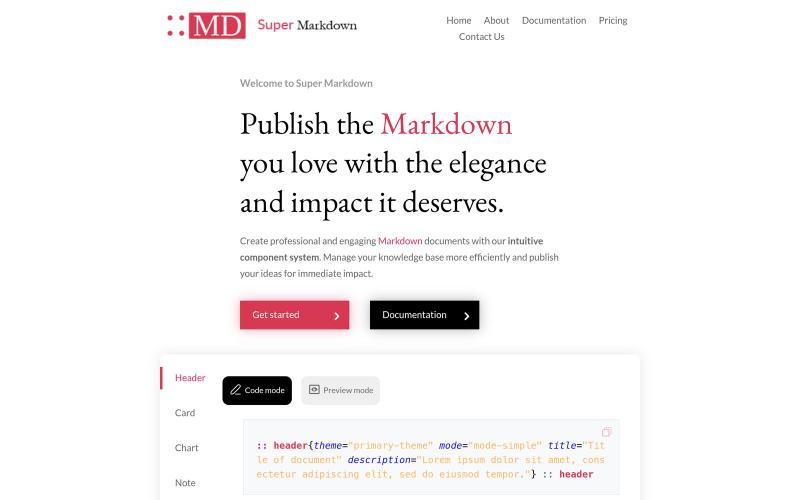
Create and style markdown documents with components to organize and publish your knowledge base.
@sidbyok · X
Write your documents in Markdown with a professional visual rendering without HTML/CSS, just native Markdown.

A no-code website builder for designers and developers. Build visually, export your website, and host it anywhere.
@montychandwani · X

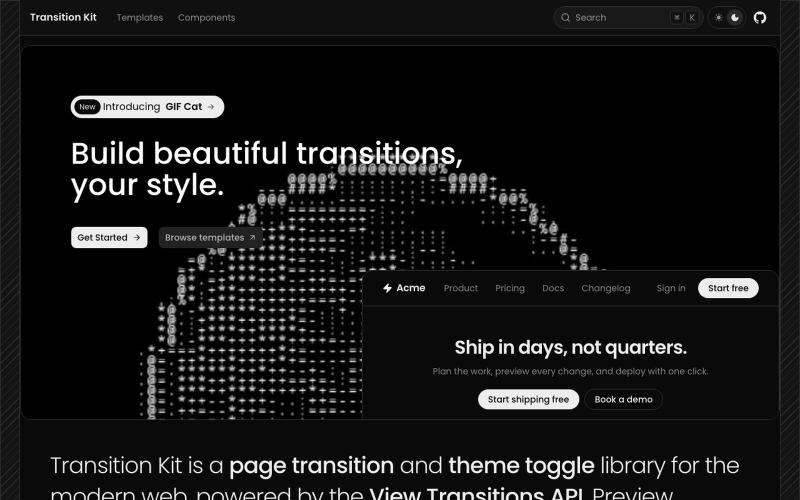
Browse 30+ page transition and theme toggle templates. Fade, slide, scale, flip, blur, mask reveals, and 3D transitions for the View Transitions API.
@abd_mukadam · X
Just click it:

Create a portfolio page showcasing your AI projects, including problems, stacks, and outcomes.
@mystaxxai · X

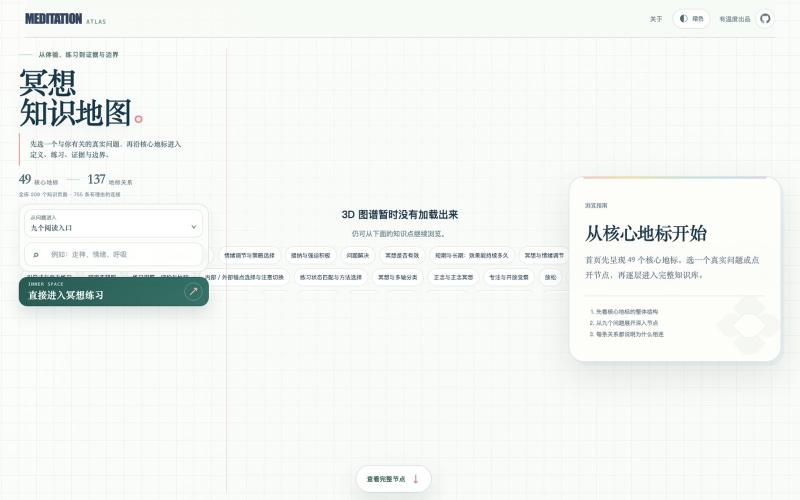
Guide to meditation fundamentals with an integrated 10-minute meditation practice tool.
@bian_bx57386 · X
最近做了一个「冥想知识地图」+ 一个「10分钟快速冥想工具」,已经完全开源👇 10分钟快速冥想: 冥想知识地图: GitHub: 之所以做这个小产品,是因为越来越多人想开始冥想,但真正动手时会卡在两个地方: 1. 不知道从哪开始——听过很多术语,却分不清「正念」和「观想」到底有什么区别,也不知道自己当下最需要哪种。 2. 觉得时间太长、门槛太高——很多人一听要坐20-30分钟就直接放弃了。 所以我顺便做了一个「10分钟就能完成一次完整冥想」的工具:打开就能直接用,选好类型,跟着引导做完就走,不需要任何准备。 这些也是我自己和身边朋友在尝试冥想时反复遇到的问题,所以想做一个既帮你「搞懂」又帮你「马上能用」的东西。 而「知识地图」是吧把冥想里最容易懵的概念(呼吸法、身体扫描、正念、慈心、观想……)做成了可左右滑动的知识地图,每个都有解释、步骤、场景和常见误区。 配套10分钟的训练,让你知道为什么、怎么做。 之前我写过一篇冥想文章,如果对冥想不太了解的可以先看这个:

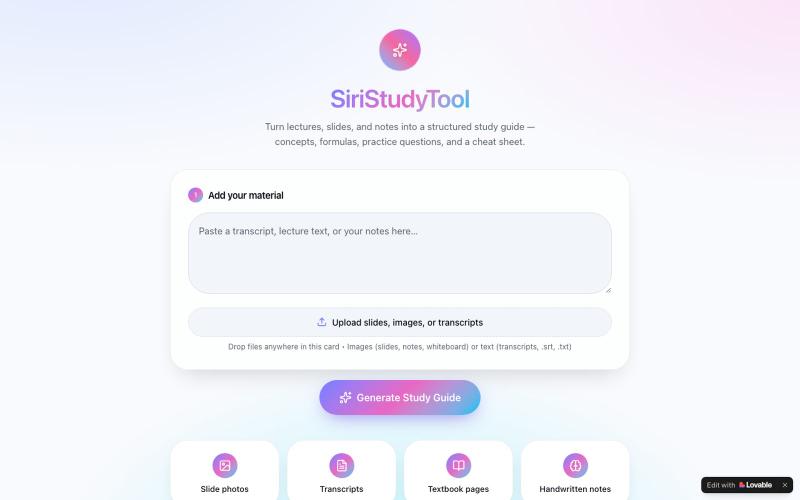
Upload slides, notes, or textbook images to generate AI-organized study guides with key concepts and practice questions.
@SundayEzek4130 · X
Still struggling with long lecture notes? Turn any difficult course into simple, easy-to-read notes in seconds. 🚀 Try it now: Check out what I just built with Lovable!