

Productivity6 days ago
把 Markdown 一键排版成可复制到公众号和 Word 的成品 | PrismMark
Convert Markdown to formatted content for WeChat Official Accounts, Word, and PDF export.

@bingobray · X
我做了一个类似的工具: 除了支持公众号,还支持word和pdf😁
The full gallery
Tech stack
60 projects
Convert Markdown to formatted content for WeChat Official Accounts, Word, and PDF export.
@bingobray · X
我做了一个类似的工具: 除了支持公众号,还支持word和pdf😁

Upload a sky photo for AI-powered cloud identification and educational weather information.
在线云朵识别 — 上传天空照片,用 AI 即时完成云识别与云分类,了解积云、层云、卷云等常见云型及典型天气、出现高度与形成过程,适合学生、摄影爱好者与天气科普学习。
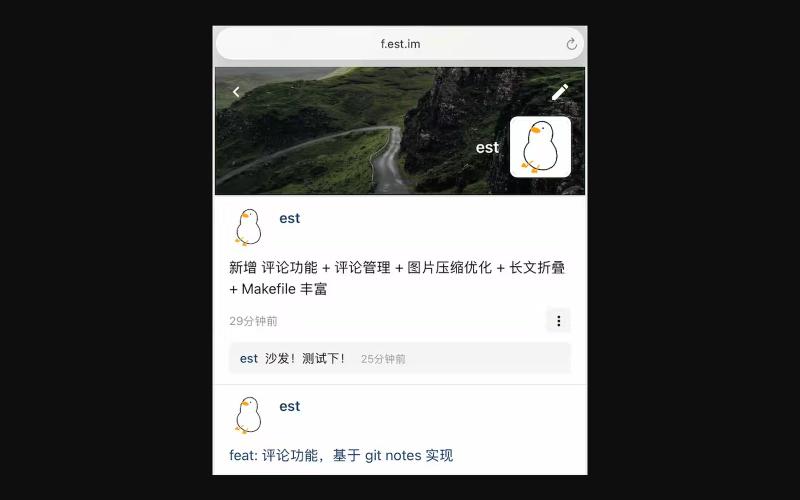
Share updates and moments on a web-based social network inspired by WeChat Moments.
est · V2EX
无聊,复刻了个 web 版的 微信朋友圈 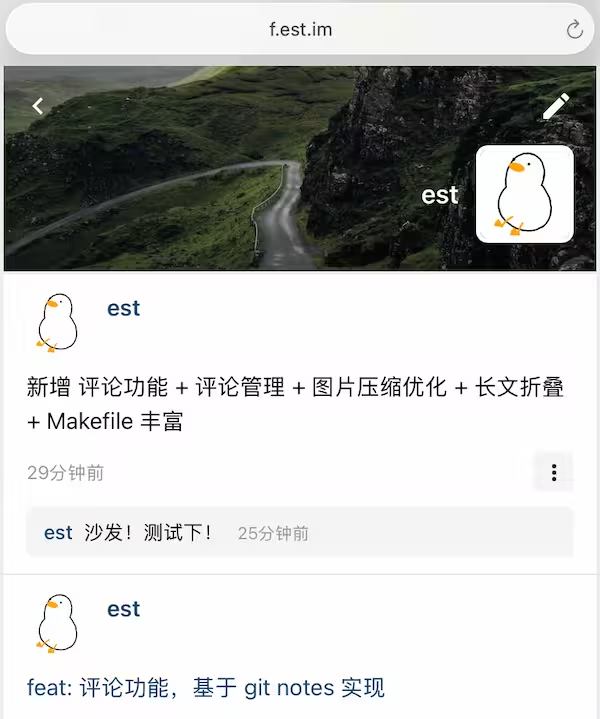 <https://f.est.im/> 要说亮点还是有,所有发帖+评论数据,包括这套代码本身,都在[一个 git 仓库]( https://github.com/est/gitweets)里。搬家比较容易 说明 [1]( https://blog.est.im/2025/stdout-05) [2]( https://blog.est.im/2026/stdout-28) 大家提点看法?
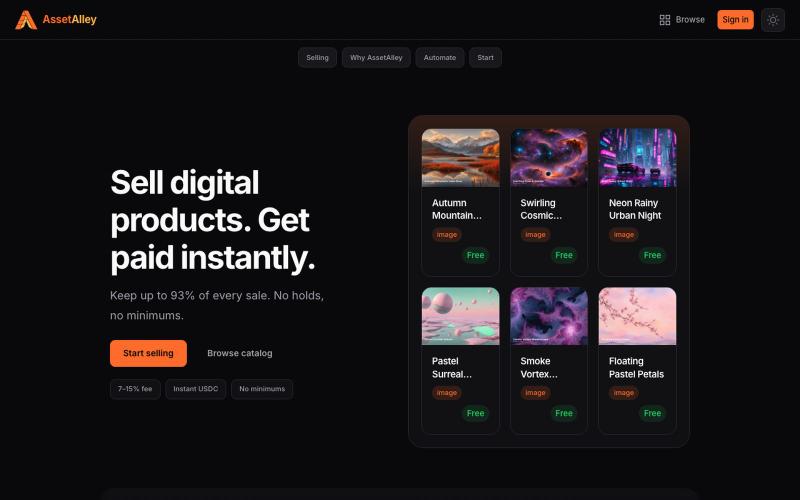
A digital product marketplace for sellers. List images, graphics, presets, and templates. Low fees, instant USDC payouts, no waiting on your money.

@TheTaiClaw · X
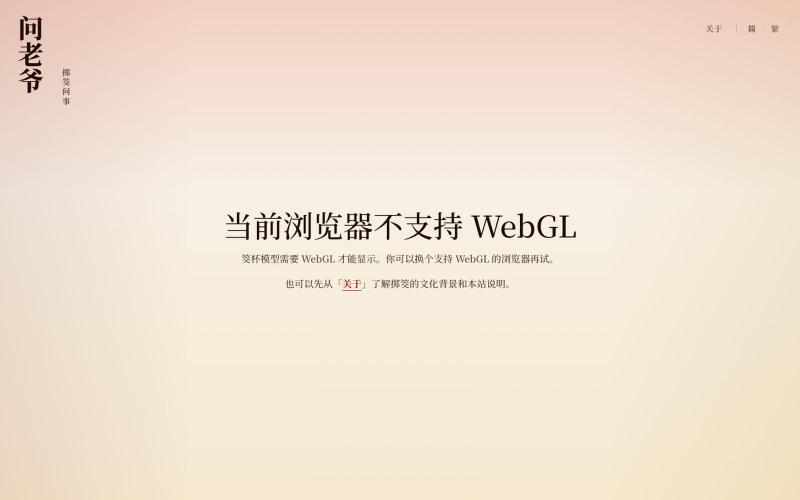
Throw virtual jiao cups in 3D to get your divination result.
Demo1024 · V2EX
重看《周处除三害》后,我做了个 3D 掷筊小网站 大家好,我最近重看了一遍《周处除三害》。 然后看到电影里陈桂林在关圣帝君面前连续掷出九次圣杯,随后决定自首。筊杯一次次被抛起,他也在一次次落定的结果面前挣扎,直到不得不作出选择的时候,我突然也想试试掷筊,就是去掷几下玩一下。 结果我搜了半天,发现基本上类似的在线掷筊工具都做的挺拉胯的。基本都是点一下,然后给你个随机的结果,没有过程,没有仪式感。然后我就觉得不如我自己做一个。 所以就和 Codex 协作做出了当前这个版本的 3D 掷筊小网站: https://asklaoye.com/zh-Hans 名字叫「问老爷·掷筊问事」,取名源于潮汕地区,一般把这种请示神明的过程称之为问老爷。 和现在能搜到的那些在线掷筊工具相比,问老爷里的两枚筊杯会经过实际的 3D 物理运动:向上抛起、碰撞、落地,最后根据两枚筊杯停稳后的朝向,判断是圣杯、笑杯还是阴杯。由于我限制了投掷范围为网页全局视口,所以也会出现卡边之类的特殊情况,这个时候就会显示未定结果。 然后网站里面的筊杯的 3D 模型,还是我专门充值了 70
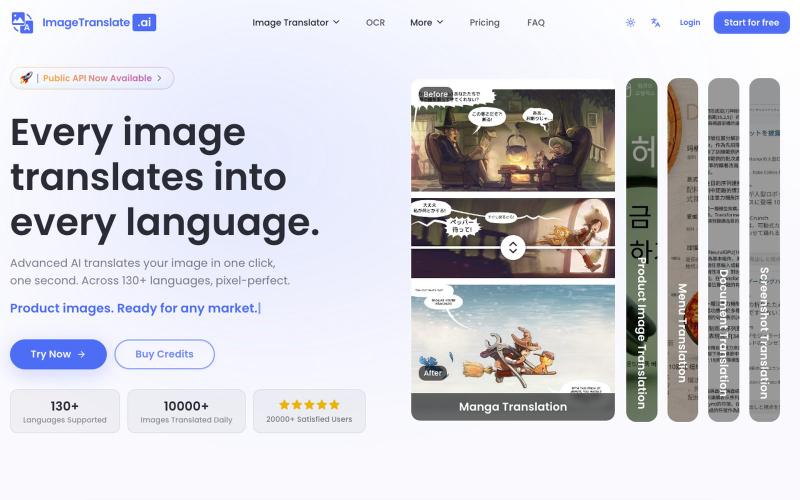
Upload an image to translate its text to 130+ languages instantly.
Image Translate AI — AI 图片翻译软件,翻译 70 多种语言的图片文本,专为专业人士,电商商家打造。保持图片原始布局,扩大全球影响力,并简化本地化流程
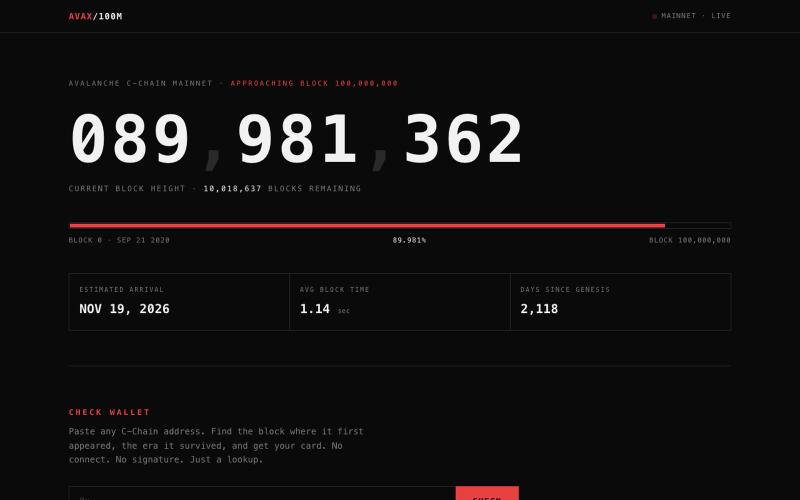
Check when your wallet joined Avalanche C-Chain and rank by tenure.

@Alf444_ · X
vibe coded this today. the @avax c-chain is ~10M blocks away from block 100,000,000 and nobody was counting. so now there's a counter. paste your address, get your card. rank by tenure, era by first tx. no connect, no signature. inspired by a page from a chain that shall remain nameless. open to suggestions eras, ranks, missing lore. i'll add the good ones. Here’s mine

AI fact-checking platform that verifies news, videos, images, and claims with instant truth scores.

@Banshee_1212 · X
building a deepfake detection platform,

Generate and edit AI images for product shots, ads, portraits, and thumbnails via text prompts.
Plugcamp · V2EX
最近在折腾一个小站,主要是围绕 Nano Banana 2 Lite 做图片生成和图片编辑: https://nanobanana2lite.me/ 一开始只是自己想要一个比较轻的入口,用来快速试 prompt 。后来发现每次测图都会遇到几个重复问题: - prompt 写完之后,不知道适合什么比例 - 文生图和图生图入口经常混在一起 - 想找几个可复制的 prompt 示例,但很多站要么太重,要么示例不够直观 - 只是想快速生成一张产品图、头像、广告图、封面图,不想进一个很复杂的工作台 所以就做了这个站。 目前主要有几个部分: - Text to Image:直接输入 prompt 生成图 - Image to Image:上传一张图,再用 prompt 做改图 - AI Image Editor:偏日常编辑,比如换背景、改光线、改风格 - Prompt Library:整理了一些可直接复制的 prompt - Gallery:放了一些 before/after 和示例图 我自己比较在意的是首页别太像传统 SaaS 落地页,所以最近一直在改视觉。之前太干了,后来加了一些更丰富的样张和暗色主题,但也还在调。 这个站不是 Google 官方产品,只是一个第三方工具站。现在更多是想把「轻量、直接、可复制」这件事做好。 如果大家有空的话,想请教几个问题: 1. 首屏看起来会不会太营销,还是说信息还算清楚? 2. 对图片工具来说,大家更想先看到生成表单,还是先看到效果案例? 3. Prompt Library 这种页面有没有用,还是大家更习惯直接自己写? 4. 如果你平时会用 AI 生成图,最常用的场景是产品图、头像、封面、广告图,还是别的? 欢迎拍砖,尤其是 UI 、文案、信息结构这块。 链接再放一次: https://nanobanana2lite.me/

@BratDotAI Your competitors leave signals everywhere, Growlytics finds them and turns them into your next customers. https://t.co/VmEVHkvxKR

@devWalo · X
Your competitors leave signals everywhere, Growlytics finds them and turns them into your next customers.

The first social ecosystem where visibility is earned through contribution, not algorithms or ads. Join communities, share posts, and build your reputation.

@Woopeeu · X
You said drop your startup link, so here we go 👀 We’re building Woope — a social network where you actually find people who share your interests. No paid reach. No endless algorithm games. Just people, communities and ideas. 🚀
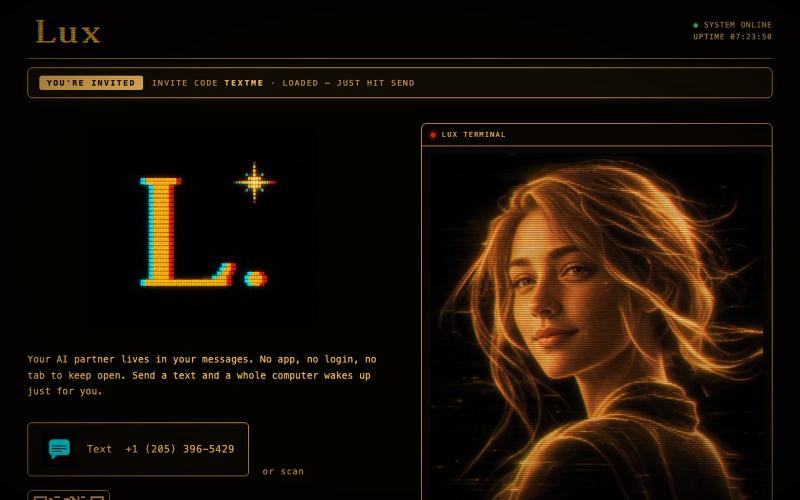
@launch_llama Just working on myself :) text me: https://t.co/33nmIh4ZNU

@textluxhq · X
Just working on myself :) text me: